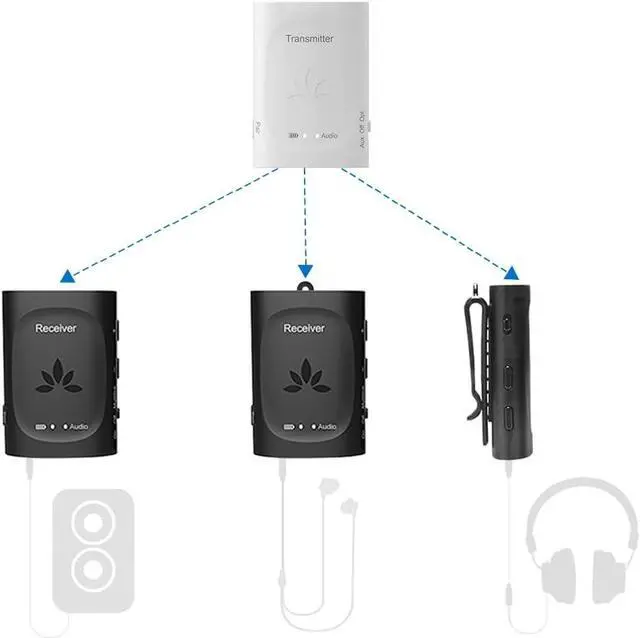
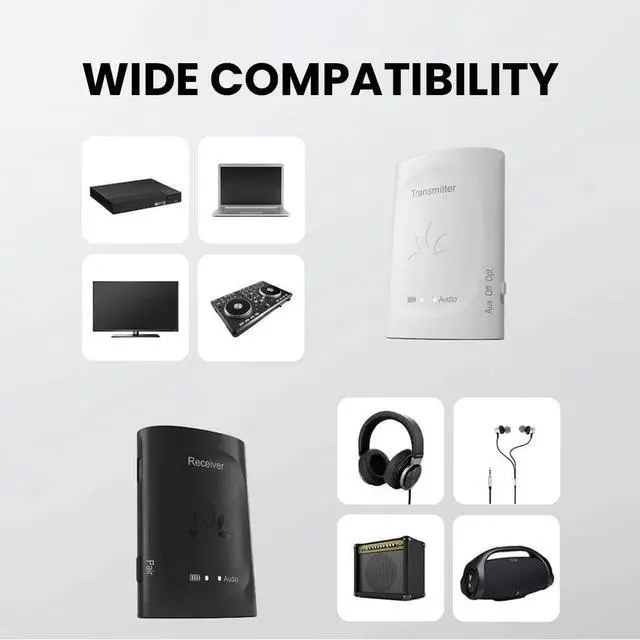
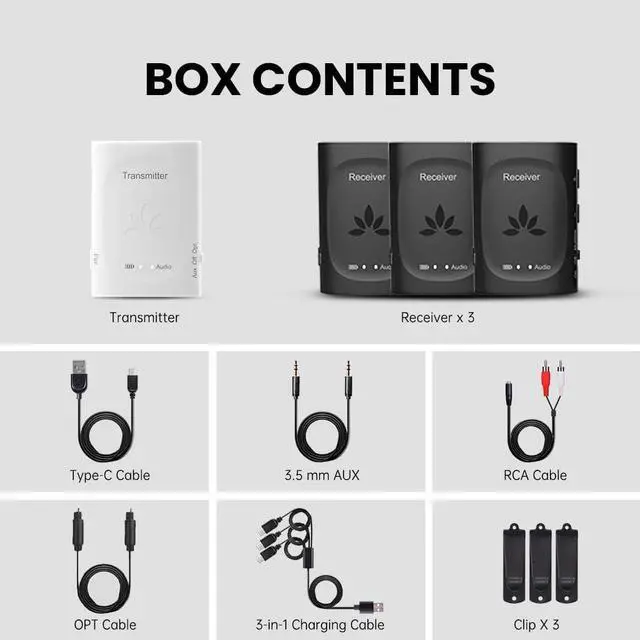
[INDIVIDUAL VOLUME CONTROLS] Each Audiplex receiver has built-in volume controls that allow users to adjust their own volume levels without affecting others.
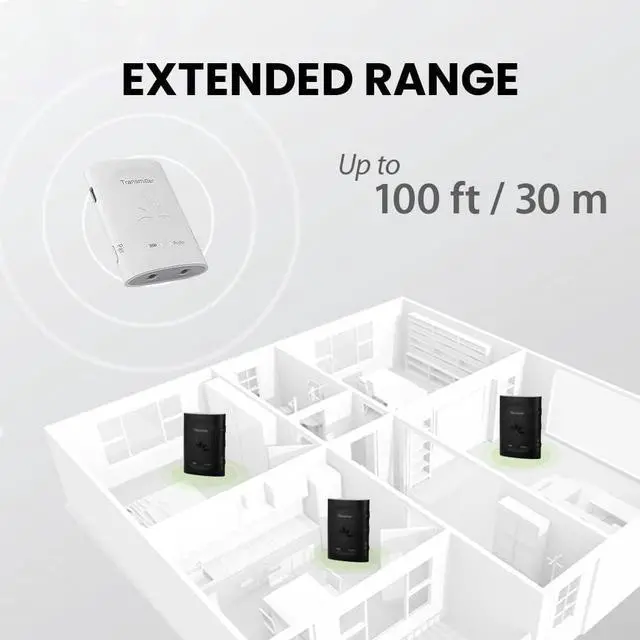
[LONG STABLE RANGE] The Audiplexs 2.4G hz technology provides a stable & reliable connection of up to 100 ft / 30m.
Individual Volume Each Audiplex receiver is able to adjust the connected headphone/speakers volume independently.
Stable Connection 2.4G hz technology provides reliable connection at a range of up to 100ft / 30m with no audio delay.
Light & Durable A small and compact design built with sturdy materials allows the Audiplex to be used versatilely.
For Conference Meetings For Theater Performances For Community Gatherings For Outdoor Movies
1
Conference Meetings
2
Theater Performances
3
Community Gatherings
4
Outdoor Movies
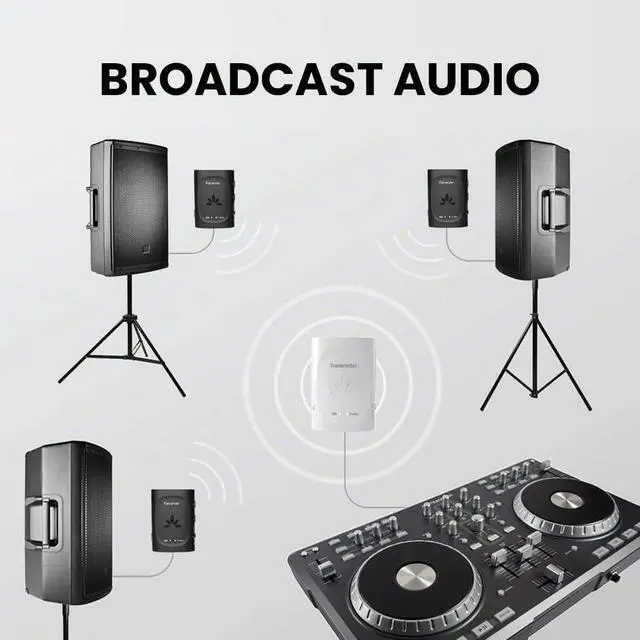
Easy Setup ConnectConnect your Audiplex transmitter to the audio source via either the OPT or AUX 3.5 mm cable.
Switch Make sure the transmitters audio setting matches the connectivity form (i. e. OPT for optical connections, AUX for AUX 3.5 mm connections).
Plug Plug your listening devices into the receivers via 3.5 mm AUX cables.
Enjoy Power on the receivers and they will automatically connect to the transmitter.
Add More ReceiversPress Press & hold the PAIR button on the transmitter to place it into the pairing mode. The LED indicator will flash blue rapidly.
Hold Press & hold the PAIR button on the add-on receiver (s) to place them into pairing mode. The LED indicators will flash blue rapidly.
Wait Hold the receiver and transmitter close together. On successful connection, the LED indicators on both should turn solid blue.
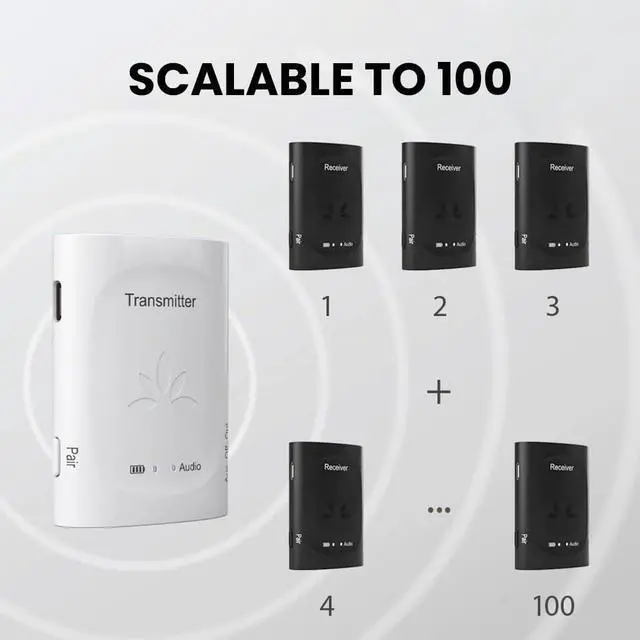
Repeat Repeat the last 3 steps and add up to 100 receivers to one transmitter.