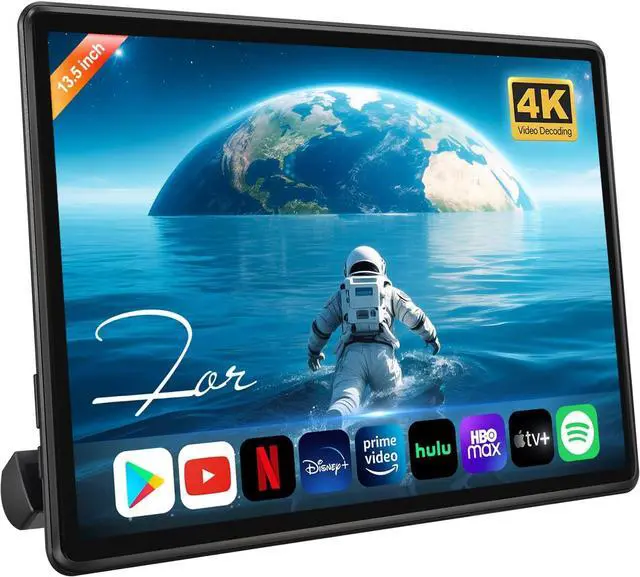
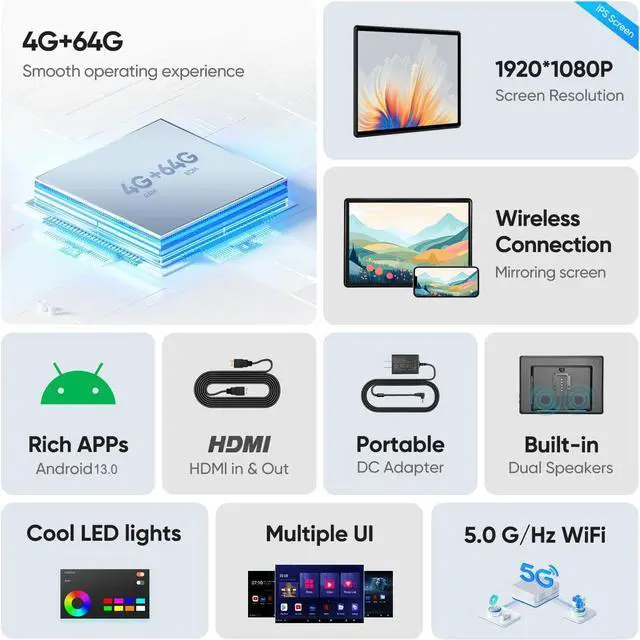
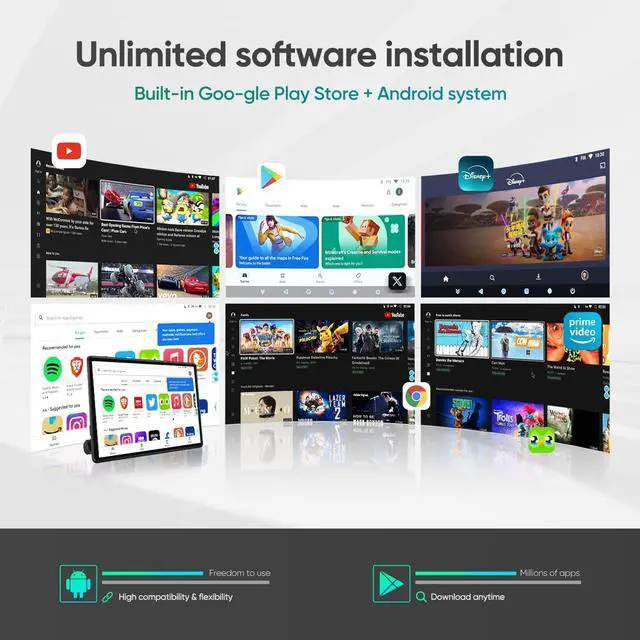
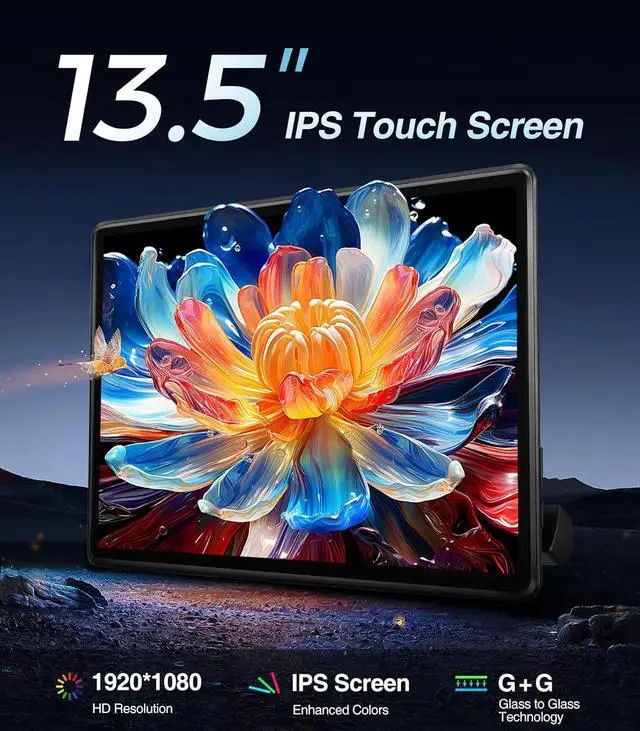
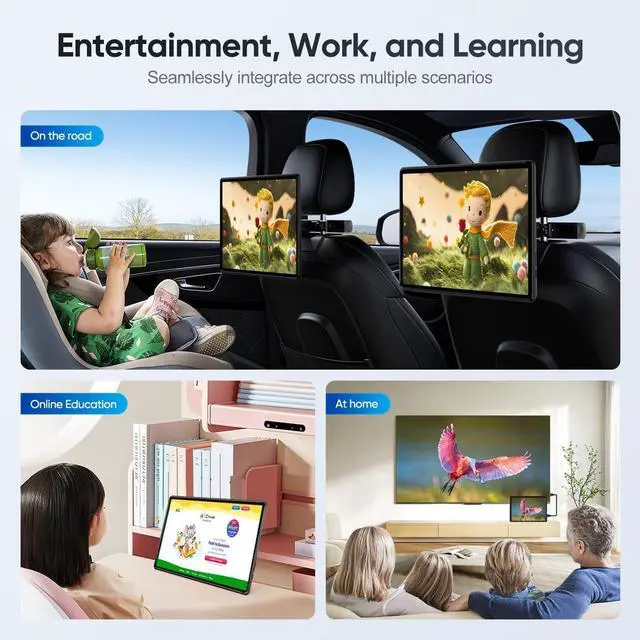
POWERFUL ANDROID 13 & AMPLE 4G+64G STORAGE Runs on the latest Android 13 OS, giving you access to a world of apps via the Google Play Store (Netflix, YouTube, Disney+, etc) The generous 4GB RAM ensures smooth operation, while the 64GB ROM provides ample space for downloading your favorite content offline
MULTIPLE CONNECTION OPTIONS Versatility at its best! Connect via built-in WiFi, Bluetooth 5.0 for audio, HDMI for external devices like gaming consoles, or USB to play media files directly from a flash drive. This headrest video player is compatible with almost any media source you have
EASY UNIVERSAL INSTALLATION
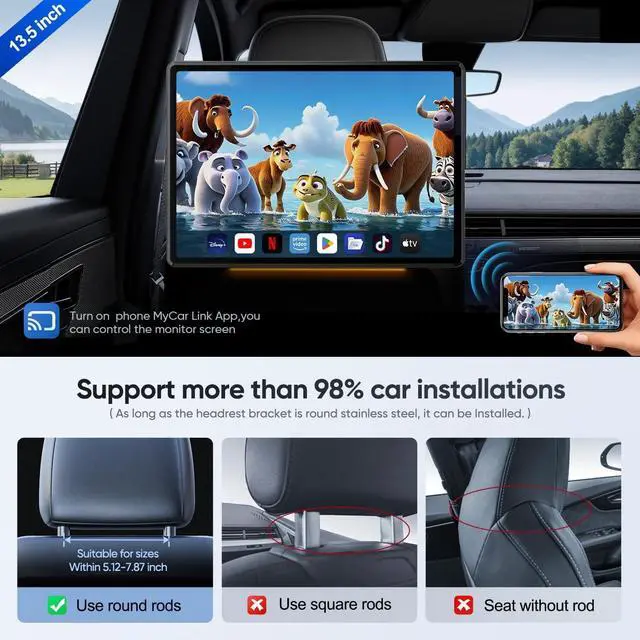
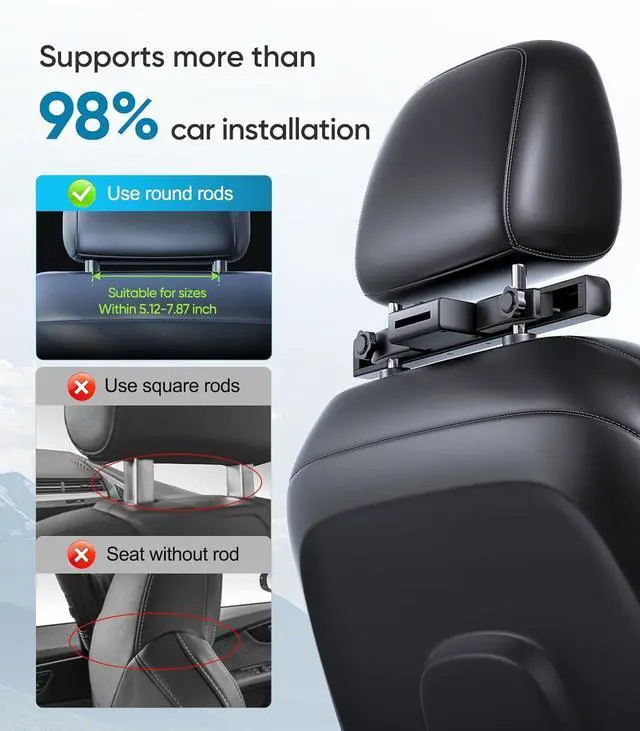
The car tv screen can fits 98% of Cars + Home Adapter Included. Install in minutes with the adjustable bracket (fits most vehicles). Use the car adapter on the road or the DC adapter at home for backyard movie nights
Smart OTA UpdatesAuto-Upgrade System & Apps. The tv headrest for suv stay up-to-date with automatic OTA updatesnew features and security patches delivered seamlessly
1-Year Warranty+24h product SupportThe rear seat entertainment provide 3-month replacement warranty and repairs within 1 year and 24h engineer product Support
Product SupportIf you have any questions about the car headrest monitor installation, you can follow the below steps to reach us.
Step 1: Click "Speedroad"
Step 2: Click "Ask question"
Step 3: Please send us pictures or videos of the technical or installation questions you met. Then we will get back to you soon.
How to sync screens with the 2 headrest monitor?
Stepes: Use the HDMI cable in the package to link the HDMI output of Car Headrest Monitor A to the HDMI input ofCar Headrest Monitor B. On Monitor B, click "HDMI - IN". Wait 30s for successful sync. Then it syncs when you choose to play the video
Why is there no sound from the car tv monitor speakers whenplaying music or video?
If your car headrest monitor volume is not down to 0 then the problem for no sound is because the FM switch is turned on please tap on the settings icon in the bottommenu bar, tap OFF FM.
How to change different styles of Ul theme for this car entertainment system?
Access the settings menu, find the System menu, find the Home theme menu, enterthe
password: HR8888, then you can see a variety of styles of Ul system interfaceto choose from according to your preferences
Can I use the headrest tv at home?
Yes, we support 2 power supply modes
1. Home DC adapter 12V power supply, you can use it like a tablet
2. Cigarette lighter power cord (inside the car)
What should I do if the system keeps pushing me to update this headrest tv?
Follow all system prompts to update your headrest monitor (Part version need2-4 times).
Updates must be done step-by-step you can't skip versions. After reaching the latest version (no more update prompts), reset the monitor data
Car headrest monitor Display Video
13.5 inch Car Headrest Monitor Merchant Video
CPU
Quad-core ARM Cortex-A55 2.0GH z 64-bit
Voltage
DC 10V-26V
Operating System
Android 13.0
Memory
4GB (RAM) +64GB (ROM)
WIFI
Dual-bands 5G/ 2.4GH z WiFi
Resolution
1920x1080 PiexlUltra HD
Display
13.5 Inch IPS Screen
Wireless Screen Mirroring
IOS AirPlay / Android Mirror Link
Speaker&FM
Built-in Speaker& FM Radio
Dual-Purpose
Includes DC and car adapters for use at home and in the car
Features
Bluetooth, USB, TF-SD card
HDMI In/Output
Supports 4K 60Hz display and HDCP 1.4 / 2.2
1
Android 13.0
2
HDMI In/out Put
3
Wireless Screen Mirroring
Headrest Monitor OTA UpdatesThe car headrest monitor supports OTA cloud updates. New versions auto-push to all headrest monitor device.
Note:
Some versions require 2-4 sequential updates
Why are our navigation products different? The answer lies in the needs of people.
When the industry is chasing parameters and features, we choose to listen to real drivers