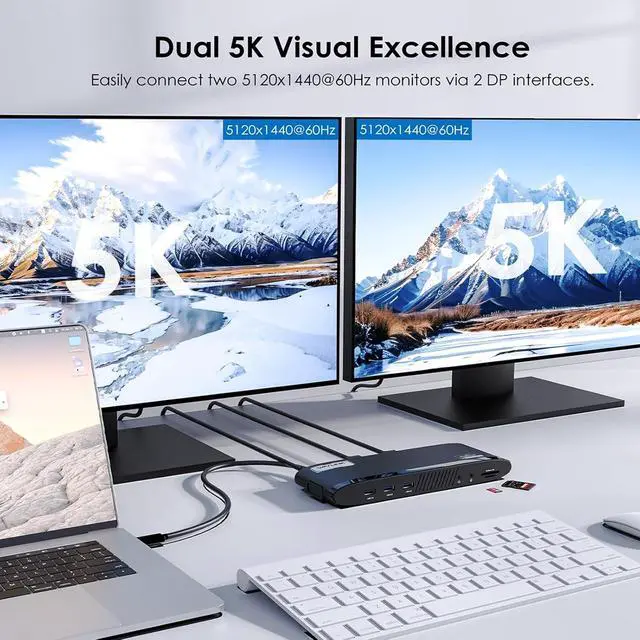
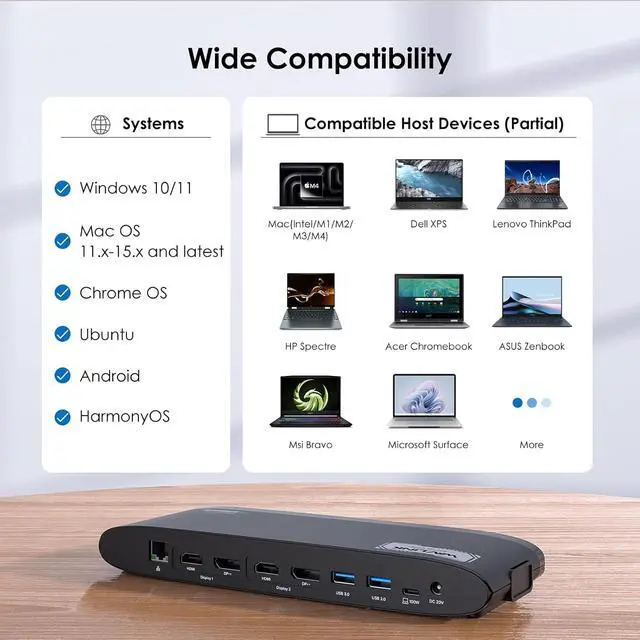
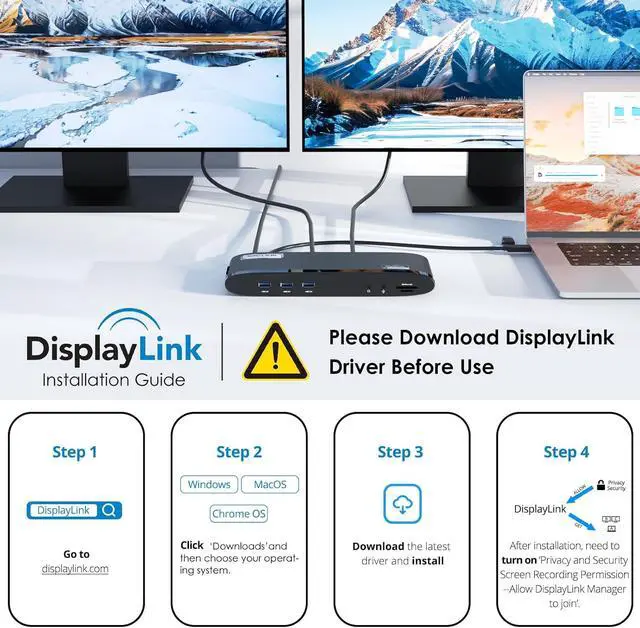
Broad Compatibility Works with Windows 10/11, Mac OS 11. x-15. x and later, Chrome OS, Ubuntu, Android, and HarmonyOS. Laptop Docking Station compatible with popular laptops like M1/M2/M3/M4 MacBooks, Dell, ASUS, etc. *Not compatible with Linux, Unix, iOS, iPadOS. Requires DisplayLink driver installation; not plug-and-play
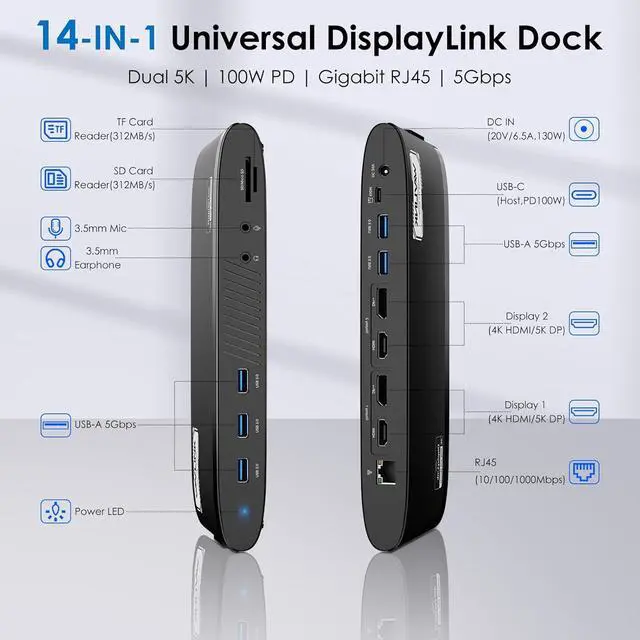
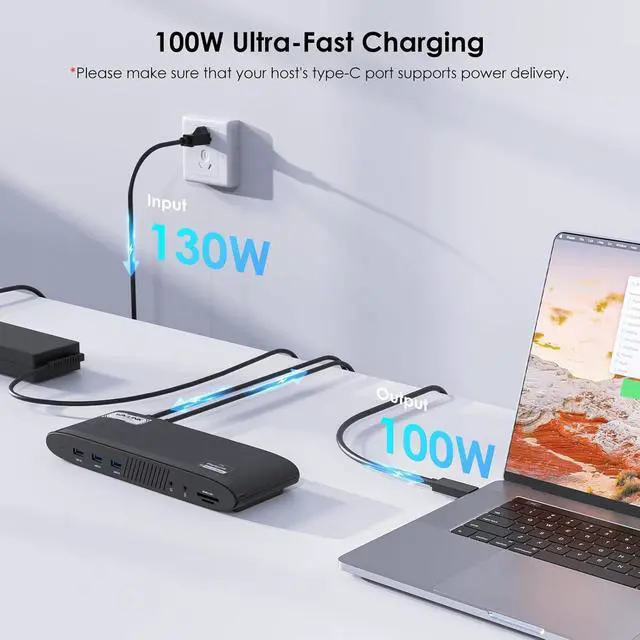
Reliable 100W Power Delivery The host USB-C port, powered by a 130W adapter, provides up to 100W charging for your laptop, keeping it running all day. Charges your device while powering other peripherals and transferring data. *Please verify that your laptops Type-C port supports power delivery.
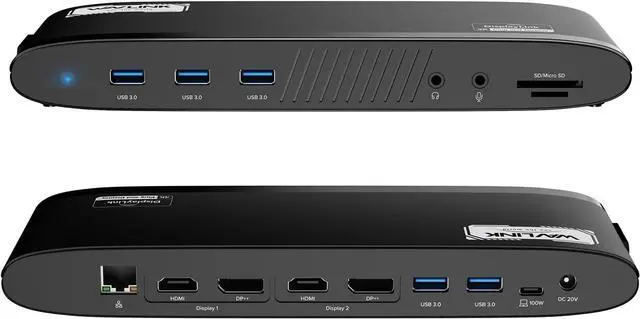
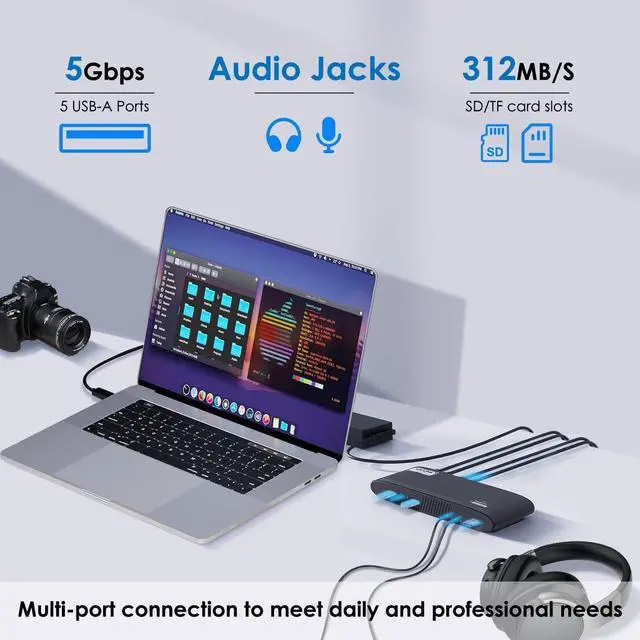
High-Speed Data & Connectivity Transfer files quickly with 5 USB-A ports up to 5Gbps and SD/Micro SD v 4.0 card readers up to 312MB/s. Enjoy stable 1000Mbps wired network via RJ45 Ethernet. The separate audio jacks offer stereo audio input/output for enhanced media experiences.
1
Support Charging
2
Expand Port
3
Transmission Speed
4
Clean Desk Design
5
Multi-Scene Application
1
Display Modes
2
Double/Single 5k@60Hz
3
System Compatibility
4
Displays Caveat
5
After Sales Contact
How to download the driver? Please click on the video tutorial.
For Windows:
Windows 11, Windows 10, Windows 7, Windows 8.1, Windows 8
For macOS:
Ventura 13, Monterey 12, Big Sur 11, Catalina 10.15, Mojave 10.14
For Android:
Android 5 (Lollipop) onwards with USB OTG mode
CHROME:
chromeOS build R51 or later
Ubuntu:
Ubuntu 20.04, Ubuntu 22.04
69PD11 Merchant Video
Why can't I display multiple screens after installing the driver on my MacBook pro m1? For macOS, please
follow these steps: Please
follow these steps: Privacy & Security > Screen Recording > Allow "DisplayLink manager" to join in. If not solved, Please look for official.
Why do I put the HDMI cable no sound? 1) Open the 'Sound' menu by searching or right clicking the sound icon on the taskbar
2) In the Playback Tab, select the display with DP or HDMI
3) Click Set Default
4) Click OK to save the settings
If not solved, Please look for.
Can this dock Station charge a laptop Please ensure that your laptop is compatible with USB C power supply or claims Thunderbolt 3/4 charging function. If not supported, the battery must be charged using the built-in device of the system.
Does it support flip and rotation modes? Devices based on the Windows system or Mac OS (12. x or higher version) support rotation mode and closed flip cover mode.