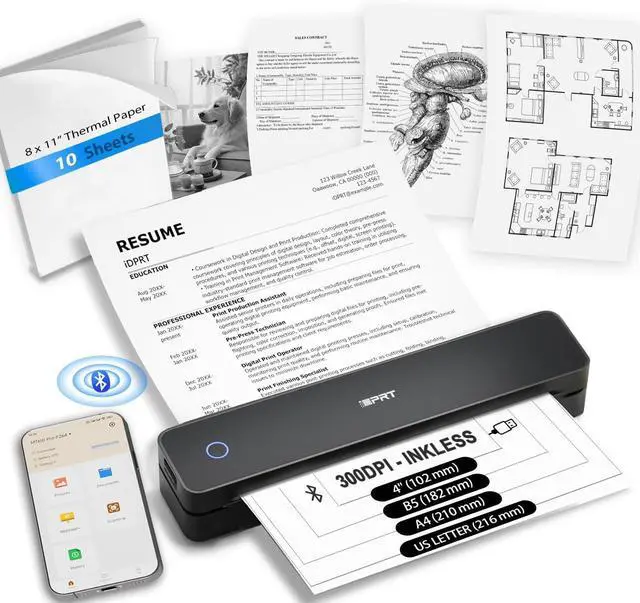
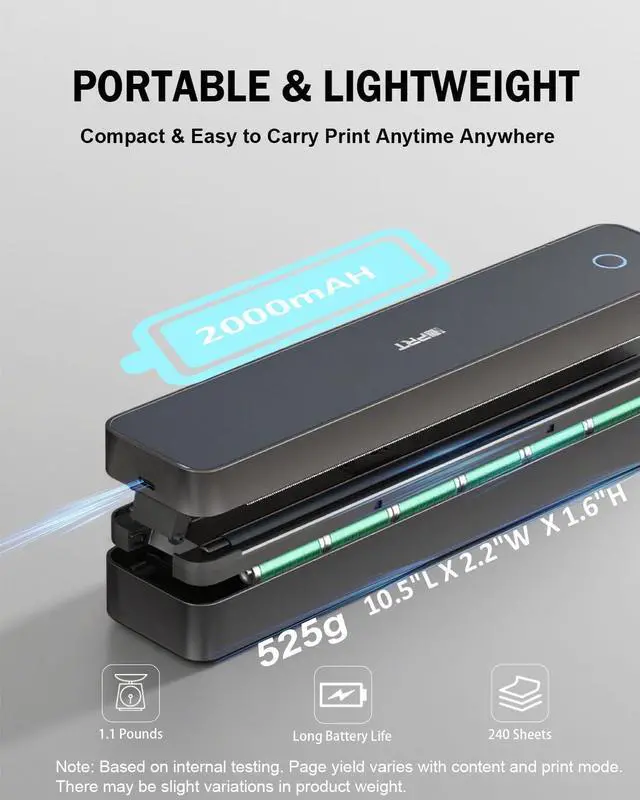
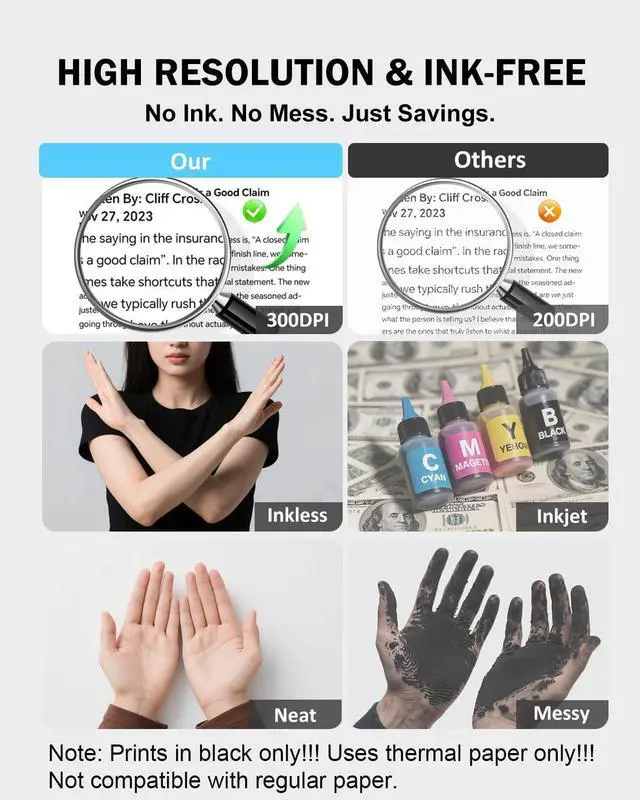
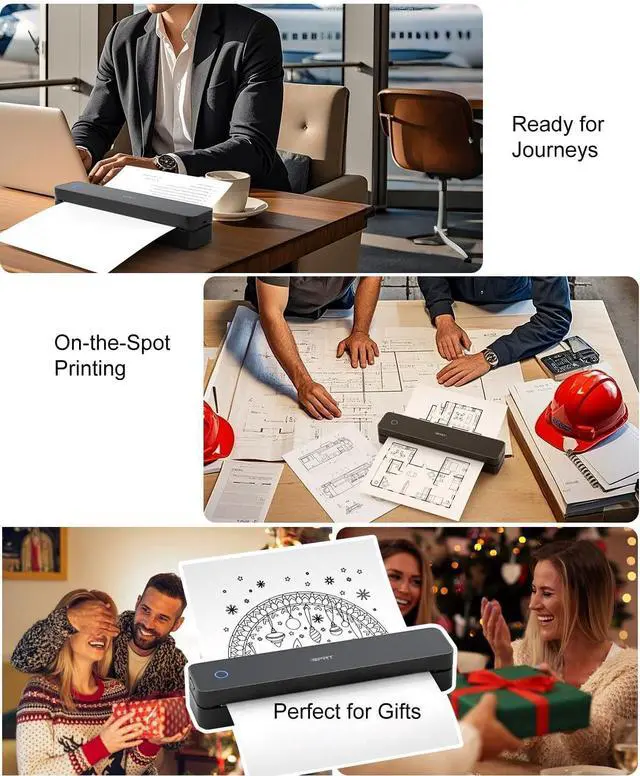
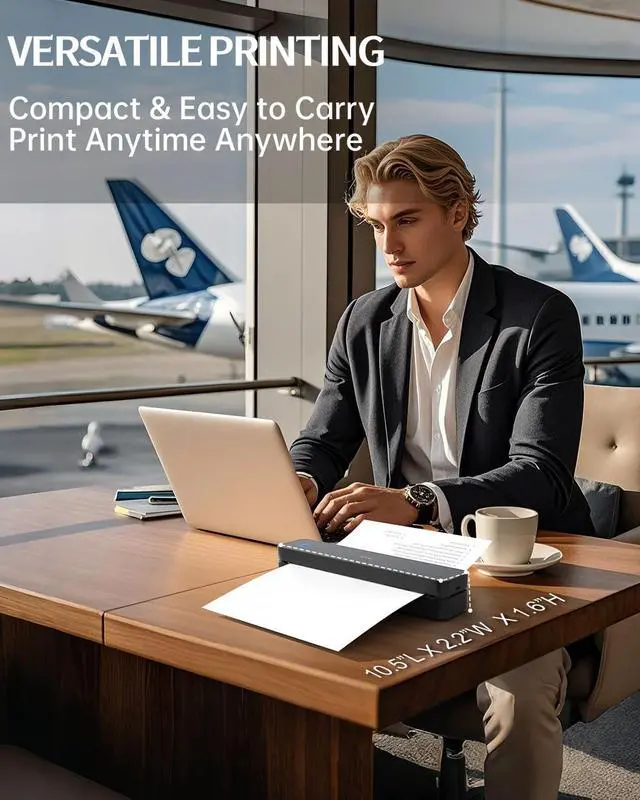
Mobile Printer: Enjoy clear 300DPI Wireless thermal printersmall bluetooth printer great for text, charts, diagrams, and QR codes. The 2000mAh rechargeable battery powers up to 240 pages per charge, supporting your workflow anywhereairport lounges, client meetings, study halls, or road trips.
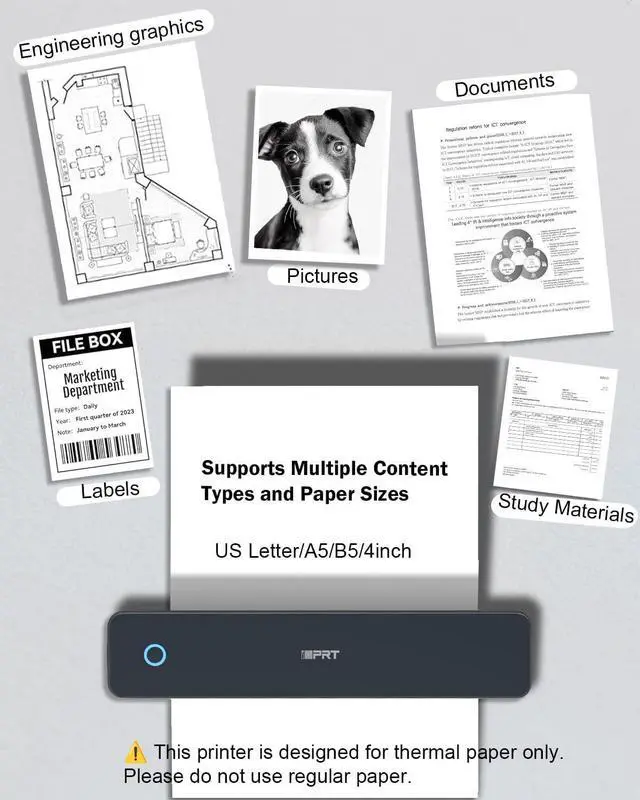
Gift Worthy Printer for Work or Study This compact thermal printer supports US Letter/ A4/ A5/ B5 / 4-inch paper sizes. Print PDFs, notes, receipts, and reports on demand. Ideal for students, digital nomads, field professionals, or anyone needing portable printingmakes a practical and thoughtful gift too.
Portable Printer Wireless for Travel protable thermal printer Grey Merchant VideoUSB & Bluetooth Setup How to Pair Your Device with a Phone via Bluetooth Inkless Portable Printer for Travel, Merchant Video 1
Bluetooth Wireless
2
USB Connection
3
Troubleshooting Guide
4
Connection Options
Portable Printer
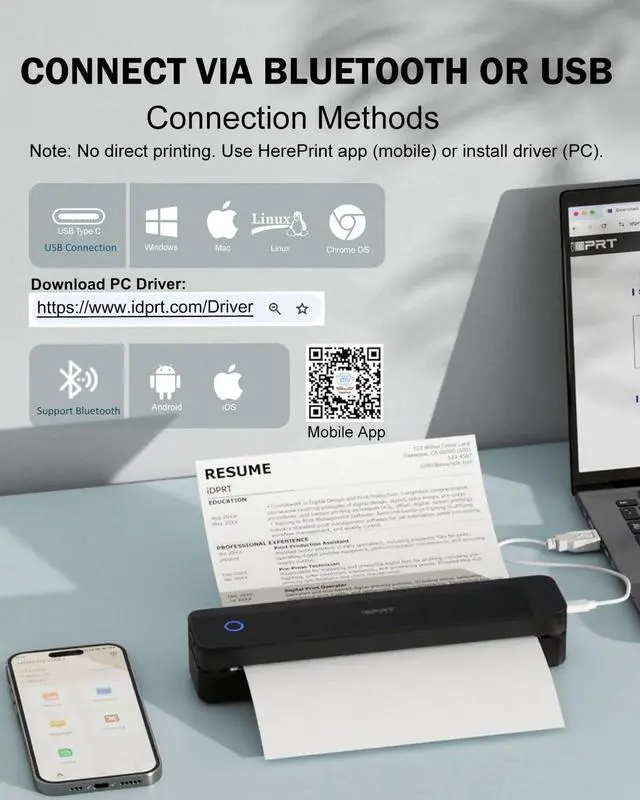
How to connect your phone to print? Download the "HerePrint" app
Turn on the printer
Connect via Bluetooth
Start printing
How to print from a computer? Visit the website
Download MT610 Pro Driver for your system
Turn on the printer
Connect to PC using the included USB cable
Open your document and print
Why can't I install the driver? Make sure the printer is powered on and connected via USB
If your PC warns the driver is unofficial, please turn off antivirus/firewall during installation
Why is the print incomplete? Check that the paper is straight and loaded correctly
Make sure the paper size in the app/computer matches your actual paper
Why can't I print from my computer after installing the driver? Uninstall the current driver
Go to Settings > Devices > Printers & scanners, remove the printer
Restart your PC
Reconnect printer via USB and reinstall the driver