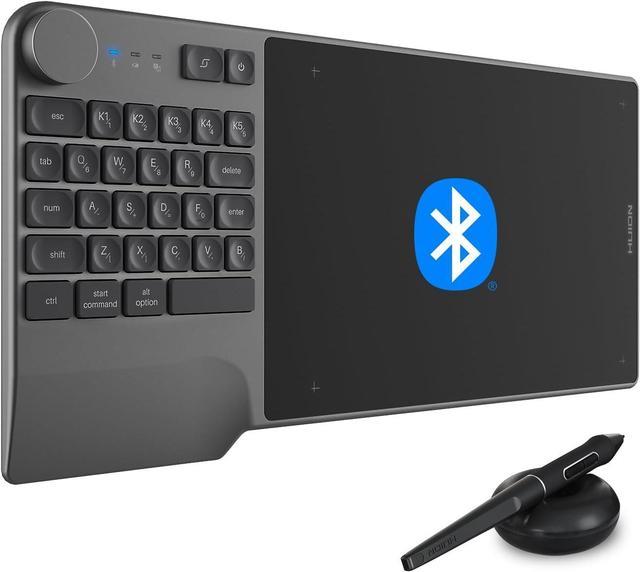
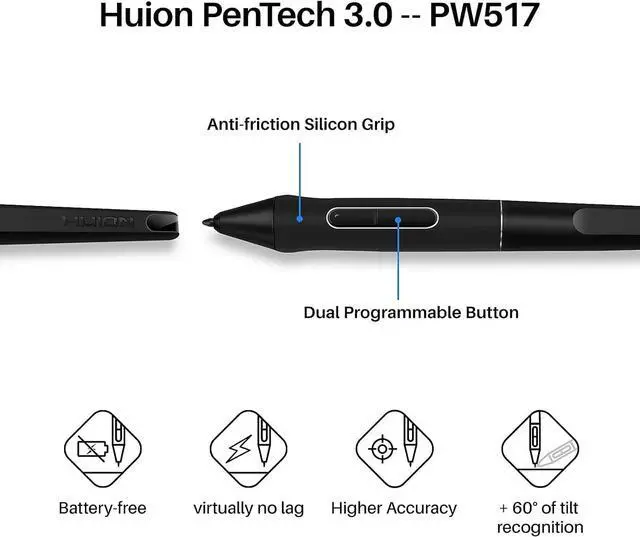
PenTech 3.0: The battery-free pen PW517 is ultra-responsive to every pen movement with amazing accuracy and control. Along with 60° Tilt function and 8192 levels of pressure sensitivity, youll feel like using a real pen
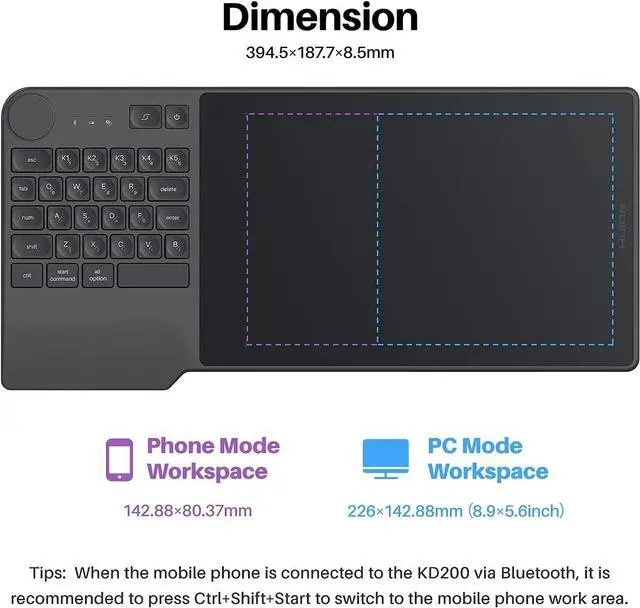
Comfortable and portable: 8.9 x 5.6 inch working area and paper-like matte surface bring you the most natural and comfortable drawing experience. The 8.5 mm thickness design makes the KD200 pen tablet easy to carry so you can use it at home, on the go, or at your favorite cafe
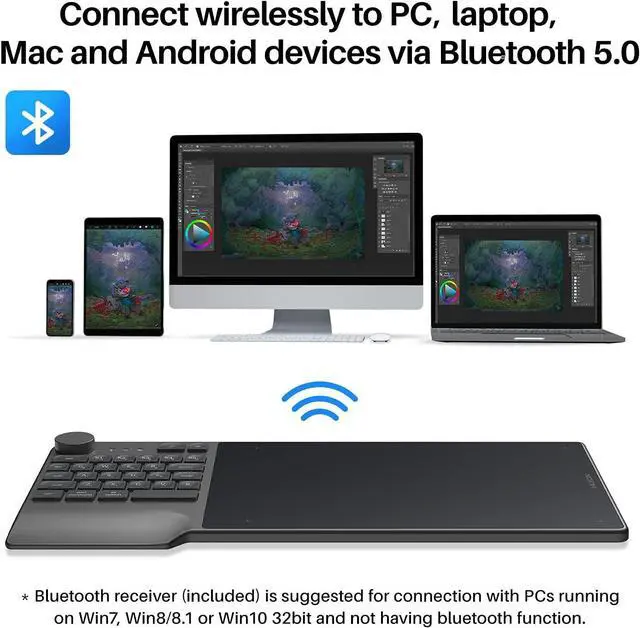
Great Compatibility: KD200 is compatible with Windows 7 or higher, MacOS 10.12 or higher, and Android 6.0 or higher, and It is well compatible with most creative software like Adobe Photoshop, Clip Studio Paint, SAI, etc. KD200 drawing tablet is a powerful creativity tool for a variety of scenarios like hybrid teaching and learning, working from home, web conferencing, etc
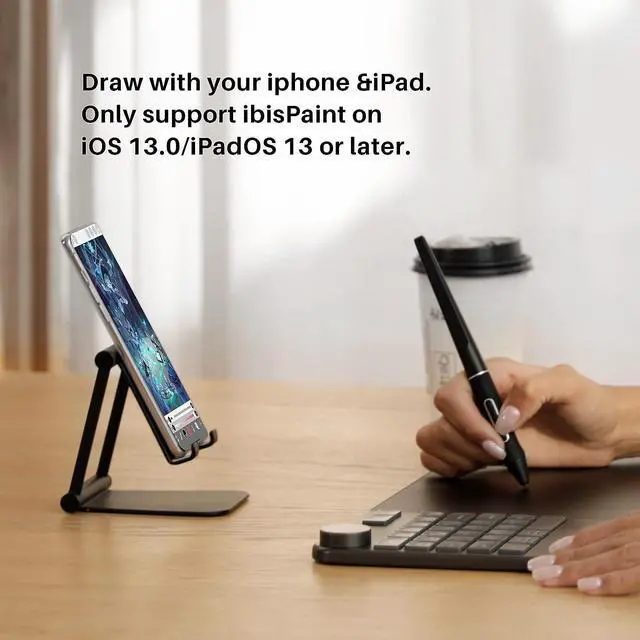
New features: compatible with ibisPaint on iOS 13.0 /iPadOS 13 or later. (Only for ibisPaint Version 9.4. 10 or later)
hero-
Premium pen technologyPenTech 3.0 offers high sensitivity & control. With 8192 pressure levels & tilt recognition, it feels like a real pen. Side buttons can be customized.
Long-lasting batteryBuilt-in 1100mAh rechargeable battery allows you to create continuously for at least 18HRS. Connect 5W power adapter to enjoy 1.2HRS of fast charging.
Ultimate drawing performance 8.9 x 5.6 inch working area with an anti-fingerprint matte surface brings you an incredibly natural writing and drawing experience.
Easy to CarryThe slim and lightweight design makes this pen tablet easy to carry so you can use it at home, on the go, or at your favorite cafe.
1
Connect the Way You Want
2
Strong Compatibility
3
Awards Winner
Enhanced Productivity At Your Fingertips
If my laptops doesn't have built-in Bluetooth, how can I connect wirelessly?
Yes, you can. If your PC doesn't support Bluetooth connection, you can use the Bluetooth receiver that comes with the package to connect wirelessly.
What's the difference between Inspiroy Keydial and other drawing tablets?
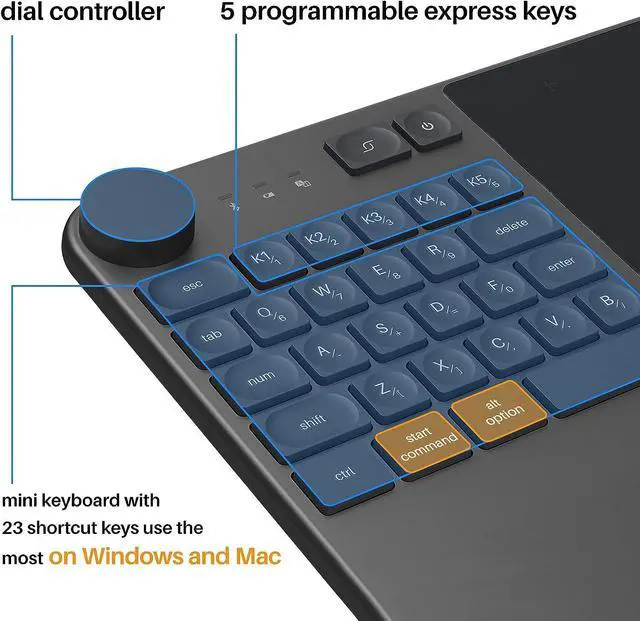
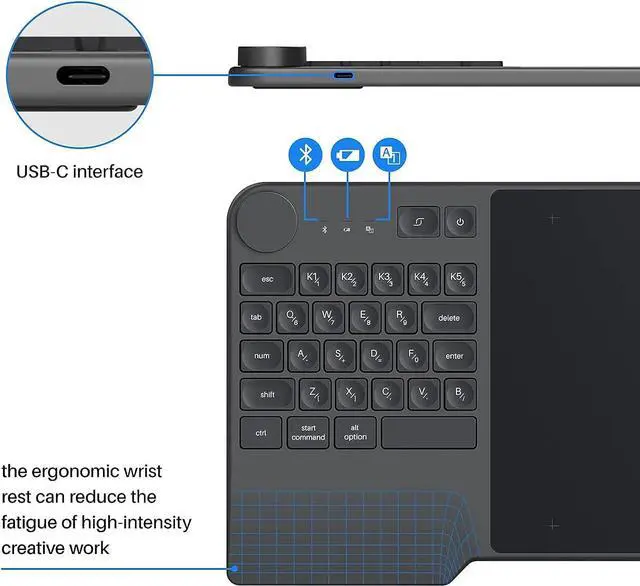
KD200 is the industry's first pen tablet with a keyboard, dial controller, and programmable press keys. It features 23 standard keys, 5 customized press keys, and Bluetooth 5.0 wireless connection. It's a game-changer in the world of graphics tablets
How do I charge my Inspiroy Keydial KD200
To charge the tablet, simply connect it to your computer or USB power adapter with the USB cable inside the box.
Red light indicates the battery is charging and green light indicates the battery is fully charged.
What is PenTech 3.0 technology?
The new generation pen uses a new model of Senor. The senor position is lower from 6mm to 3.5 mm. Lower sensor position means quicker response and reduces the idling distance from 0.8 mm to 0.3 mm. The pen nib shape is also optimized for better accuracy
How to wake the Inspiroy Keydial KD200 while turned off from Bluetooth mode?
The KD200 pen tablet will automatically turn off after 15 minutes of inactivity to save battery. Press the power button to wake it up. The blue LED light will blink while reconnecting to your computer and stop once the connection is restored.