

Your Browsing History


Meet Your Seller

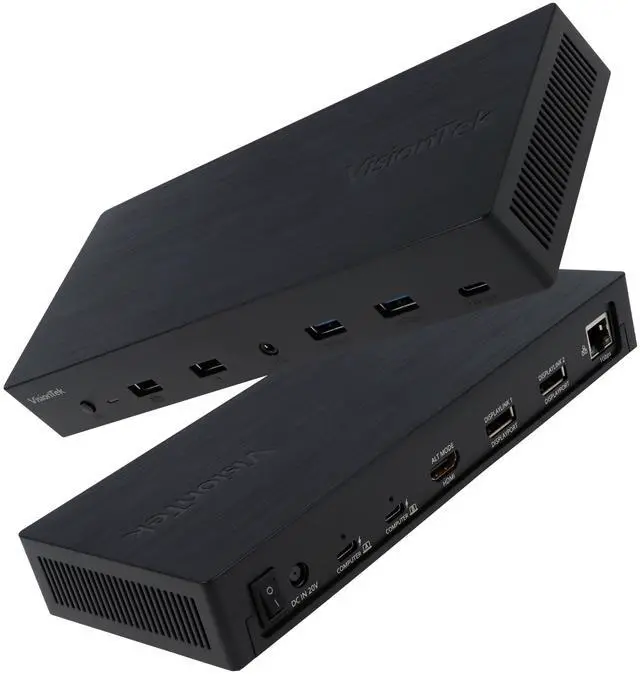
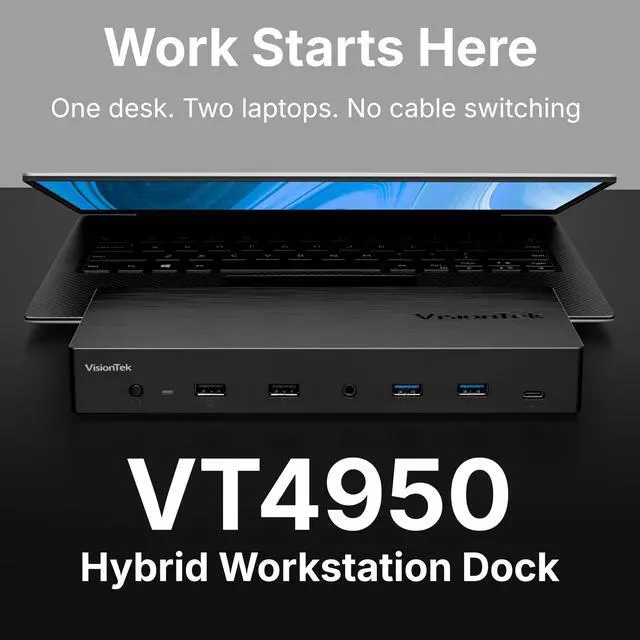


VT4950 KVM Docking Station Dual Laptop DisplayLink USB-C | Dual Display via HDMI/DP, 100W PD, Switch Work & Personal Laptops, One-click KVM Monitor & Peripheral Toggle, Windows & Mac
Limited time offer, ends 09/17 By FiveMacro Store
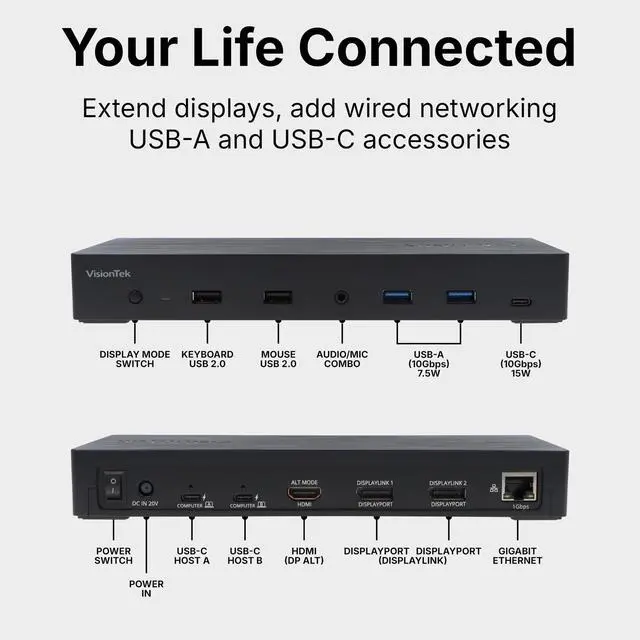
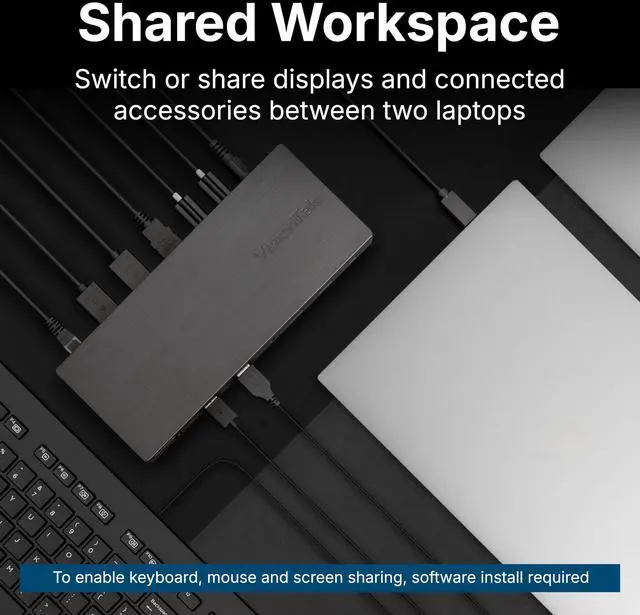
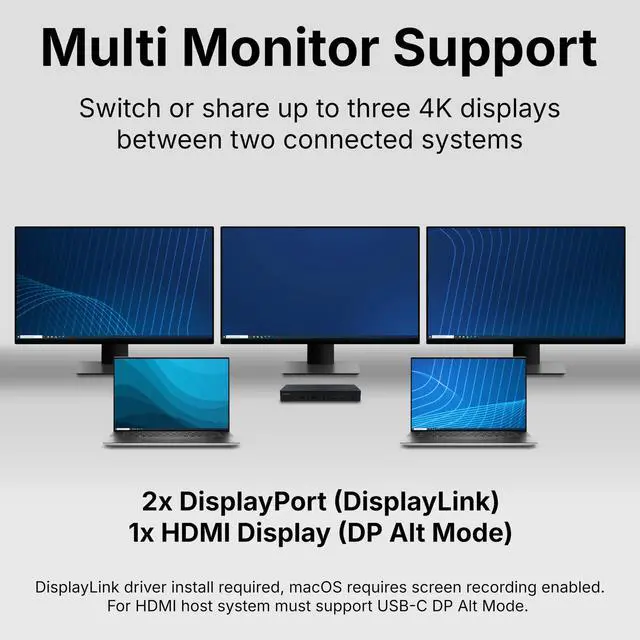
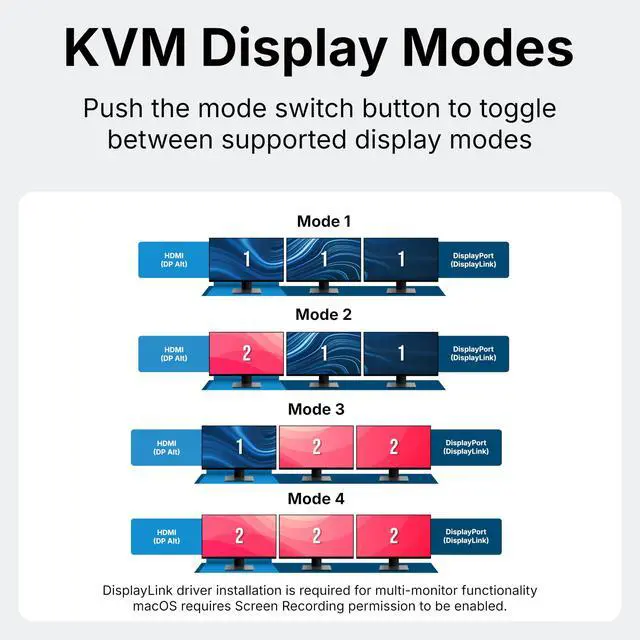
- Designed for hybrid desks share one workspace between your work and personal laptop without reconnecting cables. Switch keyboard, mouse, monitors, and accessories with a button or hotkey. Perfect for managing two computers from a single setup. Multi monitor for Windows & Mac drive two 4K@60Hz displays using DisplayLink technology, even on MacBook systems that typically support only one external monitor. Expand your workspace connect a third HDMI display via USB-C DP Alt Mode. HDMI output requires DP Alt Mode support. Switch between two laptops the built-in KVM allows you to toggle between systems while sharing displays and connected devices. Switching takes a few seconds as devices reconnect, which is standard for multi-system setups. Optional software facilitates keyboard and mouse sharing across both systems. 100W USB-C Power Delivery charge your laptops while you work, with up to 100W power each through the dock. No additional charger needed. Note: Laptop must support USB-C charging. Fast setup in minutes connect the dock, install the DisplayLink driver, and link displays and accessories. For complete display functionality, macOS users must enable Screen Recording permissions
+
+
Overview
Specs
Reviews

Any questions? Our AI mode will help you find out quickly.
Try me now
Designed for hybrid desks share one workspace between your work and personal laptop without reconnecting cables. Switch keyboard, mouse, monitors, and accessories with a button or hotkey. Perfect for managing two computers from a single setup. Multi monitor for Windows & Mac drive two 4K@60Hz displays using DisplayLink technology, even on MacBook systems that typically support only one external monitor. Expand your workspace connect a third HDMI display via USB-C DP Alt Mode. HDMI output requires DP Alt Mode support. Switch between two laptops the built-in KVM allows you to toggle between systems while sharing displays and connected devices.
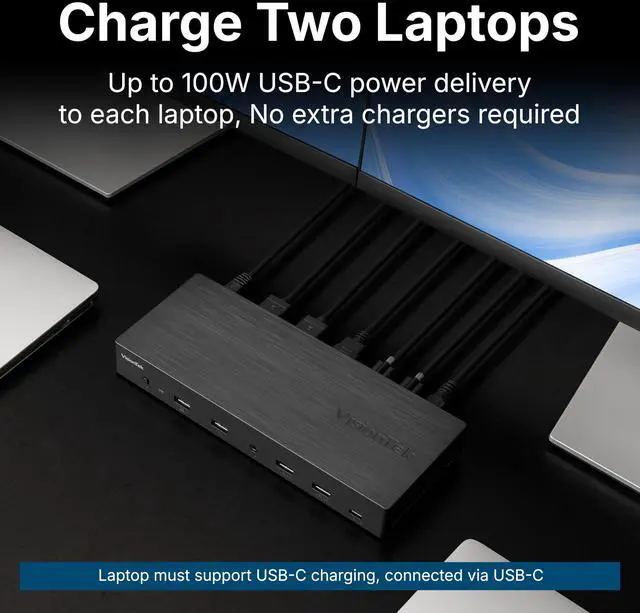
Switching takes a few seconds as devices reconnect, which is standard for multi-system setups. Optional software facilitates keyboard and mouse sharing across both systems. 100W USB-C Power Delivery charge your laptops while you work, with up to 100W power each through the dock. No additional charger needed.
Note: Laptop must support USB-C charging. Fast setup in minutes connect the dock, install the DisplayLink driver, and link displays and accessories. For complete display functionality, macOS users must enable Screen Recording permissions
Switching takes a few seconds as devices reconnect, which is standard for multi-system setups. Optional software facilitates keyboard and mouse sharing across both systems. 100W USB-C Power Delivery charge your laptops while you work, with up to 100W power each through the dock. No additional charger needed.
Note: Laptop must support USB-C charging. Fast setup in minutes connect the dock, install the DisplayLink driver, and link displays and accessories. For complete display functionality, macOS users must enable Screen Recording permissions
Warranty & Returns
Warranty, Returns, And Additional Information
Warranty
- Please contact the Seller directly for warranty information. Warranty information may also be found on the Manufacturer's website.
- CONTACT
Return Policies
- Return for refund within: 30 days
- Return for replacement within: 30 days
- This item is covered by FiveMacro Store Return Policy
Manufacturer Contact Info
- For a directory of all our manufacturers, please click below.
- Manufacturers Directory
LOADING...