

Your Browsing History


Meet Your Seller

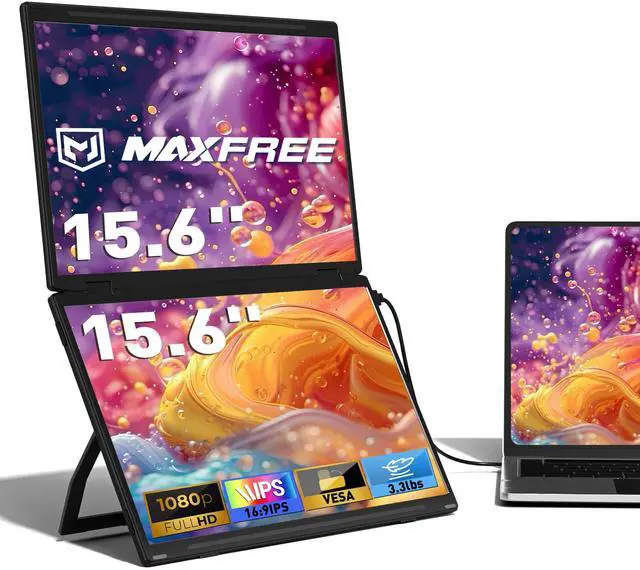


Laptop Screen Extender, 15.6'' FHD 1080P Dual Portable Monitor with USB C, HDMI, Plug & Play, VESA Mountable, Lightweight, Dual Monitor for Laptop Windows Mac(M1/M2/M3 chip) Android Ps4 Switch
Limited time offer, ends 09/17 By FiveMacro Store
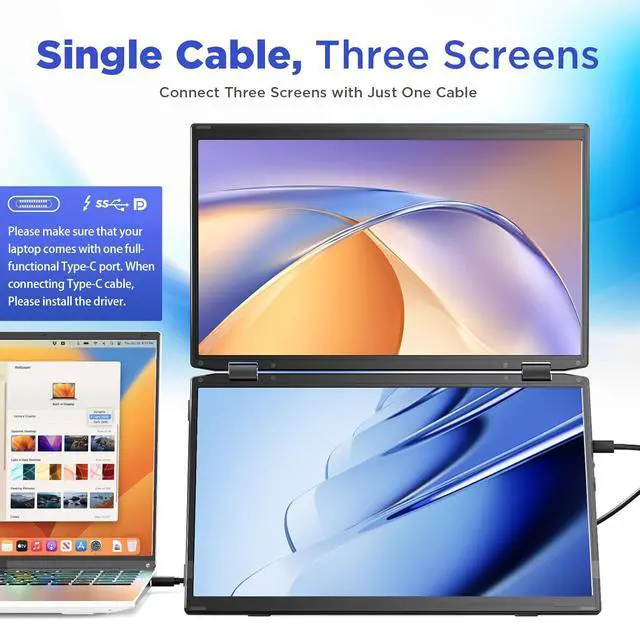
- Single Cable, Triple Screens: Simply use a Type-C cable to connect your laptop to this laptop screen extender to enjoy three powerful workstations, reducing complicated installation steps. Note: Please make sure that your laptop comes with one full-functional Type-C port. When connecting the M3 to your laptop using a Type-C cable, please install the driver (if the driver is not installed, one screen of the monitor extender will not display). One-touch Large Screen & Space Saving: With just a press of the key, the laptop monitor extender switches to the large-screen mode, expanding your work area to 21.5'' and providing you with a clear and expansive view for increased work efficiency. The stacked screen design saves up to 30% of your desktop space. 1080P FHD Display: Featuring a 1080P Full HD IPS matte screen with 120% sRGB, 280 cd/m² and 60Hz refresh rate, the dual portable monitor provides outstanding image quality and more accurate colors to immerse you in a stunning visual experience. Anti-glare, flicker-free and eye care features ensure extended and comfortable viewing. Wide Compatibility: Equipped with two Type C ports and a Mini-HDMI port, the portable monitor for laptop works seamlessly with Windows, MacOS (including M1/M2/M3 chips), Android, PS4/PS5, Switch, and more. When the portable dual monitor is connected to an external power source, it can be reversed to charge the laptop. Foldable, Ergonomic Design: Weighing only 3.3 lbs, this triple screen laptop monitor e
+
+
Overview
Specs
Reviews

Any questions? Our AI mode will help you find out quickly.
Try me now
Single Cable, Triple
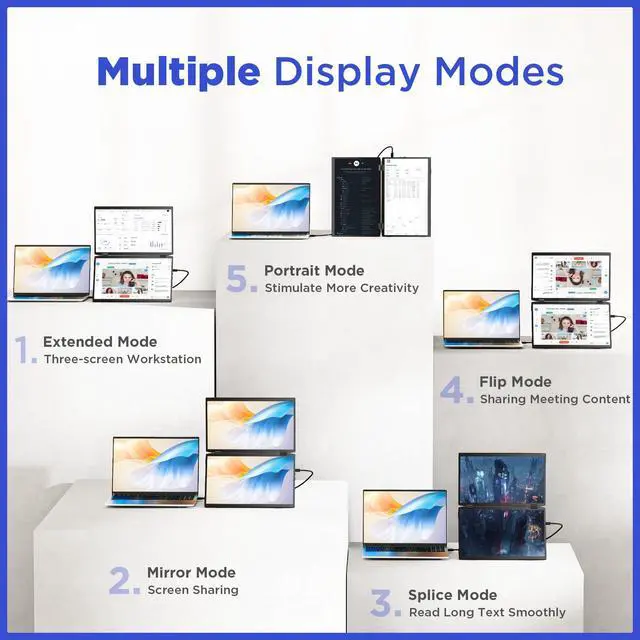
Screens: Simply use a Type-C cable to connect your laptop to this laptop screen extender to enjoy three powerful workstations, reducing complicated installation steps.
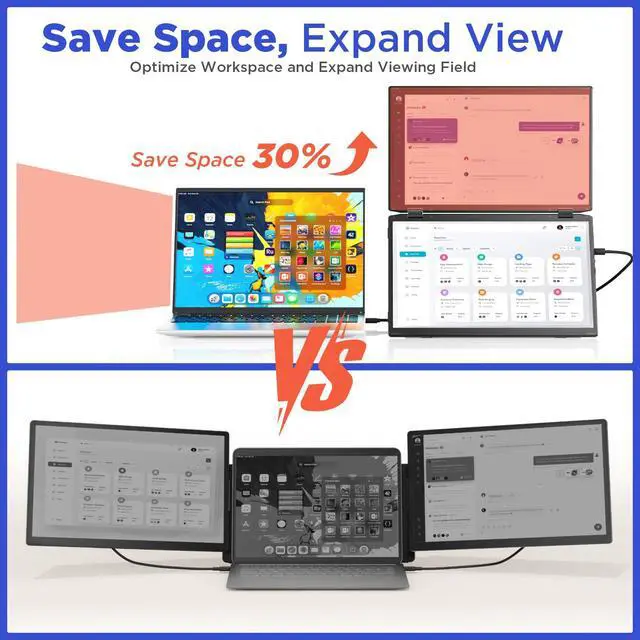
Note: Please make sure that your laptop comes with one full-functional Type-C port. When connecting the M3 to your laptop using a Type-C cable, please install the driver (if the driver is not installed, one screen of the monitor extender will not display). One-touch Large Screen & Space Saving: With just a press of the key, the laptop monitor extender switches to the large-screen mode, expanding your work area to 21.5 '' and providing you with a clear and expansive view for increased work efficiency. The stacked screen design saves up to 30% of your desktop space.
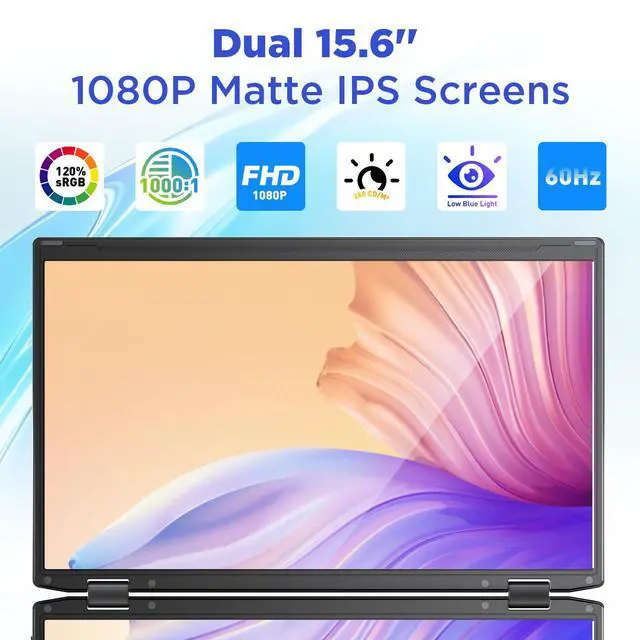
1080P FHD Display: Featuring a 1080P Full HD IPS matte screen with 120% sRGB, 280 cd/m² and 60Hz refresh rate, the dual portable monitor provides outstanding image quality and more accurate colors to immerse you in a stunning visual experience. Anti-glare, flicker-free and eye care features ensure extended and comfortable viewing.
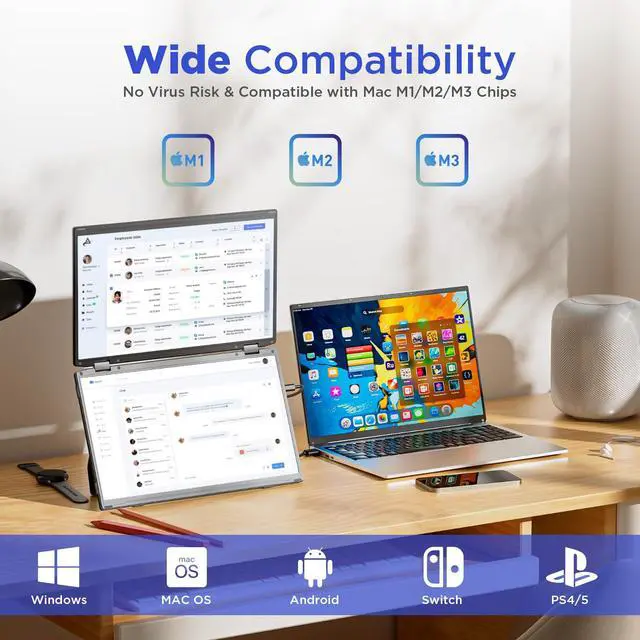
Wide Compatibility: Equipped with two Type C ports and a Mini-HDMI port, the portable monitor for laptop works seamlessly with Windows, MacOS (including M1/M2/M3 chips), Android, PS4/PS5, Switch, and more. When the portable dual monitor is connected to an external power source, it can be reversed to charge the laptop.
Foldable,
Ergonomic Design: Weighing only 3.3 lbs, this triple screen laptop monitor extender is compact and easy to fold and carry, making it ideal for business travel. With 135° adjustable kickstand and VESA mount compatibility, the 330° rotatable monitor extender meets most of your needs for any angle and provides comfortable viewing for extended work sessions.
How to Connect: Option
1: Use a full-function USB-C cable to connect the laptop to the monitor extender (Please ensure your laptop has a full featured USB-C port. ).
Option 2: Use an HDMI cable and a USB-A cable to connect the laptop to the screen. When connecting using either Option 1 or Option 2, please install the USB Display driver
Screens: Simply use a Type-C cable to connect your laptop to this laptop screen extender to enjoy three powerful workstations, reducing complicated installation steps.
Note: Please make sure that your laptop comes with one full-functional Type-C port. When connecting the M3 to your laptop using a Type-C cable, please install the driver (if the driver is not installed, one screen of the monitor extender will not display). One-touch Large Screen & Space Saving: With just a press of the key, the laptop monitor extender switches to the large-screen mode, expanding your work area to 21.5 '' and providing you with a clear and expansive view for increased work efficiency. The stacked screen design saves up to 30% of your desktop space.
1080P FHD Display: Featuring a 1080P Full HD IPS matte screen with 120% sRGB, 280 cd/m² and 60Hz refresh rate, the dual portable monitor provides outstanding image quality and more accurate colors to immerse you in a stunning visual experience. Anti-glare, flicker-free and eye care features ensure extended and comfortable viewing.
Wide Compatibility: Equipped with two Type C ports and a Mini-HDMI port, the portable monitor for laptop works seamlessly with Windows, MacOS (including M1/M2/M3 chips), Android, PS4/PS5, Switch, and more. When the portable dual monitor is connected to an external power source, it can be reversed to charge the laptop.
Foldable,
Ergonomic Design: Weighing only 3.3 lbs, this triple screen laptop monitor extender is compact and easy to fold and carry, making it ideal for business travel. With 135° adjustable kickstand and VESA mount compatibility, the 330° rotatable monitor extender meets most of your needs for any angle and provides comfortable viewing for extended work sessions.
How to Connect: Option
1: Use a full-function USB-C cable to connect the laptop to the monitor extender (Please ensure your laptop has a full featured USB-C port. ).
Option 2: Use an HDMI cable and a USB-A cable to connect the laptop to the screen. When connecting using either Option 1 or Option 2, please install the USB Display driver
Warranty & Returns
Warranty, Returns, And Additional Information
Warranty
- Please contact the Seller directly for warranty information. Warranty information may also be found on the Manufacturer's website.
- CONTACT
Return Policies
- Return for refund within: 30 days
- Return for replacement within: 30 days
- This item is covered by FiveMacro Store Return Policy
Manufacturer Contact Info
- For a directory of all our manufacturers, please click below.
- Manufacturers Directory
LOADING...