

Your Browsing History

- Free 30-day Returns
$606.99

Meet Your Seller

Sponsored Products

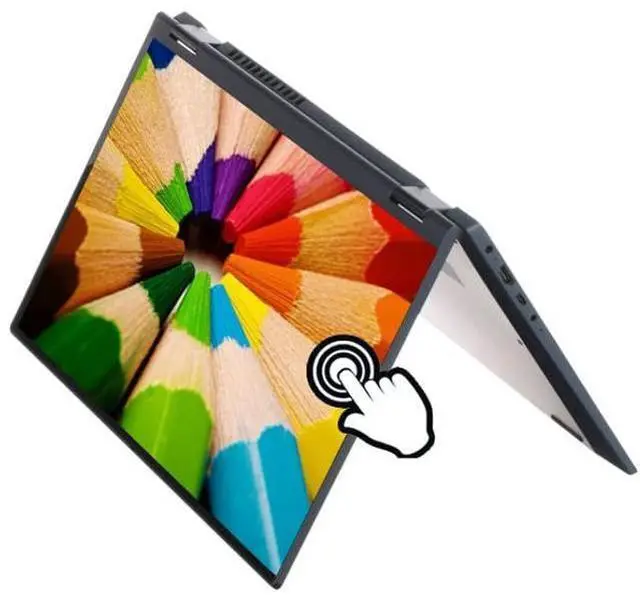
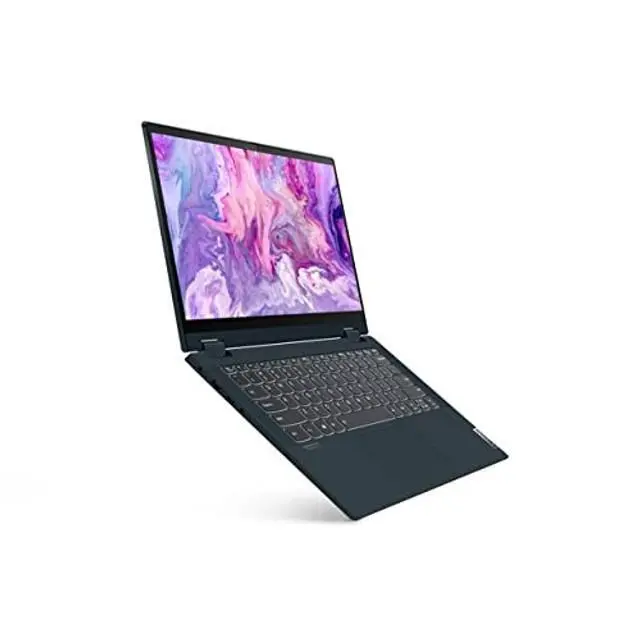
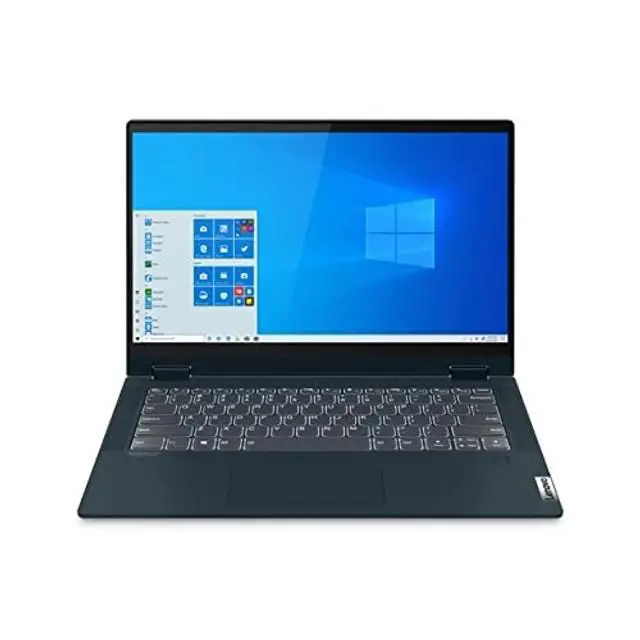
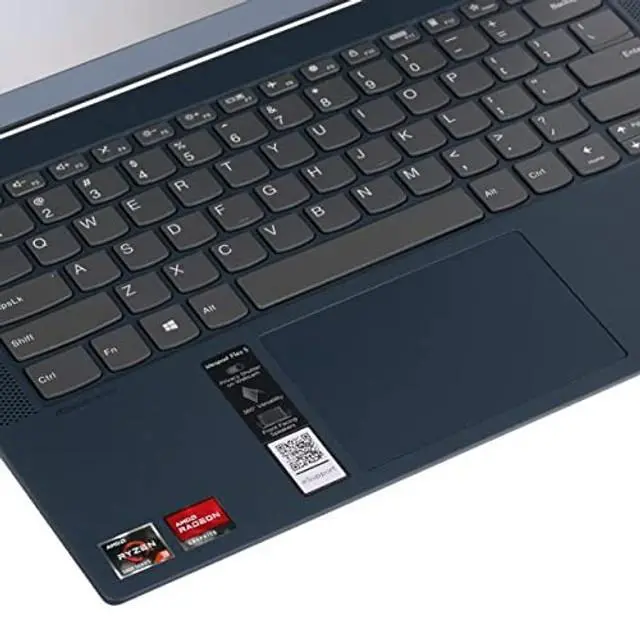
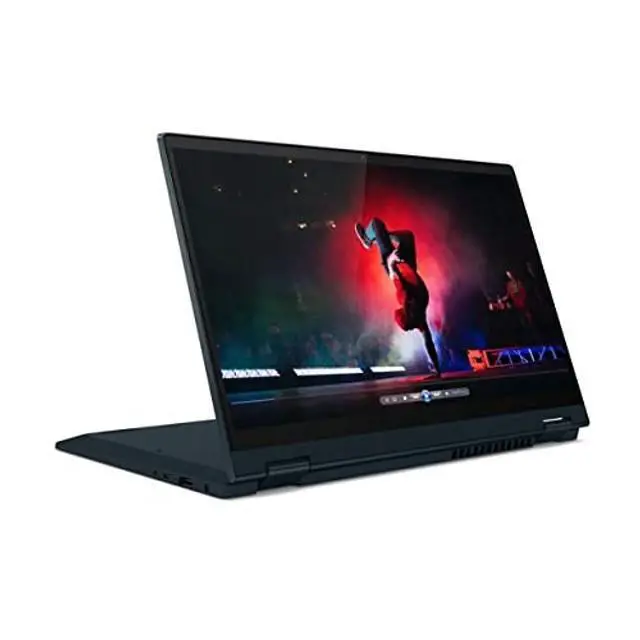


Lenovo IdeaPad Flex 5 14" FHD 2-in-1 Touchscreen Laptop, AMD Ryzen 3 5300U (up to 3.80 GHz), 4GB RAM, 256GB PCIe SSD, Webcam HDMI Blue Win10 S
+
+
Overview
Specs
Reviews

Any questions? Our AI beta will help you find out quickly.
Try me now
If you also see an "Upgrade your edition of Windows" section, be careful not to click the "Go to the Store" link that appears there. How to switch s mode to windows 10 On your PC running Windows 10 in S mode, open Settings > Update & Security > Activation. In the Switch to Windows 10 Home or Switch to Windows 10 Pro section, select Go to the Store. (If you also see an "Upgrade your edition of Windows" section, be careful not to click the "Go to the Store" link that appears there.
) On the Switch out of S mode (or similar) page that appears in the Microsoft Store, select the Get button. After you see a confirmation message on the page, you'll be able to install apps from outside of the Microsoft Store.
Processor: AMD Ryzen 3 5300U Processor ( 2.60 GHz, Max Boost up to 3.80 GHz, 4 Cores, 8 Threads, 4
MB Cache) Display: 14" Full HD (1920x1080) IPS Anti-Glare Display.
Hard Drive: 256GB PCIe
SSD Memory: 4GB
DDR4 SDRAM Graphics: Integrated
Graphics Operating system: Windows 10
S Bluetooth: Bluetooth 5
WLAN Connectivity: 802_11_AC
Speaker Type: 2x 2W Speakers with Dolby
Audio Ports: 1 x USB-C, 2 x USB-A, 1 x HDMI, 1 x Media Card Reader, 1 x Headphone / mic combo
Battery: 3-cell lithium_ion
) On the Switch out of S mode (or similar) page that appears in the Microsoft Store, select the Get button. After you see a confirmation message on the page, you'll be able to install apps from outside of the Microsoft Store.
Processor: AMD Ryzen 3 5300U Processor ( 2.60 GHz, Max Boost up to 3.80 GHz, 4 Cores, 8 Threads, 4
MB Cache) Display: 14" Full HD (1920x1080) IPS Anti-Glare Display.
Hard Drive: 256GB PCIe
SSD Memory: 4GB
DDR4 SDRAM Graphics: Integrated
Graphics Operating system: Windows 10
S Bluetooth: Bluetooth 5
WLAN Connectivity: 802_11_AC
Speaker Type: 2x 2W Speakers with Dolby
Audio Ports: 1 x USB-C, 2 x USB-A, 1 x HDMI, 1 x Media Card Reader, 1 x Headphone / mic combo
Battery: 3-cell lithium_ion
Warranty & Returns
Warranty, Returns, And Additional Information
Warranty
- Please contact the Seller directly for warranty information. Warranty information may also be found on the Manufacturer's website.
- Read full details
- CONTACT
Return Policies
- Return for refund within: 30 days
- Return for replacement within: non-replaceable
- This item is covered by SIMPLIZED Return Policy
Manufacturer Contact Info
- For a directory of all our manufacturers, please click below.
- Manufacturers Directory
LOADING...