

Your Browsing History

- Free 30-day Returns
$75.99


Meet Your Seller

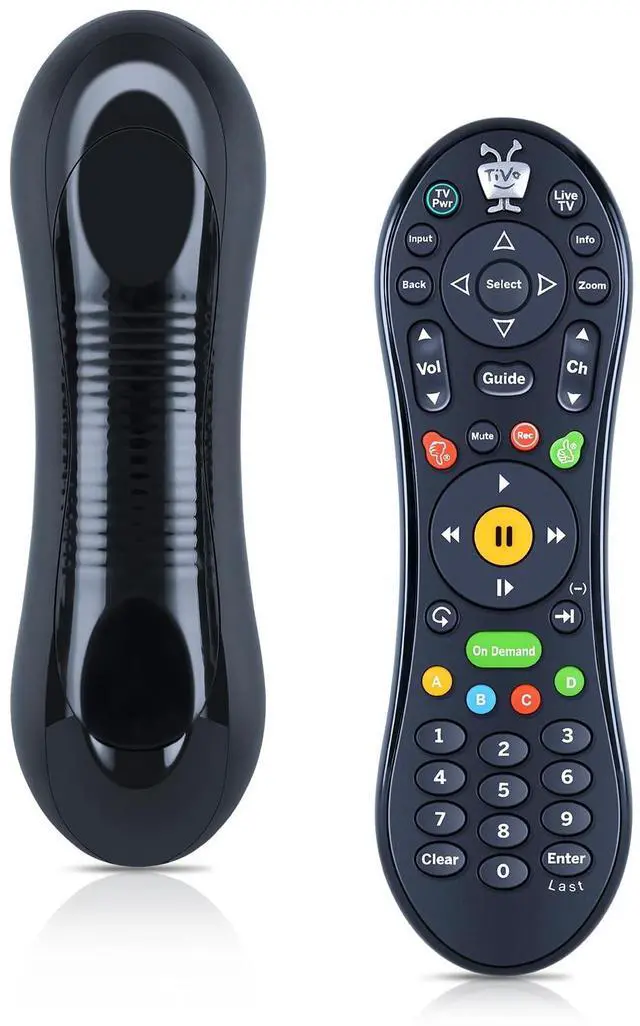
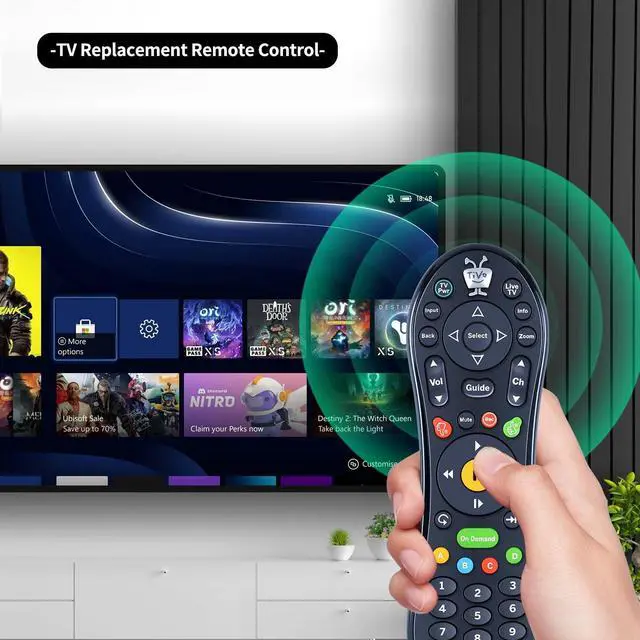
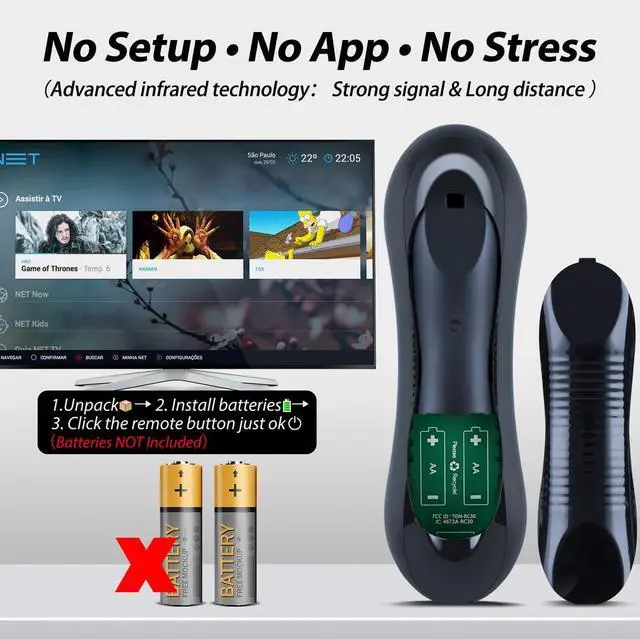
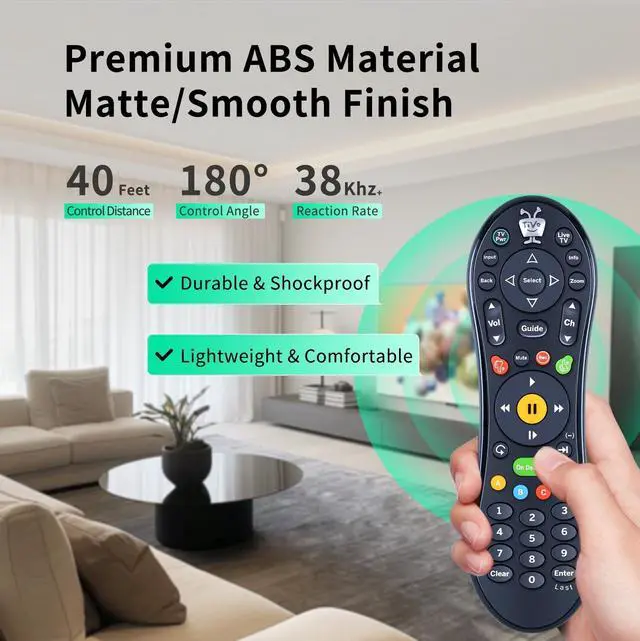
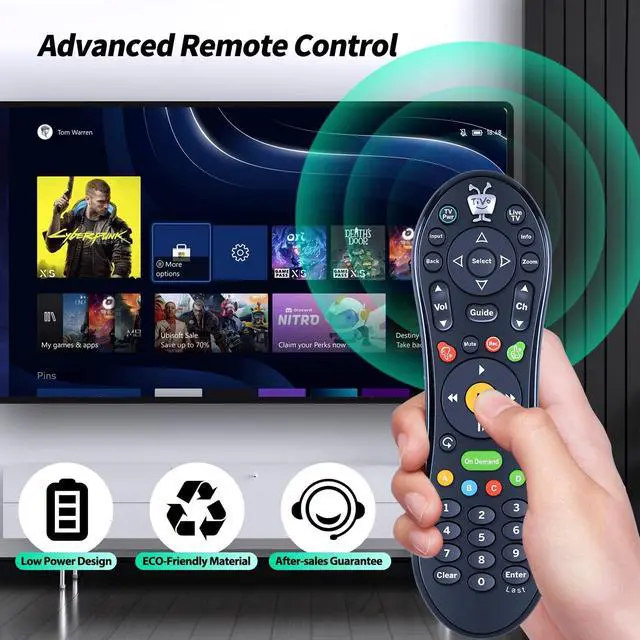


WDZP New Replacement for TiVo MEDIACOM (IR and RF) RCN TIVO SMLD-00266-000 URC-7020BC0-XXXX-R Remote Control
- Compatibility New Replacement for TiVo MEDIACOM (IR and RF) RCN TIVO SMLD-00266-000 URC-7020BC0-XXXX-R Remote Control
- Easy Pairing Press any key The amber LED begins to flash slowly for 30 seconds, the flash rate shall be 3 flashes every 2 seconds. Local Name:TiVo_S6V_Remote. If the pairing successful, the remote will flash the amber LED quickly 5 times. If the remtoe not successfully paired with a target after 20 complete cycles it will exit pairing mode and enter IR mode. To activate the pairing function in IR mode,the user will press and hold the TiVo + Back key until the amber LED begins to flash slowly.
- Global Reset (Unpair)The user can use the Global Reset commandto reset all programmable keys and features totheir original factory settings which and alsoun-pair Bluetooth. To perform the Global Resetcommand.1) Simultaneously press and hold the TiVo +TV Pwr buttons for approximately 3 seconds.The red LED should turn on and stay on. 2)Press Thumbs Down button 3 times and press
+
+
Overview
Specs
Reviews

Any questions? Our AI mode will help you find out quickly.
Try me now
WDZP New Replacement for TiVo MEDIACOM (IR and RF) RCN TIVO SMLD-00266-000 URC-7020BC0-XXXX-R Remote Control
Warranty & Returns
Warranty, Returns, And Additional Information
Warranty
- Please contact the Seller directly for warranty information. Warranty information may also be found on the Manufacturer's website.
- CONTACT
Return Policies
- Return for refund within: 30 days
- Return for replacement within: 30 days
- This item is covered by UsaLogic Return Policy
Manufacturer Contact Info
- For a directory of all our manufacturers, please click below.
- Manufacturers Directory
LOADING...