here!
here!
I’m your shopping assistant for PC builds, upgrades, and everything tech.
Got questions? Ask away!
Start a conversation
here!
I’m your shopping assistant for PC builds, upgrades, and everything tech.
Got questions? Ask away!
Start a conversationShipped by Newegg
 Top Rated Top Rated Top Rated


Make informed decisions with expert advice. Learn More





Combo Up Savings Up To $930+
The more you add, the more you'll save!
Any questions? Ask CelesteSM will help you find out quickly.
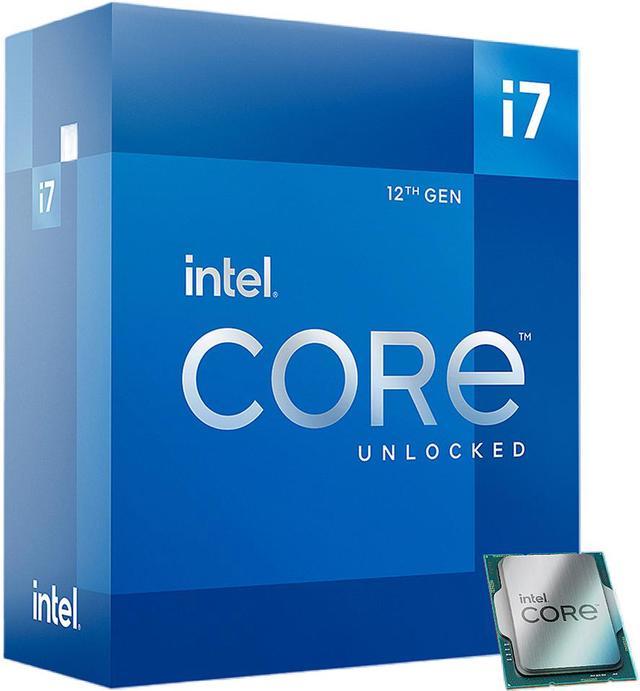
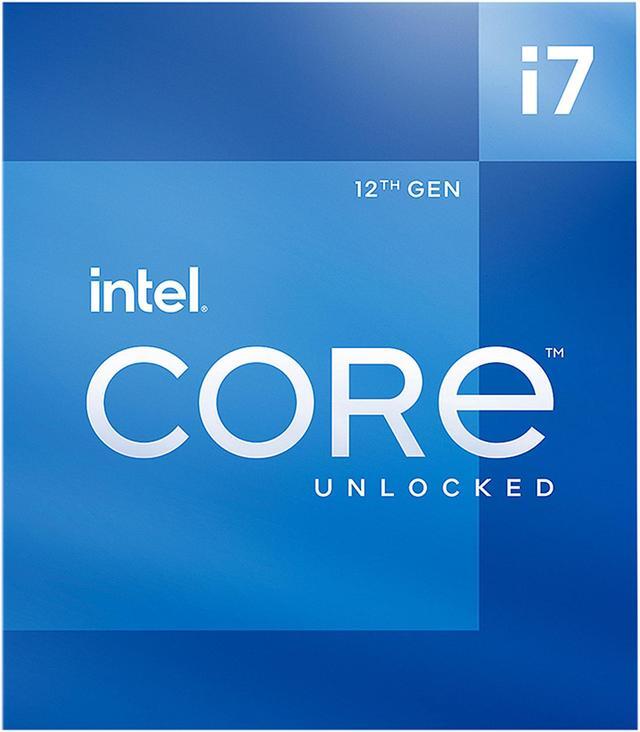
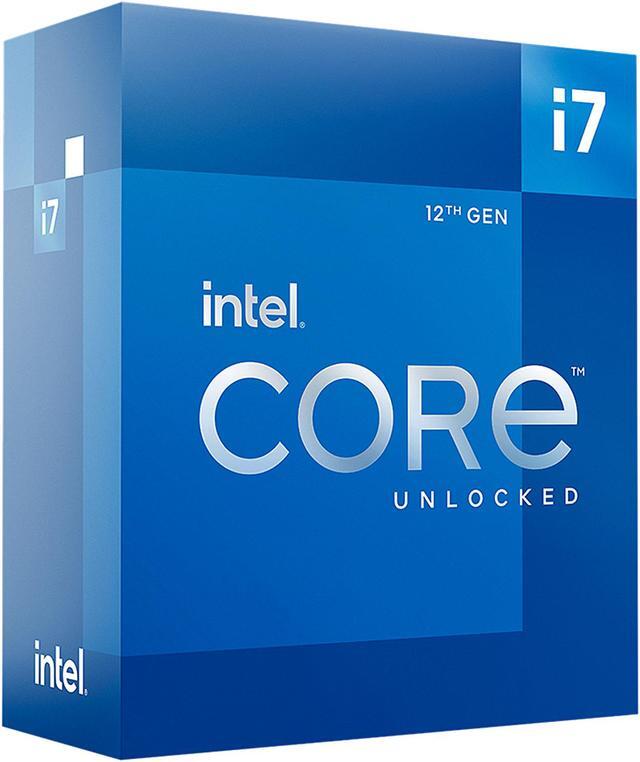
The Intel Core i7-12700K is a 12-core, 20-thread LGA 1700 desktop processor with 8 Performance-cores and 4 Efficient-cores, boosting up to 5.0 GHz. It suits desktop builders seeking strong performance for gaming, multitasking, and demanding workloads; a cooling device is not included.
| Attribute | Value |
|---|---|
| Best For | Desktop PC builds needing a 12-core hybrid processor with integrated graphics |
| Cores And Threads | 12 cores (8 performance + 4 efficiency) and 20 threads, with Hyper-Threading support |
| Clock Speeds | P-core base: 3.6 GHz; E-core base: 2.7 GHz; maximum turbo: 5.0 GHz, with single-core turbo up to 4.9 GHz for P-cores and 3.8 GHz for E-cores |
| Cache And Power | 12 MB L2 cache, 25 MB L3 cache, and 125 W processor base power |
| Socket And Platform | LGA 1700 socket, Alder Lake architecture, Intel 7 process, 64-bit instruction set, virtualization support, and Windows 11 support |
| Memory Configuration | Supports DDR4-3200 or DDR5-4800 memory, up to 128 GB across 2 channels, with up to 76.8 GB/s bandwidth and ECC support |
| Integrated Graphics | Intel UHD Graphics 770 with a 300 MHz base frequency and up to 1.50 GHz dynamic frequency |
| PCI Express Connectivity | Supports PCIe 5.0, 4.0, and 3.0, with up to 1x16+4 or 2x8+4 lanes |
| Cooling | Cooling device not included |
| Model Identifiers | Intel Core i7-12700K; model BX8071512700K |
Q: Should I get the Core i7-12700K or the Core i7-13700K?
A: Choose the Core i7-13700K for heavier multicore workloads: it has 16 cores and 24 threads versus the 12700K’s 12 cores and 20 threads, and review testing found it faster in several productivity benchmarks. The 12700K may suit a lower-cost LGA 1700 build or upgrade when its performance is sufficient; its rated maximum turbo power is also lower (190 W versus 253 W).
Q: Is the i7-12700K worth choosing over the i5-12600K?
A: Choose the i7-12700K for workloads that benefit from extra CPU threads, such as multitasking and content creation: it has 8 P-cores and 4 E-cores, totaling 20 threads, compared with the 12600K’s 6 P-cores, 4 E-cores, and 16 threads. For a gaming-focused build, the 12600K can be a sensible lower-tier option; Tom’s Hardware found it remained competitive for gaming in its Alder Lake testing. Both support DDR4 or DDR5, depending on the motherboard.
Q: How does the i7-12700K compare with the Ryzen 7 5800X?
A: For a new build where CPU performance is the priority, the i7-12700K is the stronger choice in the cited review’s tested workloads and adds integrated Intel UHD Graphics 770. The Ryzen 7 5800X may make more sense if you already have a compatible AM4 motherboard and want to reuse that platform; compare results for your specific games and applications, since performance varies by workload.
Q: Should I choose the i7-12700K or the higher-tier i9-12900K?
A: Choose the i9-12900K for heavily threaded productivity workloads: it has 16 cores and 24 threads, compared with the 12700K’s 12 cores and 20 threads. For a system used mainly for gaming, the 12700K can be the more practical choice when its lower core count is sufficient; Tom’s Hardware reported similar gaming performance in its testing. The 12900K has a higher rated maximum turbo power, so account for cooling and power needs when selecting it.
Q: Does the Core i7-12700K come with a CPU cooler?
A: No. The cooler is not included, so plan to buy a separate cooler that supports the LGA 1700 socket.
Q: Will the Core i7-12700K work with my current motherboard?
A: It requires an LGA 1700 motherboard with a compatible chipset. Check your motherboard’s CPU-support list and BIOS requirements before buying; a different socket is not compatible.
Q: Does the Core i7-12700K have integrated graphics?
A: Yes. It includes Intel UHD Graphics 770, which can provide graphics without a separate graphics card when the motherboard has a display output. A dedicated graphics card may still be needed for demanding graphics workloads.
Q: Can I use either DDR4 or DDR5 memory with this processor?
A: The processor supports DDR4-3200 and DDR5-4800, but the motherboard determines which memory type you can install. Choose a motherboard that supports your chosen RAM; DDR4 and DDR5 are not interchangeable in the same memory slot.
Q: Is the i7-12700K a suitable choice for both gaming and productivity?
A: It can suit a PC used for gaming alongside work such as music production, video editing, or rendering: it has 12 cores (8 performance and 4 efficiency cores) and 20 threads. Whether it is a good buy depends on the total build cost and your workload; it is not a guarantee of a particular gaming performance.
Q: Can I use DDR4 or DDR5 memory with the i7-12700K?
A: The processor supports either DDR4-3200 or DDR5-4800, but the motherboard determines which memory type you can install. Check the specific motherboard before buying; DDR4 and DDR5 are not interchangeable on a single board.
Q: Does the i7-12700K need a separate CPU cooler?
A: Yes. The product information says a cooler is not included. Plan for a compatible LGA 1700 cooler, especially if you expect sustained heavy workloads; Reddit discussions note that cooling can matter under demanding CPU loads.
Q: Is the i7-12700K a worthwhile upgrade mainly for 1440p gaming?
A: It depends on whether your current CPU is limiting performance. Reddit discussions point out that at 1440p the graphics card can be the limiting component, so a CPU upgrade may have less impact than a GPU upgrade in some systems. Check your current CPU and GPU workload before deciding.