

Your Browsing History
- In Stock
- Sold by Newegg
- New

Any questions? Our AI mode will help you find out quickly.
Try me now
Quick View
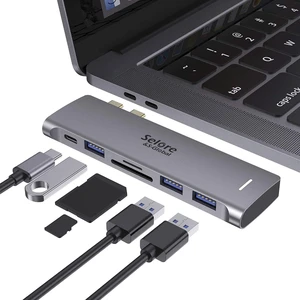
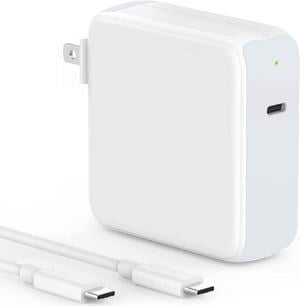
USB C Adapter for MacBook Pro/Air M1 M2 M3 2021 2020 2019 13 15 16
- Type: Mac Book Charger
- Model #: B07Z4RF1D3C81V
- $35.01 –
- Free Shipping

Quick View
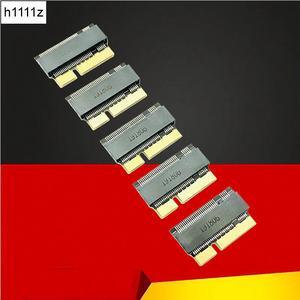
M.2 NVMe SSD Convert Adapter Card for MacBook Air Pro Retina (Year 2013-2017), NVME/AHCI SSD Upgraded Kit for A1465 A1466 A1398 A1502
Limited time offer, ends 10/07
- Color: Black
- Specifications: Applications: 1. Make sure to move to High Sierra while still on your old drive, so that a newer firmware is installed that can handle NVMe. 2. Do a full backup to your TimeMachine. 3. Create a High Sierra Installer on a bootable USB stick. 4. Open the macbook and disconnect the battery while wsitching out the drive and make sure both adapter and new SSD sit snug. Finally reconnect the battery before closing the shell. 5. Insert the installer USB stick from step2, and press the option key while the machine starts. Once its up you can now go to the disk utils to format.
- Package Contents: 1x M.2 NVMe SSD Adapter Card for Upgrade of Macbook 2013-2017.
- Model #: NVMETMAC
- $11.95 –
- Free Shipping
Quick View
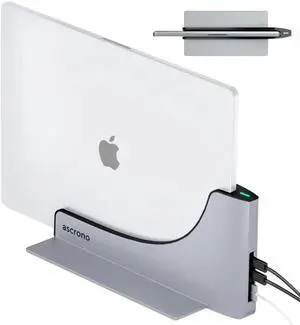
Dock for 13" Apple MacBook Air - Docking Station - Connect Dual Displays with Two Thunderbolt 4 USB-C Ports - Mac Docking Station Hub - Supports MacBook Air 13" (M2 2022 & M3 2024)
- Model #: EQWER249649107231
- $455.49 –
- Free Shipping
Quick View
in 30 days
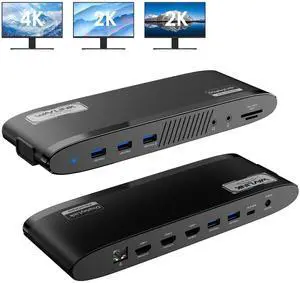
WAVLINK DisplayLink Docking Station 3 Monitors, MacBook Neo Triple Monitor, Dual 2K + 4K with 100W Charging, 3 HDMI, 5 USB Ports, Ethernet, SD/TF, Audio for New MacBook Neo, Mac M1/M2/M3/M4 & Windows
- Part Number: Ports: Side 1: Power LED; 3x USB-A 5Gbps; 1x 3.5mm Earphone; 1x 3.5mm Mic; SD/TF Card Reader(312MB/s) Side 2: 1x RJ45(10/100/1000Mbps); 2x HDMI (2K@60Hz); 1x 4K HDMI(Alt. Mode); 2x USB-A 5Gbps; 1x USB-C Upstream (Host, PD100W); 1x DC IN(20V)
- Compatibility: Works with Windows 10/11, Mac OS 11.x-15.x and later, Chrome OS, Ubuntu, Android, and HarmonyOS. Compatible with popular laptops like M1/M2/M3/M4 MacBooks, Dell, ASUS, etc. *Not compatible with Linux, Unix, iOS, iPadOS. Requires DisplayLink driver installation; not plug-and-play.
- Features: - Three HDMI ports support video output simultaneously: one HDMI port can support the resolution up to 4K@60Hz and the other two support up to 2K@60Hz. - Extend/Mirror video modes are available for multiple tasks. - 130W Power Supply delivers maximum 100W power upstream to charge your laptop. - A...
- Model #: WL-UG39PD11
- $149.00
- $109.99 –
- Save: $39.01 (26%)
- More options from $109.99 - $129.99
- Free Shipping

Quick View
#1 Best Seller
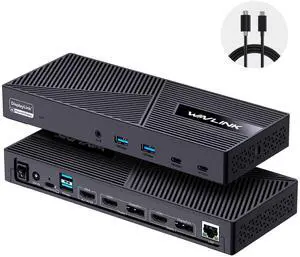
- Brand: Wavlink
- Part Number: with only one USB-C port: DC IN(130W input), USB-C(Host, 100W output), HDMI Alt Mode(4K@60Hz), Display 1/2(HDMI1/2 or DP1/2), 4xUSB-A 3.1(10Gbps), 2xUSB-C 3.1(10Gbps), RJ45 Ethernet, Audio/Mic. Note: This dock must connect the power adapter, otherwise it will not work.
- Color: Black
- Compatibility: Universal Compatibility: Universal docking station support Windows 11/10, Mac OS 11.x or later, ChromeOS 100.x or later, Ubuntu 20.04, 22.04 systems with full-featured type c port or thunderbolt 3/4 port or USB4 port. Ideal home & office partner for USB-c devices like Intel/M1/M2/M3-based Mac, Dell, Asus, Lenovo, Surface, Samsung, Huawei and more. Perfect for M1 or M2 MacBook with different external monitors. NOTE: NOT suitable for Unix systems, Linux and iPad OS.
- Model #: WL-UG63PD25-A
- $159.99
- $119.99 –
- Save: $40.00 (25%)
- More options from $119.99 - $179.99
- Free Shipping
Quick View
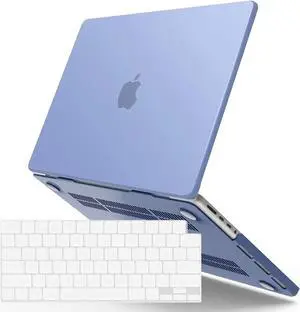
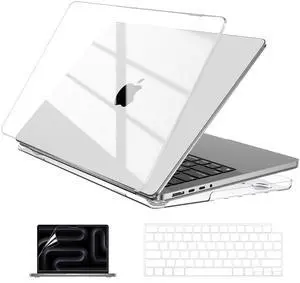
Case Compatible with MacBook Pro 14 inch M5 2026-2021 M4 M3 M2 M1 Pro/Max Chip, Hard Shell Cases with Keyboard Cover, Screen Protector - Crystal Clear
- Model #: 922215726212
- $34.99 –
- Free Shipping
Quick View
in 30 days
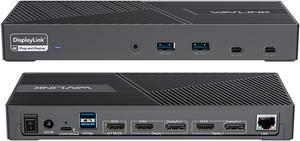
Wavlink DisplayLink Laptop Docking Station Triple Monitor 4K@60Hz, 100W Charging For Thunderbolt 3/4, New MacBook Neo, M1 M2 M3 Mac/Windows/Chrome, 3 HDMI, 2 DP, 6 USB Ports, 160W Power, LAN,Audio- Compatibility: Perfect for laptops with USB 3.1 full-function type c port or thunderbolt 3/4 port. Support Windows 11/10/8.1/8/7; Mac OS 10.14-13.x and latest, Chrome OS, Ubuntu 20.04, 22.04, Android and Harmony OS. Unsupported with Unix systems, Linux and iPad OS. (Follow the instructions to download the latest DisplayLink drivers before use.)
- Ports Spec: 3 x HDMI (HDMI2.0) + 2 x DP (DP1.2), supports up to triple 4K@60Hz resolution display Supports USB Power delivery(PD3.0) up to 100W upstream Charging to a connected laptop Four USB3.1 Type-A (10G) and Two USB-C Gen2 (10G) ports to extend more connectivity to USB devices LAN port supports up to 1Gbps (10/100/1000Mbps),providing
- Dimension: Unit Size: 22.3x9.1x2.9cm/8.7x3.6x1.1in( L x W x H ) USB-C to C Cable Length: 100cm/39.4in...
- Model #: WL-UG69PD25 Pro
- $199.99
- $158.99 –
- Save: $41.00 (20%)
- More options from $158.99 - $199.86
- Free Shipping
Quick View
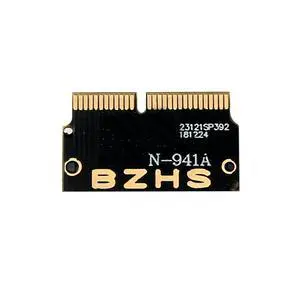
m.2 Adapter NVMe PCIe M2 NGFF to SSD for Laptop for Macbook Air Pro 2013 2014 2015 A1465 A1466 A1502 A1398 PCI-E x4
- Model #: NVO3JRSW-34
- $13.58 –
- Free Shipping

Quick View
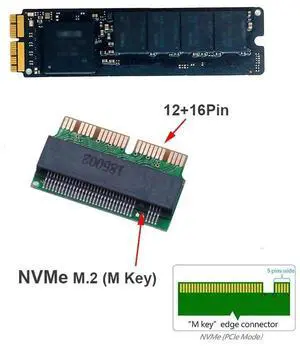
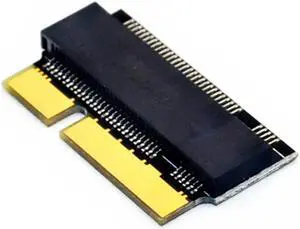
For Macbook SSD Adapter M.2 NVMe PCI-E M2 SSD Converter Card forApple Macbook Air Pro 2013-2017 A1466 A1502 form Computer Part
- Model #: YJ498RYT
- $24.59 –
- Free Shipping
Quick View
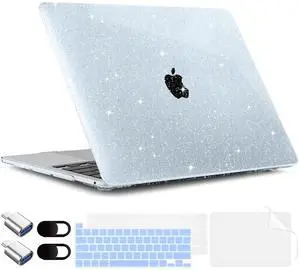
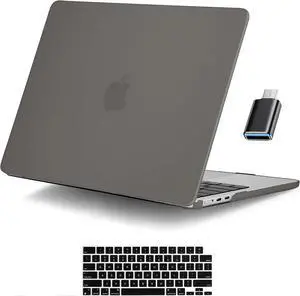
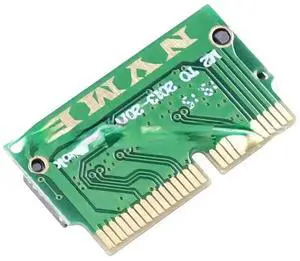
M2 SSD Adapter M.2 NGFF B+M Key SATA SSD M2 Adapter for MacBook Pro Retina 2012 A1398 A1425 Converter Card for Apple SSD Adapter
Limited time offer, ends 10/13
- Model #: ZZM-QOS-DA40955
- $19.89 –
- Free Shipping
Quick View
Hot Selling SSD Adapter M2 To SSD for Laptop 2013 2014 2015 M.2 MKey PCIe X4 NGFF To SSD for Macbook Air
- Model #: Y21C-447
- $13.81 –
- Free Shipping

Quick View
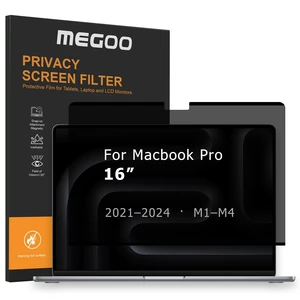
Megoo Magnetic Privacy Screen for MacBook Pro 16" M5/M4/M3/M2/M1
- Model #: 919941306402
- $81.99 –
- Free Shipping
Quick View
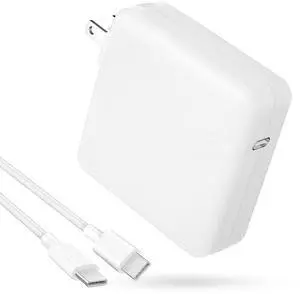
Mac Book Pro Charger - 118W USB C Charger Fast Charger Compatible with MacBook Pro/Air, M1 M2 M3 M4 M5, iPad Pro, Samsung Galaxy, and More USB-C Devices(6.6 ft Cable Included)
- Brand: ixcv
- Warranty: macbook pro charger
- Model #: 614994597281
- $42.99 –
- Free Shipping
Quick View
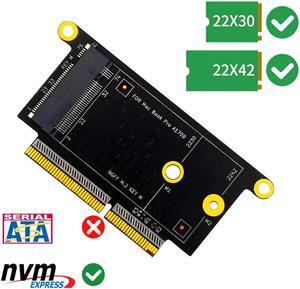
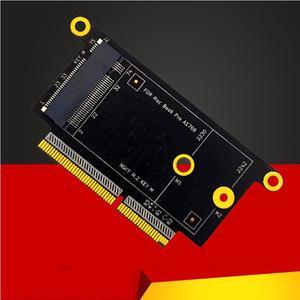
M2 SSD Adapter Card For Pro A1708 SSD Adapter For Macbook A1708 1708 NVM-e M.2 SSD to 2016 2017 Macbook Laptop
- Model #: LJX-PCI-0269
- $22.71 –
Quick View
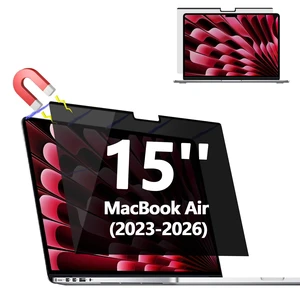
Magnetic Privacy Screen Protector for MacBook Air 15'' (2023-2026, M2-M5)
- Model #: 617327194215
- $38.99 –
- $5.99 Shipping
Quick View
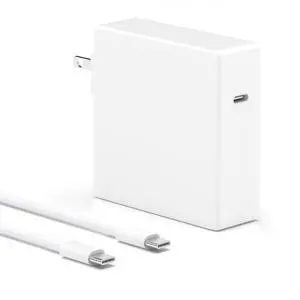
Mac Book Pro Charger -118W 70W for M5 M4 M3 M2 M1 16 15 14 13 Inch Fast Charger Compatible with MacBook Pro/Air 2025 2024 2023 2022 2021 2020 2019 iPad Pro and Cell Phones
- Type: Charger
- Model #: B0F62R9VR6C3FG
- $27.98 –
- Free Shipping
Quick View
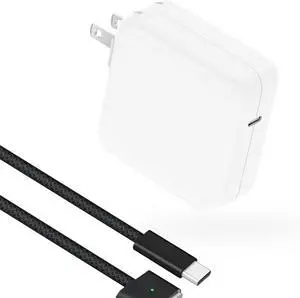
Dock for 13" Apple MacBook Air - Docking Station - Connect Dual Displays with Two Thunderbolt 4 USB-C Ports - Mac Docking Station Hub - Supports MacBook Air 13" (M2,M3,M4,M5 2022-2026)
- Model #: Fahint418367067466
- $448.65 –
- Free Shipping
Quick View
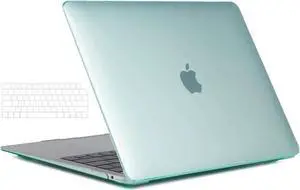
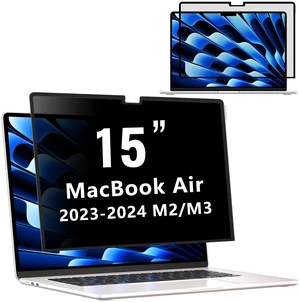
Removable Privacy Screen for MacBook Air 15 inch (2023-2026, M2,M3,M4,M5)
- Model #: 880395170935
- $42.99 –
- $5.99 Shipping
Quick View
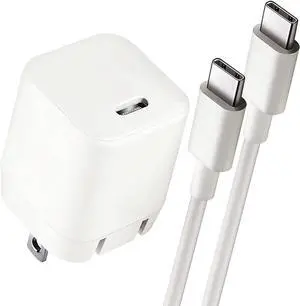
MacBook Air Charger Compatible with M1/M2/M3/M4 Chip Laptops MacBook Air Retina 13-inth & MacBook 12-Inch Laptops iPhone 15/16-6.6ft USB-C Cable 30W PD USB-C Power Adapter
- Type: Charger
- Model #: B09XQ2VSZHC3FG
- $11.88 –
- More options from $11.88
- Free Shipping
Quick View
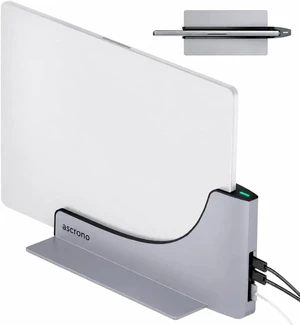
Dock for 13" MacBook Air (M2-M5) - Dual 4K@60Hz, 2X TB4 USB-C, MagSafe
- Model #: vfrtR479609145205
- $450.32 –
- Free Shipping
Quick View
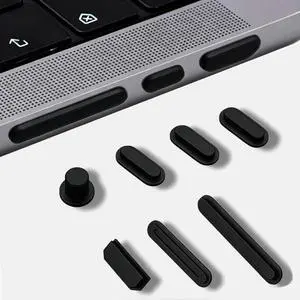
MUBUY MacBook Pro Accessories 14 PCS Dust Plug Cover Dirt Plug Cups Set for MacBook Pro 14/MacBook Pro 16 M5 M4 M3 M2 M1 Pro/Max (2026-2021) Plug for HDMI Thunderbolt SD Charger Port &Headphone
- Type: Mac Book Charger
- Model #: B09NZY1YDDC81V
- $12.18 –
- Free Shipping
Quick View
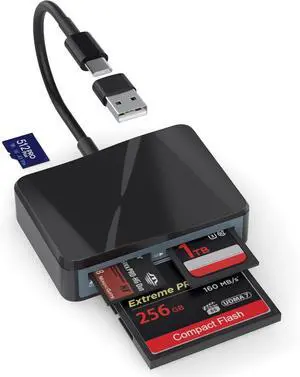
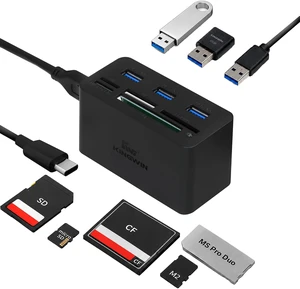
USB C Hub Adapter w/ Card Reader Write & USB 3.0 HUB - Thunderbolt 3 Supports High Speed SD MS Micro M2 CF For Macbook Laptop Desktop type-c
- Model #: B08DF7YW16C81V
- $63.94 –
- Free Shipping