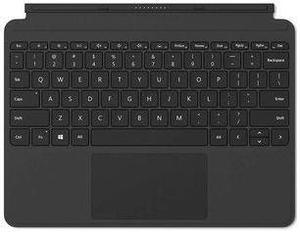
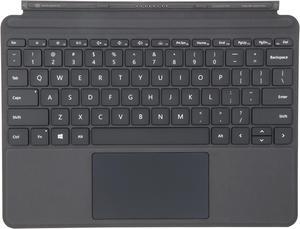
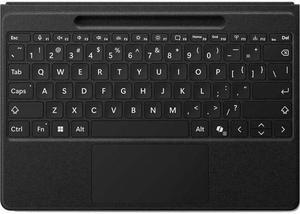
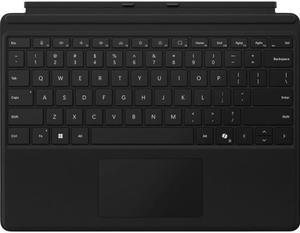
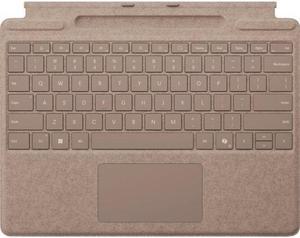
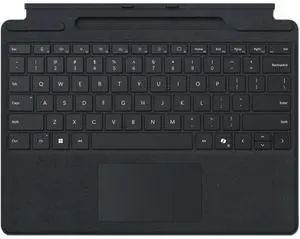
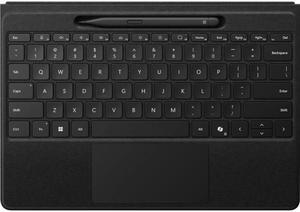
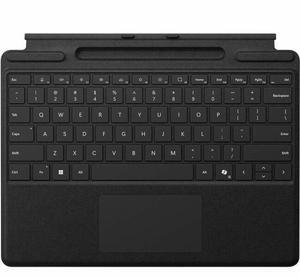
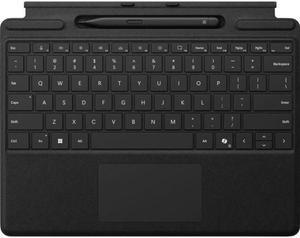
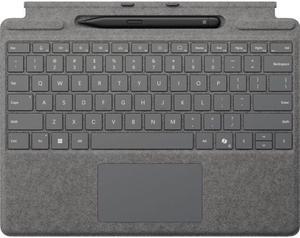
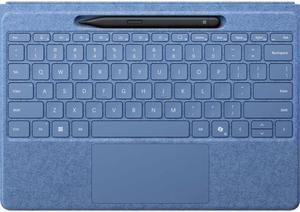
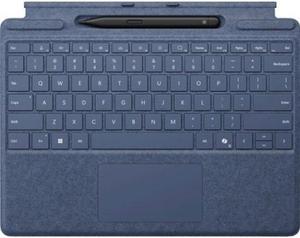
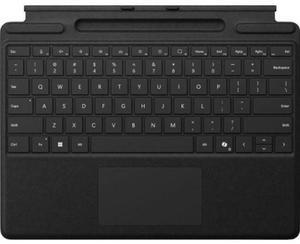
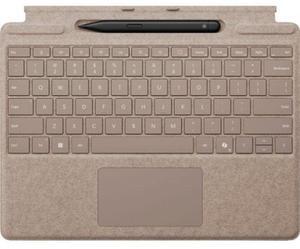
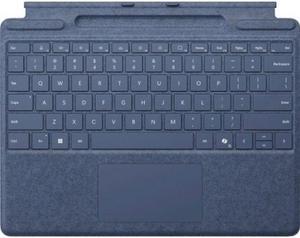
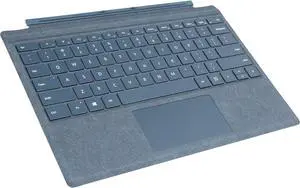
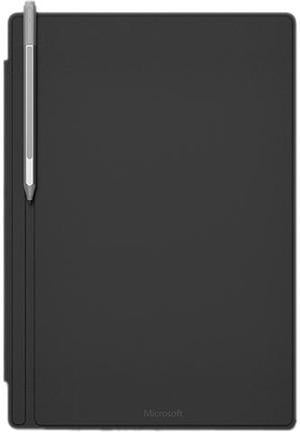
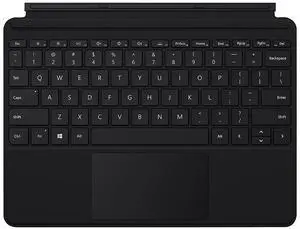
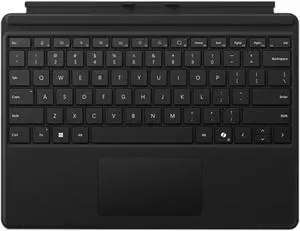
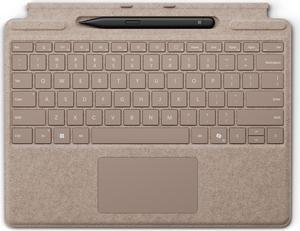
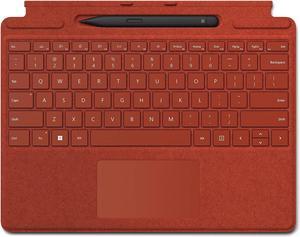
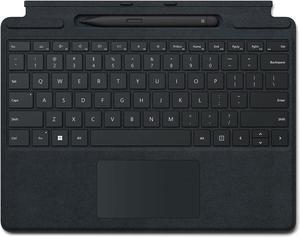
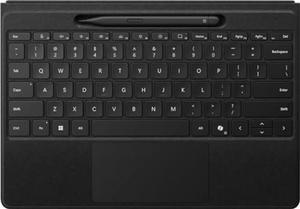
Compatibility: Microsoft Surface Book, Book 2, Book 3, Go, Go 2, Go 3, Hub 2S 50", Hub 2S 85", Laptop, Laptop 2, Laptop 3, Laptop 4, Laptop Studio, Pro (Mid 2017), Pro 3, Pro 4, Pro 6, Pro 7, Pro 7+, Pro 8, Pro X, Studio, Studio 2, Microsoft Surface Duo 2
Features: Surface Pen is a natural writing and drawing tool, with precision ink on one end that now enables tilt1 and a natural-feeling rubber eraser on the other. 4,096 pressure points Sketch, shade, and paint with artistic precision and finer control with 4,096 pressure points that respond to the lightest touch. Responds to an artist’s touch: Effortlessly express the finest sketches and lines with Surface Pen. Rest your hand on the screen of your Surface device,* just as you would writing on a notebook. Person using Surface pen and Surface Dial with Surface device. The power of Pen: Enjoy amazing inking experiences on your Surface with the new Surface Pen and the latest apps that now support tilt1 for artistic shading.
Compatibility: Surface Laptop Studio
Surface Pro 3 - Surface Pro 8
Surface Pro X
Surface Duo, Surface Duo 2
Surface Go, Go 2, Surface Go 3
Surface Hub 2S
Surface Laptop 1 - 4
Surface Studio 1, 2
Surface Book 1 - 3
Non-Surface devices that support Microsoft Pen Protocol (MPP)
Specifications: Dimensions (L/W/H): 11.60" x 8.54" x 0.19"
Keys:
Activation: Moving (mechanical) keys
Layout: QWERTY, full row of function keys (F1 - F12)
Dedicated buttons for Windows shortcuts, media controls, screen brightness
Right click button
Interface: Magnetic
Sensors: Accelerometer
Features: 4.54 mm ultra-thin form factor
Mechanical keys that are slightly spread out to allow for precision typing
Enlarged trackpad experience
Backlit for use under low lighting conditions
Windows shortcut, function, brightness, and media keys for easy navigation
Doubles as a cover to protect the screen from damage
Constructed using premium materials with a soft yet sturdy base

 Holiday Shipping Details & Extended Holiday Returns