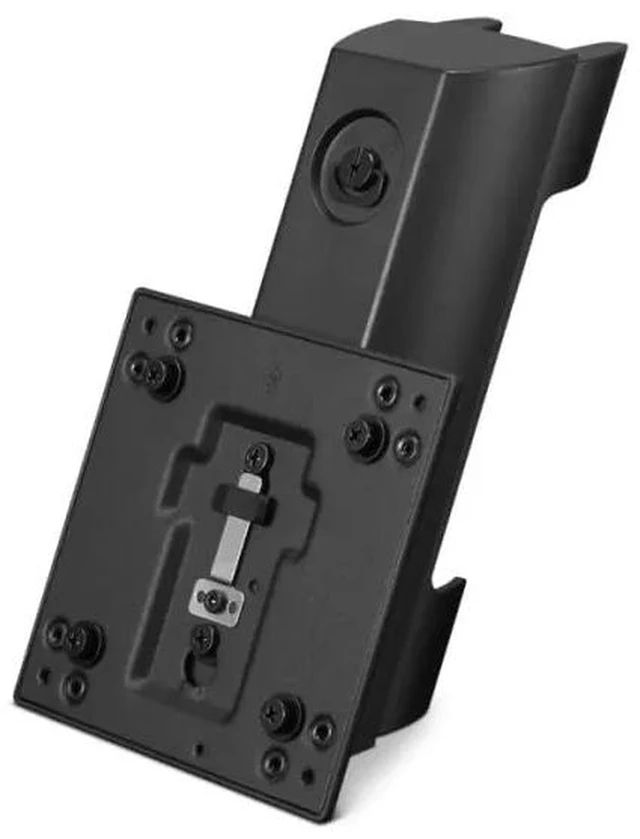
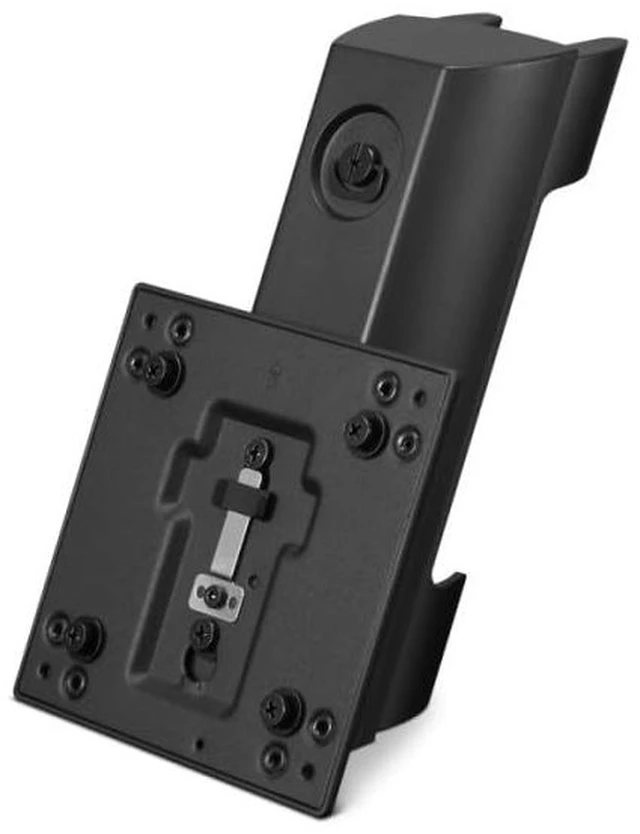
The Lenovo ThinkCentre Tiny Clamp Bracket Mounting Kit III (4XF1K72399) is a mounting accessory for securing a ThinkCentre Tiny PC to select compatible ThinkVision monitor arms, suited to users who want to combine their Tiny PC and monitor-arm setup.
Recommended For
- ThinkCentre Tiny owners building a compact workstation who want to attach the PC to a supported ThinkVision monitor or monitor arm and free up desk space.
- Office and hybrid-work teams standardizing workstations around ThinkCentre Tiny PCs and supported ThinkVision T- or P-Series displays.
- Users who want the Tiny PC secured behind the display rather than sitting on the desktop, for a more space-efficient workstation layout.
Real-World Use Scenarios
- In a compact office workstation, attach a compatible ThinkCentre Tiny to a supported ThinkVision monitor arm to free desk space; the PC stays with the monitor instead of taking up room beside it.
- When repositioning a monitor on a supported arm, keep the attached ThinkCentre Tiny moving with it, reducing the need to relocate the PC separately.
- For a tidier workstation, mount the Tiny PC behind a compatible ThinkVision display or arm so it is less prominent on the desk; check the monitor and arm compatibility before setup.
- In a multi-monitor office setup, use the kit to integrate a ThinkCentre Tiny with a supported ThinkVision T- or P-Series monitor arm, keeping the PC close to its display rather than occupying a separate desk area.




 here!

 Hot Seller