

Your Browsing History

Featured Brands




SHOP BY External Interface
Quick View
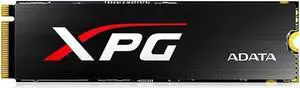
Refurbished Intemational Version XPG SX6000 M.2 2280 (512GB) Desktop Solid State Drive (SSD)
- Type: HDD/SSD
- Model #: 1186585
- $75.49 –
- Free Shipping
Quick View
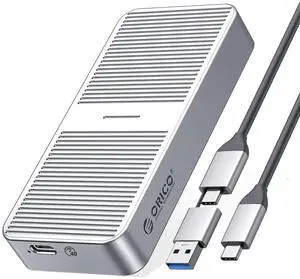
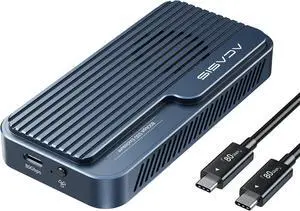
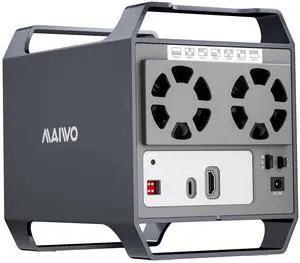
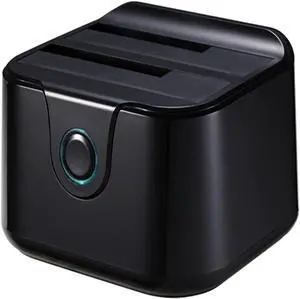
Dual Bay SSD/HDD Docking Station Hard Disk Docking Sata III to USB3.0 Docking Function for 2.5/3.5 HDD Laptop
- Model #: TOLJB0F7RFK1PV
- $817.99 –
- Free Shipping
Quick View
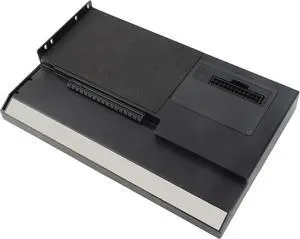
USB4.0 40Gbps External GPU Docking Station, Thunderbolt 3/4 Compatible GPU Enclosure with M.2 NVMe SSD Slot and 1000Mbps RJ45 Ethernet for Laptops
- Model #: TOLJB0DL4PSSBV
- $328.99 –
- Free Shipping
Quick View
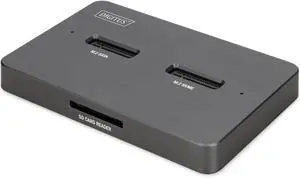
DIGITUS M.2 SSD Docking Station - for NVMe and SATA SSD up to 4TB - SD Express Card Reader - USB-C 3.2 Gen2 10Gbps - for 2242, 2260, 2280, 22110 - Hot Swap - Black
- Model #: TOLJB0FPD2HCLT
- $307.99 –
- Free Shipping
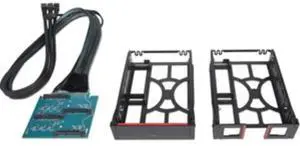
Quick View

- $50.99 –
- $5.99 Shipping
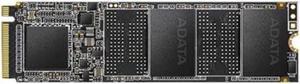
Quick View
Refurbished Intemational Version XPG S20 M.2 PCIe (1TB) Desktop Internal Solid State Drive (SSD)
- Type: HDD/SSD
- Model #: 1977652
- $103.49 –
- Free Shipping
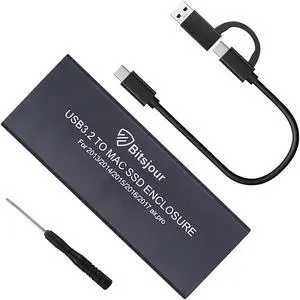
Quick View
Bitsjour Mac SSD Enclosure, USB C/A 3.2 20Gbps Portable External Case for 2013-2017 Apple MacBook Air/Pro 12+16 Pin A1466 A1465 A1502 A1398, Mac Pro, iMac
- Model #: 677658654215
- $113.99 –
- $5.99 Shipping
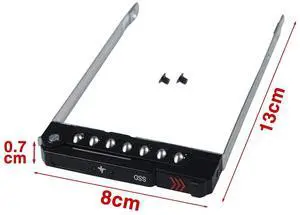
Quick View
Refurbished Intemational Version XPG SX6000 M.2 2280 (1TB) Desktop Solid State Drive (SSD)
- Type: HDD/SSD
- Model #: 1186586
- $111.49 –
- Free Shipping
Quick View
External GPU Dock Station, Compatible with Thunderbolt 3/4 40Gbps, USB4.0, M.2 NVMe SSD Slot, 1000Mbps RJ45 for OS X 10.13.4 and Later
- Model #: TOLJB0DLPD5M9Z
- $355.99 –
- Free Shipping
Quick View
Refurbished Intemational Version XPG S50 PRO M.2 PCIe (1TB) Desktop Internal Solid State Drive (SSD)
- Type: HDD/SSD
- Model #: 1433379
- $111.49 –
- Free Shipping
Quick View
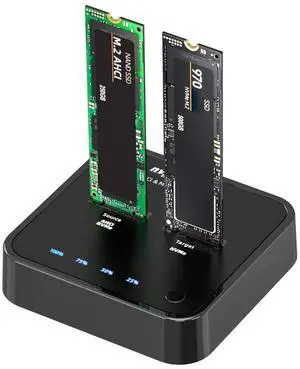
ISHEEP K3016P2 NVMe AHCI Cloner Duplicator, 20Gbps Dual Bay M.2 SSD Docking Station, Support Offline Cloner and Copy Function, SSD Size for 2230 / 2242 / 2260 / 2280
- Model #: 264505677178
- $105.99 –
- $5.00 Shipping
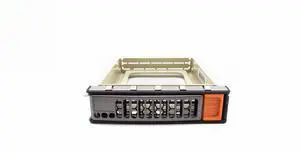
Quick View

- Model #: MCP-220-00133-0B-BULK
- $20.00 –
- $15.00 Shipping
Quick View
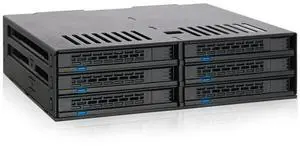
ICY DOCK 6 Bay 2.5 SATA HDD / SSD Hot Swap Tool-Less Backplane Enclosure with Dual Cooling Fan for 5.25 Bay | ExpressCage MB326SP-B
- Model #: 9158154907452
- $197.99 –
- $5.99 Shipping
Quick View
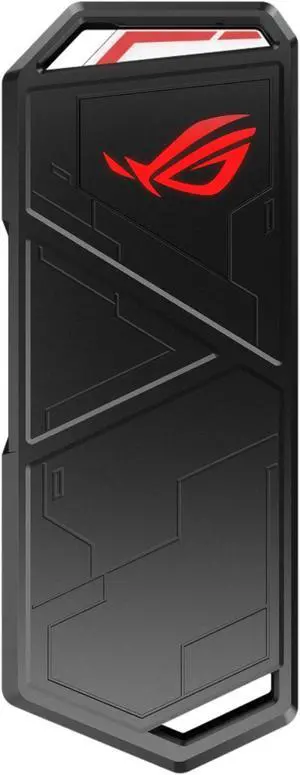
Mingzhe External GPU Dock Station High Speed USB4 0 40Gbps Aluminum Alloy Enclosure with M 2 Nvme SSD Slot RJ45 Ethernet and PD 60W Charging for Laptops and Gaming Consoles
- Model #: TOLJB0GYSLG5DW
- $325.99 –
- Free Shipping

Quick View
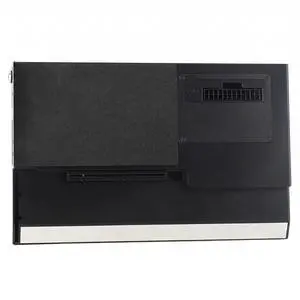
GPU Enclosure for Thunderbolt 3, USB4.0 40Gbps External GPU Dock Station, M.2 Nvme SSD 1000Mbps RJ45 Laptop External GPU Dock Station for OS X 10.13.4 and Later
- Model #: TOLJB0DGGMNK7M
- $389.99 –
- Free Shipping
Quick View
- $49.99 –
- Free Shipping
Quick View
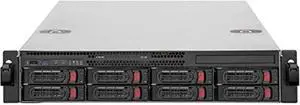
Silverstone Technology RM22-308 Silverstone 2U 8-Bay 2.5" / 3.5" HDD/SSD rackmount Storage Chassis with Mini-SAS HD SFF-8643 12 Gb/s Interface
- Model #: CLOLB08DKN6Q8Z
- $787.99 –
- Free Shipping
Quick View
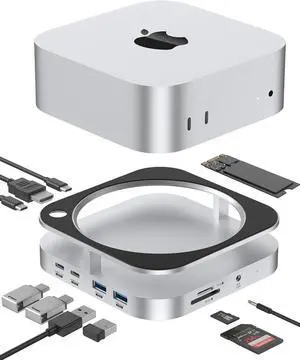
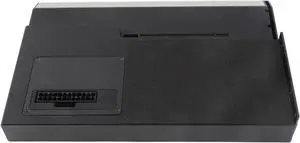
External GPU Dock Station for Thunderbolt3/4, eGPU Enclosure Support 60W PD Charging, USB4.0 40Gbps, RJ45 Gigabit Ethernet, M.2 Nvme SSD, Daisy Chain, DC/ATX/SFX Power Supply
- Model #: TOLJB0DP3B19GJ
- $355.99 –
- Free Shipping
Quick View
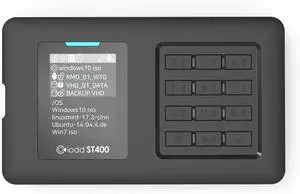
iodd ST400(512GB SSD) 2.5 inch Enclosure/USB-C/Bootable Virtual ODD&HDD / AES256 Encryption Max up to 76 Digits/Write Protect/USB-C Type/Next Gen Model Made in Korea
- Model #: 9391048926713
- $310.99 –
- $5.00 Shipping
A hard drive enclosure enables you to turn an internal drive into an external or portable one. You can use it to access data from a laptop drive on a desktop computer, to run regular backups or to extend storage beyond the capabilities of a motherboard and its internal bays. Hard drive enclosures offer flexibility. Some require a power adapter, but some can draw power from the connected PC via USB. Choose between 2.5"" enclosures, typically used to access laptop drives, and 3.5"", which is the standard size for a desktop hard disk. External interfaces include SATA, SAS and Ethernet connectivity, which ensure optimal use. With built-in eject buttons in dual-bay docks, it's easy to dock drives seamlessly while multitasking at work.
Expand Your Storage Using Existing Hardware
Convert old drives into functional data storage devices by using an external drive enclosure. Choose an enclosure that matches the size of your hard drive. As noted, standard laptop drives and desktop drives are usually different sizes, but there are exceptions, so check the specifications before buying an enclosure. When you convert an old hard disk, it saves you from having to invest in new storage, and allows easy access to the data. Even if an old drive is incompatible with a new PC, you won't have to transfer data from one PC to another to save valuable time.
Protect Your Data With an External Hard Drive Case
Protecting your data is important, whether it is personal or professional. A hard drive enclosure with a power pack can run independently to your computer, and allows for regular backups and prevents data loss. Using an external hard drive case also enables you to keep the internal temperature of your computer down, which can be difficult if you install multiple drives inside the device. You can also attach the new drive device to some routers, enabling you to backup data from multiple PCs and other hardware to create a central repository for all of your files and software. In this case, check the ports on your router. You may find ethernet as well as USB ports that give you the option of deciding how you want to connect your hard drive docking station. High-end businesses can use external hard drive cases, computer cases and other accessories to safeguard sensitive information, such as billing details.
Access Data on Multiple Disks With a Hard Drive Docking Station
A hard drive docking station enables the connection of two or more storage devices. You can expand existing storage with terabytes of space, depending on the size of the drives. Ensure that the docking station has the appropriate interfaces. Some hard drive models include SATA and IDE connections, which enable connecting multiple drive types. The external interface determines how you connect from a computer to the new dock. USB and Thunderbolt are a common choice, but some models have SATA and eSATA connections.
Bestselling Hard Drive / SSD Enclosures Reviews:
Josh J.
8/13/2026 7:20:15 PM
Easy to use. Very versatile.
“ I cant of anything to change with this product. I highly recommend this hard drives enclosure. ”
Sabrent USB 3.0 to SATA External Hard Drive Lay-Flat Docking Station for 2.5 or 3.5in HDD, SSD (EC-DFLT)Shane the Brain
3/31/2026 10:39:34 AM
Exactly what I needed
“ Overall, I would definitely make the purchase again and how they suggested to anyone who was looking for a enclosure for their SSD ”
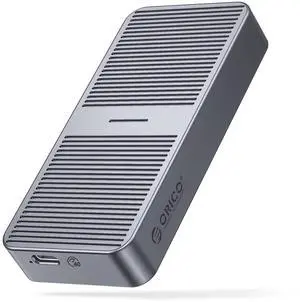
ORICO Aluminum M.2 NVMe SSD Enclosure , Tool-Free 10Gbps USB C Adapter, USB 3.2 M.2 NVMe Reader, External SSD Case Thunderbolt 3 Compatible, Supports 4TB 2230/2242/2260/2280 PCIe M-Key SSDs-PWM2-BKJoe
3/20/2026 10:05:58 PM
Solid Product
“ This is the second device Ive purchased from Vantec. I have their 5.25 enclosure and it just works. ”
VANTEC NexStar HX NST-387S3-BK Aluminum / ABS Plastic 3.5" Black SATA I/II/III USB 3.0 3.5" SATA III Hard Drive Enclosure USB 3.0 With FanCarmen P.
3/20/2026 8:04:21 PM
This is just what I was looking for
“ I would definitely recommend the WavLink 4-bay Non-Raid enclosure to any HDD enthusiast. ”
WAVLINK 4-Bay Hard Drive Enclosure for 3.5" and 2.5'' SATA HDD/SSD Featuring 10Gbps USB-C 3.2, Max 88TB Capacity, Built-in Temp-Controlled Cooling Fans, 4K HDMI Stunning Video Output, Aluminum ShellMitch M.
11/29/2025 11:49:10 AM
Works Great
“ If you have a pile of hard drives and want to get rid of them, this really speeds it up! ”
Wavlink USB 3.0 to SATA I/II/II Dual Bay External Hard Drive Docking Station for 2.5" 3.5" SATA HDD/SSD Enclosure 2x 16TB Hard Drive Enclosure With UASP, Support Offline Clone Duplicator, Auto SleepMark F.
11/19/2025 11:54:30 AM
Good product, minor flaw
“ I like the solid construction, tool-free design and performance of this enclosure. ”
SABRENT USB 3.2 Type-C Tool-Free Enclosure for M.2 PCIe NVMe and SATA SSDs (EC-SNVE)Anonymous
9/10/2025 8:18:08 AM
Ordered a hard drive enclosure, received a puzzle box
“ There are actually instructions in the box, but no mention on them anywhere of how to open the enclosure to put a hard drive in. ”
SYBA CL-ENC25035 Aluminum 2.5" Aluminium Brush Finish SATA III USB 3.0 External Enclosure for Hard Disk and SSD (Tool Less Installation)Matt
7/14/2025 8:51:57 PM
Works great with Synology NAS
“ I'm using it for a 2TB 3.5 HDD and a 3TB. Both were shucked from external USB enclosures. ”
Wavlink USB 3.0 to SATA I/II/II Dual Bay External Hard Drive Docking Station for 2.5" 3.5" SATA HDD/SSD Enclosure 2x 16TB Hard Drive Enclosure With UASP, Support Offline Clone Duplicator, Auto Sleep