here!
here!
I’m your shopping assistant for PC builds, upgrades, and everything tech.
Got questions? Ask away!
Start a conversation
here!
I’m your shopping assistant for PC builds, upgrades, and everything tech.
Got questions? Ask away!
Start a conversation

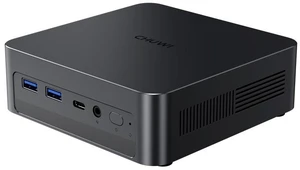

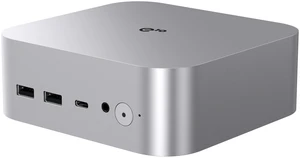
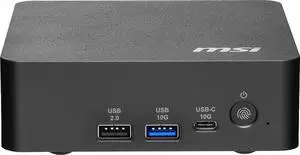

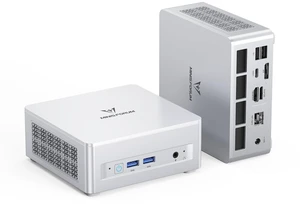
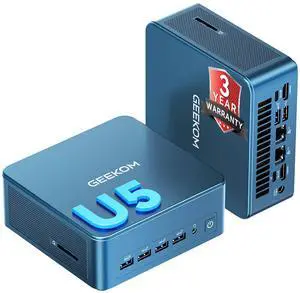
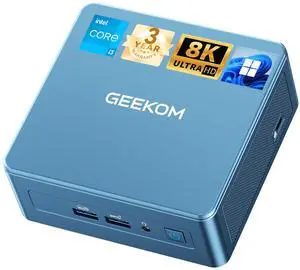
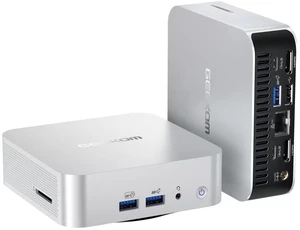
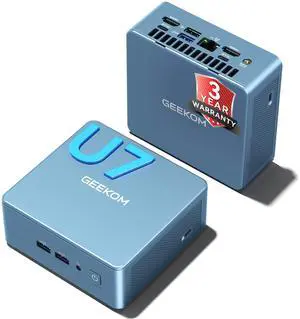
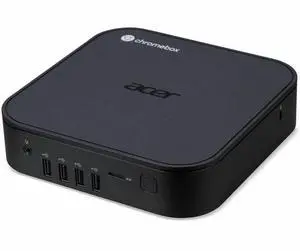
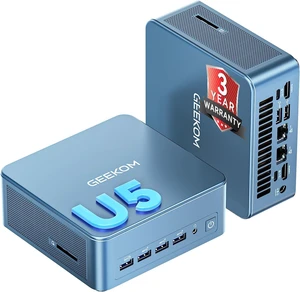
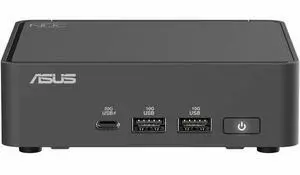

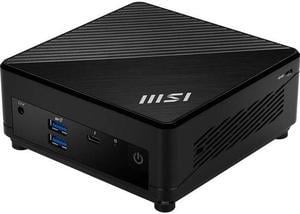
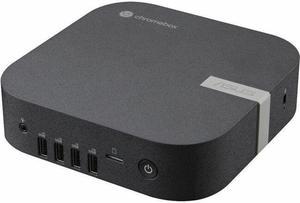
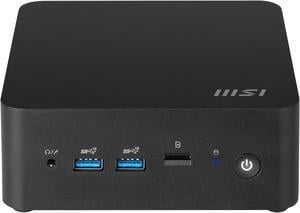
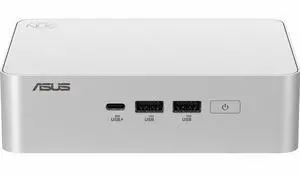
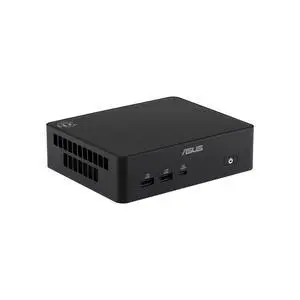
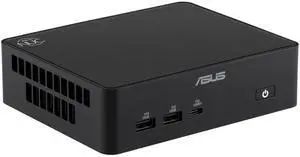
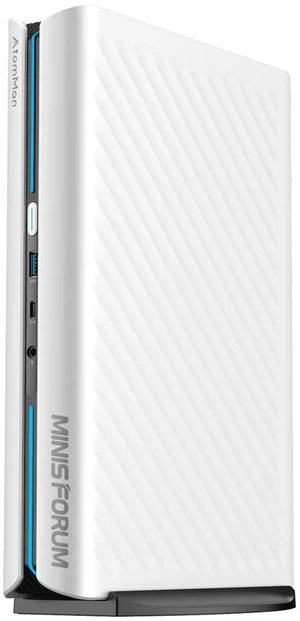
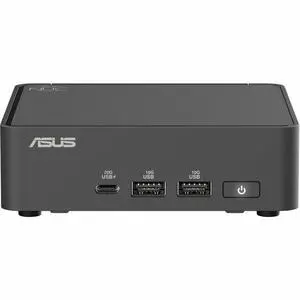
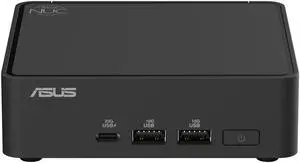
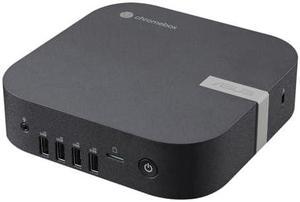
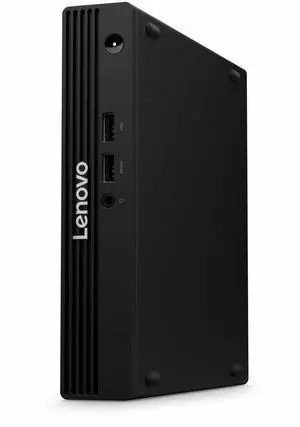

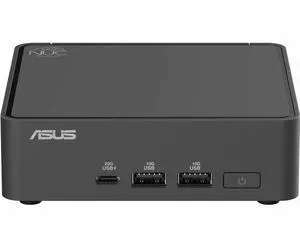
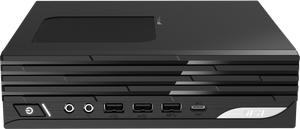
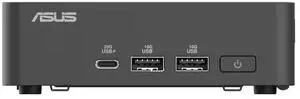
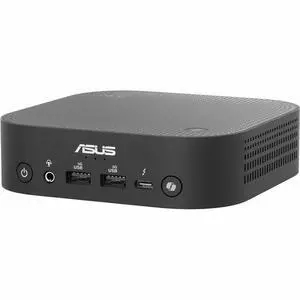
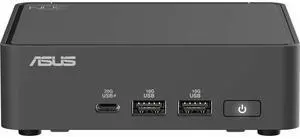
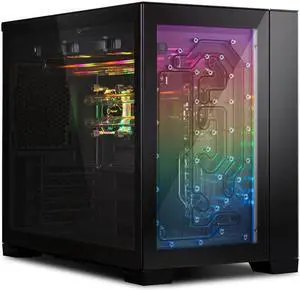
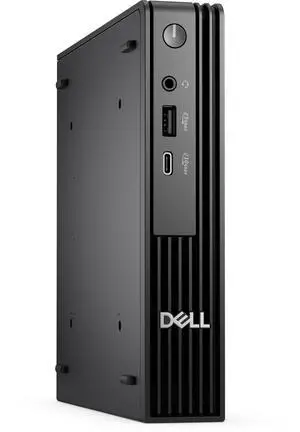

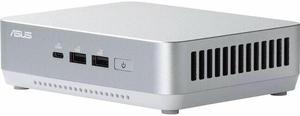
Explore a wide selection of Mini PCs and Chromebox desktops at Newegg, designed for workspace efficiency and versatility. Filter by operating system, CPU, RAM, and storage to find the ideal compact computer for work from home or everyday use.
When shopping for a mini PC, it's essential to weigh several factors to ensure you find the best fit for your needs:
The heart of any mini PC is undoubtedly its processor. The choice between Intel and AMD, as well as the specific CPU generation, profoundly influences performance and power efficiency. For instance, newer 11th or 12th Gen Intel processors deliver impressive integrated graphics and enhanced multitasking capabilities. AMD Ryzen chips often excel in multi-threaded workloads, which is a plus if you plan on running virtual machines or editing content. Since mini PCs are all about balancing size with performance, opting for a recent CPU ensures your compact desktop can handle everyday tasks smoothly without throttling under load.
Mini PCs have become a favorite among developers and IT professionals for their versatility and space-saving design. Whether you're setting up a home lab or need a compact machine for coding and testing, mini PCs can offer powerful configurations. Many models support virtualization and multiple OS installs, making them excellent for cross-platform software development. To customize your setup even further, consider exploring Desktop Computer options that have robust CPU and RAM choices but in space-conscious chassis, ensuring you can maximize your workstation without a bulky footprint.
Newegg shopping tip: When choosing a mini PC, consider the processor and RAM to match your typical tasks—lighter specs work for browsing or office work, while heavier ones suit multitasking or media editing. Also, check storage type and capacity carefully, since SSDs offer faster performance in these compact machines.
Compact powerhouses built with up-to-date Intel or AMD processors, ideal for tight desks but big on multitasking.
Explore bundled mini PC systems optimized for home or office, featuring SSD storage and up to 16GB DDR4 RAM.
Catch exclusive FantasTech Deals, where high-performance mini PCs meet sharp discounts—perfect for budget-savvy techies.
Mini PCs are compact desktop computers that pack powerful performance into a small footprint, making them perfect for limited spaces like dorm rooms, apartments, or crowded office desks. If you’re new to this category, start by considering what tasks you want to tackle daily: basic web browsing, media streaming, or more demanding work projects? Mini PCs often come with various operating systems, including Windows and Chrome OS, so choose one that matches your software preferences. For those needing a more traditional PC experience, checking out a Desktop Computer might also be worthwhile.
Working from home demands reliability and efficiency, and mini PCs fit the bill without dominating your workspace. Their small size is ideal for setting up an unobtrusive yet powerful office environment. Look for models equipped with at least 8GB of RAM and a solid-state drive (SSD) around 256GB to 512GB for swift multitasking and fast file access. Many remote workers prefer Windows mini PCs for compatibility with business apps and video conferencing tools. You can even customize your selection with Computer Systems designed specifically for productivity and ease of use.
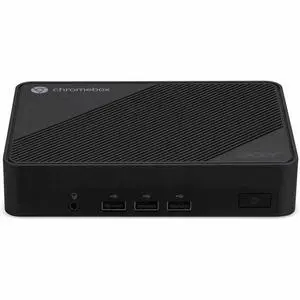
If your main goal is to build a media center for streaming movies, music, or light gaming, mini PCs make an excellent choice thanks to their low noise and energy-efficient design. Many models come with integrated graphics and support for 4K displays, creating a seamless viewing experience in a compact size. Consider Chromeboxes for a budget-friendly option that handles streaming services efficiently, while still offering Google’s Chrome OS platform. Keep an eye on special offers and budget-friendly upgrades through a FantasTech Deal to get the best value for your entertainment setup.
Research more: Considering a mini PC? Check out Newegg Insider’s buying guides for clear insights on performance, compatibility, and use cases that can help you pick the right compact system for your needs. It’s a smart way to compare specs and learn what matters before you buy.
Last Updated: October 2026 | Newegg Mini PC Buying Guide
Intel Mini PCs generally offer better single-core performance, which is great for everyday tasks and some gaming, while AMD models often provide more cores at a similar price, making them better for multitasking and productivity.
Passive cooling Mini PCs are usually silent because they have no moving parts, but they might throttle performance under heavy loads to stay cool. Fan-cooled models handle intense tasks better but can be a bit noisy.
Mini PCs usually pack enough power for everyday tasks like browsing, streaming, and office work, but they might struggle with heavy gaming or intensive video editing due to their smaller components and cooling constraints.
Most mini PCs have limited upgrade options, often allowing you to add or swap RAM and storage, but the CPU and GPU are typically fixed, so it’s important to pick one that suits your needs from the start.
For basic use such as web browsing and streaming, you can find reliable Mini PCs starting around $200 to $400, depending on specs like storage and RAM.
Aim for a Mini PC with at least a quad-core processor, 8GB of RAM, and a dedicated GPU or good integrated graphics to handle light gaming and creative work smoothly.
Mini PCs generally hold up well for daily tasks like web browsing and office work, but their smaller size can sometimes mean less robust cooling, which may affect long-term reliability if used heavily.
Pay attention to comments on overheating, limited upgrade options, and build quality since these can impact performance and lifespan more than occasional software hiccups.
Most Mini PCs have HDMI or DisplayPort outputs, so just plug in your monitor with the right cable. Connect your keyboard and mouse via USB or Bluetooth, and you’re all set.
Keep the vents clear of dust, update your software regularly, and avoid running too many heavy programs at once to maintain good performance.
“ Exceptional Product, would buy again and have recommended to friends. ”
Prittec F8C Mini PC, Intel Alder Lake-N N100, 8GB DDR4, 256GB M.2 SSD, Support 4K, Triple Display, HDMI x 2, USB3.2 Gen2 x 2, USB2.0 x 2, Type-C x 2, WiFi6/BT5.2, GB LAN (RJ45), OS“ Very good. ”
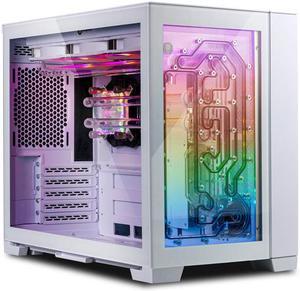
Bitspower TITAN One MINI 2.0 White- LIAN LI O11D MINI Case, Radiator & Distro-Plate (pre-installed), CPU Cooling Accessory Kit with Pre-Bent Hard Tubing, Included LGA1700, AM5 installation parts“ Definitely recommend great product. ”
TITAN One MINI 3.0-Included LIAN LI O11 DYNAMIC MINI Case, FSP DAGGER PRO 850W power supply, and CPU water cooling system