




 here!
here!
I’m your shopping assistant for PC builds, upgrades, and everything tech.
Got questions? Ask away!
Start a conversation
here!
I’m your shopping assistant for PC builds, upgrades, and everything tech.
Got questions? Ask away!
Start a conversation


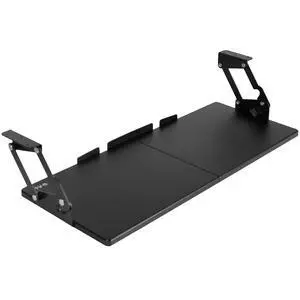
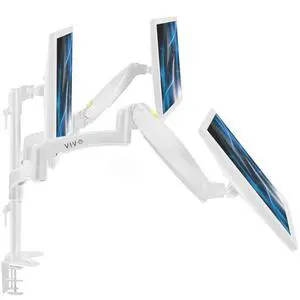
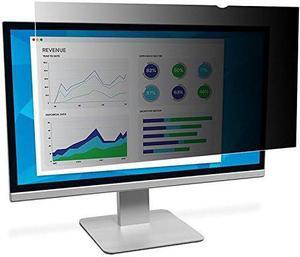
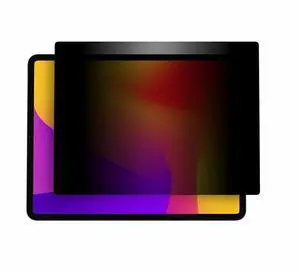
Monitor accessories improve your computing experience and productivity by increasing convenience, comfort and security. The right peripherals enhance the display unit’s functionality and usability, so you get the most out of your PC. Investing in high-quality computer monitor accessories, like adapters, mounts, stands and glare filters, offers the ability to maximize on-screen productivity.
Cables and adapters are critical monitor accessories for any workplace computer setup. VGA cables have two male HDDB15 connectors on either side that are compatible with most displays and devices with a female video port. A DVI/VGA cable has blue connectors that provide analog and digital connections, while a long HDMI® cable offers flexible placement options. Use HD DisplayPort® cables with high bandwidth that allow for color depth, resolution and a refresh rate suitable for use with gaming monitors for a complete experience. If you run multiple monitors in parallel, you will need adapters with several connection points for each screen.
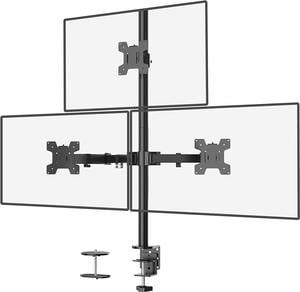
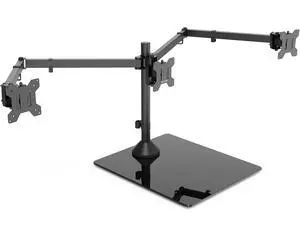
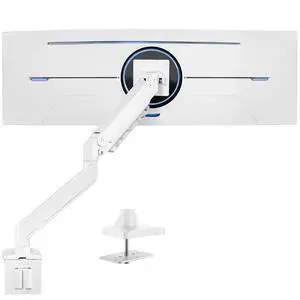
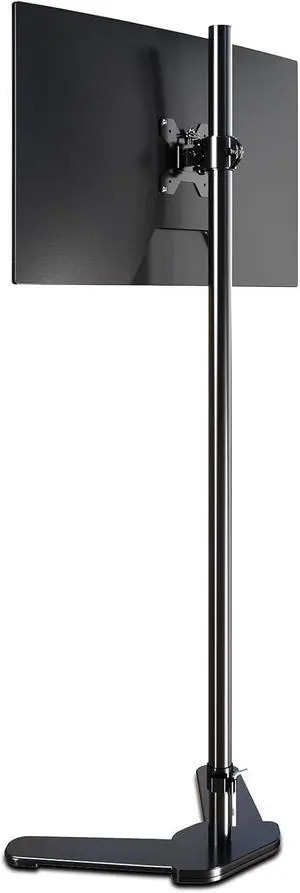
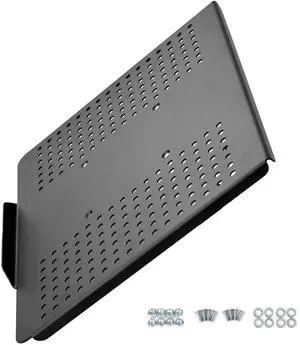
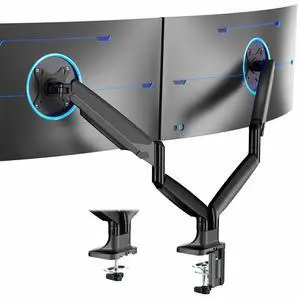
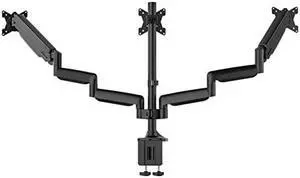
Try an adjustable desk mount LCD arm pedestal with swivel, tilt and vertical functions to alter and lift the monitor into the most ergonomic viewing position. Dual, triple and quad monitor mounts can hold multiple monitors simultaneously, freeing up your desk space for a less cramped and cleaner work area. Most of these monitor accessories have integrated cable management that keeps cords off your desk, while a universal VESA® plate is compatible with most displays. Pole-mounted displays make it easy to reposition the monitor to share work when you collaborate with teams or have frequent visitors. Thin client brackets securely hold compatible small computers to the back of touch screen monitors, creating complete workstation solutions for easy deployment across your business.
A monitor stand provides a spacious storage area for paperwork or keyboards on a desktop workstation for the organized user. Some display stands feature aluminum and tempered glass constructions for durability and strength, and are capable of supporting screens weighing up to 35 pounds, while the contemporary design adds a modern touch to any room. Units with integrated USB ports support data transfers from drives and fast charging for handheld devices. Adjustable standing desks are monitor accessories that give you the option of sitting or standing at a worktable for the most ergonomic posture to relieve pressure and maintain productivity.
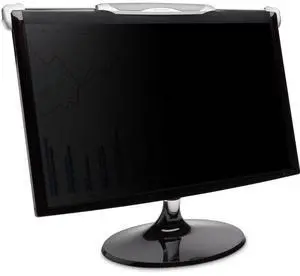
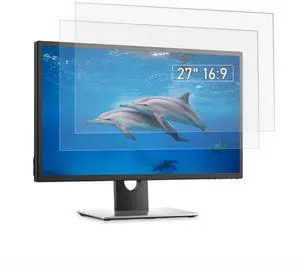
Reduce mirror-like reflections from bright indoor lights to see the screen more easily by using an anti-glare filter. Privacy filters disguise the screen when viewed from any angle other than straight, which is suitable if you often work with sensitive documents or intellectual property. A handy spray bottle of cleaner helps keep the computer monitor screen free from blemishes and dirt, while special wet wipes rub away residue without creating static. Whether you are upgrading from old displays or setting up new stations, having the right monitor accessories helps maximize the full potential of your devices.
“ Overall it's a pretty solid monitor arms and I would recommend it. ”
MSI MPG MT161DR - Premium RGB Dual Monitor Stand Arms, 17-38" Support, VESA Compatible, Adjustable Spring Assisted Mount, 35.2 lbs per Screen Capacity, Clamp & Grommet, Quick Release Plate - Black“ This is the only duel monitor stand id recommend ”
MSI MPG MT201DR V2 - Premium RGB Dual Monitor Stand Arms, 17-35" Support, VESA Compatible, Adjustable Heavy Duty Gas Spring Mount, 44 lbs per Screen Capacity, Clamp & Grommet, Quick Release Plate-Gray“ I like the monitor stand. ”
VIVO Black Dual Monitor Desk Mount Adjustable Stand, Fits Screens up to 30"“ Overall this product is amazing and I honestly can't think of a negative thing to say. ”
Rosewill Dual Monitor Mount, 15 to 32 Inch, 4.4 to 19.8lbs per Screen, Adjustable Gas Spring Monitor Arm with Cable Management, Clamp & Grommet Base“ I highly, highly recommend this monitor stand to anyone needing to fully adjust and secure just about any desktop monitor configuration using larger than average displays. ”
VIVO Pneumatic Dual Ultrawide Monitor Desk Stand, Up to 49 inch Computer Screens“ Overall I recommend it, and suggest giving everything a wriggle before attaching your monitor. ”
Rosewill Dual Monitor Mount, 15 to 32 Inch, 4.4 to 19.8lbs per Screen, Adjustable Gas Spring Monitor Arm with Cable Management, Clamp & Grommet Base“ Yes, would buy again. ”
VIVO Quad Monitor Desk Mount Adjustable Stand Heavy Duty for 4 Screens up to 30"“ Overall I would recommend this product to anyone looking for a dual monitor setup, packaging, instruction manual, and process with mounting monitors was a breeze and I absolutely love it. ”
MSI MAG MT201D - Premium Heavy Duty Dual Monitor Stand Arms, 17-45" Support, VESA Compatible, Adjustable Spring Assisted Mount, 44 lbs per Screen Capacity, Clamp & Grommet, Quick Release Plate - Black


![[2 Pack] 23.8 Inch Computer Privacy Screen Filter for Monitor 16:9 Aspect Ratio, Eye Protection Anti Blue Light Privacy Shield and Anti-Glare Protector, 23.8inch Removable Anti-Scratch 23.8in Protecto](https://c1.neweggimages.com/productimage/nb300/C14KD25101112GKPA72.jpg "[2 Pack] 23.8 Inch Computer Privacy Screen Filter for Monitor 16:9 Aspect Ratio, Eye Protection Anti Blue Light Privacy Shield and Anti-Glare Protector, 23.8inch Removable Anti-Scratch 23.8in Protecto")