here!
here!
I’m your shopping assistant for PC builds, upgrades, and everything tech.
Got questions? Ask away!
Start a conversation
here!
I’m your shopping assistant for PC builds, upgrades, and everything tech.
Got questions? Ask away!
Start a conversation

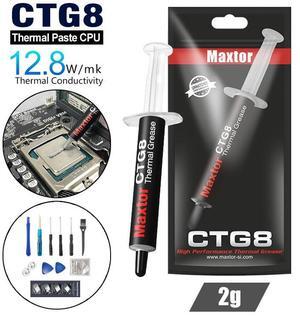
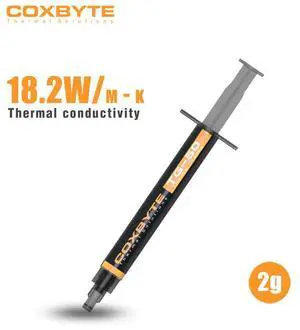

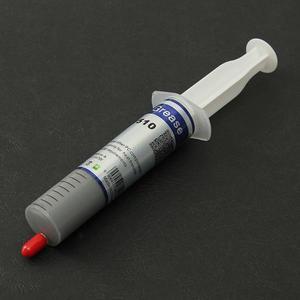
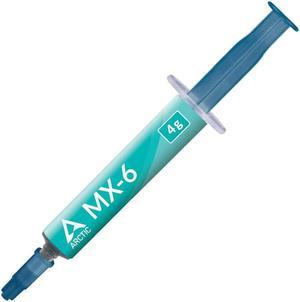

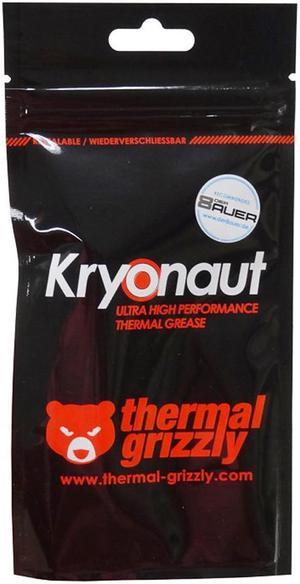
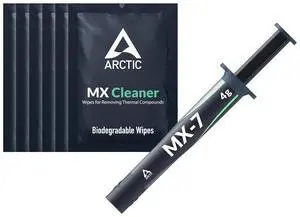
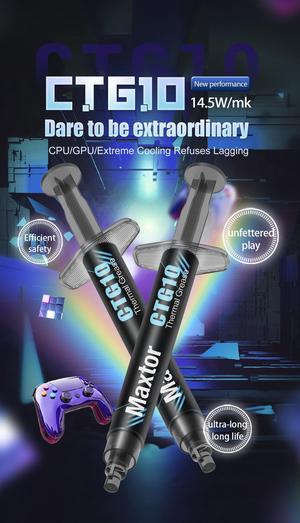
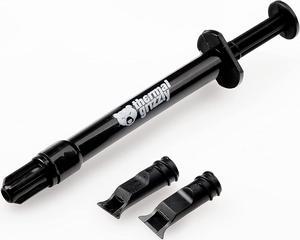
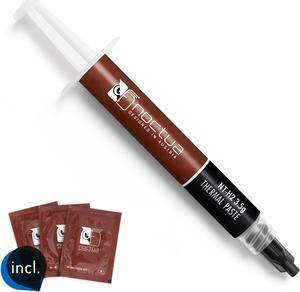
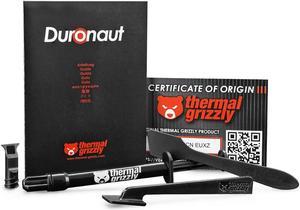

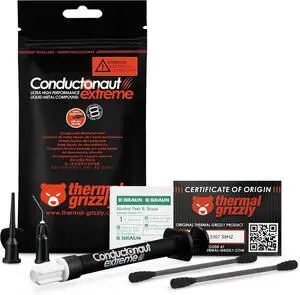
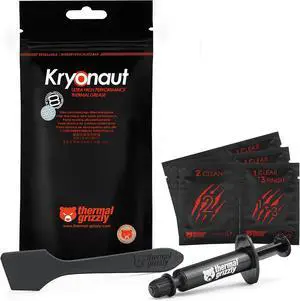
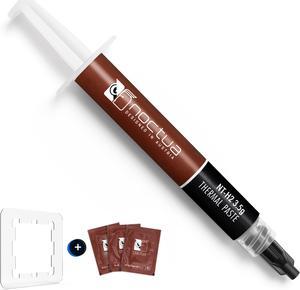

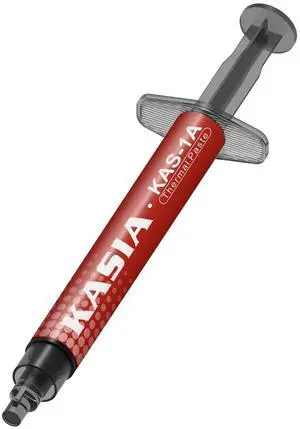
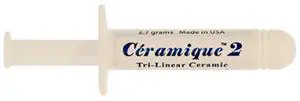
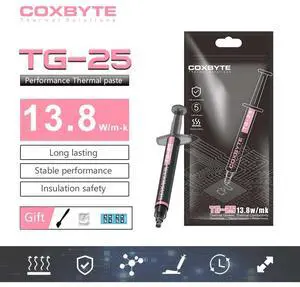
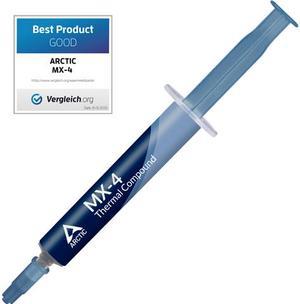
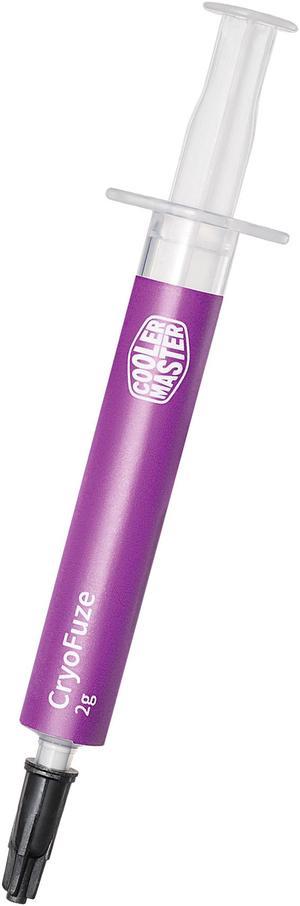
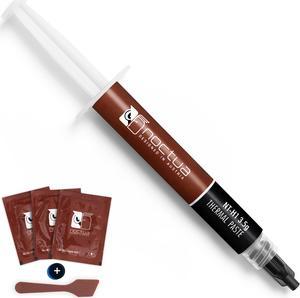
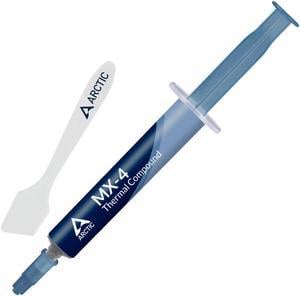
Thermal compound allows your computer's cooling system to perform at its best. You should use it every time you install a heatsink on your CPU or GPU. Thermal grease fills in the microscopic gaps between your CPU or GPU and the heatsink to prevent them from trapping air. This increases the cooling performance of the heatsink. Thermal paste consists of thermal interface materials that can conduct heat 100 times more efficiently than air. When assembling your PC, you need to use a small amount of thermal paste, as too much can hinder the cooling power of your heatsink. Thermal paste also works well for embedded solutions, which include the motherboard and CPU.
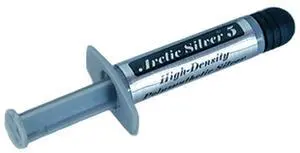
Liquid metal thermal paste is very effective at cooling your PC. Every liquid metal paste has a slightly different composition, but most contain gallium, a metal that is capable of staying liquid at low temperatures. This material tends to react with aluminum heatsinks. However, it has a high thermal conductivity to keep your processor cool. Liquid metal thermal paste is electrically conductive. If spilled on computer components and motherboard accessories, it may cause short-circuiting. The liquid texture requires some work for a correct installation. The Arctic Silver® 5 metal-based thermal compound uses high-density polysynthetic silver to reduce electrical conductivity.
Ceramic-based grease is very popular, since it is not electrically conductive. This makes it much easier to use and means that accidental spills on your PC and computer accessories are not as likely to cause an issue. It consists of a thermally conductive grease with ceramic particles. Ceramic-based paste has a slightly inferior cooling performance than liquid metal.
Carbon-based thermal grease is very effective at keeping your CPU or GPU and other embedded solutions cool. It contains carbon micro-particles with high thermal conductivity. Carbon-based paste is also beginner friendly, since it doesn't conduct electricity. Typically, it lasts longer than liquid metal and ceramic-based compounds, so you won't have to replace it as often.
Silicone-based thermal compound is common in cooling kits and thermal pads, which are easier to apply than regular compound. It is best to choose a non-adhesive silicone paste, so you will be able to remove or replace your heatsink easily if needed.
For optimal performance, apply a pea-size amount of thermal paste at the center of your CPU or GPU. When you install the heatsink, the paste will spread all over the components. For liquid compounds, you can apply a dot of product on both sides of your CPU. To remove the old thermal paste from a processor or graphics card, use a remover such as Arctic Silver Arcticlean.
“ It's a thermal compound and notable for its longevity. ”
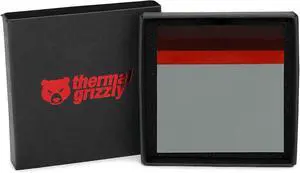
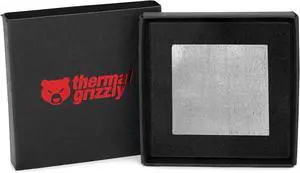
PTM7950 by CSGR® 40×40×0.25 mm phasechange thermal pad for CPUs/GPUs; 8.5 W/m·K*. High performance phasechange pad (melts near 45°C) that wets surfaces, fills microgaps, and resolidifies.