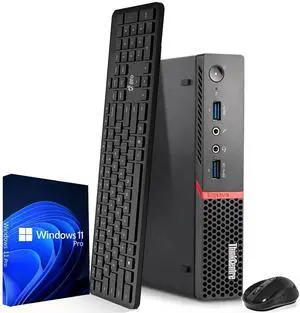
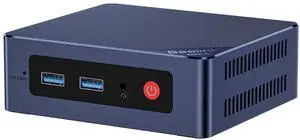
streamlined and efficient


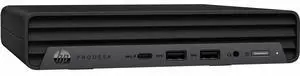
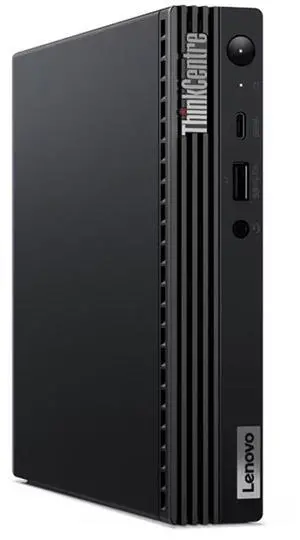
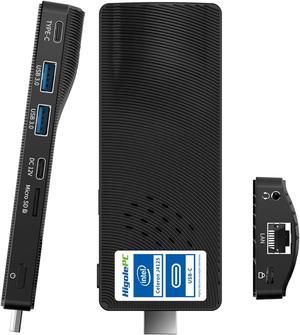
It's super tiny and easy to travel with. I mainly use it for some light work like browsing, streaming, some productivity tasks and it handles everything smoothly. It wont replace a high-end desktop, but for general use, its solid. It has a variety of ports for a monitor, keyboard, mouse etc.


Small Fast Lots of connectivity (Dual monitor connection)

was delivered as expected. everything works fine. case looks new.

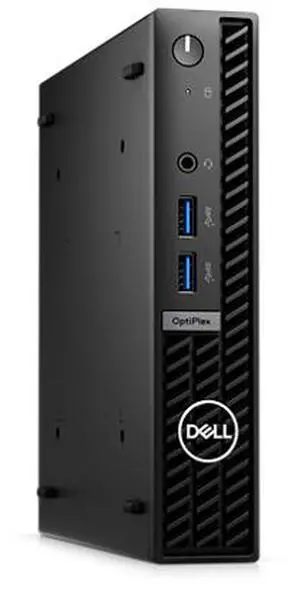
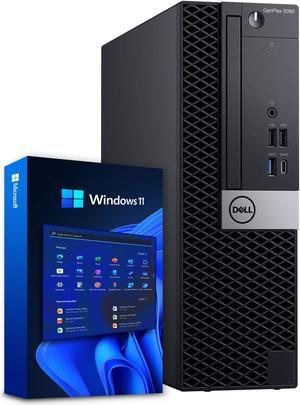
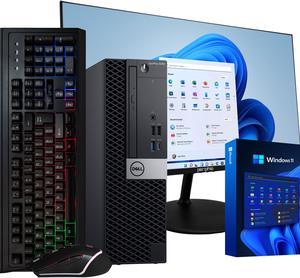
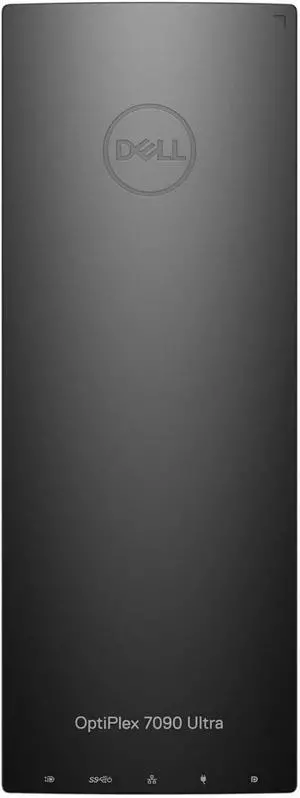
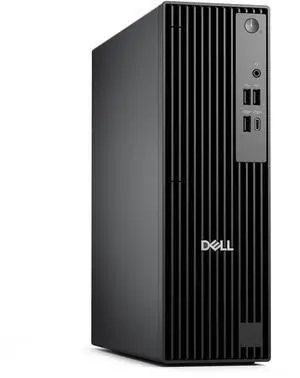
- Great price and performace - 16GB Ram - Fast response - Windows 11 Pro - Dell Optiplex Reputation -Warranty
![Maxtang Mini PC Intel N5095 16GB[8GB*2] DDR4 Ram 512GB m.2 SSD Dual HDMI 4K UHD/Gigabit Ethernet/ M.2 for WiFi/BT mini computer for Business Home Office Windows 10 home Maxtang Mini PC Intel N5095 16GB[8GB*2] DDR4 Ram 512GB m.2 SSD Dual HDMI 4K UHD/Gigabit Ethernet/ M.2 for WiFi/BT mini computer for Business Home Office Windows 10 home](https://c1.neweggimages.com/productimage/nb300/BV7GS2406130HNZOJC5.jpg)

This computer seems to run Windows 11 with ease. It boots up quickly which is refreshing compared to my old Windows 10 computer.
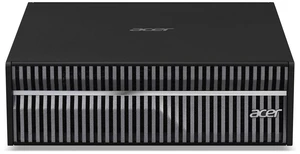
COMPUTER DELIVERED FASTER THAN PROMISED AND WORK PERFECT. IT IS BETTER THAT OTHER "NEW" ONES.


I purchased this MSI mini pc on July 19. I am having a bit of a learning curve with W11, but that's another matter. Things I like. Size is larger than most mini pc's. It has a desktop CPU rather than mobile, and I liked that. I hoped the size would have better air flow and not get so hot. Unfortunately, this thing gets HOT. I had to get an external fan to blow into the vent by the heatsink. As soon as I did that, the temp went way down. Case was not hot at all after doing that, so I highly recommend it. The case is all metal. You will need a Philips 2 and unlike a Beelink I never could get into, MSI does not over torque the screws. So it was easy to get into. Internal layout is clean. I immediate pulled the 16gb of Kingston RAM included and install 32gb Crucial. Turned on pc and W11 Pro installed without issue. Then I powered down and installed an additional drive, a 2.5" SSD Samsung 870. There was a bit of a learning curve that I had to geek out because I found no instructions for some of the things you had to do to attach the drive. After affixing it to the bracket, it was easy to see where you can add an additional SSD or SATA drive on top of it, and I may do that, simply because I have one laying around the house that's not being used. I am using the MSI wired mouse but typically use a wireless mouse. I will address the keyboard in the next section. The information in the user manual that MSI did include was not useful to me. I was worried that the pc might have one of the Intel 13th gen processors that had instability issues, but so far that has not been the case. I do have a Tom's Hardware article from last week that "Intel's patch for CPU instability and crashing issues rolls out from MSI and ASRock" in case I need to install the patch. I was concerned enough about that and whether I should return this pc that I contacted Newegg PC Support. I had a long conversation with Joshua. He was so knowledgeable and went out of his way to help me. When a company employs a PC Support guy like Joshua, I realized I need to buy more of my computers and electronics from Newegg.