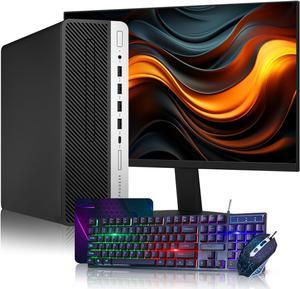
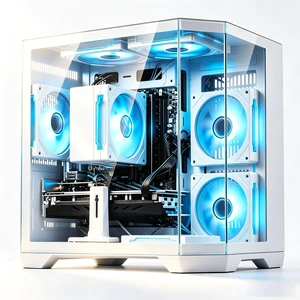
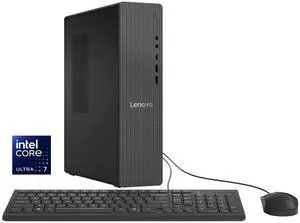
I purchased this MSI mini pc on July 19. I am having a bit of a learning curve with W11, but that's another matter. Things I like. Size is larger than most mini pc's. It has a desktop CPU rather than mobile, and I liked that. I hoped the size would have better air flow and not get so hot. Unfortunately, this thing gets HOT. I had to get an external fan to blow into the vent by the heatsink. As soon as I did that, the temp went way down. Case was not hot at all after doing that, so I highly recommend it. The case is all metal. You will need a Philips 2 and unlike a Beelink I never could get into, MSI does not over torque the screws. So it was easy to get into. Internal layout is clean. I immediate pulled the 16gb of Kingston RAM included and install 32gb Crucial. Turned on pc and W11 Pro installed without issue. Then I powered down and installed an additional drive, a 2.5" SSD Samsung 870. There was a bit of a learning curve that I had to geek out because I found no instructions for some of the things you had to do to attach the drive. After affixing it to the bracket, it was easy to see where you can add an additional SSD or SATA drive on top of it, and I may do that, simply because I have one laying around the house that's not being used. I am using the MSI wired mouse but typically use a wireless mouse. I will address the keyboard in the next section. The information in the user manual that MSI did include was not useful to me. I was worried that the pc might have one of the Intel 13th gen processors that had instability issues, but so far that has not been the case. I do have a Tom's Hardware article from last week that "Intel's patch for CPU instability and crashing issues rolls out from MSI and ASRock" in case I need to install the patch. I was concerned enough about that and whether I should return this pc that I contacted Newegg PC Support. I had a long conversation with Joshua. He was so knowledgeable and went out of his way to help me. When a company employs a PC Support guy like Joshua, I realized I need to buy more of my computers and electronics from Newegg.

Came with the Alder Lake N95 instead of the 5105


Easy Set-up. Easy and relative inexpensive 32 GB memory upgrade to 64 GB, addition of 1 Terabyte M.2 SSD drive, and WIFI/Bluetooth M.2 A/E key added. Everything went flawless.


I bought 2 so far and will buy more for my gaming project. The graphics are quite good and the machine is quiet and puts off very little heat. I am using 1920X1080 monitors and it looks really good. I have bought 2 and expect to but at least 2 more for my gamming project! I could not afford it if i had to buy full size PCs


No bloat, No Spyware, Quiet, stays cool, Windows 11 installed


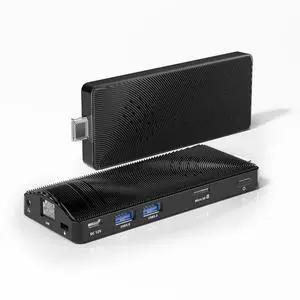
- Extremely good build quality - Fan less - Dual screen - Full aluminium - Plug and play


SJ Computers includes a page in the package with a phone number and email address in case support is needed.


Safe shipping Excellent packaging Good product Prompt communication