here!
here!
I’m your shopping assistant for PC builds, upgrades, and everything tech.
Got questions? Ask away!
Start a conversation
here!
I’m your shopping assistant for PC builds, upgrades, and everything tech.
Got questions? Ask away!
Start a conversation

In Hub
Our most popular products, based on sales and updated frequently.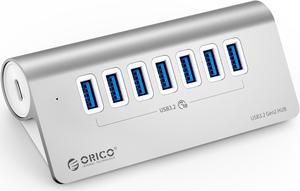
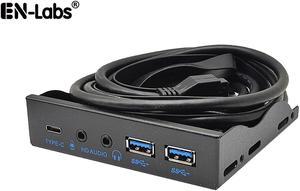
Sturdy construction. Cables plenty long enough to reach sockets on motherboard. Fits perfectly in a 3.5 inch cutout. Tested the ports, they all work.
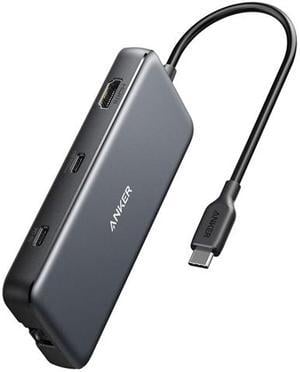
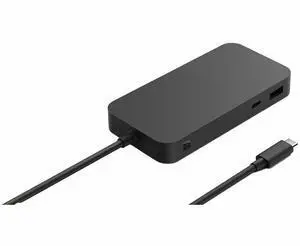
4k/60 works if your USB bandwidth is 10GBps (4k/60 works in 1 of my two laptops) Half or less the price of a Thunderbolt hub SD and Micro SD cards read as separate devices so you can mount both at the same time
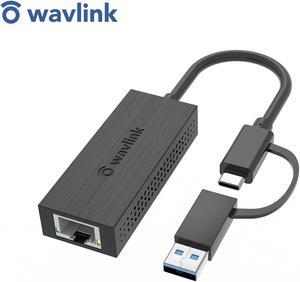
- Smaller profile than some of the heavier duty ones - Works great for USB-A connections without any issues over the last few weeks - HDMI connection works well, no issues
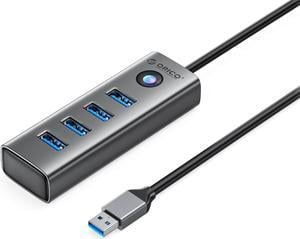
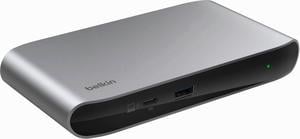
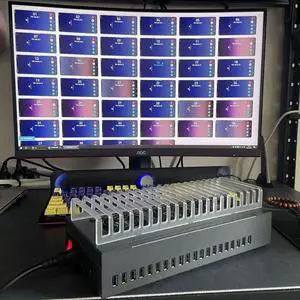
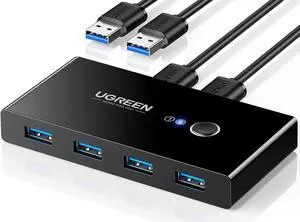
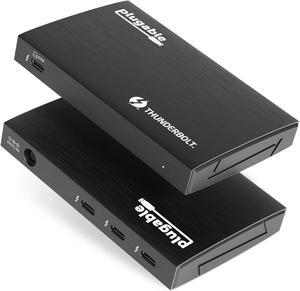
Its good, I have asrock thunderbolt card hooked up into my pci-express x16 slot (desktop) & then this hooked to it.& I have no problems, no drop out of drives. Wires are great quality, & are exact specs listed. This hub is not as big as I expected, which is great. I hooked my monitors up, & all worked great with Amd card, but using thunderbolt with desktop, for having extra monitors, makes no sence, because you have to use ports from video card to thunderbolt card, so you don't gain any monitors, but it all works, I think my temps went down when I did use the hub through the video card, just a little. This hub is top of the line, probably meant more for lap tops.
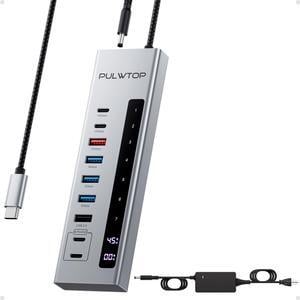
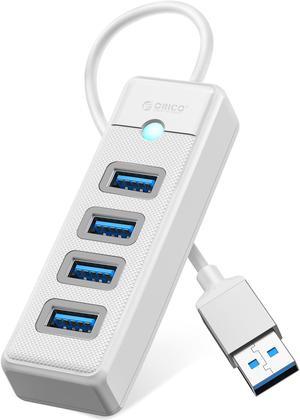
I haven't used this for very long. It works so far.
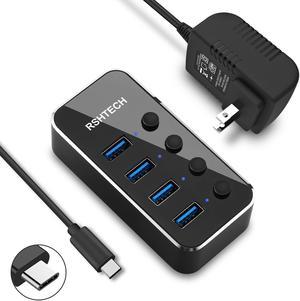
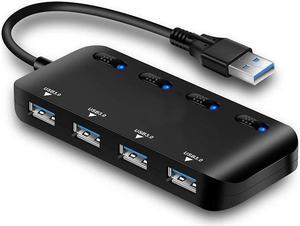
Small! doesn't take up a lot of desk room. Detachable (which also implies replaceable) cord - swap cords to use on my Linux box. Blue LEDs are often SUPER BRIGHT. These aren't - just nicely there. Switches are quiet, give good feedback.
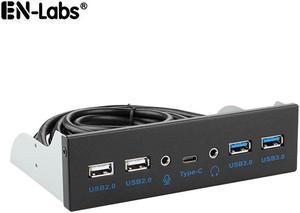
+ High quality hardware. + Good cable lengths. + Easy to install.
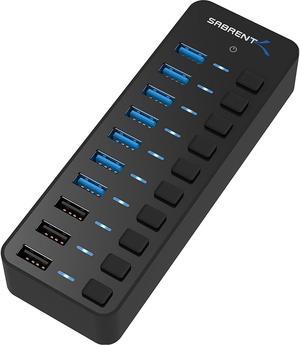
Seven ports Switches to control power to each port