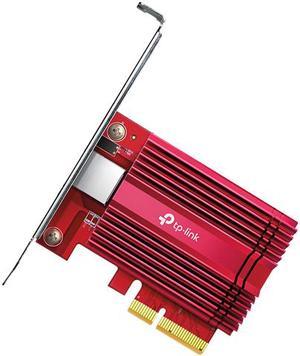
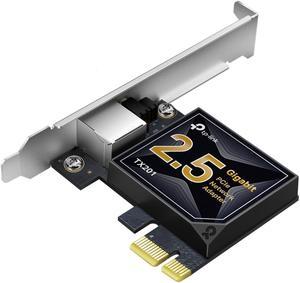
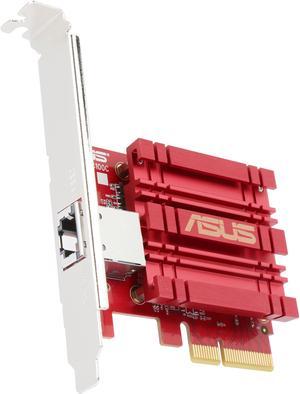
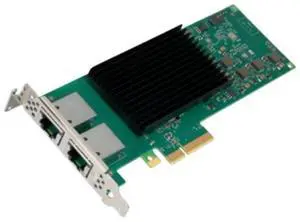
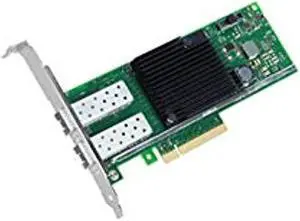
I purchased 2 of these. one to put in my desktop and the other to put in my truenas server. truenas core will not support this card. I had to update to truenas scale for it to recognize.

Plugged into older Alienware R7 that only had gigabit on-board, just worked and at full speed.

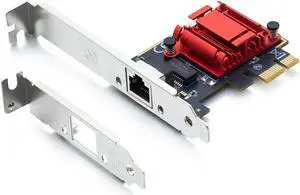
- Just Works™ when put into a Linux machine - Comes with the low-profile bracket I needed - The card I received had the PCB rounded on the corner that just floats free in the case and, paired with PCI-E x1 allowing it to be shorter, I found the look Inordinately pleasing.

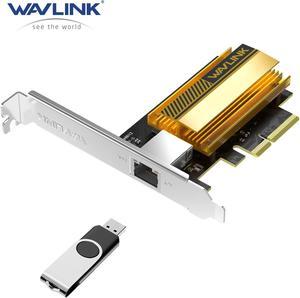
- Works out of the box with Ubuntu Linux without any additional work needed. (They use the built-in Aquantia driver) - I have two Ubuntu boxes directly attached using these NICs, and am getting 10gig connectivity.


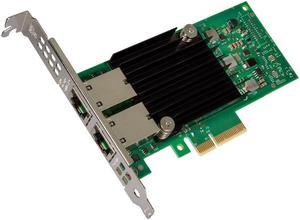
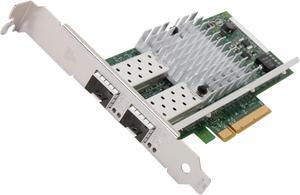
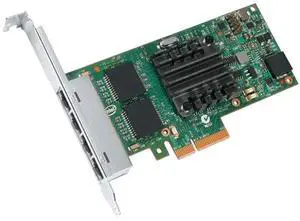
Windows 10 Pro support VLANS Jumbo Frames More ports than i could ever use.
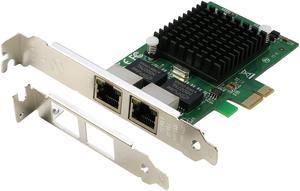


I reviewed this once before and liked almost everything.

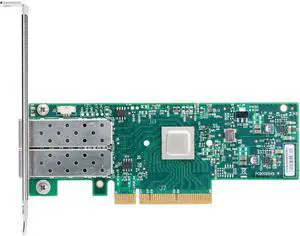
Generally available to consumers. Working fine with GBIC transceiver by Axiom, model E10GSFPSR-AX and multi mode fiber cable in Windows 2008 R2 with Intel driver version 17.0.200.2 on Supermicro X8DTU-F linked to HP switch.


This is the real deal. It comes with full and half height brackets.

After my onboard internet connection went on the fritz, I purchased this NIC card based on Intels reputation and its reviews. After install I ran into problems with the connection dropping after 10-20 minutes of use. Intel support was very helpful with figuring out what the issue was, which turned out using the latest driver on Intels website. It works great now. Thank you Intel and Newegg.

Quality product


Easy installation. My backups to a NAS took hours. Now they take 30 minutes!

Works with both PFSense and Proxmox without any special configurations.

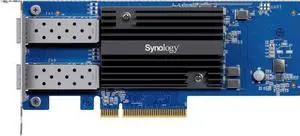
Works with the "UF-MM-10G Multi-Mode Fiber, 10 Gbps SFP+" and the Ubiquiti switch. 10x faster than 1G. Works with linux.

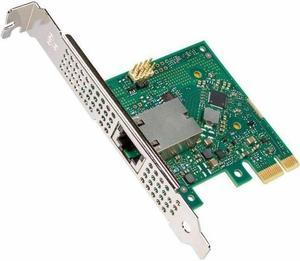
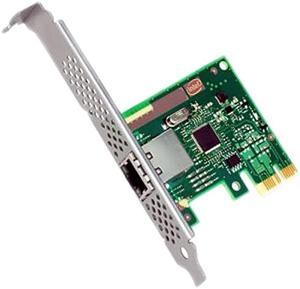
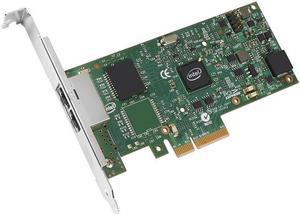
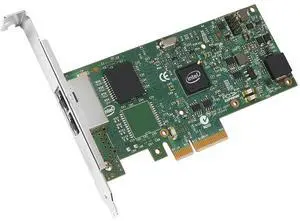
The obvious question is why one would purchase this card over the far cheaper options. Generic 1Gbps NICs can be had for just over a tenth the cost, while Intel's desktop varieties run less than half the price of this card. Leaving aside the cheapest cards - ones I've found to cause more problems with data corruption and reliability than it's worth - the main reason to go with a server card is if you will be loading it heavily. If you're running your own datacenter, power-saving features such as EEE and DMA coalescing are handy, but that likely doesn't apply to most potential customers for this NIC. The I210T1 does an even better job at offloading calculations than previous generation NICs.Saturate a full 1Gbps connection with multiple streams and you'll see CPU usage drop in comparison to what it is with desktop cards. We put this card in a workstation to replace the on-board Realtek NIC. System CPU time dropped by 20-30% under very heavy network loads after switching to the I210T1. Another benefit to the I210T1 - and a possible reason to upgrade to this new model - is Audio Video Bridging (AVB) support. When working on projects where multiple media streams need to be perfectly synchronized, AVB worked wonders. Older NICs simply could not keep everything synced perfectly. We needed to work on 10Gbps connections instead. Being able to accomplish the same feat with a much cheaper card is great! The I210T1 is tiny. It fits easily even in systems with bulging heatsinks and video cards.