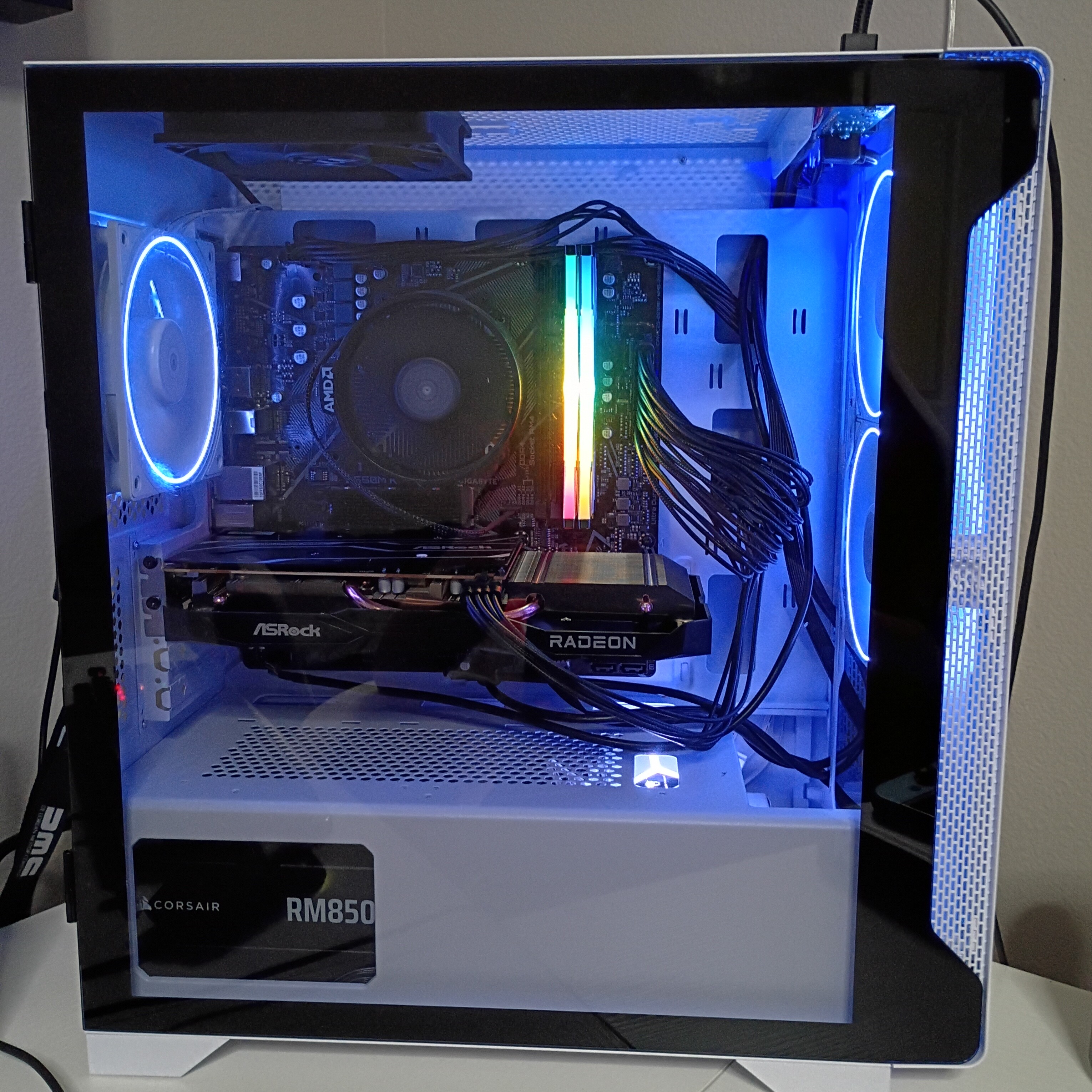
Finished my first PC build, but I kinda Messed up
Radeon RX 6600 GPU
AMD Ryzon 5 5500 CPU
16gb RAM
Corsair RM850e PSU
Samsung 990 1tb SSD
Finished my first PC build, but I kinda Messed up
Radeon RX 6600 GPU
AMD Ryzon 5 5500 CPU
16gb RAM
Corsair RM850e PSU
Samsung 990 1tb SSD
How?
The graphics card fans are on, but it says I don’t have one connected, I bought a motherboard that doesn’t come with wifi or Bluetooth. and I have some expensive parts, and crazy cheap parts in the same build
The ram was 30 bucks 
used parts? do you get a pic on the screen?
Not used, you can look it up, “OLOY Warhawk” 16 gigs ddr4. also a pretty bad GPU, with the fastest SSD on the market
not saying they are bad. trying to help with the issue. dose the motherboard have a m.2 slot for a WIFI card? That would be a cheap fix. also is the GPU putting out a pic?
I was gonna get a USB wifi adapter, and I don’t know how to check, I’ve been looking in settings, and it says GPU not connected. I did shift + F10 and typed in “OOBE\BYPASSNRO” to get into windows without wifi, but I’m still kinda new to pcs, it’s my first build
Idk what it means to “put out a pic” I mean
is the gpu out putting a picture to your monitor? By what you said though It is working. So step one is, are you getting a out put to your monitor and the HDMI/DisplayPort cable is plugged into the RX 6600, not the motherboard. I am assuming it’s a yes to both those.
Yeah
Step 2: do you know how to enter your Bios?
Also what motherboard do you have?
Can you hook the pc to the internet with a hard line/ethernet cable?
Since there is video output from the RX 6600, this isn’t a hardware failure. We’re still going to do a quick BIOS check purely as confirmation — just to verify the motherboard properly detects a device in the PCIe x16 slot. If the GPU is listed or the slot shows as populated, that definitively rules out seating, power, and slot issues, and we move straight to drivers in Windows. This isn’t about changing settings, just confirming the system sees the card before continuing down the software branch. I am leaning towards a driver issue but we should double check everything first step-by-step
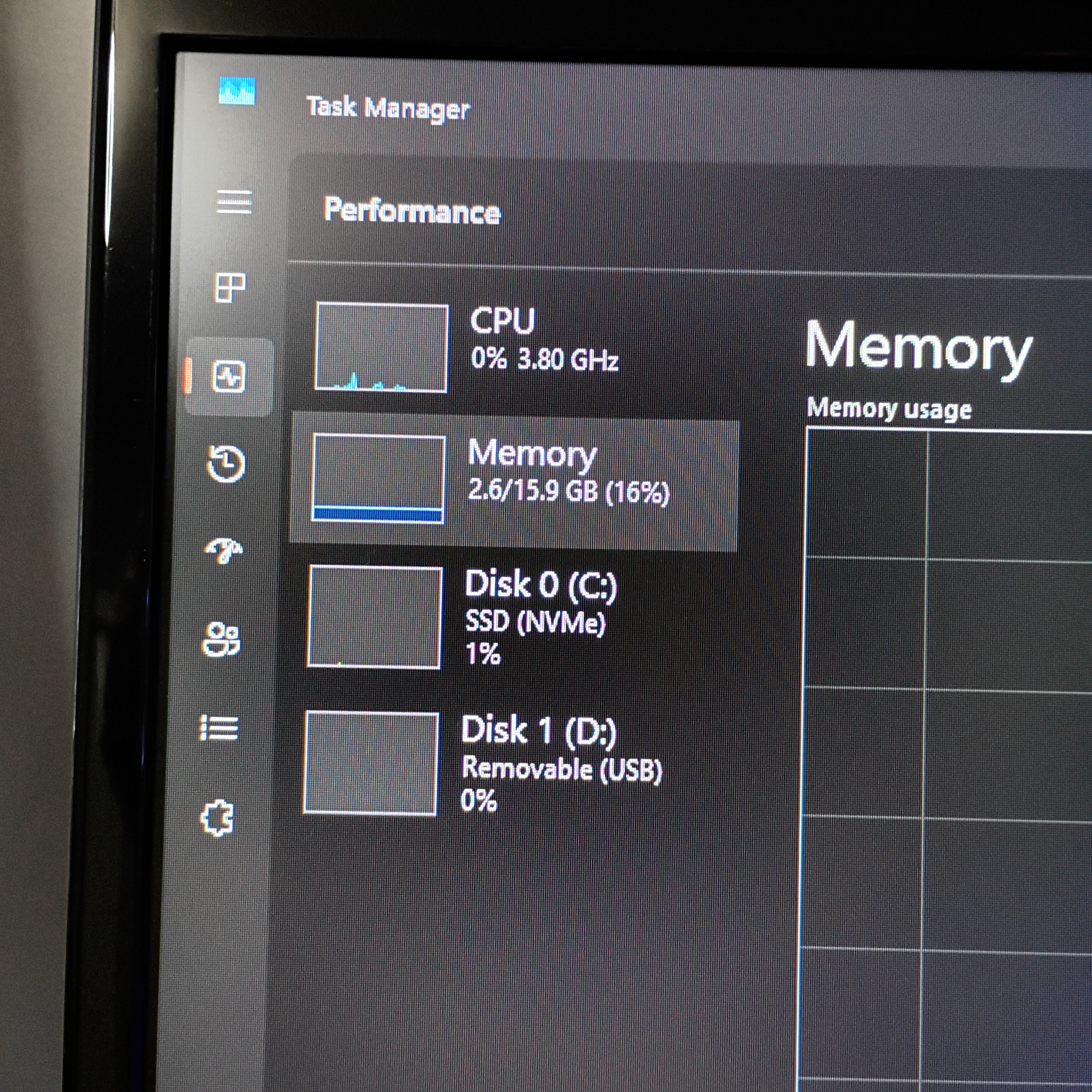
Can you send a picture here of where it says “GPU not connected?” I’d love to try and help with that, but we have no specific info to go off of right now. Like, physically take a picture of where it says that and upload it as a comment to this thread.
Wait I think I’m stupid, I haven’t even downloaded a driver yet. I haven’t downloaded one yet cuz I don’t have wifi/Internet so it doesn’t show up on ctrl shift esc
Mb guys
Good job on figuring it out!
you came to the same conclusion on your own good job👍
Will It mess up the build at all since I have some really cheap parts, and some expensive parts in the same build? Like I said the ram was 30 bucks, and the CPU and GPU are pretty bad, but I have a gold power supply and Samsung 990 pro SSD
Will it mess it up? No.
Could you have gotten a faster PC for the same amount of money? Yes.
The good news is, your power supply is set for a very, very long time. Make sure to keep the extra PSU cables that you didn’t use in a safe place where you can find them later, because you can re-use that PSU with way higher-end parts.