"OLED monitor" is one of the most searched monitor terms on Newegg, and a common follow-up question is whether it will burn in. It's a fair worry. It's also one that leads some people to baby a monitor so much they stop enjoying it.
Here are the questions I'd answer for anyone buying or already using an OLED, and the settings I'd change on day one.
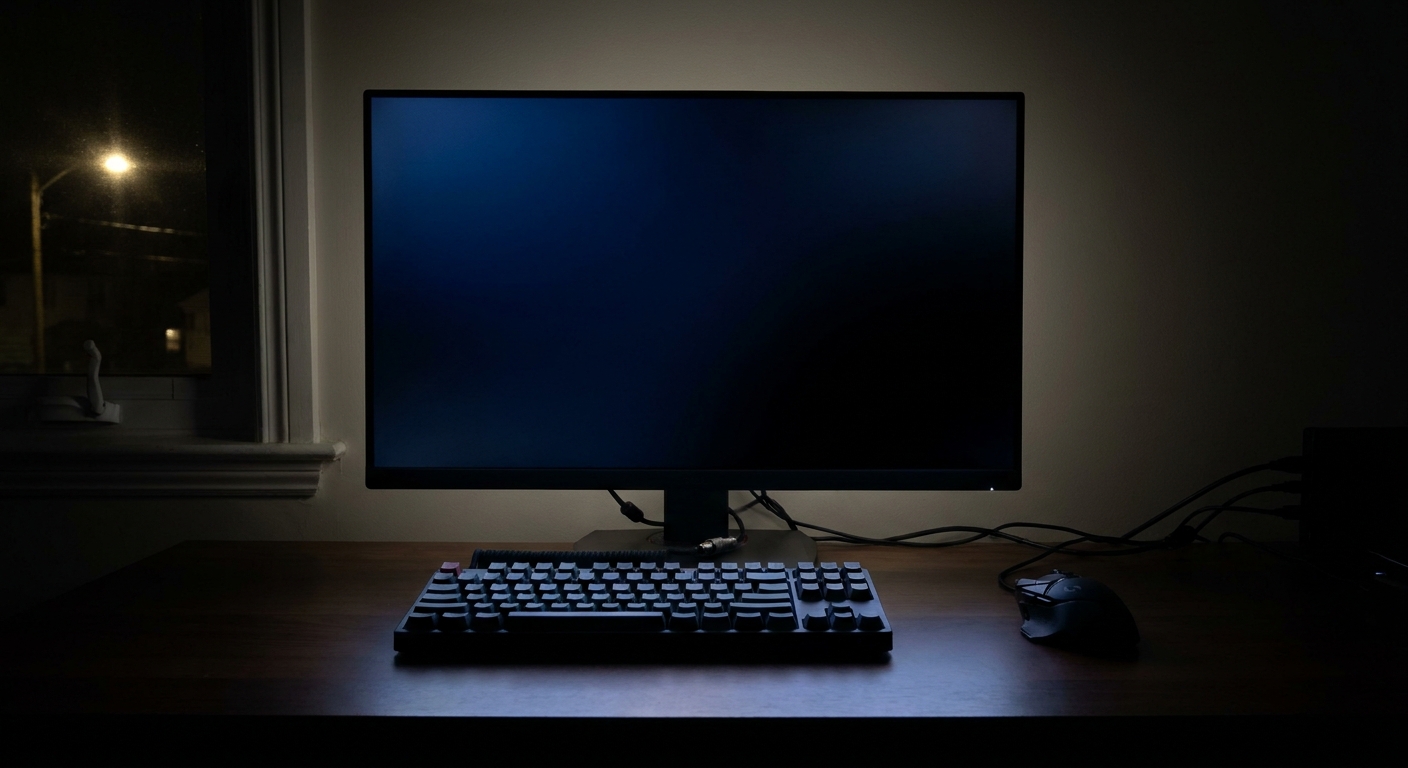
What actually causes burn-in?
Each OLED pixel makes its own light, and it wears a little every time it does. Burn-in happens when some pixels wear much faster than others, usually because the same bright, static image sits in one spot for hours a day, every day. Taskbars, channel logos, browser toolbars and game HUDs are the classic culprits.
RTINGS' long-running longevity test is a good read if you want to see how different panels age with static content over thousands of hours.
Should I let pixel refresh run?
Yes, and this is the most important habit. Most OLED monitors run short compensation cycles in standby after you've used them for a few hours. They need power to do that, so don't switch the monitor off at the wall or a power strip right after you finish. Turn it off with its own button or let it sleep.
Many monitors also offer a longer, manual pixel refresh. I'd only run that when the monitor prompts you or you notice uneven areas, not as a weekly ritual.
Which Windows settings help?
- Set the taskbar to hide automatically.
- Use dark mode and a dark or slideshow wallpaper.
- Set the screen to turn off after a few minutes of inactivity.
- Avoid keeping a bright, maximized app in the same position all day.
Also check the monitor's own menu. Many OLED models include pixel shift, which moves the image slightly over time, and logo or taskbar detection, which dims static areas. I'd leave those on.
Does brightness matter?
Yes. Higher brightness wears pixels faster. For desktop work, I'd keep SDR brightness comfortable rather than maxed, and save peak brightness for HDR games and movies, where highlights come and go.
Do I have to avoid games with static HUDs?
No. Variety is what protects the panel. The risk comes from playing the same game, with the same HUD, at high brightness, for very long sessions every day. If that's you, look for HUD opacity settings in the game and take breaks where the screen sleeps.
Can I use an OLED for work all day?
You can, with a few adjustments. Office work is the toughest case, because spreadsheets, email and code editors are mostly static and bright. I'd use dark themes in the apps you live in, avoid keeping windows snapped in exactly the same spot all day, and let the screen sleep during breaks. If your day is eight hours of static spreadsheets at high brightness, a good IPS monitor for work and an OLED for play is also a sensible split.
What should I avoid?
- Leaving a paused game or static menu on screen for hours.
- Turning off the monitor's protection features to squeeze out a little more brightness.
- Cutting power at the wall every night before compensation cycles can run.
What about the warranty?
Many OLED monitor makers include burn-in coverage, but the terms vary by brand, model and region. I'd read the warranty page for the exact model before buying.
Which OLED monitors am I looking at?
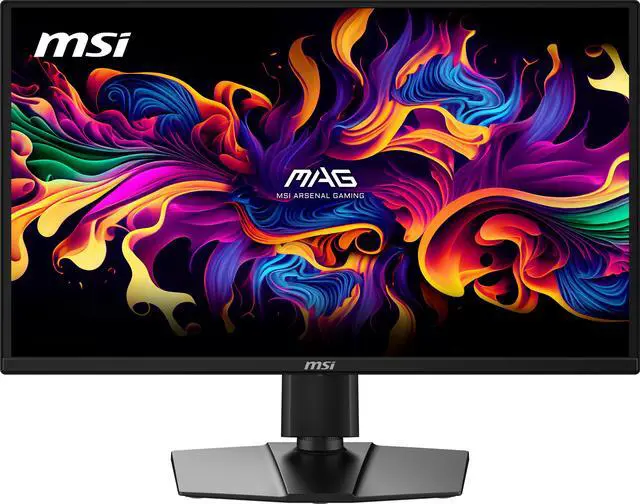
For 27-inch 1440p, the MSI 27-inch QHD 240Hz OLED is DisplayHDR True Black 400 certified. The Dell Alienware AW2725DF is a 26.7-inch QD-OLED that runs at 360Hz. The GIGABYTE 27-inch QHD 280Hz WOLED is certified for DisplayHDR True Black 500 and adds a built-in KVM. The ASUS ROG Strix XG27AQDMES and the Samsung Odyssey G6 27-inch OLED are other 240Hz 1440p options.

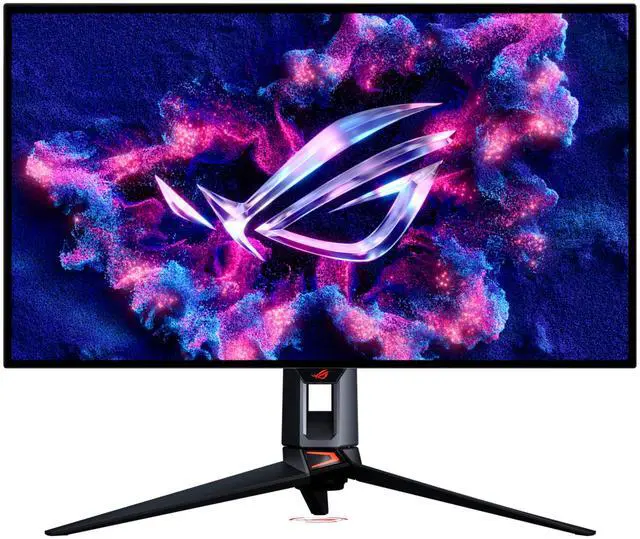
For 32-inch 4K at 240Hz, the Samsung Odyssey OLED G8 has a Glare Free finish. The Acer Predator 32-inch 4K OLED lists 1,000 nits peak at a 3% HDR window and USB-C. The ASUS ROG Swift PG32UCWM uses a Tandem RGB OLED panel with a glossy finish and a dual mode that switches to 1080p at 480Hz.
My take
Treat an OLED like a nice car, not a museum piece. Let it run its maintenance cycles, hide the static stuff on the desktop, keep brightness sensible, and then enjoy it. Most of the protection is in a few settings you change once.
Frequently Asked Questions
What causes OLED burn-in? OLED pixels wear a little each time they light up. When the same bright, static image, such as a taskbar or game HUD, stays on screen for many hours, those pixels wear faster than the rest and can leave a faint permanent image.
Should I let my OLED monitor run pixel refresh? Yes. Most OLED monitors run short compensation cycles in standby after use. Leave the monitor plugged in and let those cycles finish instead of cutting power at the wall.
Does dark mode help prevent OLED burn-in? It helps. Dark backgrounds, a hidden taskbar and a screen saver or short screen timeout all reduce how long bright static elements stay on screen.
Can I play games with static HUDs on an OLED? Yes. Variety matters more than avoidance. Burn-in risk comes from the same static content for very long periods, day after day, at high brightness.
Does the warranty cover OLED burn-in? Many OLED monitor makers include burn-in coverage, but terms and lengths differ. Read the warranty page for your exact model before you buy.
Read More
- Longevity Burn-In Test Results (RTINGS.com): A long-running real-world test of how panels age with static content.
- The Best OLED Monitors (RTINGS.com): Independent OLED monitor recommendations.
- Dual-Mode Gaming Monitors Explained (Newegg Insider): How 4K 240Hz and 1080p 480Hz dual-mode monitors work.
- Best Gaming Monitors for PS5 and Xbox Before GTA 6 (Newegg Insider): Monitor picks for console players, including OLED options.
- One Desk, a PS5 and a Gaming PC (Newegg Insider): How to share one monitor between a console and a PC.