The most common Switch 2 storage question I see goes something like this: "I have a stack of microSD cards from my old Switch. Why won't my games run from them?" The short answer is that the Switch 2 changed the rules, and the box doesn't make that obvious.
Here's what changed, how much space you really have, and which card I'd buy for each kind of player.

Why don't my old microSD cards work for games?
Nintendo's spec sheet is clear: the Switch 2 card slot is compatible with microSD Express cards only, up to 2TB. Regular microSD cards, including the fast UHS-I cards most of us bought for the original Switch, can only be used to copy screenshots and videos over from an old Switch. You can't install or run Switch 2 games from them.
microSD Express uses a PCIe and NVMe interface instead of the older UHS-I bus. That's where the jump in speed comes from, and it's why Nintendo can rely on cards to load bigger games without the long waits slower cards would bring.
How much space do I actually start with?
The console has 256GB of UFS storage, and part of that is reserved for the system. If you buy mostly digital games, you'll fill it faster than you expect. I'd plan on a card from day one rather than waiting until the console tells you it's out of space.
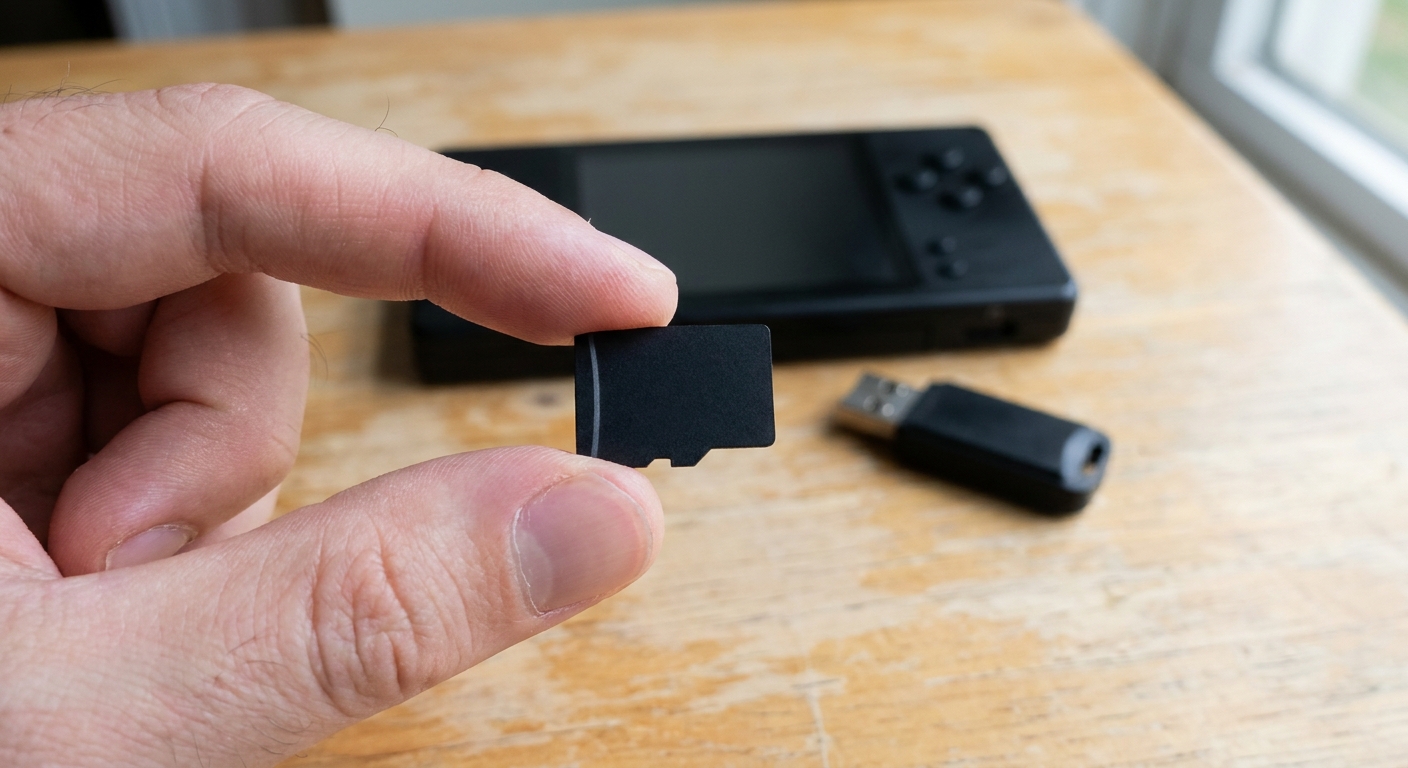
Which size should I buy?
256GB is fine if you mostly buy physical game cards or only keep a handful of games installed. The SanDisk 256GB microSD Express card lists up to 880MB/s reads, 650MB/s writes and 210MB/s sustained writes. The Samsung 256GB card made for Nintendo Switch 2 is another licensed option at this size.
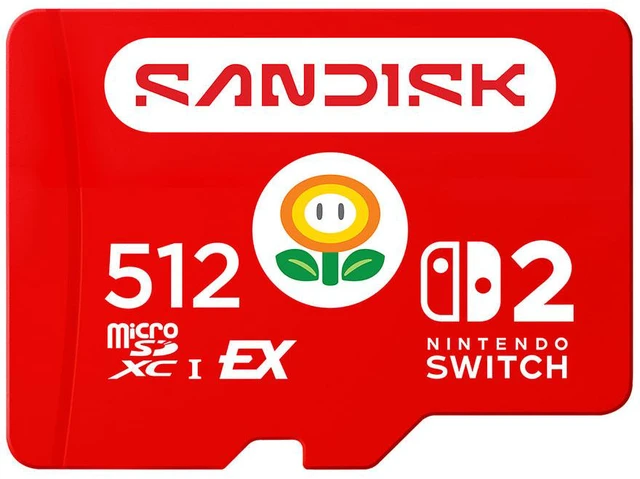
512GB is where I'd land for most people. The SanDisk 512GB microSD Express card is officially licensed for Switch 2 and lists the same 880MB/s read and 650MB/s write figures. The Samsung P9 Express 512GB lists reads of up to 800MB/s.
1TB makes sense if you're all-digital or you share the console with a family. The SanDisk 1TB microSD Express card lists up to 880MB/s reads, up to 800MB/s writes and 745MB/s sustained writes. The Lexar Play PRO 1TB lists up to 900MB/s reads and 600MB/s writes.

Don't physical games mean I need less storage?
Not always. Some Switch 2 releases ship as Game-Key Cards, which act as a license to download the game rather than holding the full game on the cartridge. You still need to download the data to internal storage or a card. Patches, updates and downloadable content also count against your storage even when the base game is on a cartridge. So even a mostly physical collection can use more space than you'd expect.
How do I move games onto the card?
Once a microSD Express card is inserted, you can move software between system memory and the card from the data management section in System Settings. New downloads can go straight to the card. I'd keep the games I play most on whichever location loads faster for me and park the rest on the card, but with Express cards the difference is usually small.
Should I wait for a 2TB card?
Nintendo supports cards up to 2TB, but the 1TB cards in this guide are already more than most players will fill for a long time. Unless you're collecting nearly every digital release, I wouldn't hold off.
Do the speed differences matter?
For load times, the gap between these cards is small. Every card here is far faster than the UHS-I cards it replaces. Where sustained write speed can matter is when you're downloading or moving a lot of data at once. I'd choose on capacity and brand first, then use speed to break a tie.
Can I use the card in my PC or handheld too?
You can, but in a normal microSD slot the card falls back to UHS-I and its much lower speeds. If you want to back up or transfer files at full speed on a PC, you'll need a reader that supports microSD Express. The Lexar Play PRO microSD Express card reader lists up to 900MB/s reads over USB 3.2 Gen 2.
What about the console itself?
If you're still shopping for the hardware, the Nintendo Switch 2 system has a 7.9-inch 1080p screen and 256GB of internal storage. If it's a gift, I'd put a 512GB card in the same box. Having enough space on the first day matters more than most people expect.
My pick
For most Switch 2 owners, I'd buy a licensed 512GB microSD Express card and stop worrying about storage for a long while. Go to 1TB if you're all-digital, and keep the old UHS-I cards for screenshots, cameras or another device.
Frequently Asked Questions
Can I use a regular microSD card in the Switch 2? Not for games. Nintendo says the Switch 2 slot is compatible with microSD Express cards only, up to 2TB. Regular microSD cards can only be used to copy screenshots and videos from an original Switch.
How much storage does the Switch 2 have built in? 256GB of UFS storage, with part of it reserved for the system.
What is the largest card the Switch 2 supports? Nintendo lists microSD Express cards up to 2TB.
Do microSD Express cards work in other devices? Generally yes, but in a regular microSD slot they fall back to the older UHS-I interface and its much lower speeds.
Do I need a special reader to use a microSD Express card on a PC? To get the card's full speed, yes. Most built-in laptop readers do not support microSD Express, so a dedicated reader such as the Lexar Play Pro reader is needed.
Read More
- Nintendo Switch 2 Tech Specs (Nintendo): Nintendo's official storage and microSD Express compatibility details.
- Best Nintendo Switch 2 microSD Express Cards (Tom's Hardware): A running list of microSD Express cards from Samsung, SanDisk, Lexar and others.
- SanDisk microSD Express Card for Nintendo Switch 2 (SanDisk): SanDisk's official product page for its licensed Switch 2 card.
- Nintendo Switch 2 (Nintendo): Nintendo's main Switch 2 hardware page.
- Memory Cards (Newegg): Browse microSD, microSD Express and SD cards.