One of the more interesting hardware stories of late October 2026 was a firmware exploit that removes a half-speed limit on certain tensor operations in GeForce RTX 20, 30 and 40 cards. Tom's Hardware reported that the theoretical FP16 tensor rate on an RTX 4090 roughly doubles, from 165.6 to 331.6 TFLOPS. Plenty of people concluded that their old card had just become an AI workstation.
The part that got less attention is the more useful lesson. According to the same report, chatbot token generation stayed roughly the same, because it's limited by memory bandwidth rather than tensor math. Prompt processing and image generation could benefit. That distinction is exactly what I'd want anyone buying a GPU for local AI to understand.
A quick caution before anything else: the tools are unofficial, the project READMEs warn they can hang a GPU or damage hardware, and RTX 50 cards aren't supported. I wouldn't run them on a card you depend on.
Why does memory bandwidth decide chatbot speed?
When a language model generates text, it produces one token at a time, and for each token the GPU has to read the model's weights from memory. For a model that fills most of your VRAM, that's a lot of data per token. The tensor cores often finish their math and then wait for memory. So tokens per second track bandwidth far more closely than TFLOPS.
Prompt processing, where the model reads your input all at once, is different. That work is more compute-bound, which is why the unlock helped there.
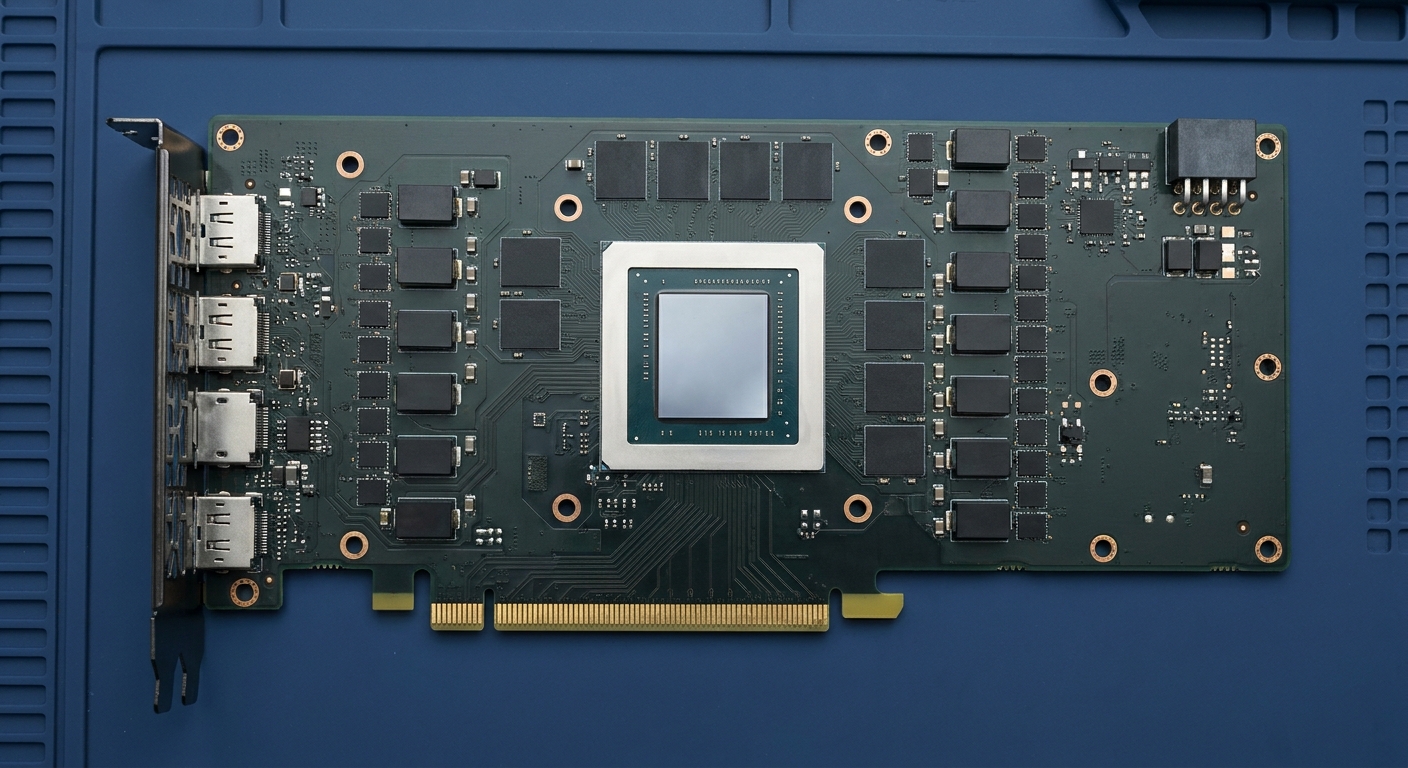
And why does VRAM capacity matter even more?
If a model doesn't fit in VRAM, part of it spills to system memory, and speed drops off a cliff. Capacity decides which models you can run comfortably. Bandwidth decides how fast they respond once they fit. TFLOPS matters most for prompt processing, image generation and training.
How do current cards compare on what matters?
| GPU | VRAM | Memory bandwidth |
|---|---|---|
| GeForce RTX 5090 | 32GB GDDR7 | 1,792 GB/s |
| RTX PRO 5000 Blackwell | 48GB GDDR7 (ECC) | 1,344 GB/s |
| GeForce RTX 5080 | 16GB GDDR7 | 960 GB/s |
| GeForce RTX 5070 Ti | 16GB GDDR7 | 896 GB/s |
| RTX PRO 4000 Blackwell | 24GB GDDR7 (ECC) | 672 GB/s |
| Radeon AI PRO R9700 | 32GB GDDR6 | 640 GB/s |
| Radeon RX 9070 XT | 16GB GDDR6 | 640 GB/s |
| GeForce RTX 5060 Ti 16GB | 16GB GDDR7 | 448 GB/s |
Which card fits which kind of user?
The MSI Ventus RTX 5090 32GB is the fastest consumer option for local AI by both bandwidth and capacity. It's also a 575W card, so plan your power supply around it.

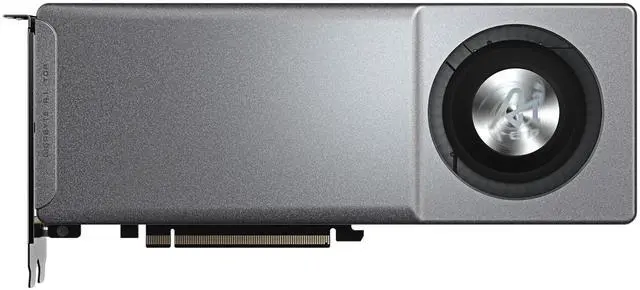
If capacity matters more than speed, the GIGABYTE AI TOP Radeon AI PRO R9700 gives you 32GB in a blower-style card, which suits multi-GPU workstations. Its bandwidth is lower than the 5090's, so expect slower token generation on the same model, but it can hold much bigger models than any 16GB card.
For a professional single-slot option, the NVIDIA RTX PRO 4000 Blackwell has 24GB of ECC GDDR7 and a 145W power rating, which is easy to fit into small workstations. The RTX PRO 5000 Blackwell 48GB is the step up for 70B-class models at 4-bit quantization, which typically need around 40GB including context.

At 16GB, the ASUS PRIME RTX 5080 and ZOTAC RTX 5070 Ti Solid SFF are fast for models that fit, which in practice means roughly up to the 14B to 24B range at 4-bit quantization. The SAPPHIRE NITRO+ RX 9070 XT is a strong gaming card that also handles smaller models. The MSI Gaming Trio RTX 5060 Ti 16GB is the budget way to get 16GB, with the caveat that its 448 GB/s bandwidth makes it noticeably slower per token.
Is there a quick way to estimate speed?
There's a useful rule of thumb. For token generation, the theoretical ceiling is roughly memory bandwidth divided by the size of the model in memory, because the GPU has to read most of the weights for every token. A model taking up about 18GB on a card with 1,792 GB/s has a ceiling near 100 tokens per second. The same model on a 448 GB/s card would top out around 25. Real-world numbers land below these ceilings because of overhead, but the ratio between cards tends to hold.
This also explains why mixture-of-experts models feel fast for their size. They only activate part of their weights for each token, so less data moves per token even though the whole model still needs to fit in memory.
And it's why splitting a model across two GPUs doesn't double speed. Tools like llama.cpp can spread a model over multiple cards to fit it, but the cards often take turns working on different layers, so you mostly gain capacity rather than raw speed.
So what should I actually prioritize?
In order: enough VRAM to hold the models you want, then memory bandwidth, then compute. The RTX 40 unlock story is a nice reminder that a big TFLOPS number doesn't make a chatbot faster. If your main use is chatting with local models, a card with more and faster memory beats a card with more tensor throughput every time.
Frequently Asked Questions
Does the RTX 20, 30 and 40 AI unlock make local chatbots faster? Not much. Tom's Hardware reported that token generation stayed roughly the same because it's limited by memory bandwidth. Prompt processing and image generation can see gains.
Is it safe to use the RTX 20, 30 and 40 tensor unlock? The tools are unofficial firmware-level hacks, and their READMEs warn of possible hangs, data corruption or hardware damage. I wouldn't use them on a card you rely on.
What matters most in a GPU for running LLMs locally? VRAM capacity first, so the model fits, then memory bandwidth, which sets token generation speed. Compute matters more for prompt processing and image generation.
How much VRAM do I need for a 70B model? At 4-bit quantization, a 70B model typically needs around 40GB of memory including context, which points to a 48GB card or multiple GPUs.
Is a 16GB GPU enough for local AI? Yes for smaller models, roughly up to the 14B to 24B range at 4-bit quantization. Larger models need 24GB, 32GB or more.
Read More
- Tom's Hardware: RTX 20, 30 and 40-series GPUs hacked to remove a half-speed AI throttle - The full report, including measured gains and risks.
- NVIDIA: GeForce RTX 5090 - Official memory and power specs.
- NVIDIA: RTX PRO 4000 Blackwell - Official specs for the single-slot 24GB workstation card.
- AMD: Radeon AI PRO R9700 - Official specs for AMD's 32GB AI workstation card.
- Newegg Insider: Local AI vs. Cloud AI - What it takes to run AI models on your own PC.