WD Elements 14TB USB 3.0 Desktop External Hard Drive WDBWLG0140HBK-NESN Black
  •  
  • $449.99 –
  • Save: 5%
  • $589.00
  • Free 30-day Returns
  • Sold by Adorama
    Top Rated
    4.5 (5,784 seller ratings)

    Shipped by Adorama

    Price alert
    NAS Builder
    Newegg PC Builder
    Shop it at NeweggBusiness.

    Meet Your Seller

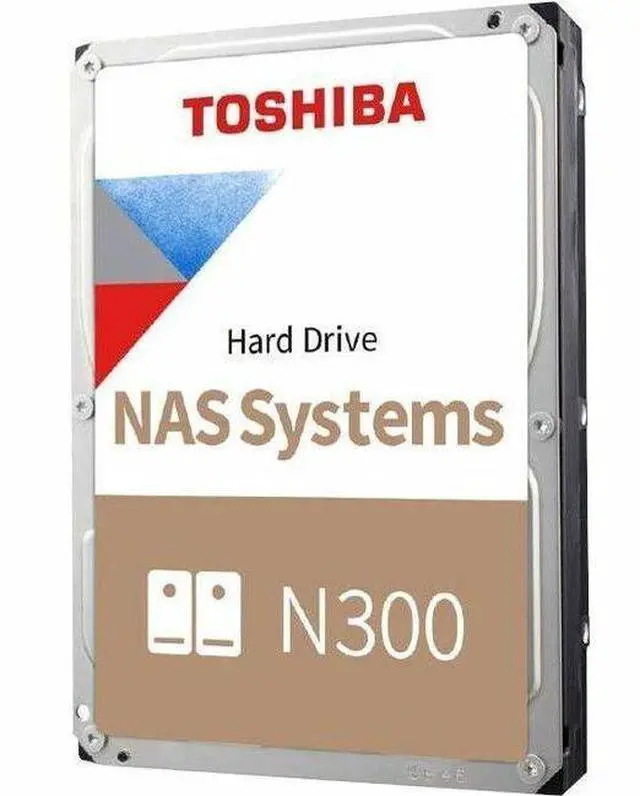
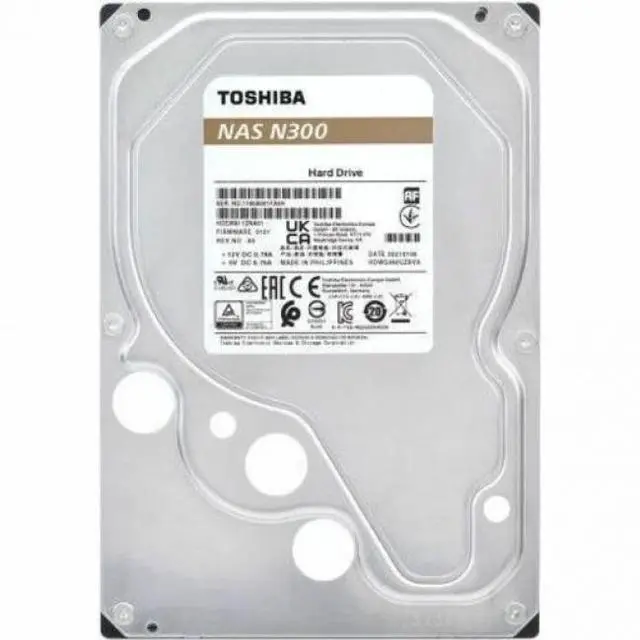
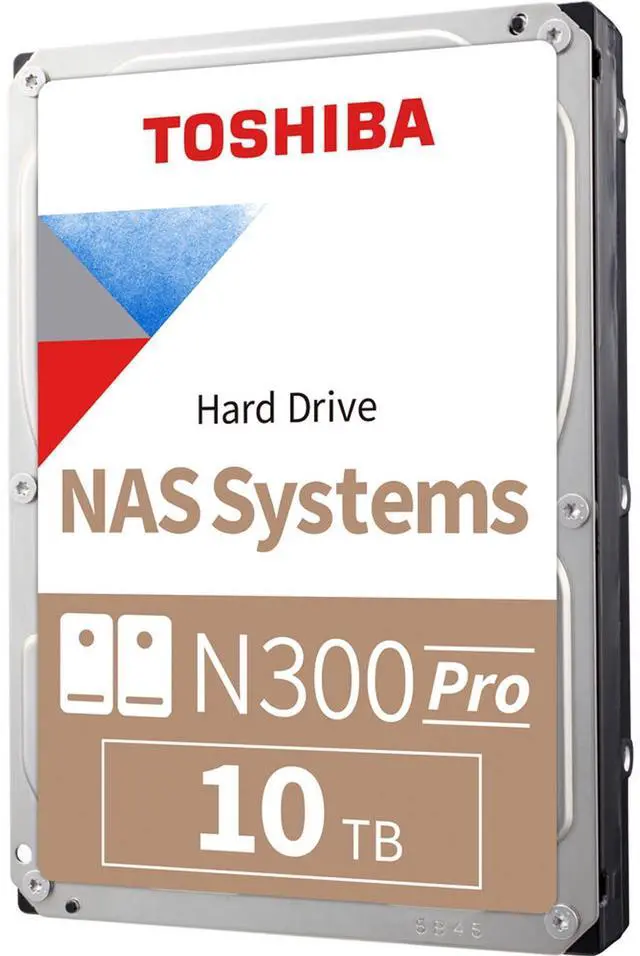
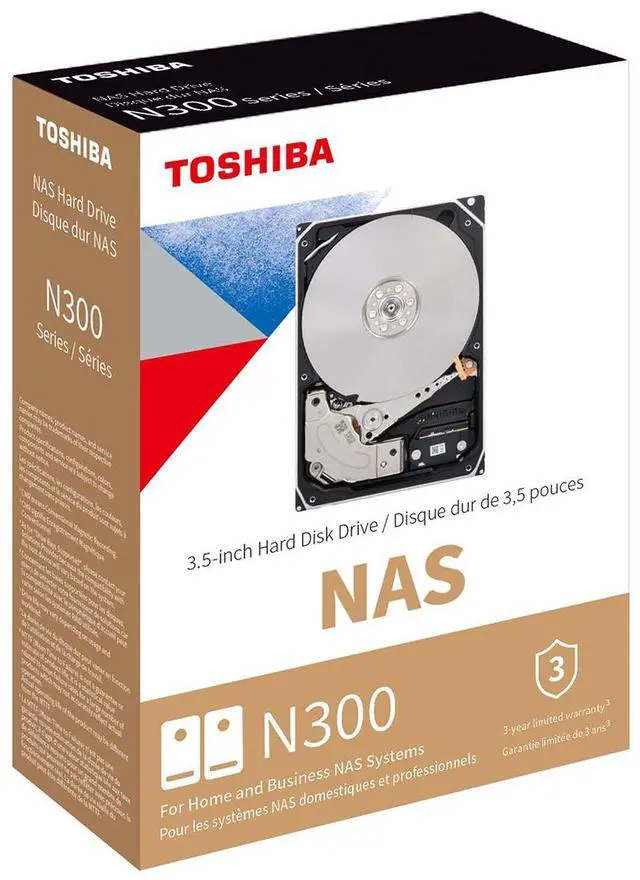
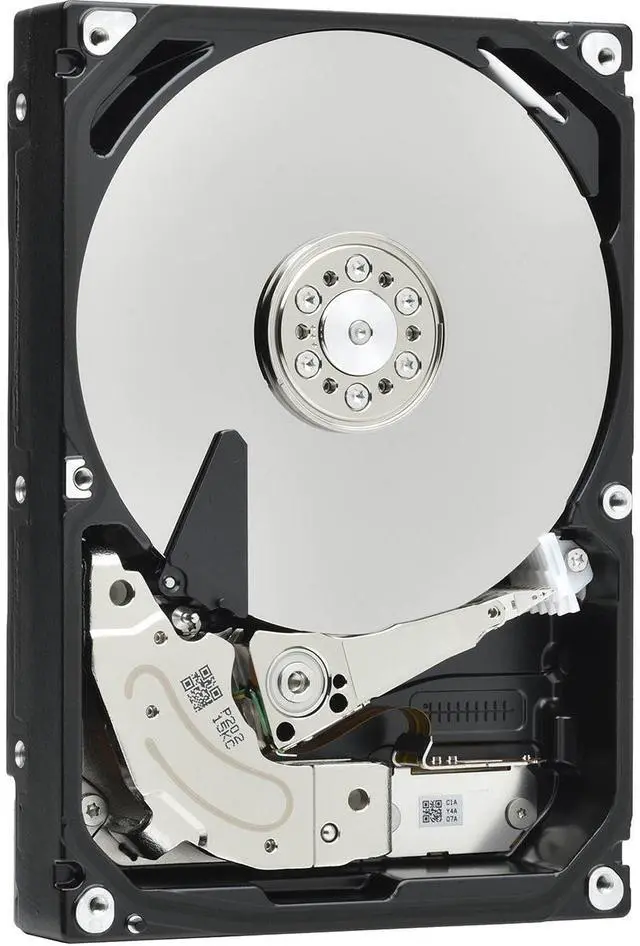
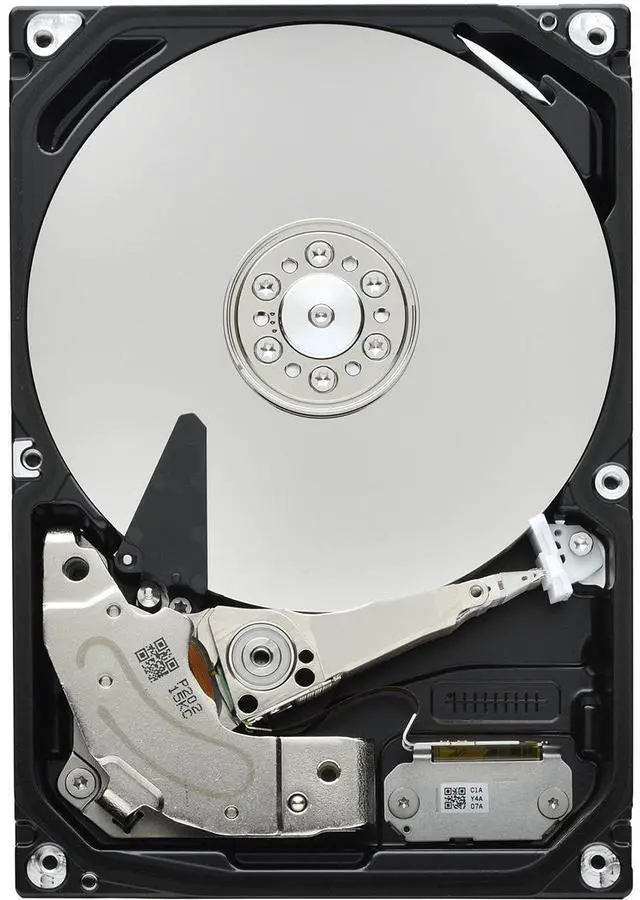
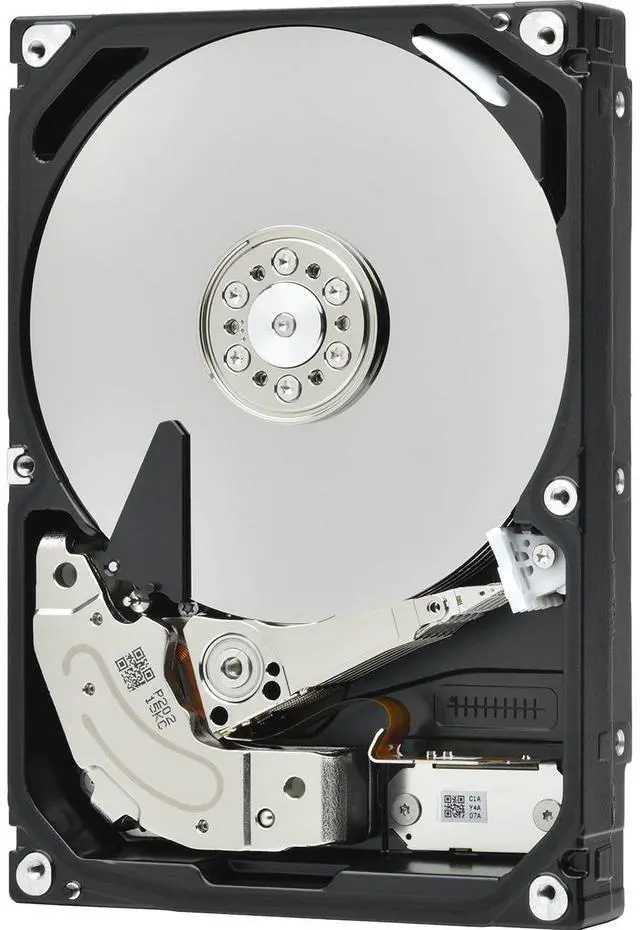
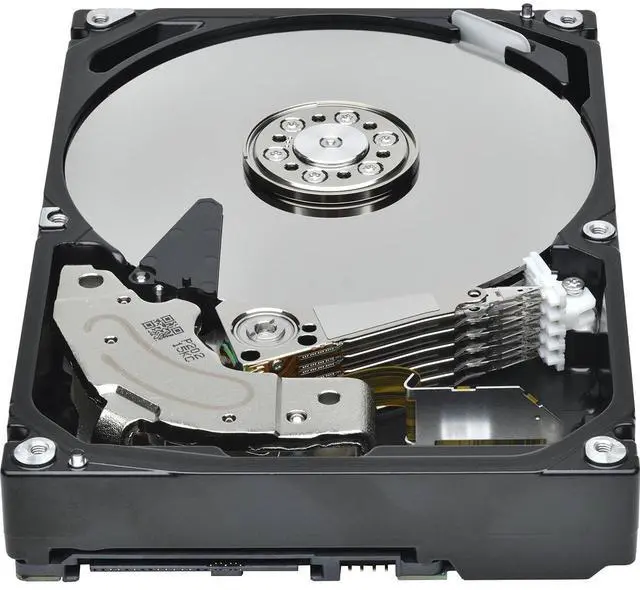
    Toshiba N300 Pro 10 TB Hard Drive - 3.5" Internal - SATA (SATA/600) - NAS Device Supported - 7200rpm - 281 MB/s Maximum Read Transfer Rate

    • 3.5" Internal
    • SATA (SATA/600)
    • NAS Device Supported
    • 7200rpm
    • 281 MB/s Maximum Read Transfer Rate
    • Retail or OEM packing may vary
    🔥Don't forget your OS, we have Windows 11 OEM, Download and USB versions available
    +
    +
    Overview
    Specs
    Reviews
    See all Q & A

    Any questions? Ask CelesteSM will help you find out quickly.

    Just imagine the power and reliability of the Toshiba N300 Pro SATA III 3.5" Internal NAS Hard Drive, meticulously engineered to elevate your business's data storage capabilities. Designed specifically for business NAS environments, this hard drive supports up to 24 drive bays, making it an ideal choice for medium to large-sized enterprises. With an impressive workload capacity of up to 300 TB per year and an expanded storage capacity reaching up to 22TB, the N300 Pro is your go-to solution for scaling your business operations efficiently. Operating at a robust 7200 RPM, the Toshiba N300 Pro ensures rapid data access and is optimized for 24/7 operation, guaranteeing that your critical data is always at your fingertips.

    This drive is built to withstand wide temperature ranges and is equipped with integrated RV sensors to combat rotational vibration in multi-RAID environments, ensuring consistent performance and reliability under demanding conditions. Engineered with CMR (Conventional Magnetic Recording) technology, the N300 Pro delivers consistent performance and broad compatibility, making it a versatile choice for various NAS applications. Whether you're managing high-intensity workloads or operating RAID-optimized NAS systems, this hard drive is designed to meet your needs. The Toshiba N300 Pro also features advanced cache technology, with an on-board cache algorithm and buffer management that optimizes cache allocation between read and write cycles, enhancing real-time drive performance.

    With a data buffer of up to 512MB and a fast data transfer speed of up to 281 MB/s, you can expect high performance and swift data access during intensive operations. Data protection is paramount, and the N300 Pro incorporates ramp loading technology to minimize wear on the recording head and media, along with Error Recovery Control technology to optimize error correction in RAID environments. The drive's durability is further enhanced by its ability to automatically adjust seek speed to prevent heat buildup during high-temperature operations. With a Mean Time to Failure (MTTF) of up to 1.2 million hours, the Toshiba N300 Pro offers peace of mind with its high reliability, making it a trusted component in your business's data infrastructure.

    Whether you're expanding your network attached storage or optimizing your RAID systems, the Toshiba N300 Pro SATA III 3.5" Internal NAS Hard Drive is the dependable choice for businesses that demand speed, reliability, and performance.

    Warranty & Returns

    Warranty, Returns, And Additional Information

    Warranty

    • Please contact the Seller directly for warranty information. Warranty information may also be found on the Manufacturer's website.
    • Read full details
    • CONTACT

    Return Policies

    • Return for refund within: 30 days
    • Return for replacement within: non-replaceable
    • This item is covered by Adorama Return Policy

    Manufacturer Contact Info

    LOADING...

    The Toshiba N300 Pro is a 10 TB, 3.5-inch internal SATA hard drive for NAS storage, suited to users who need high-capacity storage for a NAS device and value 7200 RPM operation with a maximum read transfer rate of 281 MB/s.

    Recommended For

    • Small-business and office teams storing shared files on a NAS that stays online around the clock; Toshiba positions the N300 Pro for business NAS, multi-user access, and 24/7 operation.
    • NAS builders assembling a multi-drive RAID array who want a 10TB drive designed for NAS use, with CMR recording and rotational-vibration sensors; check the NAS maker’s compatibility list before buying.
    • SOHO and homelab users consolidating large shared media, project files, or backups in a NAS, especially when capacity and sustained hard-drive transfers matter more than SSD-like responsiveness.
    • NAS operators with substantial annual read, write, or verification traffic who need a drive rated for continuous operation and a 300TB/year workload; this 10TB model is not the higher-workload 550TB/year tier listed for some N300 Pro capacities.

    Real-World Use Scenarios

    • In a small-business NAS, use the 10TB N300 Pro to keep shared working files in one place; staff can access the same central storage, and the drive is designed for always-on NAS use.
    • When expanding a compatible RAID NAS, add the 10TB drive to increase shared storage capacity; actual usable space depends on the RAID layout and the NAS configuration.
    • For a home NAS media library, store large video files centrally and access them across the network; community users report using N300 drives in NAS systems for Emby collections and large media-file transfers.
    • For a home or office backup workflow, use the NAS as a central destination for scheduled file copies; keep a separate backup as well, since one drive or a RAID array alone does not protect against every kind of data loss.
    • When moving large folders of photos, documents, or video to a NAS, the drive can serve as bulk storage for those transfers; independent testing found good read and write speeds but more modest copy-transfer results, so transfer times will vary with the NAS and network.

    Spec Summary

    AttributeValue
    Best ForNAS/server business data storage and management
    Capacity10 TB
    Interface And Form FactorInternal 3.5-inch mechanical hard drive with SATA 6.0 Gb/s connectivity
    Rotational Speed And Cache7,200 RPM; 512 cache memory (unit not specified)
    Drive Features And CompatibilityNative Command Queuing; compatible with desktop devices
    Model IdentifiersToshiba N300 PRO 10TB; model HDWG71AXZSTB
    Physical Specifications5.79 × 4 × 1.03 inches; 1.66 lb; silver metal enclosure

    Reference Q&A

    Q: Toshiba N300 10TB vs N300 Pro 10TB: which should I choose for a NAS?

    A: Choose the N300 Pro 10TB for a NAS with higher annual workloads or more drive bays: Toshiba rates it for up to 300 TB/year and up to 24 bays, compared with 180 TB/year and up to 8 bays for the N300. Both are 7200 RPM drives with a stated sustained transfer rate of 281 MB/s, so the Pro model’s distinction is its NAS workload and multi-bay positioning rather than a higher rated transfer speed.

    Q: Toshiba N300 Pro 10TB vs X300 10TB: which fits a multi-drive NAS better?

    A: The N300 Pro 10TB is the Toshiba model positioned for 24/7 business NAS and RAID systems, with support for up to 24 drive bays and a 300 TB/year workload rating at this capacity. Toshiba positions the X300 for performance-focused desktop and gaming PC storage, so choose the N300 Pro when the priority is a multi-drive NAS setup.

    Q: Should I get the Toshiba N300 Pro 10TB or 12TB?

    A: Choose the N300 Pro 12TB if you want 2TB more capacity per drive. Choose the 10TB model if that capacity meets your storage plan: Toshiba lists both models at 7200 RPM with a sustained transfer rate of up to 281 MB/s, and the 10TB model is rated for up to 300 TB/year and up to 24 drive bays.

    Q: Is this drive suitable for a NAS that runs continuously?

    A: It is designed for NAS use and has a 3.5-inch SATA interface and 7,200 RPM speed. Confirm that your NAS supports 10 TB drives and this model before buying; the product information provided does not specify supported bay count or a workload rating.

    Q: Can I use this as an internal hard drive in a desktop PC?

    A: It may work in a desktop PC with a compatible 3.5-inch bay, SATA data connection, and SATA power connection. It is listed as a NAS drive, so check that your system supports the drive and be prepared to initialize or format it in your operating system.

    Q: Will this drive work with my NAS?

    A: The drive uses a 3.5-inch SATA 6 Gb/s connection and is listed as NAS-supported. Compatibility still depends on the NAS model and whether it supports 10 TB drives, so check the NAS maker’s drive compatibility information before purchase.

    Q: Is it ready to use as soon as I install it?

    A: No software or external USB connection is specified; this is an internal SATA drive. After physically installing it, you may need to initialize, partition, or format it through your computer or NAS before it can store files.

    Q: Can I use the N300 Pro in a desktop PC if I don’t have a NAS?

    A: Yes, if the PC has room for a 3.5-inch drive and a compatible SATA connection. The product is a 3.5-inch SATA internal drive; its NAS support does not by itself prevent desktop use. Check your case and power connections before buying.

    Q: Is the N300 Pro a good choice for a quiet desktop?

    A: Probably not if low noise is a priority. Reddit discussions describe audible seeking or clicking on N300-series drives, though those reports are anecdotal and do not establish the noise level of this specific 10TB model.

    Q: Can I use it as a backup drive?

    A: It can provide 10TB of local storage for a backup copy. The drive’s capacity and NAS support do not make it a complete backup strategy by themselves; keep another copy of important files on a separate device or location.

    Q: Should I confirm the warranty before buying?

    A: Yes. The product information says retail or OEM packing may vary, and a Reddit discussion about an N300 Pro purchase raises uncertainty about who handles warranty coverage. Confirm the warranty provider and terms for the specific unit with the seller.