Your Browsing History

Any questions? Our AI mode will help you find out quickly.
Try me now
Quick View
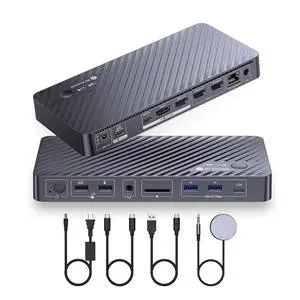
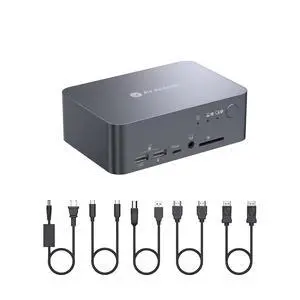
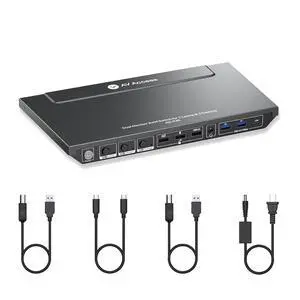
AV Access iDock P10 KVM Docking Station 2 Monitors 2 PCs, GbE, EDID, 5xUSB-A, 65W PD, USB C Hub, 4K@60Hz HDMI & DisplayPort USB C KVM Switch Dual Monitor Laptop & Desktop, Audio, SD, Remote Switch
Limited time offer, ends 08/24
- Model #: 250454478393
- $303.99
- See price in cart
- Free Shipping
Quick View
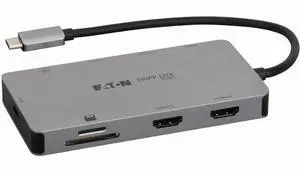
Tripp Lite series U442-DOCK8G-GG2 Docking Station - for Notebook, Smartphone, Tablet PC, Monitor, Desktop PC, HDTV, Printer, Workstation, Card Reader, Flash Drive, Keyboard, ... - Charging Capability
- Parts: 3 Year
- Model #: U442-DOCK8G-GG2
- $25.03 –
- Free Shipping
Quick View
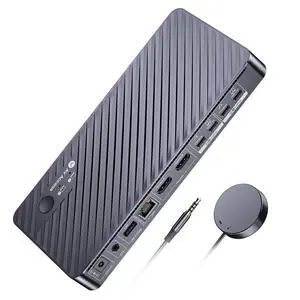
v AV Access Dual Monitor KVM Switch Docking Station 4K@60Hz Dual Monitor for Laptop & Desktop with USB C, USB 3.0, Ethernet, HDMI Output(iDock-C10)
+ 5% off w/ promo code MKTCBQG5SYPR,limited offer
- Brand: v AV Access
- Model: iDock C10
- Thunderbolt 3: Yes
- Function: Notebook
- Model #: iDock C10

Quick View
AV Access Docking Station KVM Switch 2 Monitors 2 Laptops, 4K KVM Switch Dual Monitor, 100W PD for Each PC, 1G Ethernet, EDID Emulation, Ideal for Home Office & Gaming(KD-E20)
+ 5% off w/ promo code MKTCBQG5SYPR,limited offer
- Brand: v AV Access
- Series: KVM switch docking station
- Model: KD-E20
- Part Number: KD-E20
- Model #: KD-E20
Quick View
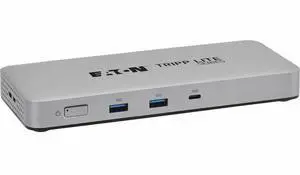
Tripp Lite series U442-DOCK25 Docking Station - for Notebook, Tablet PC, Smartphone, Desktop PC, Headphone, Monitor, HDTV, Printer, Projector, Workstation, MacBook, ... - Charging Capability - 134.40
- Parts: 3 Year
- Model #: U442-DOCK25
- $167.99 –
- More options from $167.99 - $419.90
- Free Shipping
Quick View
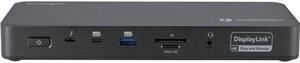
Kensington SD5910T Docking Station - for Desktop PC/Notebook/Tablet/Smartphone/Monitor/Memory Card Reader/Solid State Drive/Smartwatch - Charging Capability - Memory Card Reader - SD, microSD - 149.10
- Brand: Kensington
- Series: K35233NA
- Part Number: K35233NA
- Color: Black
- Model #: K35233NA
- $312.49
- $288.99 –
- Save: $23.50 (7%)
- More options from $288.99 - $396.00
- Free Shipping
Quick View
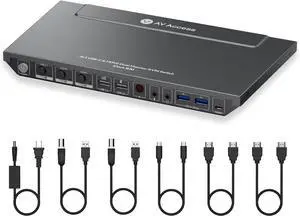
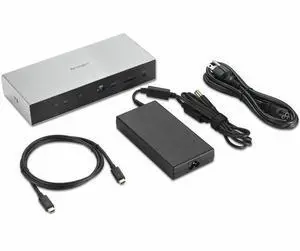
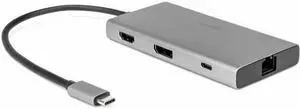
Kensington SD5005T5 EQ Thunderbolt 5 Docking Station (DFS) - for Desktop PC, Notebook, Workstation, Monitor - Charging Capability - Memory Card Reader - SD, microSD, CompactFlash - 180 W - Thunderbolt
- Brand: Kensington
- Series: K35202NA
- Part Number: K35202NA
- Color: Gray
- Model #: K35202NA
- $316.17 –
- More options from $316.17 - $414.00
Quick View
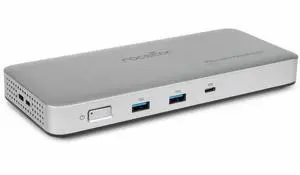
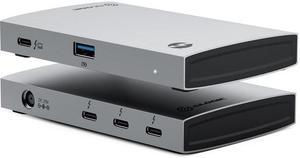
Rocstor Premium RD14 USB4 40G Portable Dock - for Notebook/Desktop PC/Tablet/Monitor - Charging Capability - 134 W - USB4 - 2 Displays Supported - 8K @ 30Hz, 4K @ 60Hz, 4K @ 144Hz, 4K @30Hz - 7680 x 4
- Parts: 3 Year
- Model #: Y10P025-S1
- $145.23 –
- More options from $140.72 - $145.23
- Free Shipping
Quick View
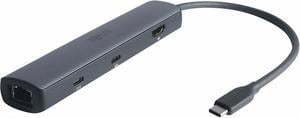
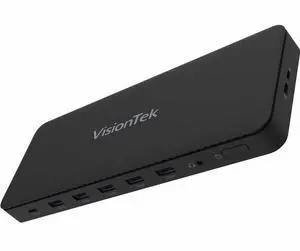
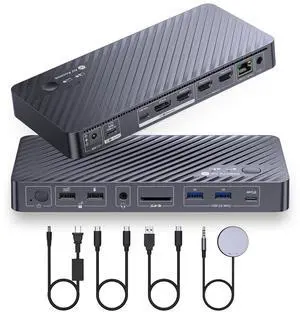
Rocstor ThunderConnect RD11 USB-C 13-in-1 Triple Display Docking Station - for Notebook/Desktop PC/Tablet/Monitor - Charging Capability - 134 W - USB4 - 3 Displays Supported - 8K @ 30Hz, 4K @ 60Hz - 7
- Parts: 3 Year
- Model #: Y10P026-S1
- $201.06 –
- More options from $196.11 - $256.37
- Free Shipping
Quick View
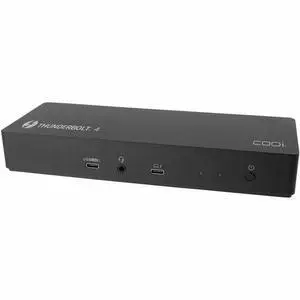
Rocstor Type-C to HDMI/USB-A 10GX2/Type-C data/RJ45/ PD Charging with DP1.4 Alt mode - for Notebook/Desktop PC/Tablet/Monitor - Charging Capability - USB Type C - 4K @ 60Hz - 3840 x 2160 - 4 x USB Por
- Parts: 3 Year
- Model #: Y10A319-S1
- $82.85
- $47.08 –
- Save: $35.77 (43%)
- More options from $45.82 - $81.00
- Free Shipping
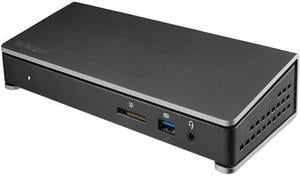
Quick View
StarTech.com TB3DOCK2DPPD Thunderbolt 3 Dock - 85W Power Delivery - Dual 4K Monitor Docking Station with USB Type C & DisplayPort (TB3DOCK2DPPD)
- Thunderbolt 3: Yes
- Model #: TB3DOCK2DPPD
- $112.99 –
- More options from $112.99 - $377.20
- Free Shipping
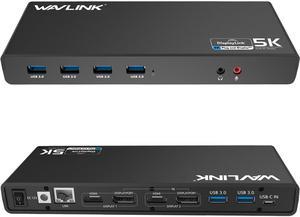
Quick View
Wavlink Dual 4K Display Laptop Docking Station Single 5K/Dual 4K @60Hz USB 3.0 and USB-C Dual Monitor Docking Station With 2 x HDMI, 2 DP, Gigabit Ethernet, 6 x USB 3.0, Audio, Mic, For Windows/Mac

Limited time offer, ends 08/30
- Part Number: - 6 x SuperSpeed USB 3.0 ports - 2 x 4K DisplayPorts - 1 x Audio out - 1 x USB-C in - 2 x 4K HDMI - 1 x Mic in - 1 x Gigabit Ethernet - 1 x 5k (DisplayPort + DisplayPort)
- Compatibility: This laptop docking stations compatibility with Apple M1/M2 and Intel Macs (with macOS 10.14 or later) .Support Windows 11, 10, 8.x, and 7 with driver installation.Surface RT, Linux/Unix are not supported. (see Display Link website for more details).Docking station is suggested for use with web and productivity software; not recommended...
- Model #: WS-UG69DK1
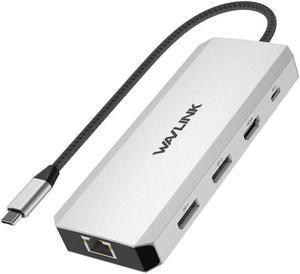
Quick View
WAVLINK Triple Monitor Laptop Docking Station | 12-in-1 USB C Hub with 4K HDMI | Dual 4K DP | 100W PD Charging | USB3.0 | USB2.0 | RJ45 | SD/TF Slots | Audio/Mic - MacBook/Dell/HP/Lenovo
Limited time offer, ends 08/30
- Part Number: 1x USB-C(PD IN,100W), 1x HDMI (4K@60Hz), 2x DisplayPort(4K@60Hz), 1x Gigabit RJ45, 2xUSB3.0-A(5Gbps), 2 x USB2.0-A(480Mbps), 1x SD Card Slot, 1x TF Card Slot, 1 x Audio/Mic Port
- Compatibility: Systems/ Devices Compatibility Plug and play on Windows 11/10/8.1/8/7, Mac OS, Chrome OS, Linux, iPad OS, Harmony OS, Android. Works with your USB-C Desktop PCs, Laptops, Tablets/Mobile Phones(OTG function required).
- Weight: 0.27Lbs
- Parts: How to Confirm if the Type-C Port of Your Laptop Supports Video Output and Charging? Step 1: Please check the model of your laptop, it should be on the back of the label; Step 2: Search “brand + the model number of the device + manual” in Google, for example:
- Model #: WL-UMD303
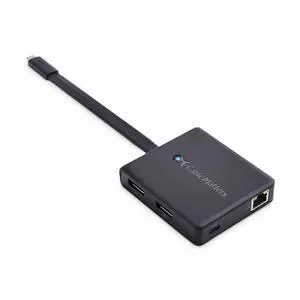
Quick View
Dual 4K 60Hz Monitor USB C Hub with DisplayPort 1.4 and 100W Charging - macOS is Not Supported - Thunderbolt 3, Thunderbolt 4, USB4 Compatible for Surface Pro, XPS, Windows Only
Limited time offer, ends 08/24
- Model #: 214014130008
- $123.99
- See price in cart
- Free Shipping
Quick View
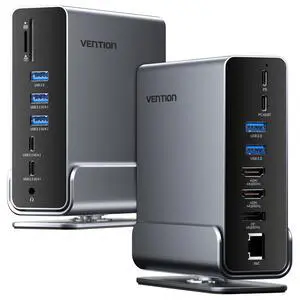
15-in-1 Laptop Docking Station Dual Monitor, 360° Roatable Triple Monitor Docking Station with 2 * 4K HDMI and 1*DP, PD 100W Charging for Laptop, 10Gbps USB Port Transfer, RJ45, Audio, SD/TF
Limited time offer, ends 08/24
- Model #: 682002342830
- $143.99
- See price in cart
- Free Shipping
Quick View
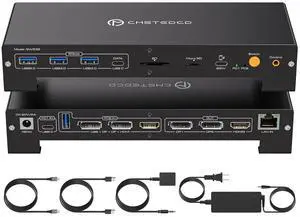
IHDAPP USB C KVM Docking Station Switch 3 Monitors 2 Computers with 100W PD Supply Hybrid Displayport and HDMI KVM Triple 4K60Hz or Dual 4K144Hz Extended Display for Laptop and PC Share 15 in 1 Dock
- Type: HDMI, Displayport
- Computer Connections: 2 Ports
- Monitor Connections: 3 Ports
- Video Resolution: Maximize efficiency with 3 displays (4K@60Hz) for spreadsheets, video editing, or trading screens. If you Need smooth; Dual DisplayPort 4K@120Hz delivers ultra-responsive performance for designers and gamers. Note: 4K@120Hz can only be achieved when using two DP monitors; and your laptop computer needs to support Thunderbolt 4
- Model #: SW532#Q3132_B_US

Quick View
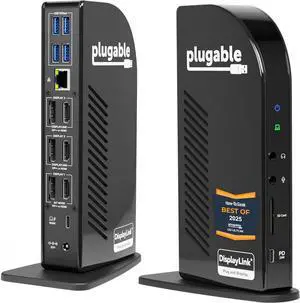
Plugable 13-in-1 USB C Docking Station 4K Triple Monitor with 100W Power Delivery | USB C Dock for Windows, Mac, ChromeOS, Thunderbolt | Driver Required | 3X HDMI and 3X DisplayPort (UD-ULTC4K)
- Model #: ilepo425828963182QI
- $456.20 –
- Free Shipping
Quick View
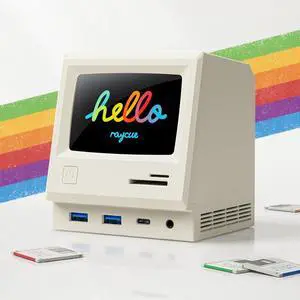
128K SE Docking Station Triple Monitor, Digital Clock/Photo Frame,13-in-1 USBC Dock Triple 4K Display for MacBook Windows, 3 HDMI, USB C Data, Ethernet, Audio, 5 USBA Ports, 45W Power Adapter
Limited time offer, ends 08/24
- Model #: 463055445880
- $218.99
- See price in cart
- Free Shipping
Quick View
in 30 days
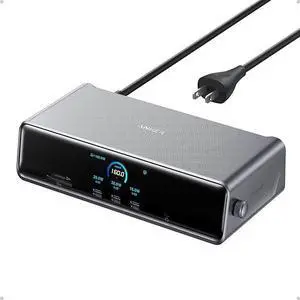
Anker Prime Docking Station (DL7400), 14-Port Triple Display with DisplayLink, 140W Max, Smart Display, Triple 4K 60Hz, Cooling Fan, for macOS and Windows (The Latest DisplayLink Driver Required)+ $62 off w/ promo code EDF39424, limited offer
- Brand: Anker
- Model: A83B3
- Color: Black
- Weight: 1.83
- Model #: A83B31A1