

Your Browsing History
- In Stock
- Sold by Newegg
- New
- Combo Deals Only
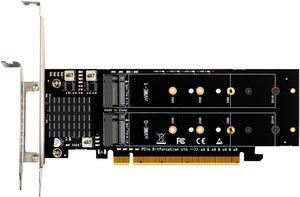

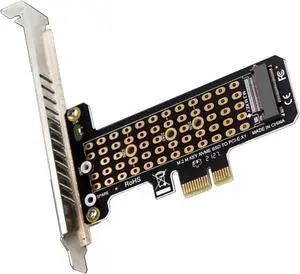
Quick View

- Color: Grey
- External Interface: M.2 NVME 10GBPS
- Material: Aluminum / Steel
- HDD Count Supported: 4 SSD
- Model #: MAIWO K2024P

Quick View
M.2 NVMe SSD Convert Adapter Card for MacBook Air Pro Retina (Year 2013-2017), NVME/AHCI SSD Upgraded Kit for A1465 A1466 A1398 A1502
Limited time offer, ends 10/07
- Color: Black
- Specifications: Applications: 1. Make sure to move to High Sierra while still on your old drive, so that a newer firmware is installed that can handle NVMe. 2. Do a full backup to your TimeMachine. 3. Create a High Sierra Installer on a bootable USB stick. 4. Open the macbook and disconnect the battery while wsitching out the drive and make sure both adapter and new SSD sit snug. Finally reconnect the battery before closing the shell. 5. Insert the installer USB stick from step2, and press the option key while the machine starts. Once its up you can now go to the disk utils to format.
- Package Contents: 1x M.2 NVMe SSD Adapter Card for Upgrade of Macbook 2013-2017.
- Model #: NVMETMAC
- $11.95 –
- Free Shipping
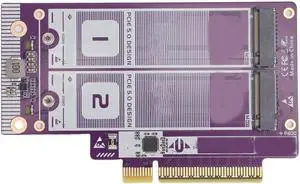

Quick View
AUBEAMTO 8 in 1 USB C Hub with M.2 NVMe/SATA SSD Enclosure 10Gbps, 4K HDMI 1.4, USB 3.2 Gen2, PD100W, Aluminum Alloy USB C SSD Enclosure for M.2 NVMe and SATA SSD
Limited time offer, ends 10/14
- Thunderbolt: Yes
- Model #: A-EHB08
Quick View
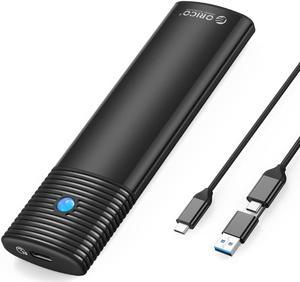
ORICO M.2 NVMe and SATA SSD Enclosure USB 3.2 Gen 2 Protocols 10Gbps NVMe, 5Gbps SATA PCIe M-Key (B+M Key) Built-in Metal Heat Sink with C to A/C 2-in-1 Cable
- Material: Aluminum / Plastic
- Type: Enclosure
- HDD Count Supported: Single SSD
- Number of Bay: 1 Bay
- Model #: PWEM2-G2-BK-EP
Quick View
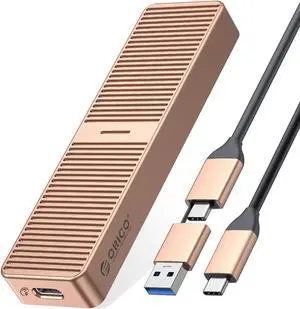
ORICO 6Gbps M.2 SATA SSD Case USB 3.2 Gen2 Support UASP Trim for M2 SATA NGFF SSD with B Key/B+M Key - Gray Rose Gold USB 3.2 Gen2 (6Gbps)
- Type: Enclosure
- Material: Aluminum
- HDD Count Supported: Single SSD
- Number of Bay: 1 Bay
- Model #: M221C3-RG-BP
Quick View
in 30 days
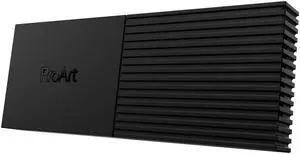
ASUS ProArt PA40SU SSD Enclosure - USB4 40 Gbps, USB-C, Tool free installation, NVMe SSD support, Smart Cooling, Ultraslim, compatible with Windows 11 and macOS- Brand: ASUS
- Size: M.2
- Color: Black
- External Interface: USB4 40Gbps USB-C
- Model #: ProArt PA40SU
- $102.99
- $99.99 –
- Free Shipping

Quick View

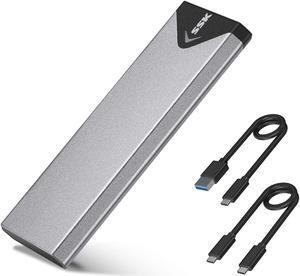
- Material: Aluminum
- Type: Enclosure
- HDD Count Supported: Single SSD
- Number of Bay: 1 Bay
- Model #: M2PJH-C3-GY-BP
Quick View
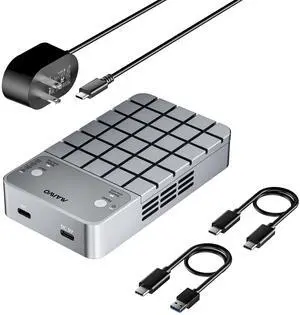
- Brand: MAIWO
- Series: Dual Bay NVMe Enclosure
- Size: M.2
- Color: Grey
- Model #: K2042P3
Quick View
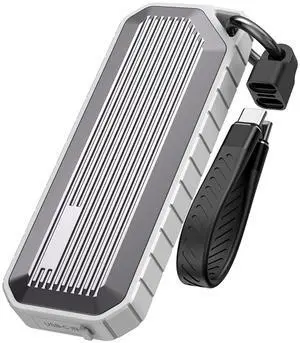
Nusyn NSE35 M.2 NVMe & SATA SSD Enclosure, USB-C 3.2 Gen2 10Gbps, IP65 Waterproof Dustproof Zinc Alloy Case, Supports M Key/B+M Key PCIe 3.0/NGFF 2230/2242/2260/2280, Up to 4TB
- Brand: NUSYN
- Size: M.2
- Color: Gray
- External Interface: USB 3.2 Gen 2 Type-C
- Model #: NSE35GR
- $39.99 –
- Free Shipping
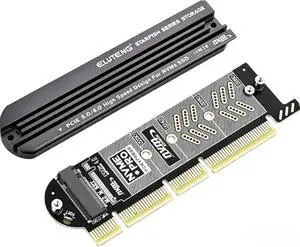
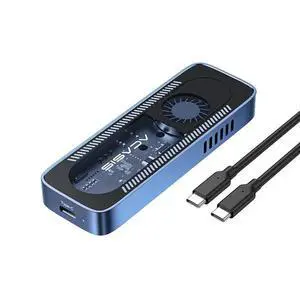
Quick View
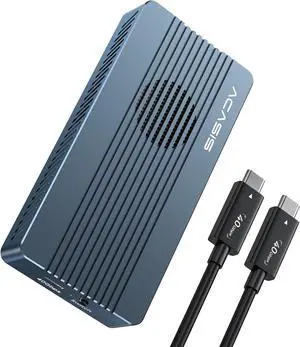
ACASIS 10Gbps Built In Fan USB 3.1 M.2 2230/42/60/80 NVME SSD Case Active Cooling Aluminum Shell for Steam Deck/PC, 10Gbps USB 3.2 Speed, Translucent Geek Design, Up to 8TB
- Brand: Acasis
- Series: 10Gbps Hard Drive Enclosure
- Size: M.2
- Color: Blue
- Model #: X00478S8AL
- $30.00
- $27.00 –
- Save: $3.00 (10%)
- Free Shipping
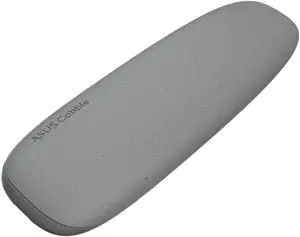
Quick View

- Brand: ASUS
- Size: M.2
- Color: Gray / Black
- External Interface: USB3.2 Gen 2X1
- Model #: 90DD02R6-B08000
- $29.99
- $28.99 –
- Free Shipping
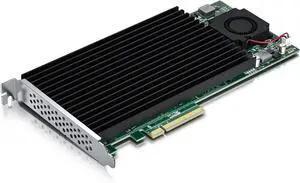
Quick View
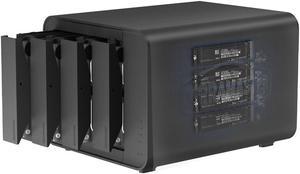
TERRAMASTER D8 Hybrid DAS - Not a NAS, 8 Bay HDD & NVMe Enclosure, USB 3.2 Gen 2 10Gbps Type-C, Supports RAID 0/1/Single/JBOD & Exclusive 2+6 RAID (Diskless)

- Type: Enclosure
- Material: Plastic
- HDD Count Supported: 4 Bays + 4 x M.2 NVMe Slots
- Number of Bay: buffer_95558
- Model #: D8 Hybrid
Quick View
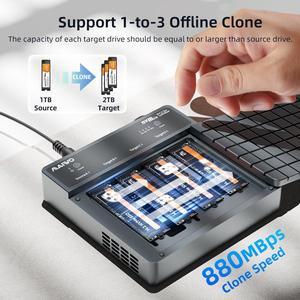
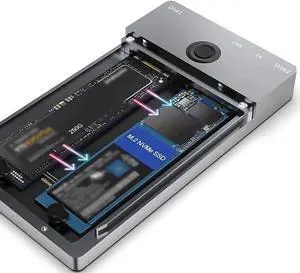
Dual-Bay M.2 NVMe SSD Docking Station with Offline Clone Duplicator, 10Gbps USB-C & USB-A Interface, M-Key NVMe Enclosure Supports 2230/2242/2260/2280 SSDs Up to 8TB Per Slot
Limited time offer, ends 10/08
- Model #: C24W-X5896
Quick View
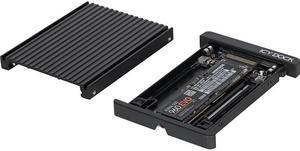
Icy Dock MB705M2P-B | NVMe M.2 SSD to 2.5" NVMe U.2 SSD Converter Adapter | EZConvert
- Color: Black
- Specifications: Support Drive Size: 1 x M / B + M key M.2 PCIe NVMe SSD 2230/2242/2260/2280 Compatible Drive Type: NVMe M.2 Number of M.2: 1 Host Interface: 1 x SFF-8639 Transfer Rate: Up to 32Gbps Support HDD Capacity: No Limitation Structure / Material: Metal & ABS Plastic Support Hot-Swap: Yes Product Dimension (W x H x D): 2.76" x 0.37" x 3.98" Product Net Weight: 0.15 lb. SATA Connector Insertion Rate: 10,000 Humidity: 5%~65% RH Operating Temperature: 0°C to 60°C (32°F to 140°F) Storage Temperature: -35°C to 70°C (-31°F to 158°F) Compliance: CE, RoHS, REACH
- Model #: MB705M2P-B
- $54.99 –
- More options from $54.84 - $89.99
- Free Shipping
Quick View
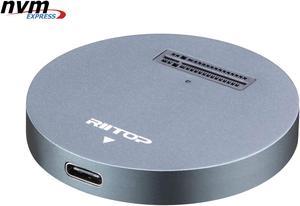
NVMe to USB Docking Station, RIITOP External M.2 PCI-e NVMe SSD to USB-C Reader Adapter for M.2 (M Key) NVMe SSD
Limited time offer, ends 10/07
- Material: Aluminum
- Dimensions: 2.16x2.16x0.31 in
- Specifications: Type: NVMe USB C Converter Adapter Docking Base. Input: M Key M.2 NMVe slot. Output: USB 3.1 Type C. (Come with USB Type C to C Cable, USB Type C to Type A Adapter Connector) Transfer Speed: Connect with USB 3.1 Port: 10Gbps; Connect with USB 3.0 Port: 5Gbps; Cable length: About 30cm / 12 in.
- Type: Dock
- Model #: NVMETC-DKGY
- $33.99 –
- Free Shipping
Quick View
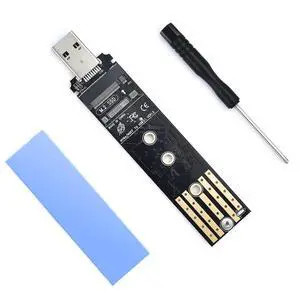
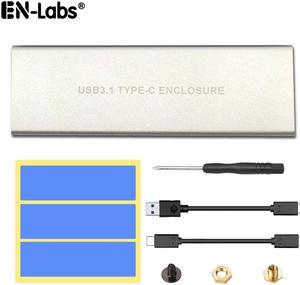
NVMe to USB Hard Drive Enclosure, USB 3.1 USB C to M.2 SSD NVMe PCIe Converter Adapter Type C Gen 2 10Gbps to M-Key HDD w/ Aluminum Case & Thermal Pad for 2280/2260/2242/2230
Limited time offer, ends 10/30
- Material: Aluminum
- HDD Count Supported: Single SSD
- Model #: UC10GNVMESL
Quick View
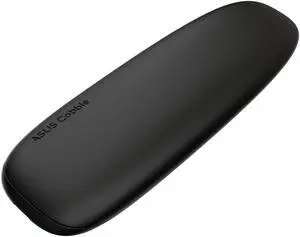
- Brand: ASUS
- Series: ASUS Cobble SSD Enclosure
- Size: M.2
- Color: Black Gray
- Model #: 90DD02R0-M08000
- $28.99 –
- More options from $28.99 - $48.95
- Free Shipping

Quick View
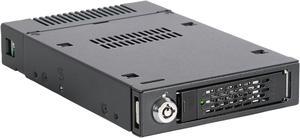
ICY DOCK ToughArmor MB601M2K-1B M.2 PCIe NVMe SSD Mobile Rack for External 3.5" Drive Bay
- Color: Black
- Part Number: MB601M2K-1B
- Mobile Rack Drives Support: 1 x 2.5" Drive to 3.5" Bay
- Mobile Rack Interface: Host Interface: 1 x U.2 Connector (SFF-8639) Drive Type: 1 x M / B + M key M.2 PCIe NVMe SSD 2230/2242/2260/2280/22110
- Model #: MB601M2K-1B
- $169.40
- $153.99 –
- Save: $15.41 (9%)
- More options from $153.99 - $220.58
- $11.20 Shipping
Quick View
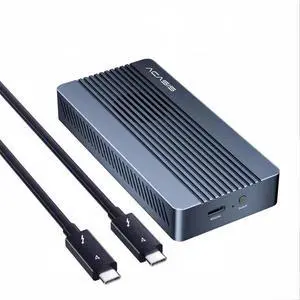
ACASIS 40Gbps M.2 NVMe SSD Enclosure with Cooling Fan, Aluminum USB4 External Hard Drive Case Compatible with Thunderbolt 4/3, Supports 8TB 2280 NVMe SSD for MacBook PC Gaming
- Brand: Acasis
- Series: TB405Pro
- Size: M.2
- Color: Gray
- Model #: X003V13C2T
- $99.00
- $89.99 –
- Save: $9.01 (9%)
- Free Shipping
Quick View
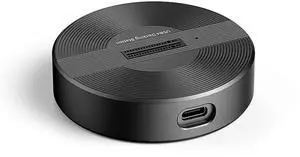
USB4.0 (USB-C) 40G Portable NVMe M-Key (B+M) / NVMe / PCIe SSD (22110, 2280, 2260, 2242, 2230) Ultra Fast External SSD Docking (Docking Only)
- Brand: SYBA
- Color: Black
- Material: Aluminum alloy
- Internal Interface: M.2 NVME B+M-Key
- Model #: SY-TDB40178
- $49.99 –
- More options from $49.99 - $69.99
- Free Shipping
Quick View
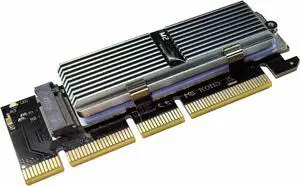
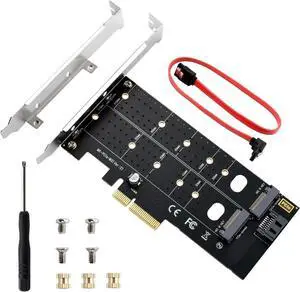
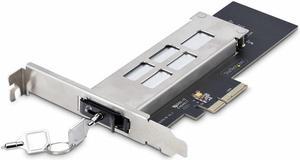
StarTech.com M.2 to PCIe Adapter Card M2-REMOVABLE-PCIE-N1
- Part Number: M2-REMOVABLE-PCIE-N1
- Model #: M2-REMOVABLE-PCIE-N1
- $120.66 –
- More options from $101.99 - $131.15
- Free Shipping
Quick View
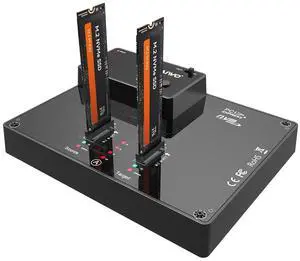
- Brand: MAIWO
- Series: Dual Bay NVME SSD Duplicator
- Model: M.2 SSD Enclosure
- Size: M.2
- Model #: K3015P
Quick View
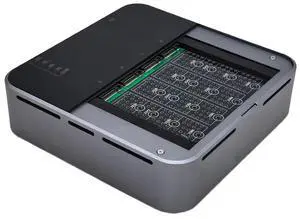
4 Bays USB4.0 (USB-C) 40G Portable NVMe (M Key, B+M Key) / PCIe SSD (2280, 2260, 2242, 2230) Ultra Fast External SSD Docking Station Duplicator Cloner (Docking Only)
- Brand: SYBA
- Size: M.2
- Color: Metallic Color
- External Interface: USB 4.0 (40Gbps) (USB-C)
- Model #: SY-TDB40180
- $119.99 –
- Free Shipping
Quick View
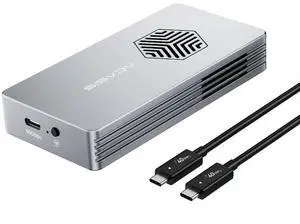
ACASIS 40Gbps M.2 NVMe SSD Enclosure with Active Cooling Fan, JHL7440 Chip Compatible with Thunderbolt 4/3 & USB4, External NVMe Box for PC Gaming/Windows/Mac Support 2280/2260/2242/2230, Up to 8TB
- Brand: Acasis
- Series: Thunderbolt Hard Drive Enclosure
- Size: M.2
- Color: Silver
- Model #: 607616698883
- $79.99
- $73.99 –
- Save: $6.00 (7%)
- Free Shipping

Any questions? Our AI mode will help you find out quickly.
Try me now