




 here!
here!
I’m your shopping assistant for PC builds, upgrades, and everything tech.
Got questions? Ask away!
Start a conversation
here!
I’m your shopping assistant for PC builds, upgrades, and everything tech.
Got questions? Ask away!
Start a conversation

In AMD Motherboards
Our most popular products, based on sales and updated frequently.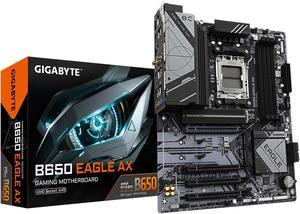
Excellent compatibility with Ryzen 7000 series, including the 7800X3D. DDR5 RAM support up to 6000MHz with easy XMP profile activation. PCIe 5.0 and Gen 4 NVMe support for future-proofing. Built-in WiFi 6E and Bluetooth connectivity. Good VRM cooling and overall stable performance. Clean layout and modern design.
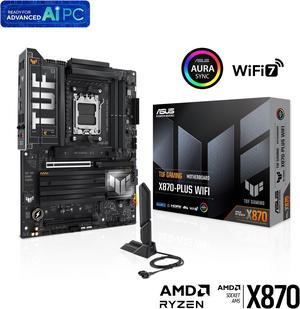
Very fast response time. Very colorful. Nice quality motherboard.
I haven't built on an MSI board for quite a while, but this seemed like a quality, well built product. Everything that's crammed in here in an ITX form factor is well worth the price IMO.
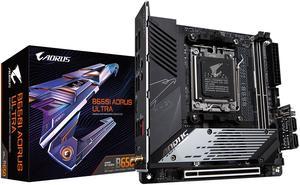
- More "premium" features like a reinforced PCIe 16x slot, a built in NVMe heatsink, and sideways SATA and USB connectors for better cable management. - Modern connections like USB-C and the latest USB revision. - Budget friendly price, especially with today's motherboard prices.
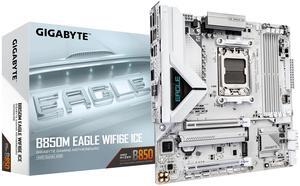
I cherish my WiFi EZ-Plug and so should you

Excellent build quality 2 M.2 slots with heatsinks USB4 ports WiFi 7 No issues with the VRM and chipset fans The HIVE means I can position the pc behind my monitor and never have to reach it to turn on the pc or plug in a usb drive
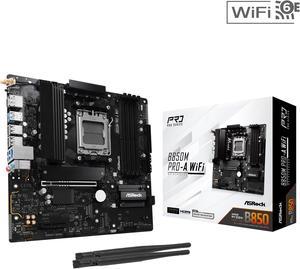
- Design, I like the all black design and heat spreaders keeping it minimal. - b850, comes with newer features like pcie 5.0, gen 5 storage, and 9000 series support - wifi, always a plus and personally I always prefer the attachable antenna instead of the little tower with a wire some motherboards use - 8 usb on back, more that enough for my peripherals - pcie 16x location, for my specific matx case, I wanted the pcie lane for the gpu to be at its highest so there would not be a extra slot between the cpu cooler and gpu - dual motherboard display output, helped me a lot when I was out a gpu and needed to use my computer with integrated graphics. -Bios, very user friendly, easy to tune ram and cpu
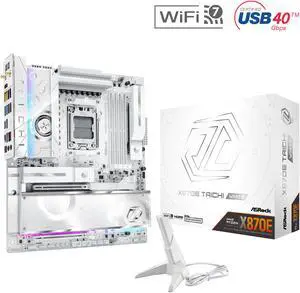
It has a lot of connections, high quality materiel. It's just an awesome motherboard in my opinion. AsRock has worked out the kinks on this one.
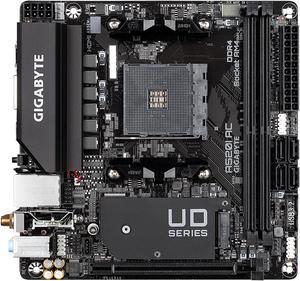
it came with 5000 series ready bios, nice quality sturdy, wifi is good and i got my xmp on my ram
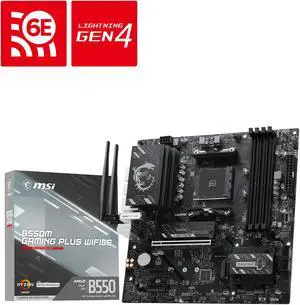
-I upgraded my motherboard because I specifically wanted one thing: the USB-C header. Now I can actually use my PC's front USB-C port! -They added 2.5 Gigabit Ethernet. I don't think this was in any of the previous gen mini-ITX boards, and it's somewhat uncommon even in bigger boards where 1 Gigabit is still the norm. In addition, they added WiFi 6! You will get great Internet connectivity with this board regardless of your situation. -I like how they added a second M.2 slot and a fan over one of the M.2 slots. The previous gen only had one M.2 slot and no fan. The fan doesn't make noticeable noise, and the BIOS has fan curve presets that make it easy to adjust the fan speed if desired. -They added a BIOS Flash button and a Clear CMOS button to the back panel. You can use the BIOS Flash button to upgrade the BIOS without even having a CPU or RAM installed, allowing you to flash the latest BIOS to add support for the newest CPUs. This eliminates the problem of having to install an old-gen CPU to add support for a new-gen CPU. The Clear CMOS button makes it easy to troubleshoot, by eliminating BIOS settings as a possible cause of whatever problem you are troubleshooting. -There are troubleshooting LEDs on the board that light up during the boot process; it's normal for them to turn on but if it gets "stuck" on one of these lights, that gives you a general idea of what might be causing a problem. This can save you so much time identifying problems like improperly seated RAM or bad GPU. -I love that the design is "serious", meaning there are no RGB lights or gaudy designs on the board. This is what a motherboard should be: a blank slate upon which you can build. You want RGB? Add it yourself! That's how it should be, and that's how it is.
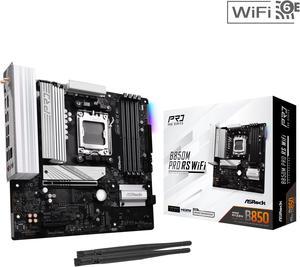
I used this in a recent build for my son-in-law. He'll be using it mainly for gaming. I paired it with an AMD 9600x CPU
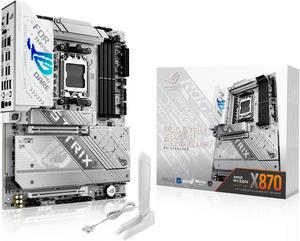
Great price and quick shipping! ASUS is definitely one of my favorite manufacturers now!
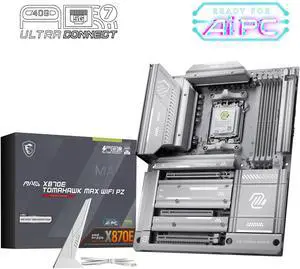
The MSI MAG X870E TOMAHAWK MAX is one the best MB I have purchased over the years. I am loving the rear connect feature makes my build look super clean. I have had zero problems with the MB or any of its many NVME slots. I paired this with a AMD Ryzen 9 9900X3D with Team T-Force Delta RGB 32GB (2 x 16GB) 288-Pin PC RAM DDR5 7200 inside a DeepCool CL6600 WH ATX Hypersplit Tower. I will share a few pics if possible.
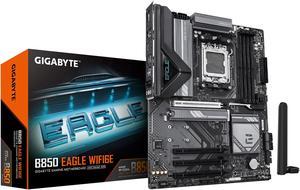
The pro's are the Debug Led and the ez latch etc. Makes it easy to build in and take apart.
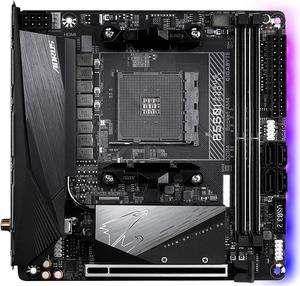
Decent pricing (for ITX anyway) Heavy/solid feel, pretty beefy heat sinks RGB onboard (wasn't expecting that at this price point) Excellent connectivity for ports
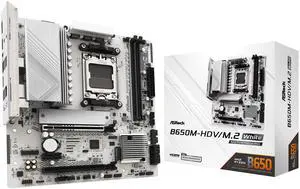
- Sturdy, feels tough, well built - No BIOS update needed for latest 9000 AMD series processors. - Easy to apply CPU under-volt with performance presets in BIOS. - Built-in IO Shield - Wifi Antenna holes - 1 USB-C port and 1 header for future upgrades
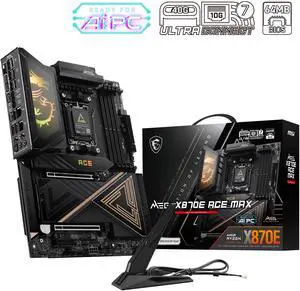
The absolute best Motherboard next to godlike! So happy with its power and performance. Paired with the VRMs and heatsinks a truly impressive board.
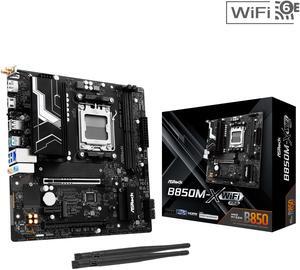
All's good so far A+++
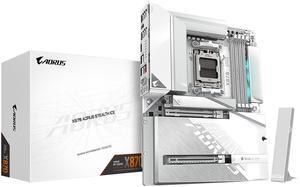
I'll keep it short and simple with pro's and cons Pro's -multiple Gen 5 slots -multiple M.2 slots -Ease of access to all installed parts -quick release button for GPU is super nice and convenient -Back connect ports are very well placed -motherboard diagnosis is easy if you installed something wrong or something isnt working properly
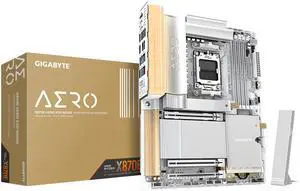
-WOOD -Premium built quality -Metal backplate -Not real wood


