




 here!
here!
I’m your shopping assistant for PC builds, upgrades, and everything tech.
Got questions? Ask away!
Start a conversation
here!
I’m your shopping assistant for PC builds, upgrades, and everything tech.
Got questions? Ask away!
Start a conversation

In AMD Motherboards
Our most popular products, based on sales and updated frequently.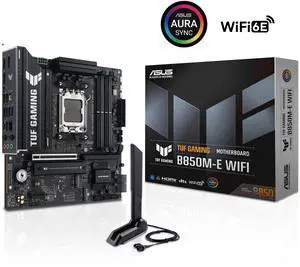
Great instruction pamphlet to show exactly where every header is Clean black/silver aesthetic should match most builds It's Tuf
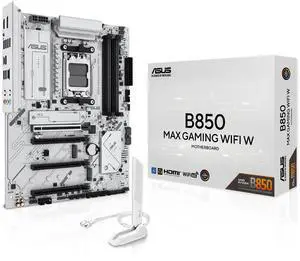
-Good price for 850B. Got it for $200 on sale. -No issue , straight forward insulation -Many fan power headers
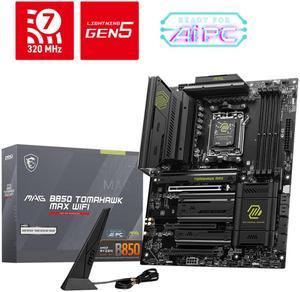
Performance and Reliability Build Quality Ease of Installation
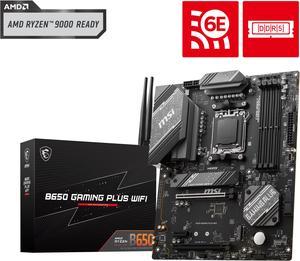
Have had it for over a year and never had an issue with it. Works great
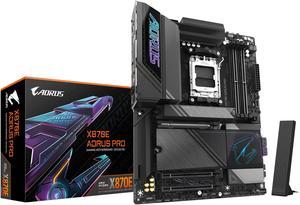
New AM5 architecture with PCI 5.0 and DDR5 Additional PCI and sata ports are convenient The armor looks real nice
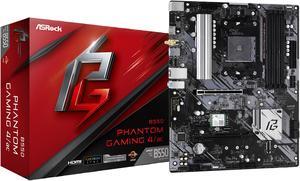
Easy instructions to follow Post Status Lights on the board were a great feature
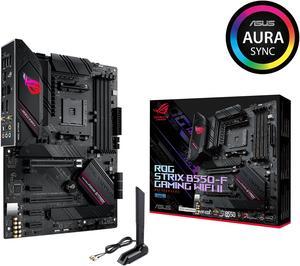
-5600x worked perfectly, no bios update needed -Looks great, everything was easy to access, and putting parts on was a breeze -Wifi connector and Bluetooth is very useful
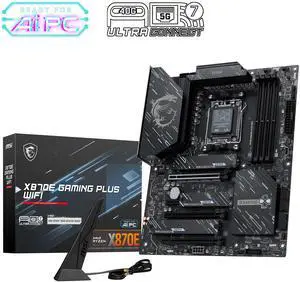
I got the MSI MEG X870E ACE MAX motherboard to use in my MEG Maestro 900R case. The ATX form factor easily fit inside the case , and it looks good rotated 90 degrees. System runs nice and stable. All MSI parts makes setup easy.

From my experience, I paired it with a Ryzen 5 9600x, montech century 2 1050w psu, a 9060 xt challenger 16gb & I couldnt be any happier by the performance. Even with 1 16gb ram stick it still performs well
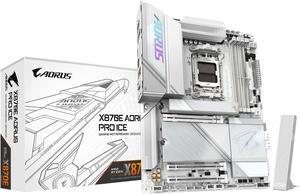
* Fast boot time, once the Memory training phase has taken place. * Beautiful aesthetics * Plenty of VRM power and heatsinks to power a 7950X with overclock and do it with low temps. * For me, having 2 other PCIe lanes that are not 5.0 is a win, as I use add in cards. * My board Posted the first time I fired it up, after Memory training. * Wi-Fi 7 * The BIOS is about as good as anyone else's out there. Easy to navigate. Good Job! * The heatsink covers for the SSDs just clip on and off, and it is very nice. * On board Start and Reset buttons with lighted HEX code read out. In white light even, not red. * I believe this Motherboard is competitively priced, considering what you get and what the competition is offering. * Everything is working as it should, with no issues. * I did not have to put a Mortgage on the house to buy this.
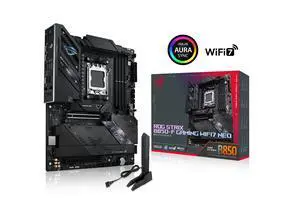
- Strong 14+2+1 power delivery, more than enough for any cpu on the market. - Excellent Cooling: Large VRM heatsinks, low vrm temps even under heavy cpu load. - Supports Ryzen 9000 processors and PCIe 5.0 out of the box without requiring bios update. - Plenty of USB ports. - Supports wifi 7.
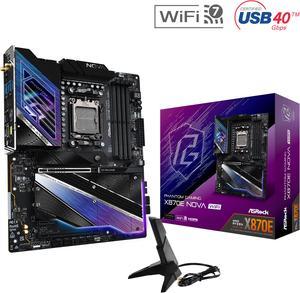
Price, 5 - M.2 Backplate Great value
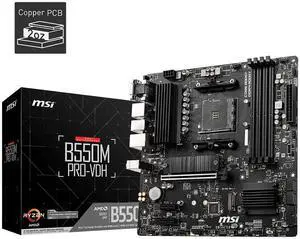
-I upgraded my motherboard because I specifically wanted one thing: the USB-C header. Now I can actually use my PC's front USB-C port! -They added 2.5 Gigabit Ethernet. I don't think this was in any of the previous gen mini-ITX boards, and it's somewhat uncommon even in bigger boards where 1 Gigabit is still the norm. In addition, they added WiFi 6! You will get great Internet connectivity with this board regardless of your situation. -I like how they added a second M.2 slot and a fan over one of the M.2 slots. The previous gen only had one M.2 slot and no fan. The fan doesn't make noticeable noise, and the BIOS has fan curve presets that make it easy to adjust the fan speed if desired. -They added a BIOS Flash button and a Clear CMOS button to the back panel. You can use the BIOS Flash button to upgrade the BIOS without even having a CPU or RAM installed, allowing you to flash the latest BIOS to add support for the newest CPUs. This eliminates the problem of having to install an old-gen CPU to add support for a new-gen CPU. The Clear CMOS button makes it easy to troubleshoot, by eliminating BIOS settings as a possible cause of whatever problem you are troubleshooting. -There are troubleshooting LEDs on the board that light up during the boot process; it's normal for them to turn on but if it gets "stuck" on one of these lights, that gives you a general idea of what might be causing a problem. This can save you so much time identifying problems like improperly seated RAM or bad GPU. -I love that the design is "serious", meaning there are no RGB lights or gaudy designs on the board. This is what a motherboard should be: a blank slate upon which you can build. You want RGB? Add it yourself! That's how it should be, and that's how it is.
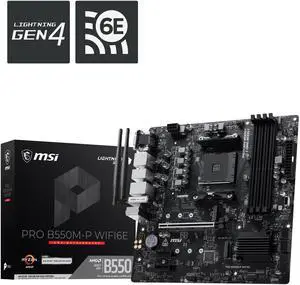
-Easy to upgrade firmware -No issues from first boot -Read my DDR4 3200 sticks with no issue -Running a 5800X3D with no problems -Looks clean
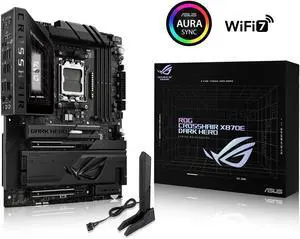
Lots of USB, easy to use software
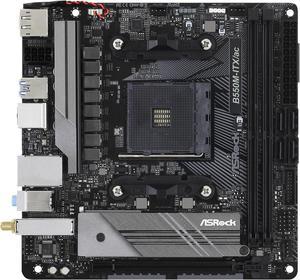
It is as advertised
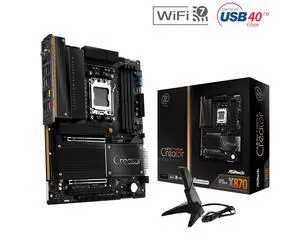
PCIe x8/x8 support across the two main graphics slots, making the board a strong choice for a two-GPU build.
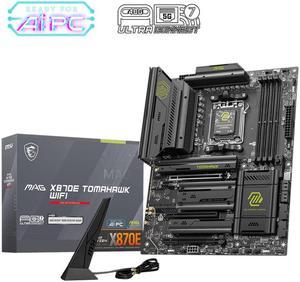
We received a motherboard with a damaged socket. Newegg sent a replacement after we supplied photos of the damage and serial number of the unit and it's original box. Very satisfied with my purchase. Thank you Newegg
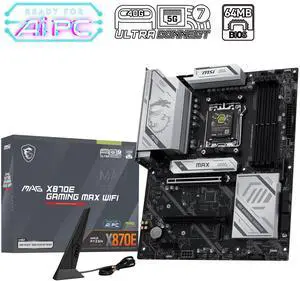
Ultra Power Phase with 2 M.2 and 2 LAN. MSi has this OC Engine that boot up the gaming performance up to 20%. come with the ONE click OC jumper make is more smoothly. Love the board! waiting for the 9850X3D launch !
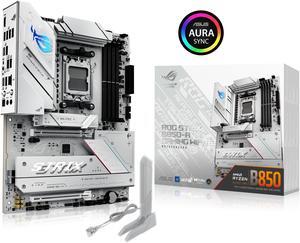
Purchased this motherboard while I was waiting for a RMA on another motherboard brand and it works without any issues.


