




 here!
here!
I’m your shopping assistant for PC builds, upgrades, and everything tech.
Got questions? Ask away!
Start a conversation
here!
I’m your shopping assistant for PC builds, upgrades, and everything tech.
Got questions? Ask away!
Start a conversation

In Intel Motherboards
Our most popular products, based on sales and updated frequently.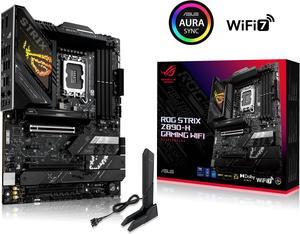
- easy to set up lots of space
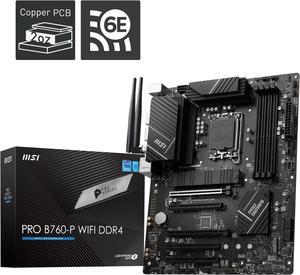
M.2 slot lga 1700 everything is great even has a c port slot which is nice idk what I would use it for
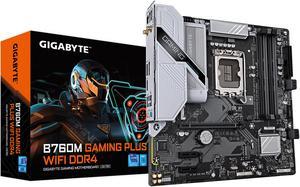
Good build quality I've grown to expect after 30 years of buying Gigabyte boards Allows some tweaking of settings though not an OC board I like the NVMe mounting system Recognized my ram and applied the XMP setting without my having to do anything
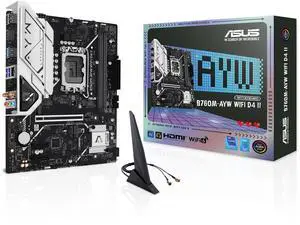
Solid build Simple install Easy bios set up
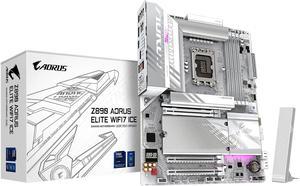
Solidly built, rich for features, fits well in standard case (with all the wiring and liquid cooling bock). It was easy to set things up. CPU and RAM detected without issues. Passed stress test (no overclocking).
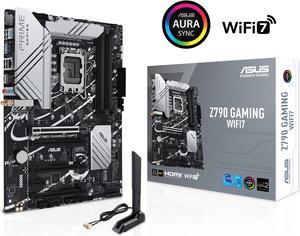
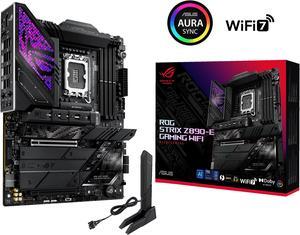
Fortnite works great with this mobo. I feel that this is a future proof item, should last me years. I hear the OLED screen will be able to display pictures in future BIOS updates.
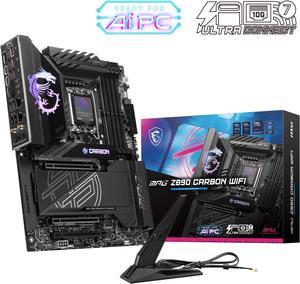
The lighting, ease of installation and LOTS of USB in the back.
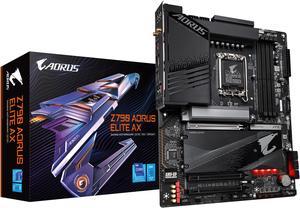
I like this one better than my Asus Z690 board the bios is so much better I think.
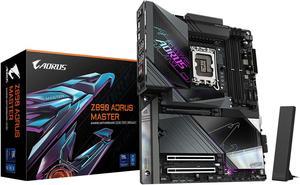
Incredible power delivery (VRM) that easily handles top-tier CPUs without breaking a sweat. Massive, well-designed heatsinks keep temperatures incredibly low even under heavy loads. The EZ-Latch system is an absolute lifesaver! Installing and removing the heavy GPU and M.2 NVMe drives has never been easier or safer. Fantastic connectivity options, including next-gen Wi-Fi, incredibly fast networking, and plenty of high-speed USB ports for all peripherals.
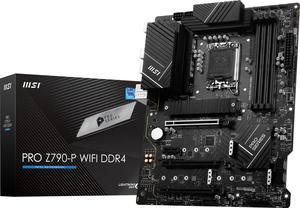
DDR4 Compatibility Nice M.2 heatsink Low-key aesthetics, nice I/O shield Digital manual A great mix of I/O Fast built-in WiFi
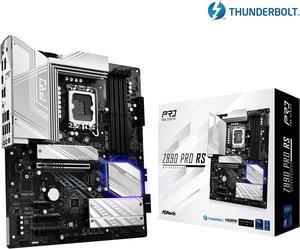
thunderbolt 4 pc8000 memory controller m.2 5x4 Updated bios with nice Factory settings S200 overclock 5 rgb headers no fan hub needed standard cpu mount with even distribution pressure, No Hot Spots
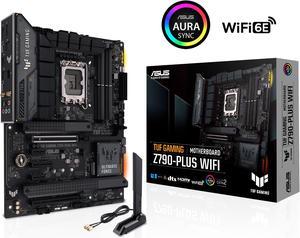
Awesome board I love it runs my i7 13700 so good no high temperature underload it's also good for overclocking
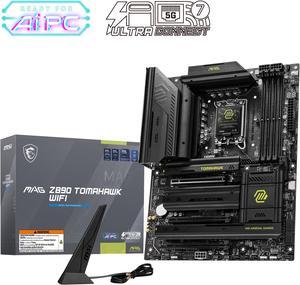
Useful adapters, generous IO and the software and bios are convenient to use and the least annoying among all others i have tried
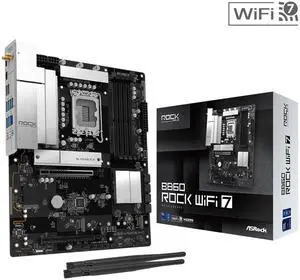
This was the first buld I've done in a ten years. Much has changed but this mb, cpu and memory worked without any problems.
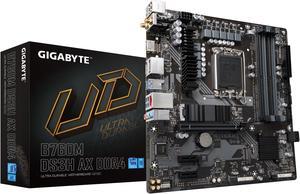
I just wanted a general desktop (not a gamer) for my GF to cruise the web and she insisted on using her old trash VGA-only monitor. This thing fit the bill (had VGA/HDMI/DVI video outputs) and fit in a tiny girly case like she wanted, plus it had built-in WiFi and bluetooth, which she also wanted. I wanted to jazz her with some hi-speed FB surfing. So, it was everthing she wanted in a tiny, hi-speed, inexpensive package.
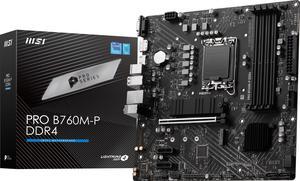
Motherboard, CPU, and NVMe Hard drive that I wanted at one place and at a good price. Fast to arrive and worked to my expectations.
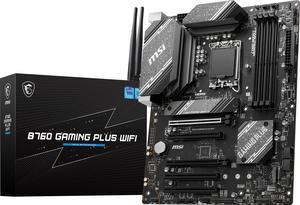
Easy to figure out where wiring goes everything is labeled. First time builder friendly
Excellent so far. In five more years we know for sure. Shipping was fast, too.
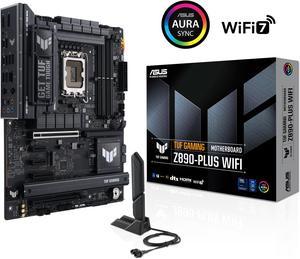
Strong power delivery, PCIe 5.0 support, Wi-Fi 7, 2.5Gb LAN, plenty of USB including Thunderbolt 4, and good cooling design.


