




 here!
here!
I’m your shopping assistant for PC builds, upgrades, and everything tech.
Got questions? Ask away!
Start a conversation
here!
I’m your shopping assistant for PC builds, upgrades, and everything tech.
Got questions? Ask away!
Start a conversation

In AMD Motherboards
Our most popular products, based on sales and updated frequently.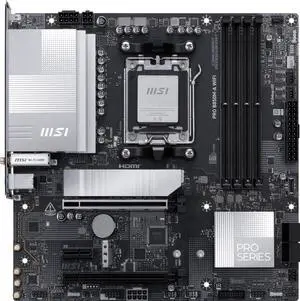
Pros: Everything is stable and sufficient for my retro build purposes. Using Patriot DDR5 sticks (not paired at the factory) successfully at CL30 and 6000M/T, an AMD 7600X, and an RX 9060XT. Plenty of SATA connections for SSDs and an internal DVD drive (only running a single NVMe due to RAM shortage) in a SilverStone FLP-02 case.
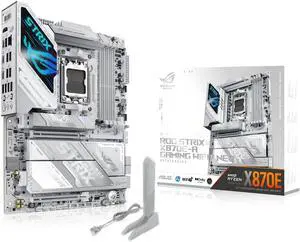
Feels very premium and it has lots of extras. Much needed usb connectors! And performs amazing. One of the best looking white motherboards hands down.
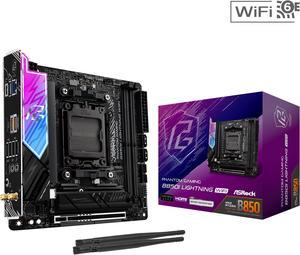
Easy set up, excellent features. Best value for the price
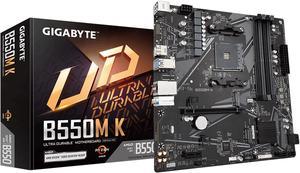
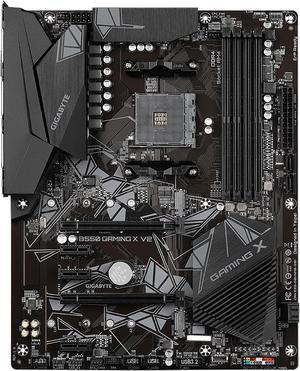
It was super easy to setup, it installed it's own drivers... all I had to do was play with it. I love me my gigabyte equipment, I look nowhere else.
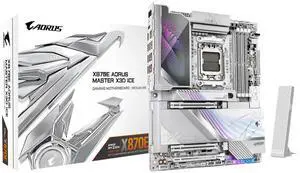
Workability, Usability, esthetics, was very easy to install and set up. It lets my components breathe and work to the nine without any issues. Set it up with dual boot of windows and a specially made kali linux version they did for me.
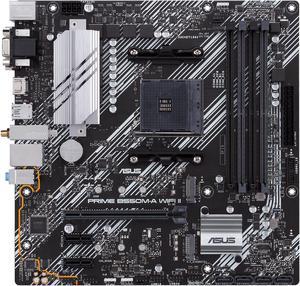
Works like a dream. Runs anything I need.
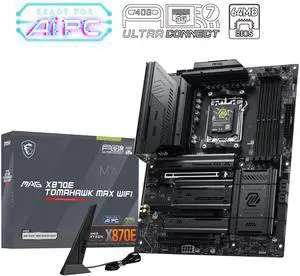
Easy to install and setup cable management. Tons of connectors for RGB, USB, Hard Drives etc. Numerical LED shows my processor temp, can check it with a glance. I've updated the firmware twice now with no problems. My CPU (7950X3D), Ram, Video card, 1 M2, 2 SATA, and 5 USB drives are all hooked up running normally.
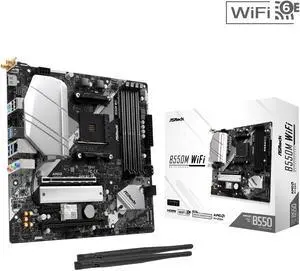
Latest BIOS included. No issues getting it up and running with Ryzen 5 5600G ITX builds are always a hassle due to space constraints, but that'a not the board's fault.
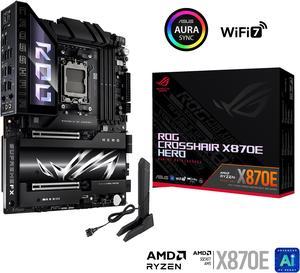
It works and functions, No random blue screens or slow boots for no reason other than memory training. Getting a working motherboard is half battle when it comes to buying a motherboard. The Asus BIOS/UEFI is always a gem and fun to work with. The SP score feature Asus has been using for these last few years is always a fun. SlimSAS slot is useful
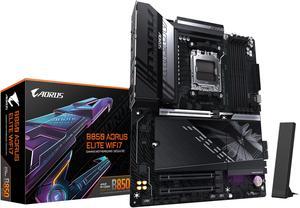
I'm so happy to have found this MOBO option. It's very easy to install and includes all features I've been looking for in a MOBO No unnecessary RGB and plenty of IO ports for all my needs.
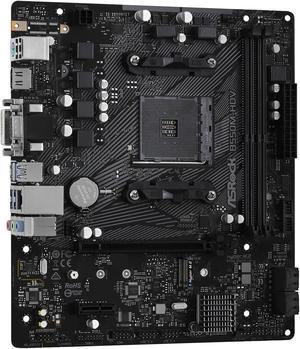
Great board for tiny build
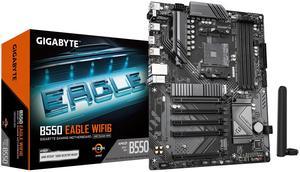
dropped my cpu in plugged in all of the things it posted first try. downloaded windows onto a USB and copied drivers to it, then plugged into the USB port on my case. booted into bios by pressing DEL at start, change boot order to the USB, install windows onto a drive. pretty simple. took a while i am not sure i actually enjoy building pcs anymore.
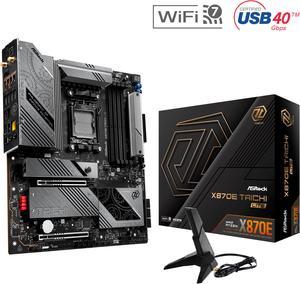
This review for ASRock review rebate program. - Quality of this board is incredible - System stability and performance - No RGB!
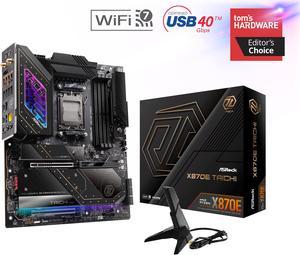
- No lane sharing - important when loading up with SSDs - Five M.2 slots - Full heatsink coverage - Great VRAM design - Bios Flashback Button - Decent styling
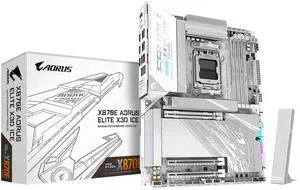
Beautiful looking, didn't even turn on x3d and when testing with 9850x3d cpu had excellent results.
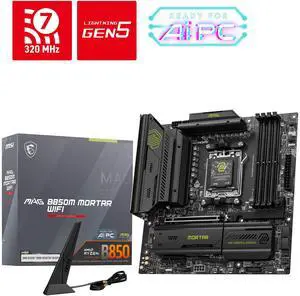
like the GPU latch , 3 m.2 drives , great MB , love MSI boards
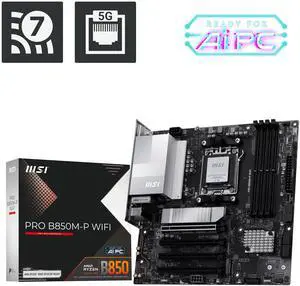
- PCIe 5.0 x16 for the latest generation of GPUs - M2 Heatsink "Frozr II" - Wifi 7
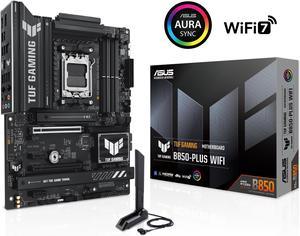
-Awesome budget motherboard that delivers a phenomenal gaming experience. -Awesome user manual makes for easy installation -Very sturdy, can easily see and feel its quality -Ryzen -Easy navigation through BIOS -Troubleshooting LED indicators allow easy diagnosis of potential problems within hardware systems
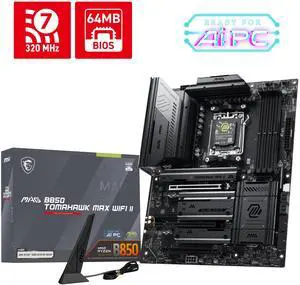
Paired with AMD Ryzen 5 9600X and RTX 5060 Ti 16GB for my friend and he is pretty with the outcome. The board offer so many features like 2 x M.2 Gen5 x4 and 2 x M.2 Gen4 slots, Wi-Fi 7 with Bluetooth 5.4 and 5Gbps LAN and lots of USB option. The build was also easy to assemble . Overall I am very happy that it came out clean and a nice build.


