here!
here!
I’m your shopping assistant for PC builds, upgrades, and everything tech.
Got questions? Ask away!
Start a conversation
here!
I’m your shopping assistant for PC builds, upgrades, and everything tech.
Got questions? Ask away!
Start a conversation

In Business Laptop
Our most popular products, based on sales and updated frequently.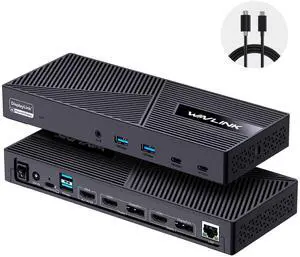
I have a Macbook pro intel i7 computer, I use it for video editing, some Graphic Design & Animation works, I like this product have 6 port usb, is make more easy to connect my computer accessory & tools just plug and play. and I have no problem to connect any my equipment with my Macbook pro, I am happy with the connect speed, run very stable when i use Final cut pro or DaVinci Resolve with my external usb 3.0 hard drive, Gigabit Ethernet Ports is make more stable internet connection for live steaming. now i don't need that many USB hub when I need live steaming st work. I change more 3 miniDP to DVI adapter but Finally i don't need other DVI adapter for my Macbook pro.
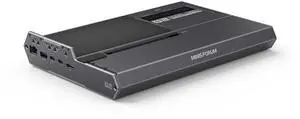
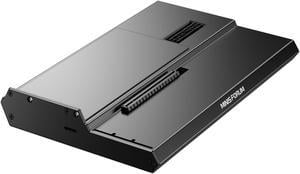
- It's worked flawlessly for the 2 months I've had it so far. Used with an RTX 5080 and RTX 5090 for long running workloads.
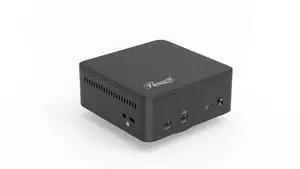
- Support for 3 screens on dated M2 Macbook Pro via DisplayLink support - Front facing 20w USB-C port super convenient for charging whatever - Included VESA mount was a nice bonus
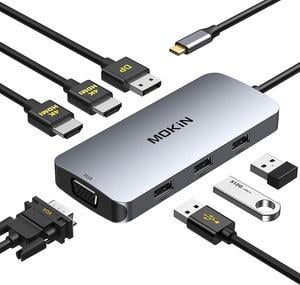
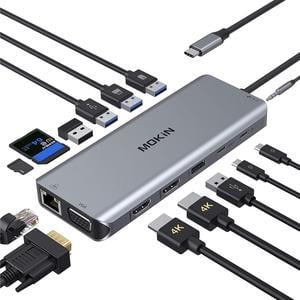
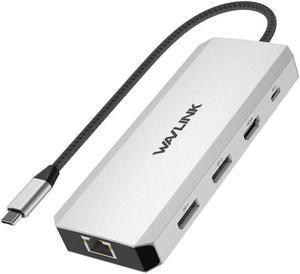
Compact for use on the go or on your normal desk Works with Windows, Mac, and Chrome Nice variety of ports Pass-through charging is really helpful True one-connector docking
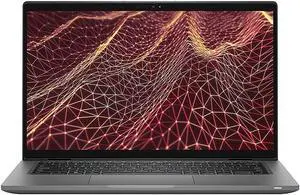
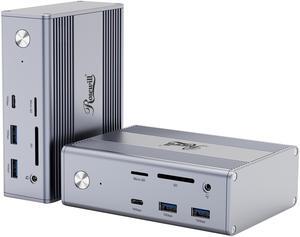
Worked with Rog Strix G16. Charges laptop and displayed on dual monitor set-up. Uses USB-C to connect to laptop making barrel port unnecessary. Small metal box construction is nice.
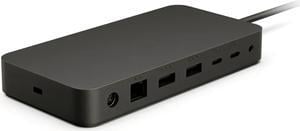
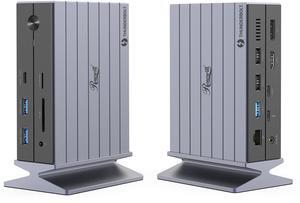
Good build quality ports are well spaced and easy to access Throughput for data and power are seamless Comes with a AC to DC converter 100W
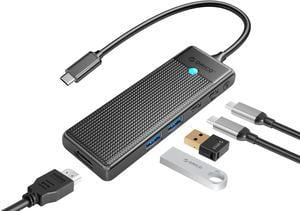
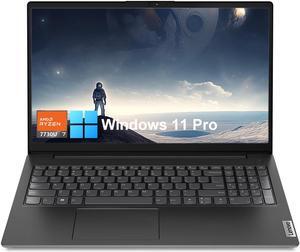
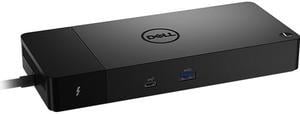
Combines all my many wires to the laptop in only one that plugs into the computer.
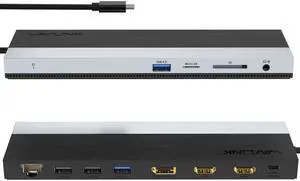
Plugged it in and it worked instantly Absolutely no lag on the screen Over 1Gbit of bandwidth Charges laptop fast Hass on/off switch
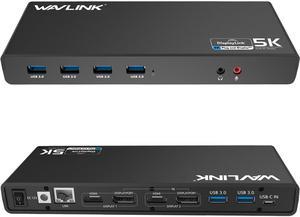
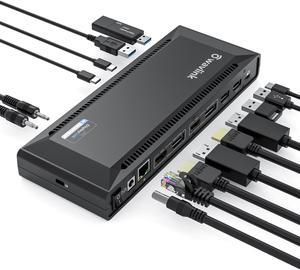
I like its design most. Unlike other docking station, I was attracted by how it looks, and it does not disappoint me. There are a lot of ports. It has two USB-C ports and two USB 3.0 ports on the front. On the back, there are DP, HDMI, USB 3.0 and Ether ports. It can also charge the laptop with the USB-C port. It is slim. Speed is really fast. It comes with 2 good quality USB-C cables.