




 here!
here!
I’m your shopping assistant for PC builds, upgrades, and everything tech.
Got questions? Ask away!
Start a conversation
here!
I’m your shopping assistant for PC builds, upgrades, and everything tech.
Got questions? Ask away!
Start a conversation

In CPU Air Coolers
Our most popular products, based on sales and updated frequently.
There's nowhere to go wrong with this. As good or better than anything beQuiet or Noctua makes, at half the price. Pay more if you want to. No stupid RGB.
Very good air cooling Easy to mount cpu Easy to mount to board
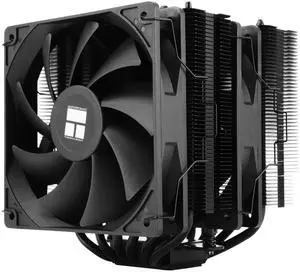
Runs beautifully for my budget build has zero problems gaming wise ( I mainly play rust which is a cpu heavy game)
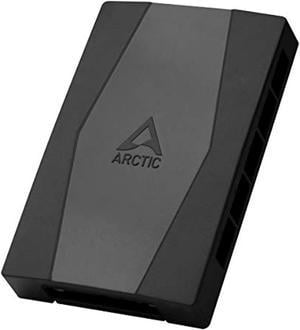
10 fan headers, that's a lot more than many other more expensive controllers Easy installation Compact size
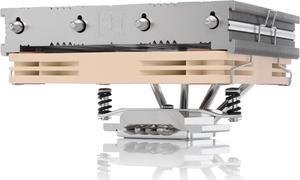
- Low profile - Very quiet - Cross-platform mounting kit - Includes everything you need, even a screwdriver and thermal paste
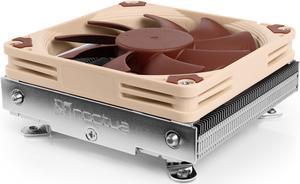
Not to large and easy to install. I installed on MB before I put the MB in chassis. If MB is already installed it might be a two person job. It comes with additional screws so you can mount a larger fan if needed. Quiet. It comes with a LNA to further reduce noise but I did not need it.
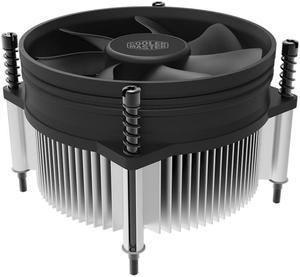
Already has the paste on it. Screws into bottom plate. No confusion. Great for beginners
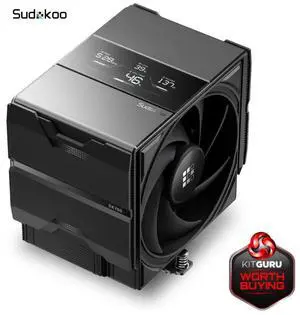
Great temps Sleek Design Very easy installation
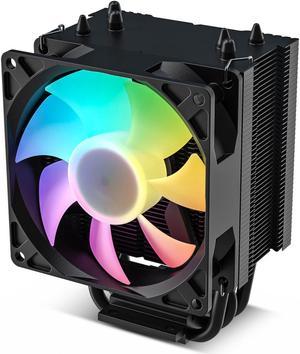
Great Price and now keeps my Intel 1150, 20 degrees F cooler, and that's what I was shooting for. lights work for fan.
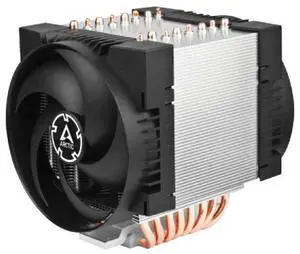
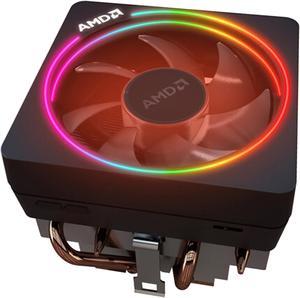
Keeps my Ryzen 7700X Cool has a high low switch for higher rpms and better cooling allows you to change lights, I haven't been able to figure out the ring light though.
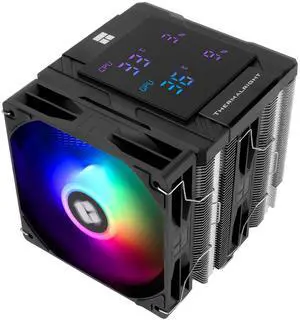
This is my 4th or 5th Peerless Assassin cooler, once again, I am in love! The display is pretty basic, however, it displays exaclty what I need it to display! The cooler is updated over the older ones, the CPU plate is larger, and this one has steel top plates for the magnetic display. Cooling is still outstanding.
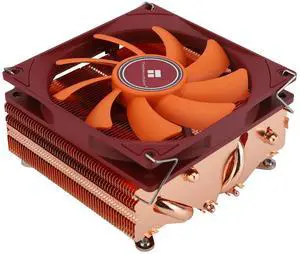
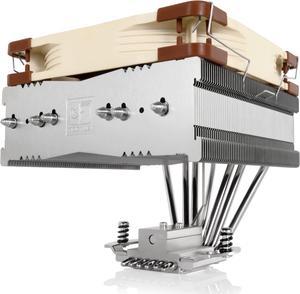
Fits my case and cools well.
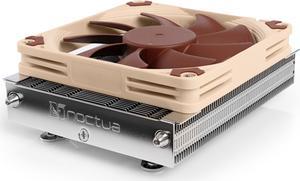
I'm using this with my AMD Ryzen 7 1800. I don't overclock, so it is completely silent. It doesn't impinge on the memory area of the motherboard at all. Easy to install.
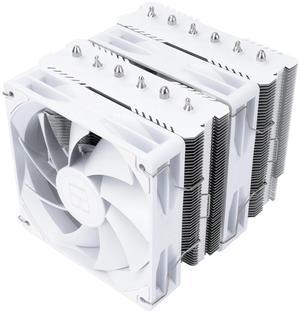
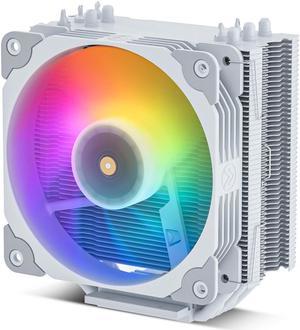
Quiet Effective Comes with all parts needed for installation


