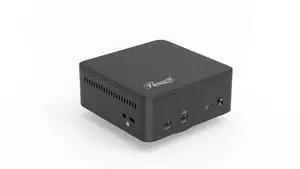
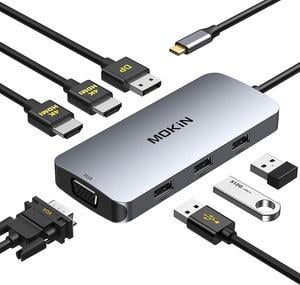
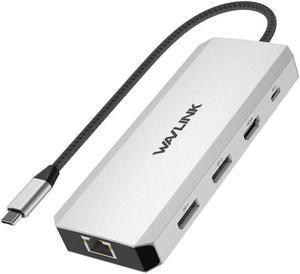
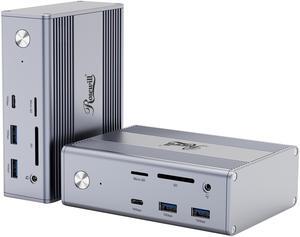
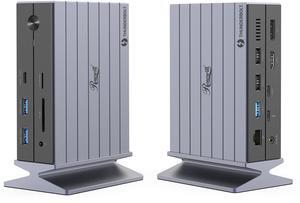
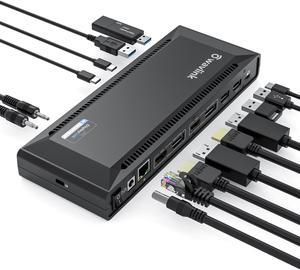
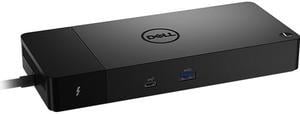
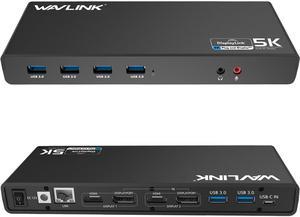
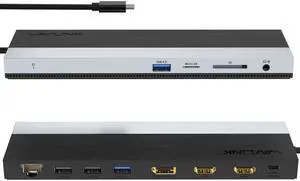
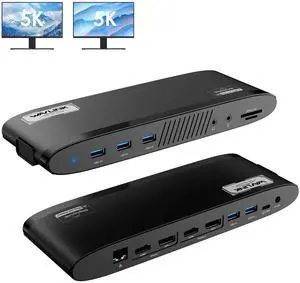
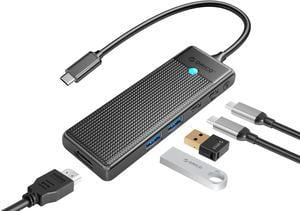
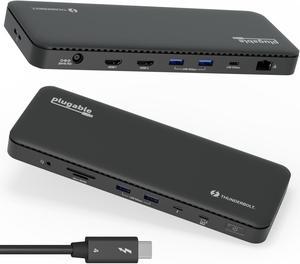
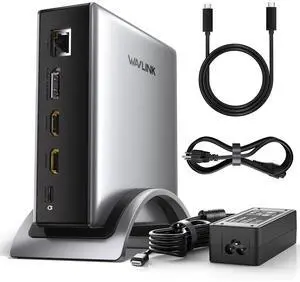
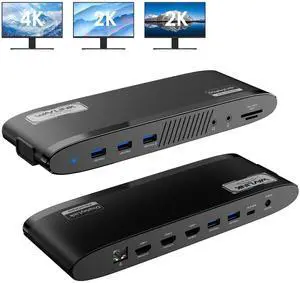
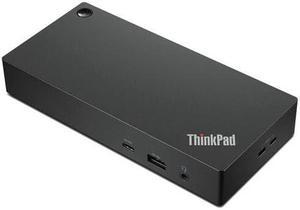
Worked with Rog Strix G16. Charges laptop and displayed on dual monitor set-up. Uses USB-C to connect to laptop making barrel port unnecessary. Small metal box construction is nice.


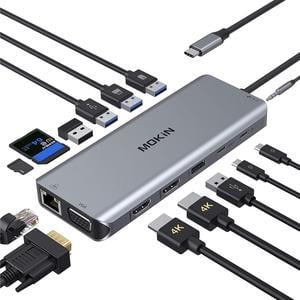
Multiple connection in one hub

Compatible with my laptop; no driver is needed to install it. Lightweight and fast file transmitting speed.

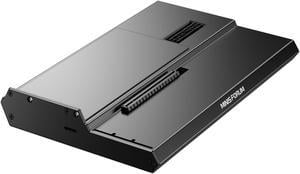
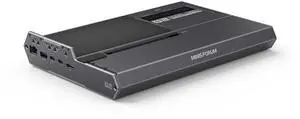
* So easy. Just slide drives into slots and power on. No tools. * Open case means passively cooled. * Handled my old NAS SATA drives without a hitch. 3 x 1 TB Samsung, 1 x 2 TB Samsung, 1 x 500 GB Seagate. * hdparm (free linux tool) spins down the drives on idle timer.

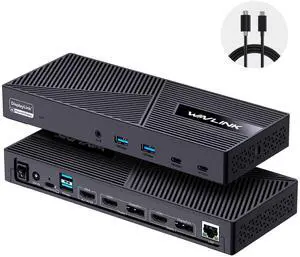
- Able to have 2 extended desktop external monitors on MacBook Pro - Drivers exist and works for macOS 10.15.7 Catalina - Dock only a little bit warm on full load (external ssd, and 2 screens playing 4k videos) - Ethernet connected to USB3.0 bus internally - some bad hubs fallback to usb2.0. - A lot of USB3.0 pots - and no any usb2.0 ports is a plus - not waste of space on front/back panel. - Full 5Gbps speed USB ports, external SSD gives 450+ MB/s

I am a Windows user but recently had to take up support for Apple MacBook's. I use three monitors to do my work\support and my new MacBook would not let me use the three monitors, just the MacBook screen and one external monitor. I tried just about everything and nothing worked. Someone told me about this Wavlink docking station, so I tried it and WOW, I was able to use all three monitors with little effort to get the dock to work with my MacBook and it also works with my Window's laptop, so now all I do is unplug one machine and plug in the other and I just get to work!! What a great dock, highly recommend!!

Highly probable All in one Easy to setup


Plugged it in and it worked instantly Absolutely no lag on the screen Over 1Gbit of bandwidth Charges laptop fast Hass on/off switch

Packaged well. Feels solid. Worked for all of my usb devices to my MacBook Pro.
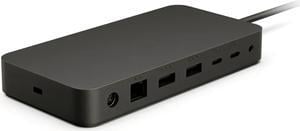
- Reliable Ethernet - Plenty of USB-A ports - Passes power perfectly as far as I can tell


Clear instructions for setup

Works fine with Yoga 720 (13-inch) and Dell XPS 15 laptops. This WAVLINK THUNDERBOLT 3.0 Docking station is simply amazing, and very convenient. It saves time and effort because it connects to my laptop with a single cable: the awesome Thunderbolt 3 connector. As I write this review the Thunderbolt 3 technology is the fastest for data transfer, display and charging. I would like to mention that even if this dock only delivers 60W and my laptop needs 130W for regular charging, it still charges the laptop, albeit at a slower pace than the dedicated charger. What I like about being able to charge the laptop with this dock, is that I don’t have to remember to unplug the charger, wrap the wires and put it inside my backpack. Instead, the laptop when it’s at home, it’s connected to this dock by a single cable, and that it’s all I need to unplug, and reconnect when I return. And the only thing I need to pull out of my backpack it’s the laptop itself, and everything else it’s provide by the dock, from extra USB ports to Ethernet connector, and HDMI port. The laptop charges while I work on it and when I have to run out of the door, all I have to do it’s to unplug that Thunderbolt 3 cable, and grab the laptop, and I’m on my way. I keep the charger in my backpack, just in case I need to charge it, or use it in another place besides the office or home. The design is very stylish, and it has rubber feet to keep it steady on the desk. It’s also Plug & Play, which makes it simple to use as a secondary 4K display and to add extra ports to a laptop that has a few, like my Dell XPS 15 and Yoga 720.


Works as advertised. The little slot in the top of enclosure makes it easy to securely insert the drive. I used it to clone a SATA SSD to a PCIe drive using Samsung's Data Migration app and it went off without a hitch.

- Quiet fan. - Drives report about 10° C cooler than inside the desktop. - Running a variety of drives from 1 TB to 18 TB with no problem.