




 here!
here!
I’m your shopping assistant for PC builds, upgrades, and everything tech.
Got questions? Ask away!
Start a conversation
here!
I’m your shopping assistant for PC builds, upgrades, and everything tech.
Got questions? Ask away!
Start a conversation

In Intel Motherboards
Our most popular products, based on sales and updated frequently.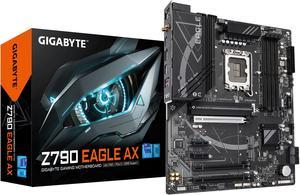
-went in easy with the built in i/o shield. -Plenty of fan headers, good connectivity. -Good basic board, if it lasts half as long as my last gigabyte board, (12 years) I'll be very pleased.
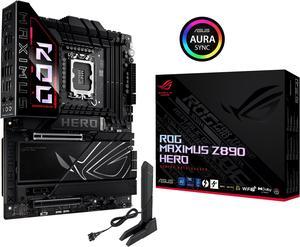
Great high end mobo for bleeding edge components (when purchased). Combined with a Core 7 265k, 48gb of UDIMM memory and an RTX 5080 it has been rock solid as a gaming machine.
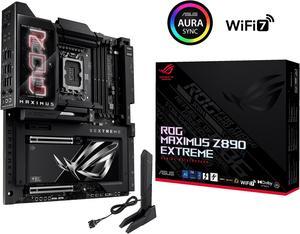
Fortnite works great with this mobo. I feel that this is a future proof item, should last me years. I hear the OLED screen will be able to display pictures in future BIOS updates.
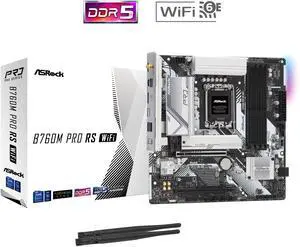
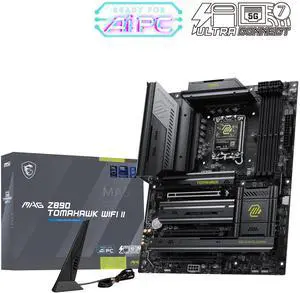
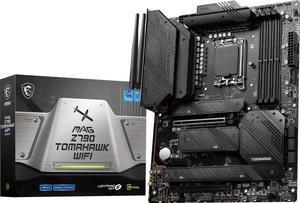
Coming from an MSI P67A-GD80 (2nd generation i5-2500K board), I had no idea how nice motherboards had gotten in 10+ years. -USB stick included has drivers and a setup wizard with overclocking and benchmarking utilities (WHAT?!) -Wi-Fi is blazing fast and no extra cables or hardware outside the PC chassis to deal with on a desk -Easy to update BIOS (use the USB stick to add the driver from the MSI website to use gen 13/14 CPUs) -NO RGB SPACESHIP LIGHTS (HURRAY)
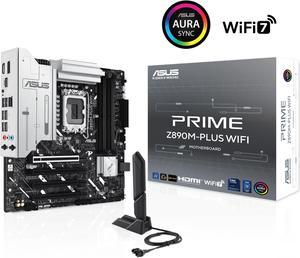
initally after building it out i flipped the switch and nothing. i troublshooted several things. and still nothing. i even posted a DOA on newegg but today 1dec24 138pm dst. i looked again at 1 issue a 3rd time and corrected something. i am embarassed to say what it was but i corrected it. replugged some components i had previously unplugged and FLIPPED the swich and an OH MY G-D MOMENT OCCURED.! lights fans and after it shutoff briefly and on again SCREEN DISPLAY!. even a multiple times pc builder lik me can F_UP. AND just as an apologetic it took me about 25 hours partially because i kept running into issues mostly fitting components to tower. AND though i had lots of fun doing it it did take me 25hours probably a little less to build the thing. in my defense i was adding components that i was not familiar with and therefore took longer to make do. ... i coulod go on and on and on even making a fool of myself. if i havent already. when i mess up i admit it. and i did. and i corrected it. >>>>>>>>>>>>>>>>>>>>>> IN CONCLUSION the ASUS PRIME line of mobos does not disappoint specifically the asus prime Z890M-plus WIFI
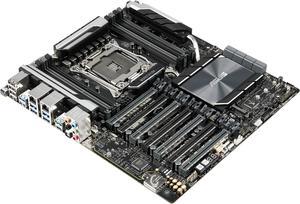
Easy To Set UP. Runs my i7 7820X with no problems. Have 2 660TI's in SLi mode. Plenty of USB and Sata ports and hookups. Has a very high quality look and feel. Very stable and cool running with my Xtreme 11X Cooler
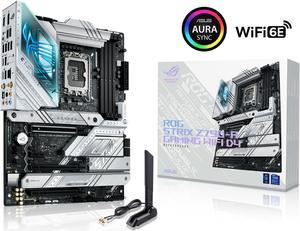
- Fast shipping (for outside the United States) - Communication - Hard to source products available - Customer serivce
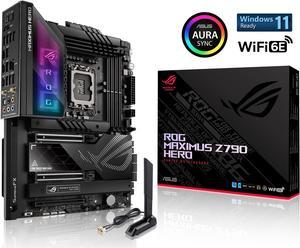
Lots of the good ASUS features you expect & then some (double nvme pcie card) but the price is steep. I'm sure inflation & supply are also to blame but this isn't their most expensive motherboard either. That one cost $1k. It's been a while since I had to build a rig and it's been both eye & wallet opening. Anyways from the reviews and tests this Hero board should handle whatever you or I need to do. "UPDATE" This mobo works just as advertised. I'm Glad I got it and I recommend it to anyone that's interested or on the fence about what to buy..
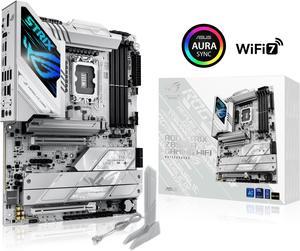
Looks great in my white build. Super simple setup!
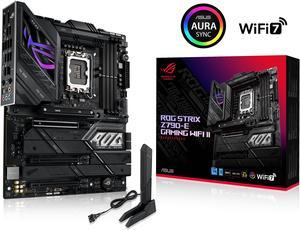
Robust Power Solution: 18(110A)+1(110A)+2, good for overclocking CPU Very fast WIFI connection. Next-Gen M.2 Support: PCIe 5.0 M.2 slot
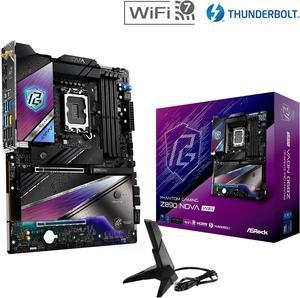
I really was amazed about this motherboard . It had some purple on it and really had everything you would need on it including a start and reset button right on the board awesome!!

- It worked, and mostly matched the color scheme of the build, but-
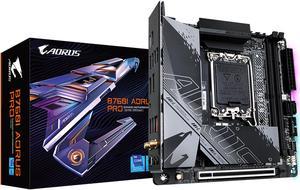
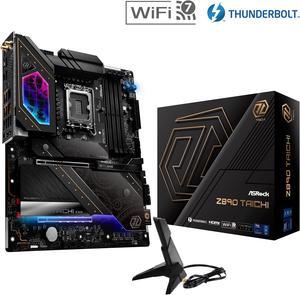
- Dr Debug LED is really useful - Easy to install and build - Excellet build quality - It has RAM latches on both sides instead of just one like some boards - Looks amazing - Update BIOS without RAM installed
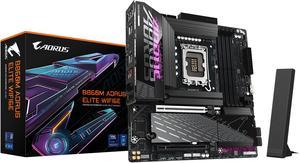
Easy to install. Not a large Motherboard compared to a z series. gigabyte is easy and straight forward to update BIOS extremely easy
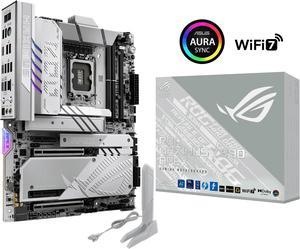
similar to the z790, which I currently have. Great look and amazing options.
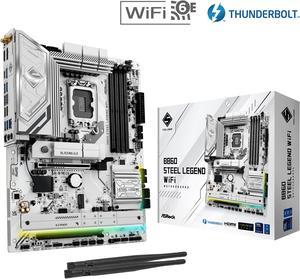
Wifi Built in
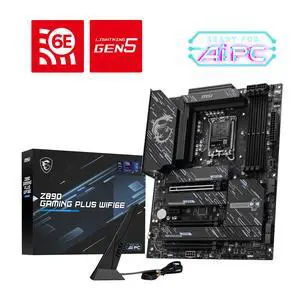
- Lots of quality of life features (tool-less m.2, pcie quick release, integrated IO shield) - Good I/O for the price (thunderbolt 4, wifi 7, 5GbE LAN, quad m.2 slots) - Clean easy to use UEFI


