




 here!
here!
I’m your shopping assistant for PC builds, upgrades, and everything tech.
Got questions? Ask away!
Start a conversation
here!
I’m your shopping assistant for PC builds, upgrades, and everything tech.
Got questions? Ask away!
Start a conversation

In Intel Motherboards
Our most popular products, based on sales and updated frequently.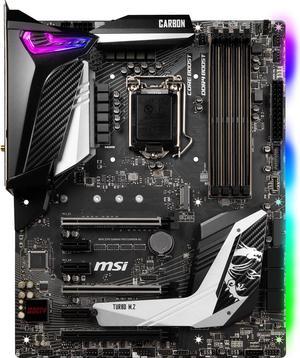
The leds make this board look so good in my case. The mystic lighting app has tons of different settings and it can also control your ram,case and case fans settings. I'm running rainbow strobe on all of them right now and it looks great Install went super smooth. I was done in about 30 minutes. Just got started overclocking but i'm loving all the overclocking tools you get with this board.
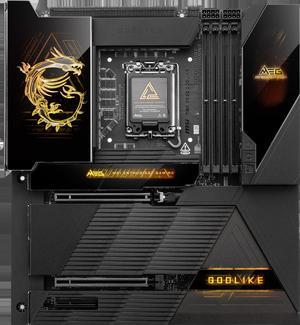
Very Good Motherboard, The desing is fantastic and i love it, It's easy to setup and use
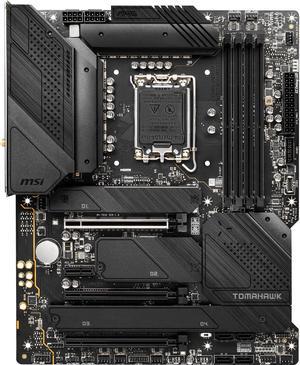
I love how sleek the design is. Many USB ports. Came with everything I needed and was packaged nicely. Wifi Antennas are great! I use to use a usb stick for wifi but I like that I can adjust these antennas so that they can sit further back on my table next to the wall.
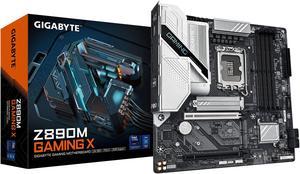
easy to install solid build
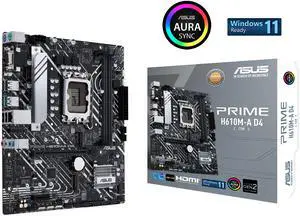
Actual 6600 m.2 read speeds w/ a Crucial P5 Plus m.2 4.0x4 very good usb port array
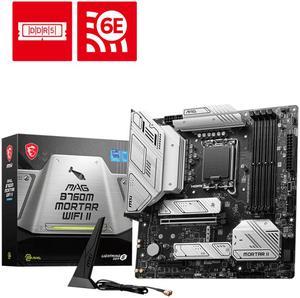
Micro Atx Color Scheme 3xM.2 Slots Built in WI-FI 4 DDR5 Slots
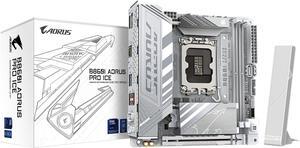
Easy to install. Not a large Motherboard compared to a z series. gigabyte is easy and straight forward to update BIOS extremely easy
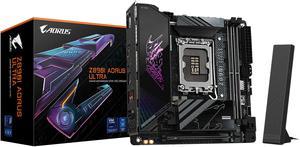
- Worked flawlessly out-of-box - Nice design/asthetics - Easy BIOS UI - XMP working fine (DDR5 7600) - Quiet, no coil whine
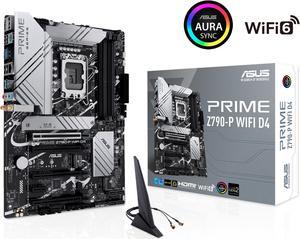
this board outputs phenomenal sound, even when not using 7,1 , i have determined that i dont even need my soundblasterX4 external DAC. AMP, just don't connect it to a pair of cheap stock speakers... i highly recommend the klipsch 2.1 THX certified computer speakers .. nothing less than 100 dollars really. also... out of curiosity..and giggles i put a Pentium gold Processor (Intel(R) Pentium(R) Gold G7400, 3700 MHz, 2 Core(s), 4 Logical Processor(s) ..i did so with the thought.. that it would perform so poorly , that i would have to take it back out, i was surprised at its performance especially that it was not bottle necking the rest of the system., i was especially floored by its benchmark numbers (still not finished) ,the worst it has done is 79th percentile . so this board provides excellent support for low end processors.. providing more options for gamers on a budget ..
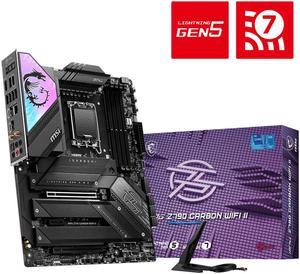
They will build motherboard with lots of different types of hookups for fans, SATA drives, water cooling systems. Has multiple M2 drivers
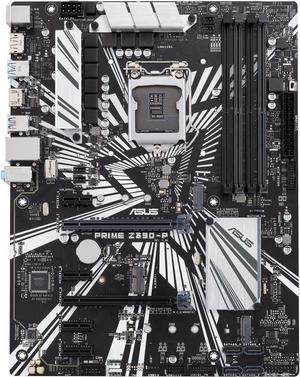
Board well laid out, parts easily installed.
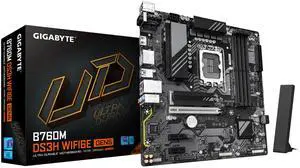
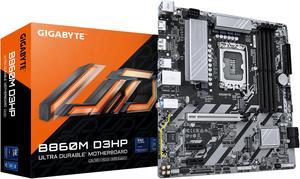
Nice board
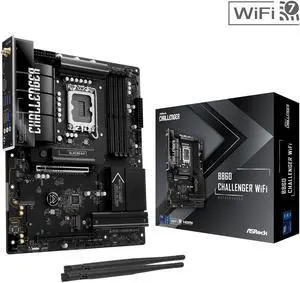
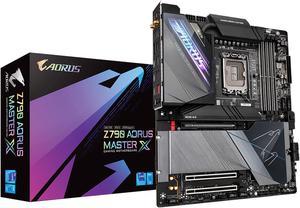
Dark aesthetics, Gigabyte control center integrates well with other gigabyte products. The ARGB syncs well.
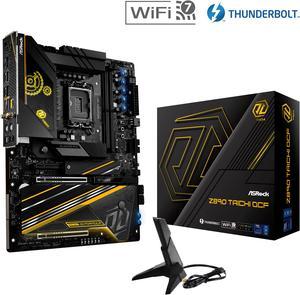
very nice mobo has 6 m.2 slots and a proper igpu lane which is why i wanted to upgrade from the z790 apex encore other than for cudimm ram OC. Im glad theres finally an XOC mobo with a proper igpu lane that ill use with tb4 unlike last gen where i didnt have the option
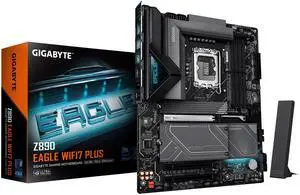
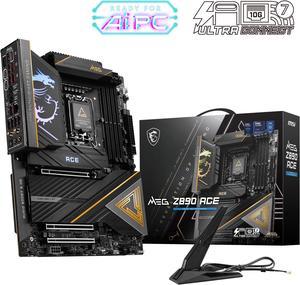
- Aesthetically looks amazing - Plenty of M.2 slots - I love the heatsink on the M.2 drives - Easy to install - MSI has great BIOS control
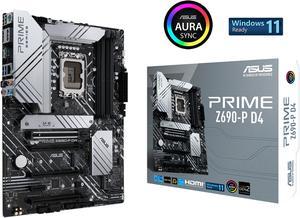
Ease of use? Simple install. Mounting holes for lga 1700 and 1200 is really nice. Perfect board to upgrade to 12th gen.


