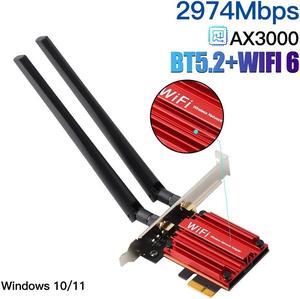
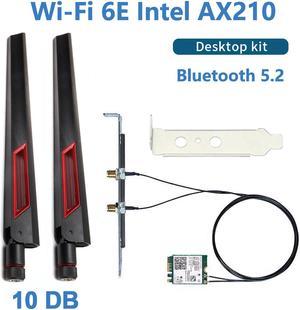
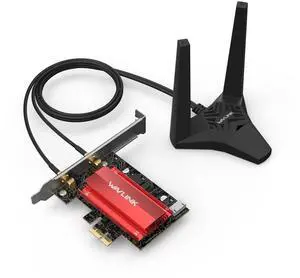
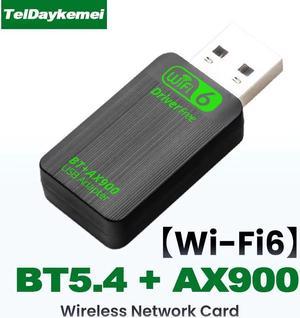
Works well for my desktops without wifi. Has a self-install driver that triggers once plugged in. Speed is quite fast.

Easy to install


This was a purchase to replace a faulty internal wifi card in a Lenovo Yoga. The replacement options were very poor. I can get my 5GHz wifi signal at the far end of my house (3400 sq. ft.). So, I'd say that was very good for such a small device. Windows 10 auto-installs a driver for it, but the driver on the TP-Link site was newer.

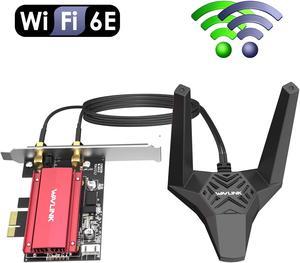
-Small Design -Cheap 6e -Antenna feels cheap but works fairly well

Very well made!

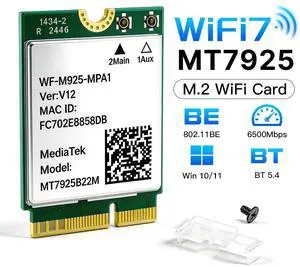
I purchased this to upgrade my laptop from a WiFi 6 (11ax) card to a WiFi 7 (11be) card. Since it's an 11th gen Intel, swapping it out was a breeze and found the 6GHz AP without issues.


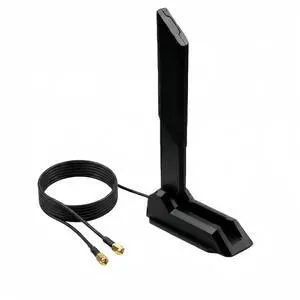
I have 3 of these on an ASUS RT-AC68U,, router stands up vertically , i needed about 160 to 180 degree signal coverage from the router. I would say I get a 10dbm gain on average with these. My neighbors house is about 10 feet from mine, their router must be close since i get their signal at about 35dbm, since these antennas are directional and the back of the antenna is to the neighbor it reduces their signal from interfering with reception on my router. In the past walking out my front door about 4 feet i would start losing WiFi connection due to signal interference, now for the first time I can wander around my yard and stay connected. There is a massive amount of WiFi signals in my area, a survey on average will pick up between 40 and 70 SSID's at anytime on 2.4GHz, finding an unused channel was not an option, regardless this antenna made all the difference, I should also mention on 5GHz I can also wander around outside and stay connected.

-Works very well.


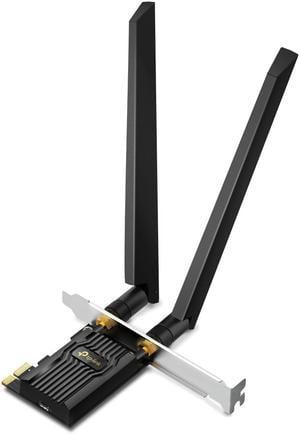
The mechanical installation is easy if you can open your PC and can follow simple instructions. The mini CD rom installed quickly and the unit was up and running after reconnecting to the Wi-Fi hub.

I've only used it for 2.4 gtz and it works great, I got a stronger connection.


Nothing special, work as advertised