




 here!
here!
I’m your shopping assistant for PC builds, upgrades, and everything tech.
Got questions? Ask away!
Start a conversation
here!
I’m your shopping assistant for PC builds, upgrades, and everything tech.
Got questions? Ask away!
Start a conversation

In Networking
Our most popular products, based on sales and updated frequently.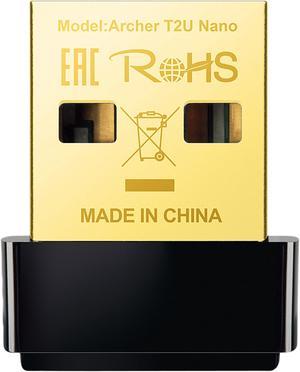
It is small and does the job.

Came next day. Works as expected see picture. Installed in my spectre x360 which I bought in 2015. Amazing upgrade to my previous wifi card (7265).
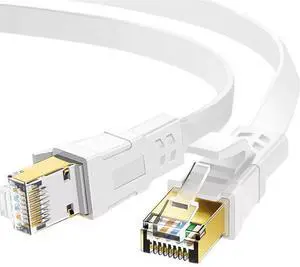
Gave slightly increased Internet upload speeds, with mixed results for download speeds according to the tests that I ran.
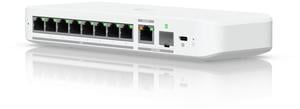
UniFi compatible and suited to the kinds of awful environmental conditions the old Ubiquiti Tough Switch Pro was perfect for. Being managed by UniFi rather than UISP simplifies the network, so it's GREAT to have this niche filled. Surprisingly useful to have more ports, didn't know we needed them until we had the option.
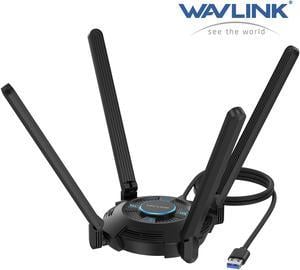
I purchased two of these to reduce cord clutter in my sister's home. Two gamers in the house said they had zero connection or gameplay issues compared to LAN cables. I'm really surprised, and ordered another one while they're still on sale.
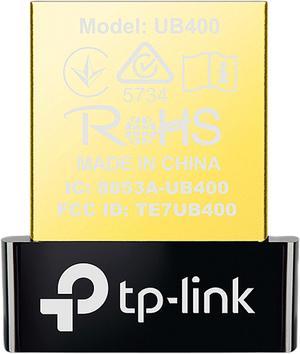
The device works great. This was my first time using Bluetooth (I have a desktop with otherwise all wired peripherals). It look a little time to find the settings on Linux (Ubuntu), but once I did it was straightforward. Probably even easier on Windows, or maybe it was just my inexperience. Once I got my keyboard set up, it was easy to pair other Bluetooth devices.
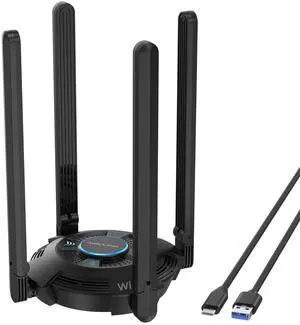
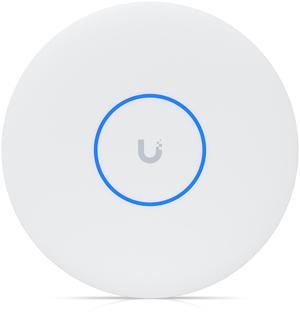
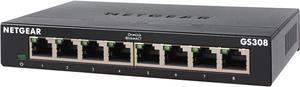
Excellent product, worked immediately out of the box, and does a great job of buffering among multiple speed sources.
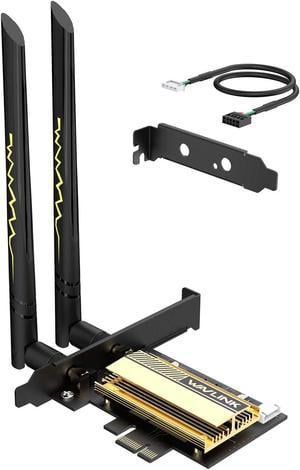
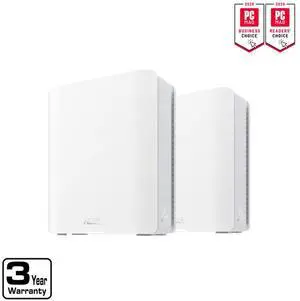
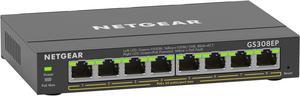
The switch has a very heavy and quality feel to it. POE+ works great with my cameras, and wireless access points.
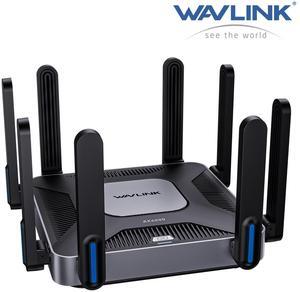
good, it works. 24 and 5g. I am using it now
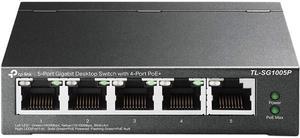
This is an small device, as soon as I replaced my old switch I saw a significant improvement in performance.
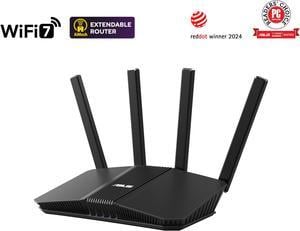
Didn't feel much improvement on speed on old devices with wifi6 however the signal is super strong way better than the wifi from Spectrum. It's lightweight and elegant. Love the design. Also the iPhone App is a big plus
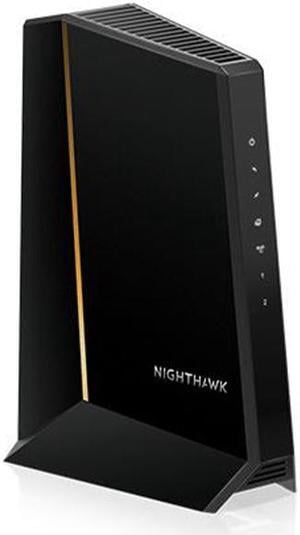
-Easy to setup, no issues with mediacom connecting to it. Took maybe 10ish minutes once I got on the line with someone. -Connected to my old Netgear router(AC2300) right away as well, no issues -Large capacity for a 2.5gbs connection
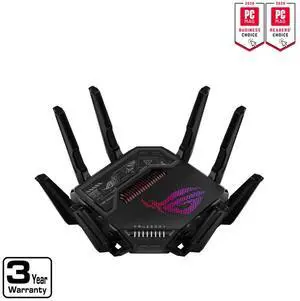
Great connection AIMesh
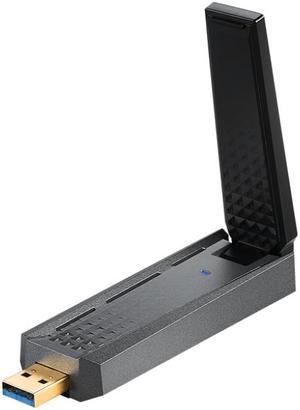
was quick to set up. Speed is fast. My internet is 300 /300 Mbps and I am getting right around that.
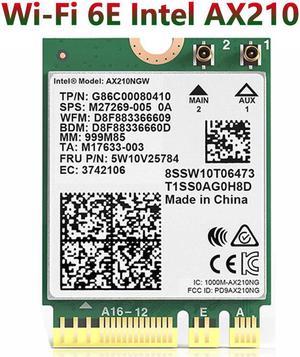
- Fast 6E card - Package includes antenna and screw - Compatibility - Fast shipping - Seller communication


