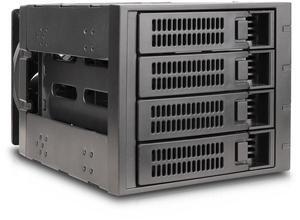
You can't beat the value of this cage. It costs like 50-60% of the Icy Dock or IstarUSA cages and it does what it should. The 120mm fan slot is the real advantage of this cage. I've used these 3x5.25">[45]x3.5" cages and none of them seem too have a 120mm fan slot which seems crazy to me especially the 5 drive cages. It is very light so it doesn't burden your case with even more weight.

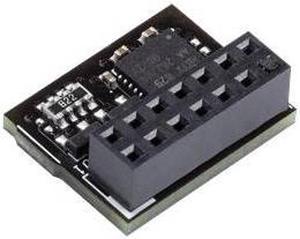
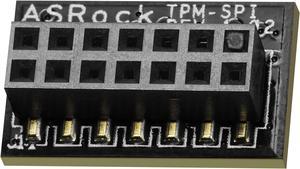
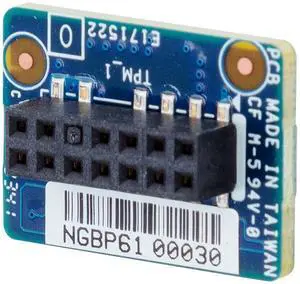
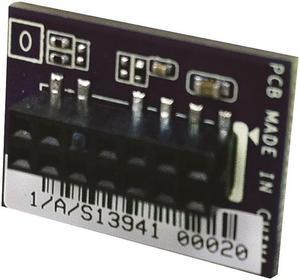
Is exactly what you need if you're looking for a TPM-SPI for your ASrock motherboard.


I have at least try that does not try nothing, I will eventually find a TPM 2.0 that works :)


Easy to put together

seamless integration with bitlocker, a built in windows 10 pro feature. I know there are ways to bypass getting a TPM to encrypt your data, but this was affordable and was mostly curious.
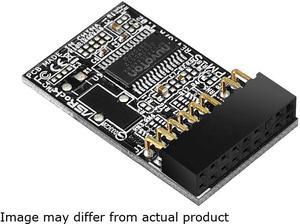
- Cheap - Easy to install - Works great

Small, work, cool factor


Easy to install and easy to set up in the BIOS. Win 11 readiness checkers see it for the TPM 2 requirement.


I have a server with 8 hard drives. (I bought two of these) I wasn't going to use this initially. I thought, once you get everything into the case, you really don't need to touch it, so there's not much of a need for this. I learned some things along the way that weren't immediately obvious. The biggest benefit is that it really helps with cable management. The SATA connectors are all in line. I bought 5 SATA cables with right angle connectors, connecting them from the bottom to top. The cables stack on top of each other, and you can put a zip tie around the cables at the bottom and they're really cleanly organized. While you can do this with drives (I've done it before), removing a drive in the middle can be tough. With the drive bay, you can install the cables before putting the drive in and never have to touch them again. The power cables are the real bonus. Two power connectors which distribute the power to all the drives. Doing this with splitters on individual drive can be a mess. My previous setup was a bit of a mess, it's very clean now because of these. The design of the airflow is smart. Holes in the front and one single fan on the back that pulls air through. The only thing I could think to improve on this would be to have some kind of insert for empty drive bays. As it is, the bulk of the air will flow though the empty slots. I took the cage apart to look at the circuit board, and apart from the LED indicators, it appears that this is just a straight pass-through of the connections from the drive to the SATA connectors on the back. I was worried it had a controller onboard, or something like that. Other general comments: The drive lights are a nice touch. The locks aren't really keyed locks, but they're good if you just want to keep from accidentally ejecting the wrong disk. The drive cages looks really cool when installed. You can install 5 drives in the space that would otherwise hold 4.