




 here!
here!
I’m your shopping assistant for PC builds, upgrades, and everything tech.
Got questions? Ask away!
Start a conversation
here!
I’m your shopping assistant for PC builds, upgrades, and everything tech.
Got questions? Ask away!
Start a conversation

In Switches
Our most popular products, based on sales and updated frequently.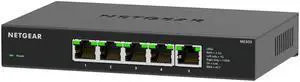
The MS305 (pay attention to the model number when purchasing) is a fine addition to a home network, especially with moving moderately large amounts of data between devices (pictures, streaming, archives) internally or via the Internet.
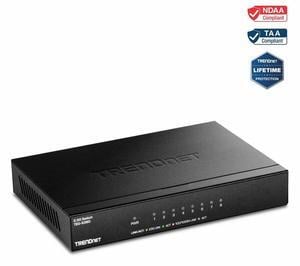
Works as advertised and had no issues with autonegotiating speeds on interfaces with Google Fiber's provided equipment (an issue I had read about in reviews for other boxes which I was concerned about). Get full speed.
No issues and provides great through put .
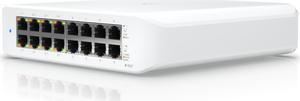
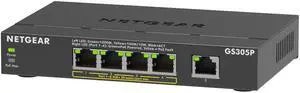
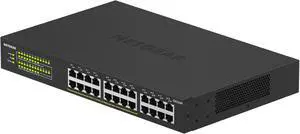
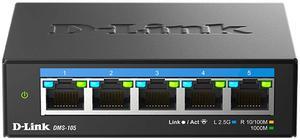
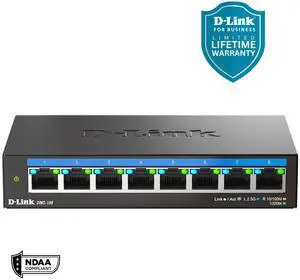
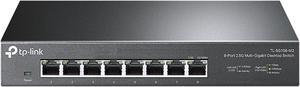
- Full 2.5gbps speed on all ports! - It does the job without any compromise. I've saturated the 2.5gb ports many times and it performs well.
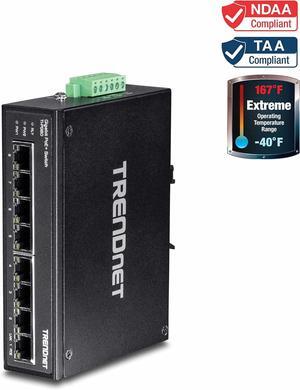
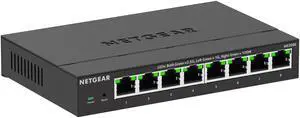

40 POE+ and 8 POE++ ports 4 10Gib SPF+ ports Layer 3 features Quiet fans

Has 2x10Gbps slots, 8x2.5Gbps slots, and 16x1Gbps slots. All 24 of the RJ45 ports have a backlight that glows through the clear RJ45 connector on your cable to convey which port speed you achieved. Green is 2.5Gbps, white is 1Gbps, Red is 100Mbps. This makes it really easy to know if you have the right cable in the right slot.
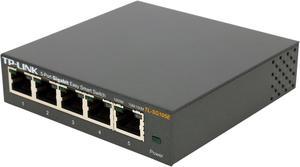
I've had this running for about 5 months. Small size and easy to mount means you can put it just about anywhere. Software allows you to view statistics on each port, QOS stats, or establish VLAN's.
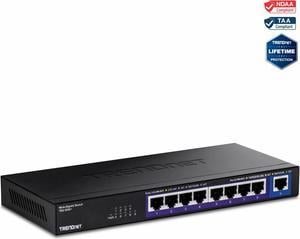

Both switched were installed, updated and online in one day . . . Sweet.

Fast performance and PoE+/++ out of the box! Small footprint and overall a performance beast for my network


