• The best deals in gaming
  • Microsoft Level Up Your Laptop
  • MSI Intel Gamer Days
  • ASUS Everyday Essential with Intel
  • Acer Aspire Go 15_up to $100 off
  • MSI SAVE BIG AND POWER UP
  • NVIDIA Student Recommended
  • ASUS TUF Gaming Laptops
  • ASUS Trending Now
  • AMD with Windows 11
  • vivobook
  • Acer Predator Helios Neo 16 AI
  • Stormcraft Crafted for Dominance
  • NVIDIA Student Recommended
  • The best deals in gaming
  • MSI Back to School
  • Microsoft Level Up Your Laptop
  • Featured Brands

    See Deals from ABSSee Deals from MSISee Deals from ASUSSee Deals from LenovoSee Deals from Acer America

Your PC Build Buddy Has Arrived

They’re here to help you KNOW more, build better, and level up your entire gaming experience.


Get the Most Out of Your Intel Core Ultra CPU

Updating your PC BIOS can be confusing, but we walk you through all the steps to download a new BIOS and install it on your motherboard. These instructions are perfect for updating your Core Ultra 2 Arrowlake CPUs so you get the maximum performance!
Computer Systems Featured Items

See All Featured Shop all products
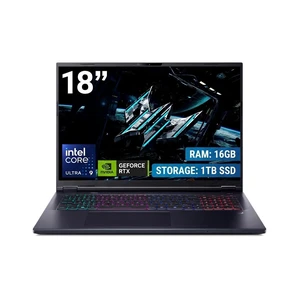
Acer Predator Helios Neo 18 AI - 18.0" Intel Core Ultra 9 275HX - GeForce RTX 5070 Ti Laptop GPU - 2.10 GHz - 16GB Memory - 1 TB PCIe SSD - Windows 11 Home Gaming Laptop - 240 Hz IPS (PHN18-72-92Y3 )

Free game w/ purchase, limited offer

  • GPU/VPU: GeForce RTX 5070 Ti Laptop GPU
  • Processor Name: Intel Core Ultra 9 275HX
  • Memory: 16GB DDR5
  • SSD: 1TB PCIe
  • Model #: NH.U0HAA.002
  • Item #: N82E16834360388
  • Return Policy: 15-Day Return Policy
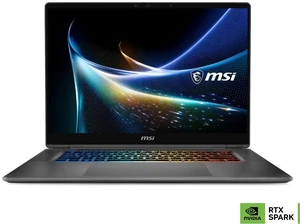
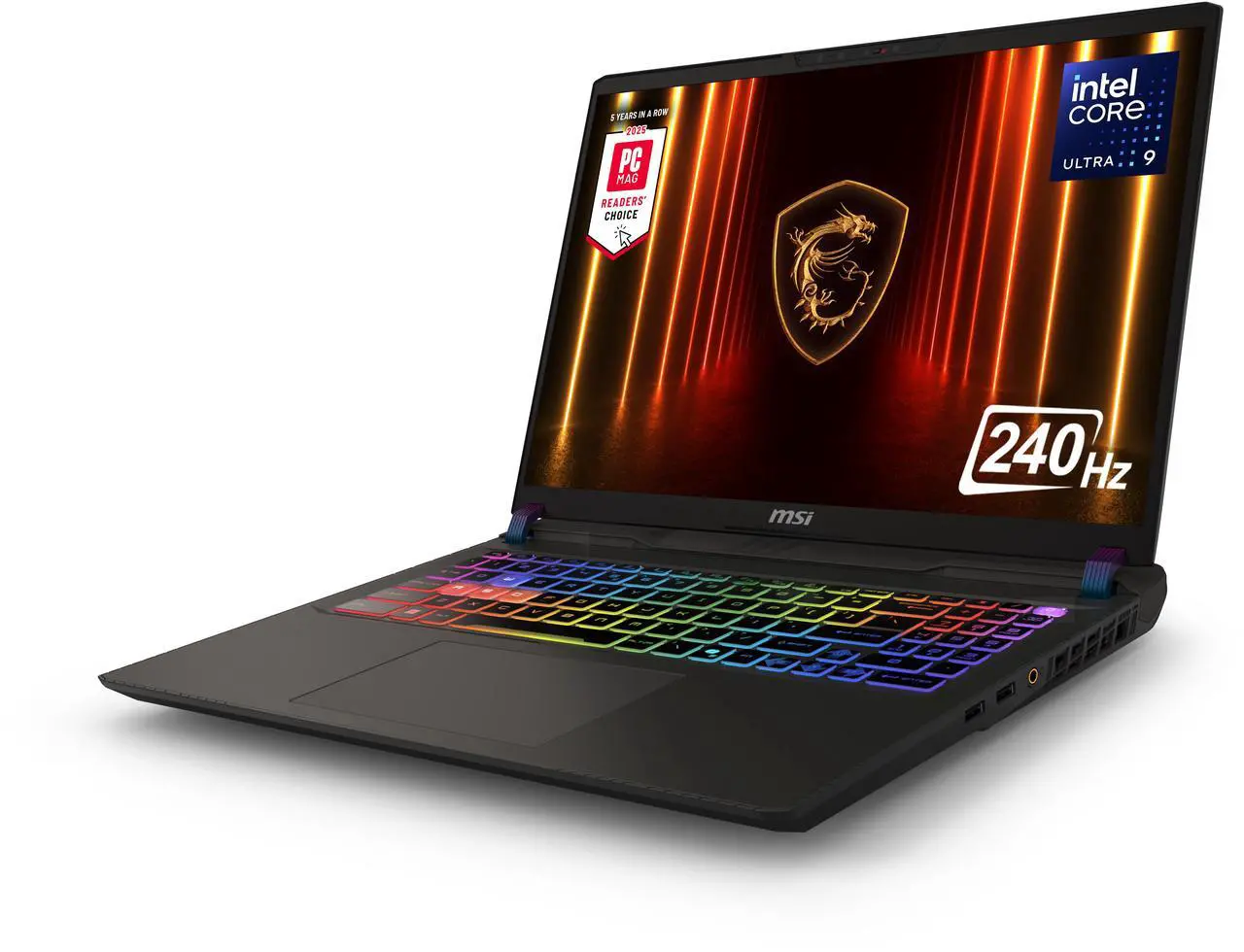
MSI CROSSHAIR A16 Gaming Laptop - 16" QHD+ 240hz - AMD Ryzen 9-8940HX - GeForce RTX 5060 - 32GB DDR5 RAM -  1TB SSD (D8WFKG-015US)
MSI CROSSHAIR A16 Gaming Laptop - 16" QHD+ 240hz - AMD Ryzen 9-8940HX - GeForce RTX 5060 - 32GB DDR5 RAM - 1TB SSD (D8WFKG-015US)
  • GPU/VPU: GeForce RTX 5060 Laptop GPU
  • Processor Name: AMD Ryzen 9 8940HX
  • Memory: 32GB
  • SSD: 1TB NVMe SSD Gen4x4
  • Model #: Crosshair A16 HX D8WFKG-015US
  • Item #: N82E16834156876
  • Return Policy: 15-Day Return Policy
  • $1,799.99
  •  
  • $1,599.00 
  • Save: 11%
  • Free Shipping
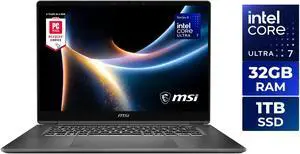
MSI CROSSHAIR A16 Gaming Laptop - 16" QHD+ 240hz - Intel Core Ultra 7 255HX - GeForce RTX 5060 - 32GB DDR5 RAM - 1TB SSD (Crosshair 16 HX AI D2XWFKG-076US )

+ $30 off w/ promo code LUYRF65, limited offer

  • GPU/VPU: GeForce RTX 5060 Laptop GPU
  • Processor Name: Intel Core Ultra 7 255HX
  • Memory: 32GB DDR5
  • SSD: 1TB
  • Model #: Crosshair 16 HX AI D2XWFKG-076US
  • Item #: N82E16834156931
  • Return Policy: 15-Day Return Policy
  • $1,749.00
  •  
  • $1,629.00 
  • Save: 6%
  • Free Shipping
Dell Pro 16 PC16250 16" Notebook - Full HD Plus - Intel Core 5 120U - vPro Technology - 16GB - 512GB SSD - Windows 11 Pro -Webcam - 8.70 Hours Battery - IEEE 802.11ax Wireless LAN Standard  DYFPN
STORMCRAFT Gaming PC SIRIUS Intel Core i5-14400F NVIDIA GeForce RTX 5060 AI Powered 16GB 3200MHz RGB 1TB NVMe SSD 650W PSU Windows 11 Home - SI1440FBB-560N2

Free 2 games w/ purchase, limited offer

  • GPU/VGA Type: GeForce RTX 5060
  • CPU Name: Intel Core i5-14400F
  • Memory Capacity: 16GB DDR4
  • SSD: 1TB
  • Model #: SI1440FBB-560N2
  • Item #: N82E16883420040
  • Return Policy: 15-Day Return Policy
  • $1,299.99
  •  
  • $999.99 
  • Save: 23%
  • Free Shipping
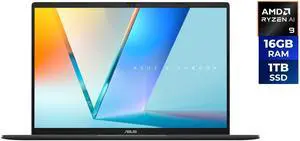
ASUS VivoBook S16 16.0" AMD Ryzen AI 9 465 16GB DDR5 Memory 1TB PCIE G4 SSD SSD Windows 11 Home Touch Screen M3607GA-NS96T
ASUS
ASUS VivoBook S16 16.0" AMD Ryzen AI 9 465 16GB DDR5 Memory 1TB PCIE G4 SSD SSD Windows 11 Home Touch Screen M3607GA-NS96T
  • Processor Name: AMD Ryzen AI 9 465
  • Memory: 16GB DDR5
  • SSD: 1TB PCIE G4 SSD
  • GPU/VPU: AMD Radeon Graphics
  • Model #: M3607GA-NS96T
  • Item #: N82E16834236756
  • Return Policy: 15-Day Return Policy
  •  
  • $1,449.99 
  • Free Shipping
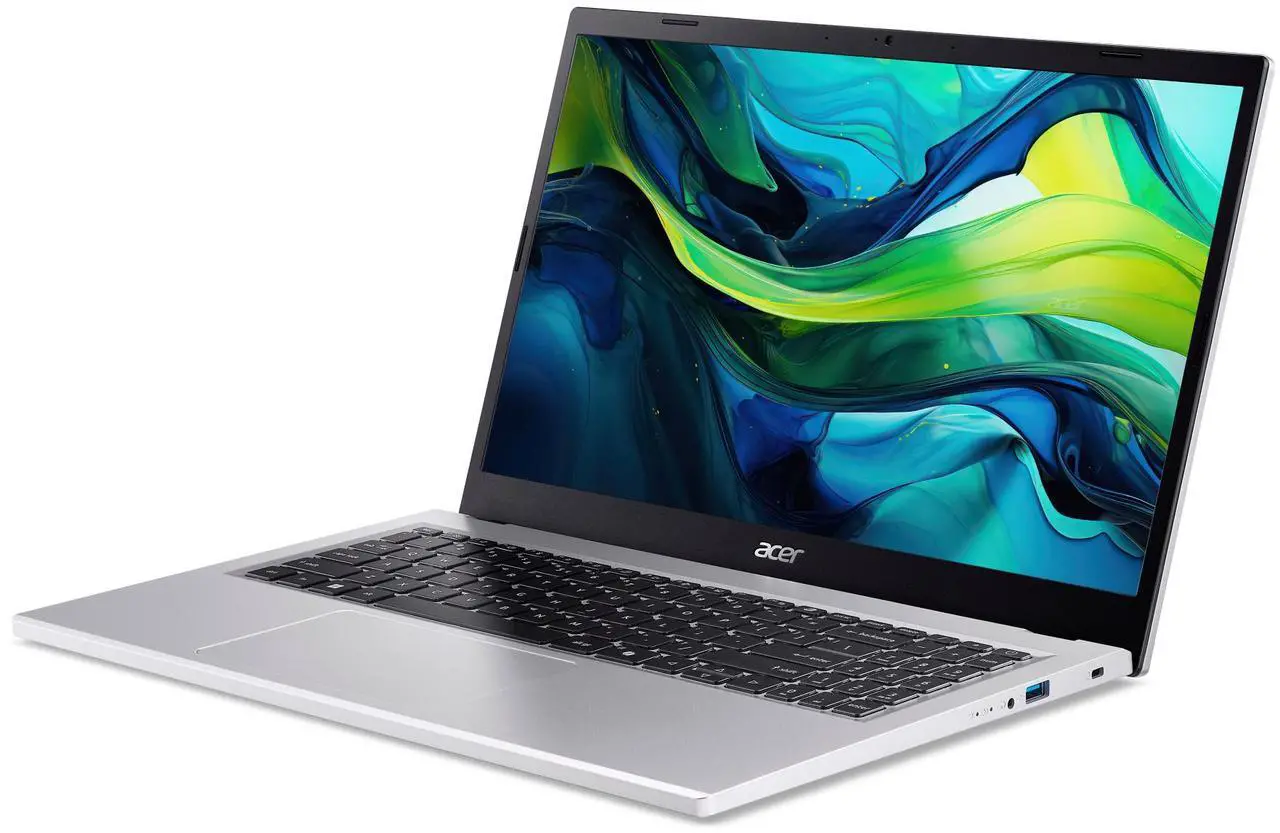
Acer Nitro V 16S ANV16S-71-72KE, 16.0" WQXGA IPS 180Hz Display, Intel Core 7 processor 240H, NVIDIA GeForce RTX 5070 Laptop GPU, 16GB DDR5, 1TB PCIe Gen 4 SSD, Wi-Fi 6, Backlit Keyboard, Win 11 Home
Acer America
Acer Nitro V 16S ANV16S-71-72KE, 16.0" WQXGA IPS 180Hz Display, Intel Core 7 processor 240H, NVIDIA GeForce RTX 5070 Laptop GPU, 16GB DDR5, 1TB PCIe Gen 4 SSD, Wi-Fi 6, Backlit Keyboard, Win 11 Home

Get games & keyboard & mouse & Nvidia game w/ purchase, limited offer

  • GPU/VPU: GeForce RTX 5070 Laptop GPU
  • Processor Name: Intel Core 7 240H
  • Memory: 16GB DDR5
  • SSD: 1TB PCIe
  • Model #: NH.U23AA.002
  • Item #: 1TS-000X-064P0
  • Return Policy: 15-Day Return Policy
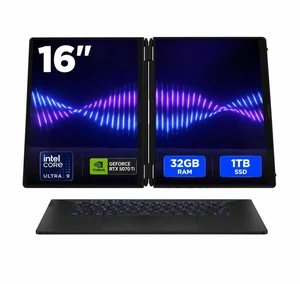
ASUS ROG Zephyrus Duo 16" Gaming Laptop - Intel Core Ultra 9 386H - NVIDIA GeForce RTX 5070Ti - 32GB LPDDR5X - 1TB M.2 SSD - Windows 11 Home (GX651AR-DB96)
ASUS
ASUS ROG Zephyrus Duo 16" Gaming Laptop - Intel Core Ultra 9 386H - NVIDIA GeForce RTX 5070Ti - 32GB LPDDR5X - 1TB M.2 SSD - Windows 11 Home (GX651AR-DB96)

Free game w/ purchase, limited offer

  • GPU/VPU: GeForce RTX 5070 Ti Laptop GPU
  • Processor Name: Intel Core Ultra 9 386H
  • Memory: 32GB LPDDR5X
  • SSD: 1TB PCIe
  • Model #: GX651AR-DB96
  • Item #: N82E16834236757
  • Return Policy: 15-Day Return Policy
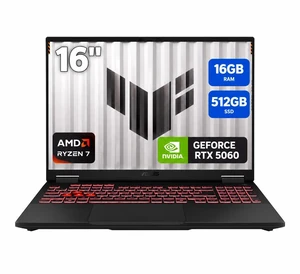
ASUS TUF Gaming - 16.0" WUXGA 144 Hz - AMD Ryzen 7 260 - GeForce RTX 5060 Laptop GPU - 16GB Memory DDR5 5600 - 512GB PCIe SSD - Windows 11 Home  (FA608UMI-NB73)
ASUS
ASUS TUF Gaming - 16.0" WUXGA 144 Hz - AMD Ryzen 7 260 - GeForce RTX 5060 Laptop GPU - 16GB Memory DDR5 5600 - 512GB PCIe SSD - Windows 11 Home (FA608UMI-NB73)
  • GPU/VPU: GeForce RTX 5060 Laptop GPU
  • Processor Name: AMD Ryzen 7 260
  • Memory: 16GB
  • SSD: 512GB PCIe
  • Model #: FA608UMI-NB73
  • Item #: N82E16834236758
  • Return Policy: 15-Day Return Policy
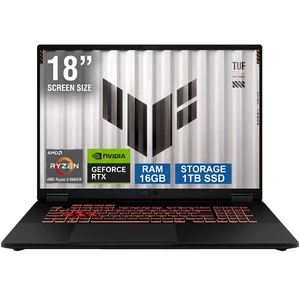
ASUS TUF Gaming - 18.0" WUXGA 144 Hz - AMD Ryzen 9 8940HX - GeForce RTX 5070 Laptop GPU - 16GB Memory DDR5 5600 - 1TB PCIe SSD - Windows 11 Home  (FA808PP-NB94)
ASUS
ASUS TUF Gaming - 18.0" WUXGA 144 Hz - AMD Ryzen 9 8940HX - GeForce RTX 5070 Laptop GPU - 16GB Memory DDR5 5600 - 1TB PCIe SSD - Windows 11 Home (FA808PP-NB94)

Free Nvidia game w/ purchase, limited offer.

  • GPU/VPU: GeForce RTX 5070 Laptop GPU
  • Processor Name: AMD Ryzen 9 8940HX
  • Memory: 16GB
  • SSD: 1TB PCIe
  • Model #: FA808PP-NB94
  • Item #: N82E16834236759
  • Return Policy: 15-Day Return Policy
  • $2,199.99
  •  
  • $1,999.99 
  • Save: 9%
  • Free Shipping
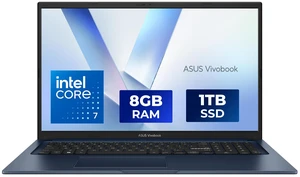
ASUS Vivobook 17 Laptop - 17.3" FHD Display - Intel Core 7 150U - 8GB RAM - 1TB SSD - Windows 11 Home - Quiet Blue - F1704VAP-NB71
ASUS
ASUS Vivobook 17 Laptop - 17.3" FHD Display - Intel Core 7 150U - 8GB RAM - 1TB SSD - Windows 11 Home - Quiet Blue - F1704VAP-NB71

+ $20 off w/ promo code EPF56722, limited offer

  • Processor Name: Intel Core 7 150U
  • Memory: 8GB DDR5
  • SSD: 1TB
  • GPU/VPU: Intel Graphics
  • Model #: F1704VAP-NB71
  • Item #: N82E16834236753
  • Return Policy: 15-Day Return Policy
  • $999.99
  •  
  • $849.99 
  • Save: 15%
  • Free Shipping
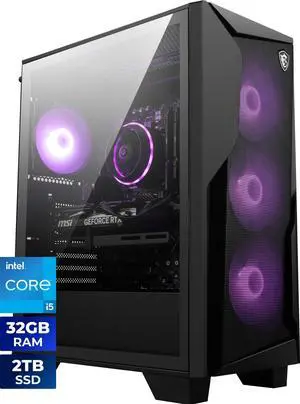
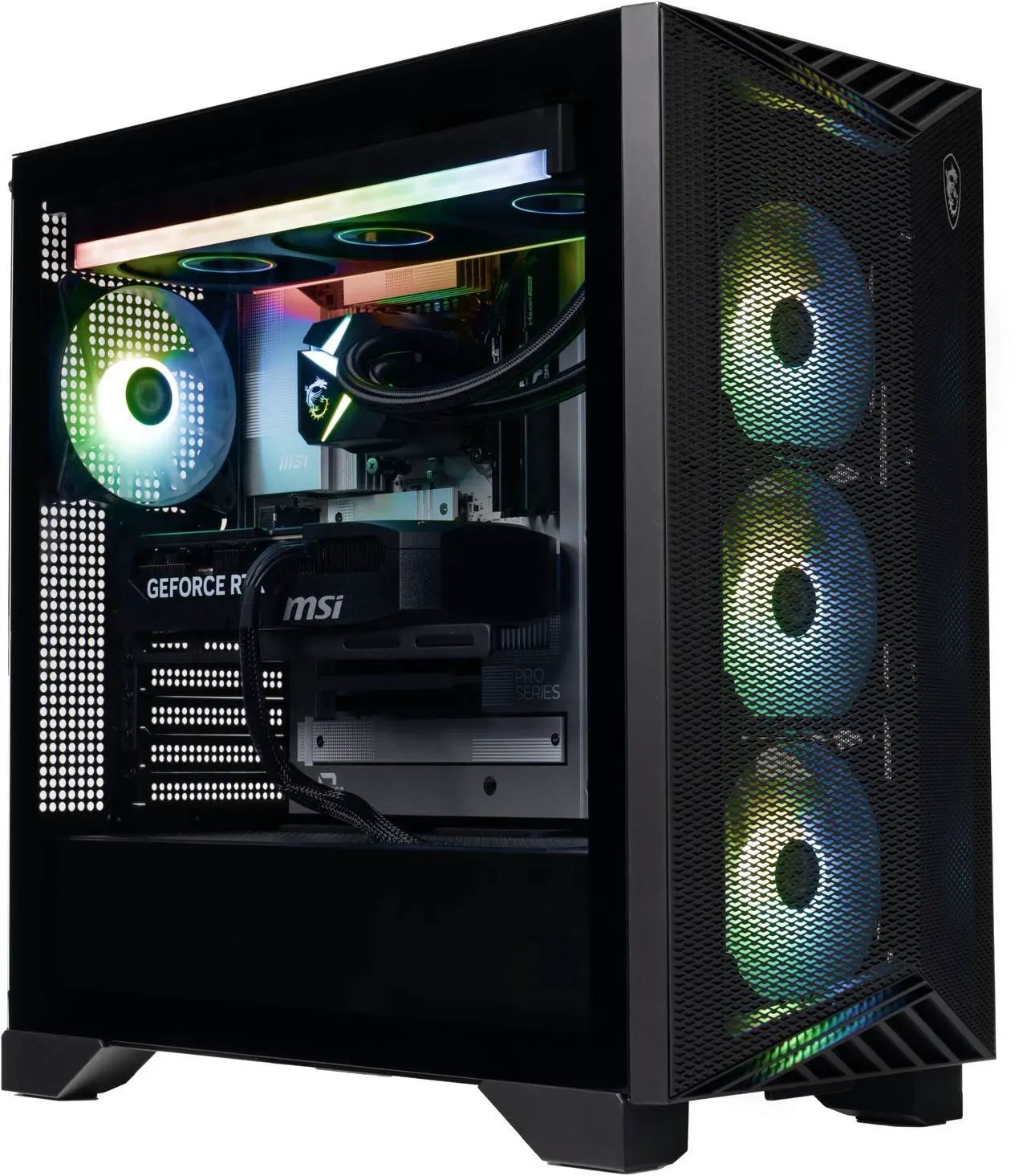
MSI Gaming Desktop PC Codex R2 B14NVL5-449US Intel Core i5-14400F 32GB DDR5 2TB SSD GeForce RTX 5060 Windows 11 Home

Free 2 games w/ purchase, limited offer

  • GPU/VGA Type: GeForce RTX 5060
  • CPU Name: Intel Core i5-14400F
  • Memory Capacity: 32GB DDR5
  • SSD: 2TB
  • Model #: Codex R2 B14NVL5-449US
  • Item #: N82E16883151690
  • Return Policy: 15-Day Return Policy
  • $1,699.00
  •  
  • $1,429.00 
  • Save: 15%
  • Free Shipping

Computer Systems: PCs, Laptops & Gaming Desktops for Every Need

Explore the latest computer systems designed to enhance productivity, creativity, and gaming performance. This event covers a wide range of all-in-one PCs, laptops, and desktops, featuring current hardware to suit both casual users and professionals.

How to Choose Computer Systems

Key Features and Technologies to Consider When Choosing a Computer System

  • Processor Type and Speed: The CPU largely determines how smoothly your computer handles tasks. Look for the latest AMD Ryzen 7000 series or Intel Core processors for the best performance balance.
  • Graphics Capabilities: For gaming or creative work, dedicated GPUs like NVIDIA RTX 40-series deliver sharper graphics and faster rendering.
  • Memory (RAM): 16GB is typically the sweet spot for multitasking, but 32GB or more may be necessary for heavy workloads.
  • Storage Solutions: NVMe SSDs offer lightning-fast boot times and data access, while larger HDDs provide ample space for bulky files.
  • Form Factor and Portability: Choose between desktops, all-in-one PCs, or laptops depending on your space and mobility requirements.
  • Connectivity Options: Consider USB-C, Thunderbolt, Wi-Fi 6E, and Bluetooth 5.0 for future-proof compatibility.

Why the GPU Matters Most for Gaming and Creative Computer Systems

While the processor is crucial for overall system speed, the graphics card often plays the starring role in gaming systems and creative setups like video editing or 3D modeling. Modern GPUs, such as those in the NVIDIA RTX 40-series, provide accelerated ray tracing and AI-driven enhancements that transform visual quality and speed up rendering times. Selecting a powerful GPU ensures that games run smoothly at higher resolutions and creative applications handle complex visual tasks without lag. Keep an eye on features like tensor core acceleration and PCIe 5.0 support, which are game-changers for both immersive experiences and workflow efficiency.

Advanced Use: Optimizing Systems for Developers and Professionals

For developers, data scientists, and creative professionals, configuring a computer system requires a nuanced approach to balance power, stability, and expandability. Systems built with AI Ready components offer cutting-edge performance, leveraging AI Ready hardware to provide the necessary horsepower for machine learning, data analysis, and creative workloads. These setups enable faster model training, smoother video rendering, and effortless multitasking with resource-intensive applications, making them ideal for professional-grade productivity.

Performance and Setup Tips

  • Update your operating system and drivers immediately after setup to ensure peak hardware compatibility and security.
  • Configure your power settings for optimal performance, especially if you’re using a laptop or energy-saving desktop mode.
  • Regularly clean and maintain physical components, like fans and vents, to prevent overheating and sustain system longevity.
  • Adjust display settings to match your monitor’s native resolution and refresh rate for the best visual experience.
  • Consider upgrading RAM or adding additional SSD storage if your workload expands beyond initial specifications.
  • Use high-quality surge protectors or uninterruptible power supplies (UPS) to protect sensitive components from electrical faults.
  • Explore software tools for system monitoring to keep an eye on temperatures, resource usage, and potential bottlenecks.

Newegg shopping tip: When choosing a computer system, focus on the processor type and speed, the amount of RAM, and storage options, as these have the biggest impact on performance. Also, consider the device’s intended use—gaming, work, or casual browsing—to find a configuration that fits your needs without overspending.

Explore Computer Systems & Related Categories

New to Computer Systems? Start Here

If you’re shopping for your very first personal computer, it helps to know your basics before making a choice. Desktop PCs offer more customization and upgrade options, while laptops provide portability for work or entertainment on the go. All-in-one PCs combine display and components in a sleek package, saving desk space. Consider your lifestyle—do you need something lightweight for travel, or a powerful setup that stays put? This will guide you towards the right form factor and features that fit your everyday needs.

Power Users: High-Performance Systems for Creators and Developers

If your day involves complex software, video editing, 3D modeling, or programming, performance and reliability are paramount. Explore AI Ready computer systems designed with cutting-edge CPUs and GPUs to handle demanding workloads. These PCs deliver accelerated processing power, advanced cooling solutions, and plenty of memory options to ensure smooth multitasking and rendering, making them ideal for creators, professionals, and tech enthusiasts.

Gamers: Find Your Ultimate Rig for Immersive Play

Gaming desktops and laptops designed specifically for enthusiasts help you achieve high frame rates and stunning graphics to fully enjoy your favorite titles. Look for systems featuring the latest NVIDIA RTX 40-series graphics cards for ray tracing and DLSS technologies, paired with powerful AMD Ryzen 7000 processors for supreme responsiveness. Whether you prefer a compact rig or a full-sized desktop with room for customization, you’ll find options tailored to deliver immersive gameplay and fast load times to keep you competitive.

Before You Buy

  • Confirm the type of computer system that fits your use case—desktop, laptop, or all-in-one.
  • Check the processor generation and GPU model to ensure performance aligns with your tasks.
  • Evaluate memory (RAM) and storage options—consider SSDs for faster boot times and workflows.
  • Review the system’s expandability if you plan to upgrade components later.
  • Ensure included ports and connectivity options match your peripherals and network needs.
  • Consider warranty and support services to protect your investment.
  • If convenience matters, explore Newegg Select bundles for guaranteed quality and value.

Research more: Choosing the right computer system means balancing performance, portability, and budget. For a deeper dive into key specs and setup tips, check out the Newegg Insider buying guides before you make your choice.

Last Updated: September 2026 | Newegg Computer Systems Buying Guide


Computer Systems FAQs:

How do gaming desktop PCs compare to all-in-one computers in terms of performance and upgrade options?

Gaming desktops generally offer better performance and easier upgrades since their components are more accessible and customizable, whereas all-in-one computers prioritize space-saving and sleek design but often limit hardware upgrades.

Is it worth paying extra for a prebuilt system with the latest Intel processors versus going for a similar spec AMD Ryzen model?

Both Intel and AMD have strong processors, but AMD Ryzen often provides better multi-core performance and value, while Intel chips might excel in single-core tasks; your choice depends on what apps or games you plan to run.

What types of processors come with these computer systems?

Most systems offer a choice between Intel and AMD processors, ranging from entry-level to high-performance chips depending on your needs.

Are these computer systems upgradeable after purchase?

Many models allow you to upgrade components like RAM, storage, and graphics cards, but it's best to check the specific product details to be sure.

What should I prioritize: CPU power or graphics card when picking a new computer system?

It really depends on what you'll use it for—if you're mainly gaming or doing graphic-heavy work, the graphics card matters more. But for general tasks or multitasking, a strong CPU is usually the way to go.

How much should I expect to spend on a decent computer system that can handle everyday use without lag?

You can find reliable systems for around $500 to $800 that handle web browsing, office work, and streaming smoothly. If you need more speed or specialized features, expect to invest a bit more.

How reliable are most computer systems sold during these sales compared to regular-priced models?

Many systems on sale are just as reliable as full-priced ones, but occasionally they might have older components or less-known brands. Checking detailed reviews and user feedback is key to spotting any potential issues before buying.

What common problems should I watch out for when reading reviews of these computer systems?

Pay attention to repeated complaints about overheating, build quality, or pre-installed software that slows things down. If multiple users mention the same problem, it’s a red flag worth considering before making a decision.

How do I get my new computer system up and running for the first time?

Start by connecting all cables securely—power, monitor, keyboard, and mouse—then power it on and follow the on-screen setup prompts to configure your language, account, and preferences.

What’s the best way to keep my computer system running smoothly right after I buy it?

Make sure to install all available system updates and drivers, run an antivirus scan, and avoid loading unnecessary software to keep your new rig performing well.

Load more FAQsShow less FAQs