
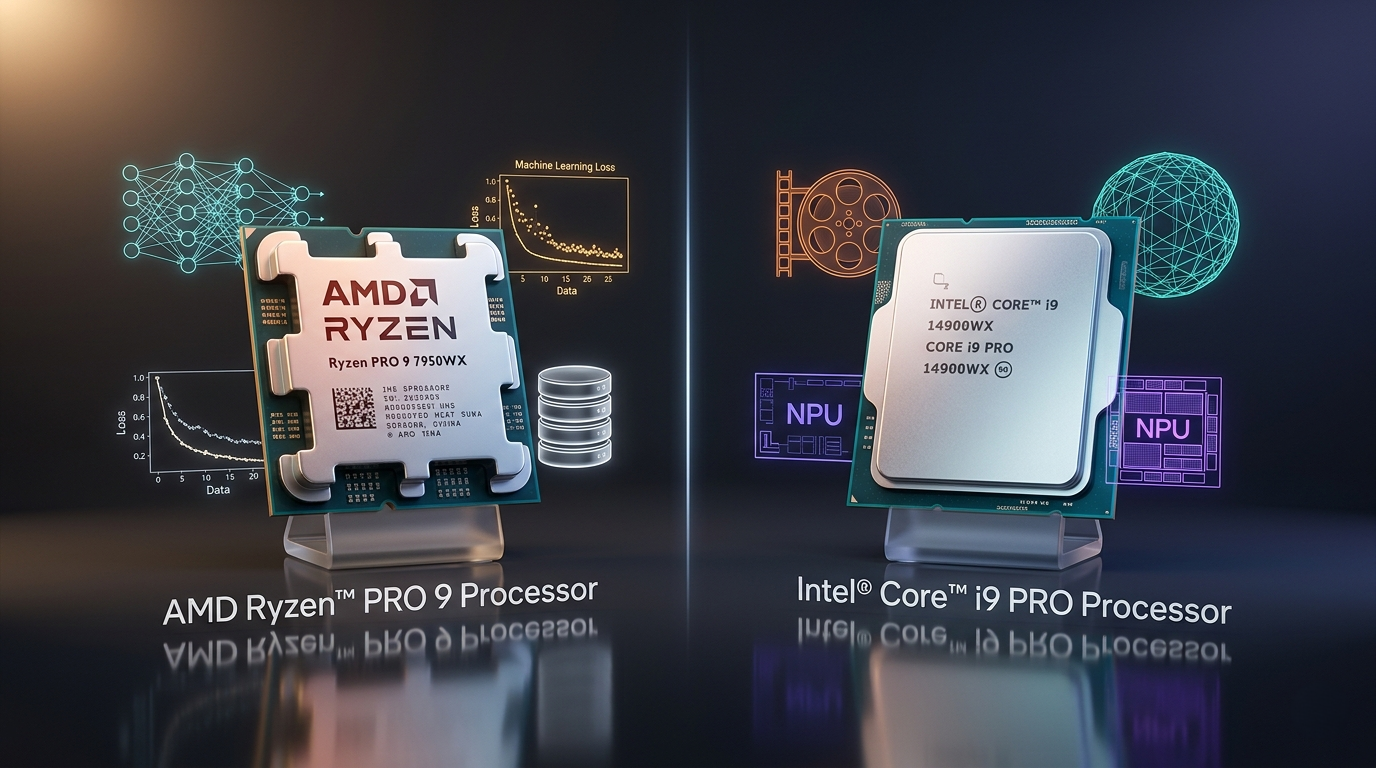
Choosing a CPU for gaming comes down to frame rates. Choosing a CPU for professional work is far more complicated. The questions professionals ask in 2026 go beyond benchmark numbers: Which processor handles AI workloads better at the same performance tier? Which is the right choice for heavy content creation? What about virtualization density — and does it matter which CPU you pick for Linux or ChromeOS environments? These questions demand specific answers, and in 2026, the answers have shifted in ways that matter to every developer, creator, and IT professional buying hardware today.
“Which Is Better for AI Workloads — AMD or Intel at the Same Price?”
By 2026, running AI workloads locally has moved from an enthusiast edge case to a mainstream professional requirement. Developers use local LLMs for code assistance, data scientists run preprocessing pipelines that feed GPU-side training jobs, and content creators rely on AI-powered tools for transcription, upscaling, and automated editing. The CPU you choose shapes how smoothly all of this runs.
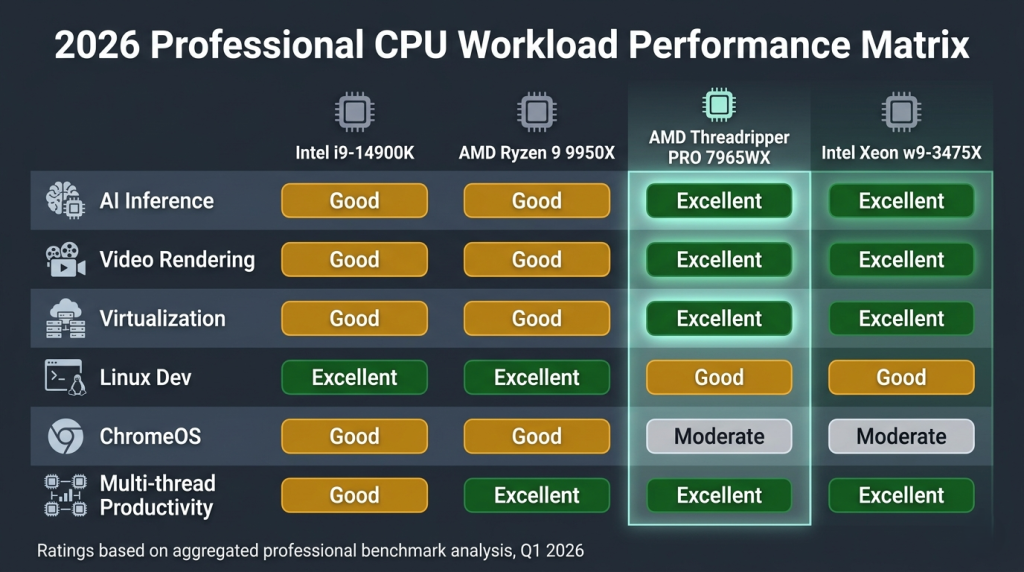
AMD’s advantage lies in memory bandwidth and cache architecture. The Ryzen 9 9950X’s Zen 5 design gives it strong IPC for data preprocessing tasks, and AMD’s platform extends naturally into workstation territory — the AMD Ryzen Threadripper PRO 7965WX scales the same Zen 4 architecture to 24 cores with 8-channel DDR5 ECC memory and the bandwidth necessary to feed GPU training pipelines continuously. For teams building on-premise AI infrastructure, AMD’s EPYC 9004 9554 — a 64-core server-class processor with 768MB of L3 cache — represents the end of that architecture’s scaling story.
Intel’s advantage is its integrated NPU in Arrow Lake. The Core Ultra 9 285K’s NPU handles approximately 48 TOPS of neural inference, enabling background AI features — on-device Copilot, AI-assisted noise cancellation, and real-time transcription — without consuming GPU cycles. For enterprise environments where Microsoft 365 Copilot features and Windows AI integration are part of the daily workflow, this dedicated hardware matters.
At equivalent desktop performance tiers, AMD wins on raw throughput for ML preprocessing; Intel wins on background AI feature integration. For serious AI workloads beyond desktop scale, both AMD’s Threadripper PRO line and Intel’s Xeon w9-3475X represent the right platforms. Explore the full range of server CPU processors on Newegg to understand what scales beyond the consumer desktop tier.
 “Intel i9-14900K vs. Ryzen 9 9950X — Which Is Better for Content Creation?”
This comparison cuts across two architectural philosophies: Intel’s high clock speed, Quick Sync acceleration, and broad application compatibility versus AMD’s higher IPC, more consistent multi-threaded performance, and platform longevity.
| Processor | Cores / Threads | Architecture | Cinebench R24 nT | H.265 Encode (fps) | Peak TDP |
|---|---|---|---|---|---|
| Intel i9-14900K | 24C / 32T | Raptor Lake Refresh | ~40,800 | ~185 fps | 125W (PL1) |
| AMD Ryzen 9 9950X | 16C / 32T | Zen 5 | ~42,500 | ~195 fps | 170W |
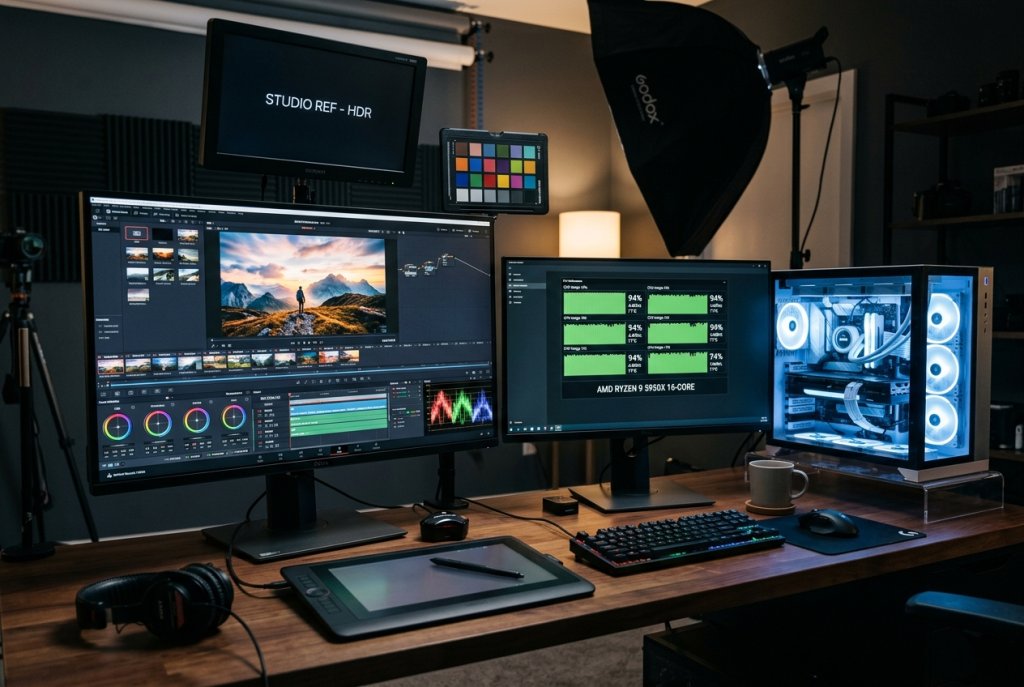
For DaVinci Resolve and Blender workflows, the Ryzen 9 9950X leads. Zen 5’s IPC advantage translates directly into faster render completions per clock, and AMD’s larger L3 cache reduces memory latency on frame-level compositing operations. For creators working with 4K RAW footage, AI-assisted color grading, and multi-layer timelines, the 9950X completes jobs faster under sustained load.
For Adobe Premiere Pro with Intel Quick Sync or live streaming workflows that leverage hardware H.264/H.265 encoding, the i9-14900K’s Quick Sync engine remains genuinely fast and power-efficient. Running a live stream with simultaneous recording while gaming is a scenario where Intel’s dedicated encoder offloads CPU cycles effectively.
The honest answer: for new builds in 2026 focused on content creation, the Ryzen 9 9950X is the better choice in most render-heavy scenarios. The i9-14900K remains valid for LGA1700 platform owners with no intention of upgrading their motherboard.
 “Which Processor Is Better for Heavy Virtualization Tasks?”
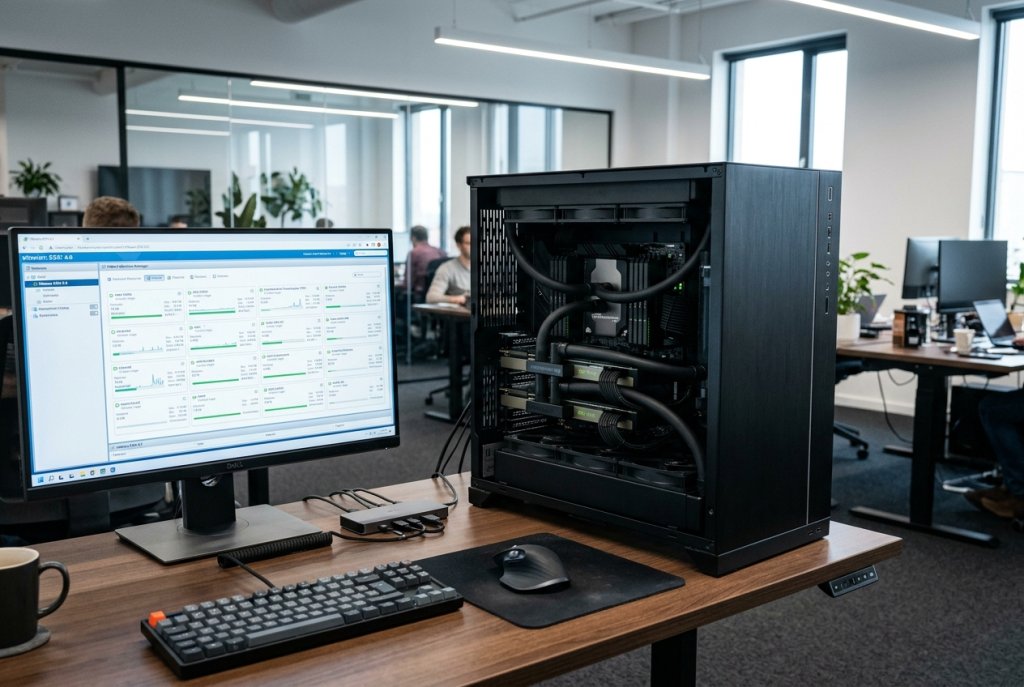
Heavy virtualization demands capabilities that consumer desktop CPUs handle imperfectly: ECC memory for data integrity, high core counts for VM density, ample PCIe lanes for pass-through configurations, and ideally IOMMU support that has been properly validated.
Neither the i9-14900K nor the Ryzen 9 9950X supports ECC memory — a meaningful limitation for production virtualization environments where a single memory bit error can corrupt a running VM’s state. Both handle development-oriented virtualization (WSL2, Docker Desktop, multiple light VMs) without issue, but production workloads deserve workstation-grade hardware.
The AMD Ryzen Threadripper PRO 5955WX — 16 cores, 8-channel DDR5 ECC, 128 PCIe 4.0 lanes — provides the right foundation for Proxmox or VMware-based workstation virtualization at a more accessible entry point. For denser VM environments, the Threadripper PRO 7965WX scales to 24 Zen 4 cores with the same 8-channel memory architecture and 88 PCIe 5.0 lanes. Intel’s response — the Xeon w9-3475X — offers 36 cores on the W790 platform with ECC DDR5 and full Intel virtualization technology extensions (VT-d) validated for enterprise hypervisor stacks.
For teams running Hyper-V Server or VMware ESXi on-premise, Intel’s platform integrations and VMware certification history give the Xeon w9 a practical edge. For open-source hypervisor stacks (Proxmox, KVM, XCP-ng), AMD’s Threadripper PRO platforms receive excellent Linux driver and IOMMU support.
 “Which CPU Performs Better in ChromeOS or Linux Workloads?”
The developer community’s shift toward Linux in 2026 is well-documented. AI development tools, container orchestration systems, and self-hosted inference environments all perform better on Linux than Windows. For ChromeOS power users running Linux containers via Crostini, CPU behavior matters for both performance and battery life on supported Chromebook devices.
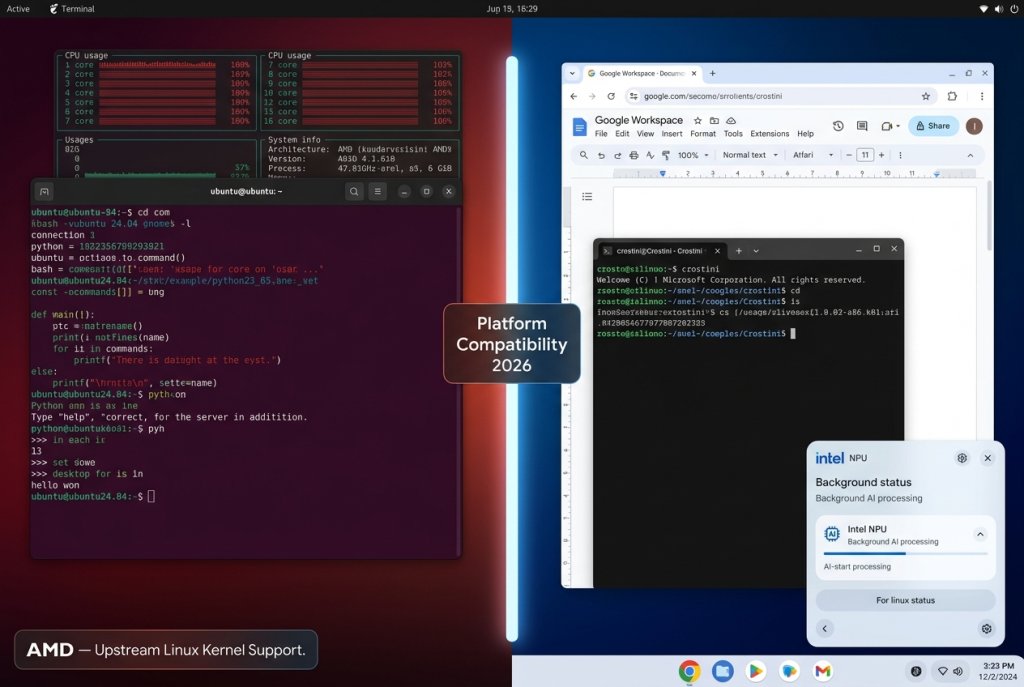
On Linux, AMD holds a modest but consistent edge. AMD CPUs receive upstream Linux kernel support faster than Intel — a pattern driven by AMD’s more active kernel contribution history. Zen 5’s power management tables translate cleanly to Linux’s ‘cpufreq‘ scaling governors, producing quieter idle behavior and better thermal management without manual tuning. On Ubuntu 24.04 LTS and Fedora 41, AMD desktop CPUs configure correctly out of the box. Intel’s Arrow Lake received kernel support in Linux 6.8 and later, resolving most launch-day driver issues, but AMD retains an edge for users who want the smoothest out-of-box Linux experience.
On ChromeOS, Intel dominates by hardware reality. The vast majority of Chromebook and Chromebox devices ship with Intel silicon, and Google’s Crostini Linux container environment benefits from Intel’s tighter integration with Chrome OS’s virtualization layer. The AMD EPYC 7002 7262 and legacy Intel workhorses like the Xeon E3-1230 V5 also continue to power Linux-based server environments where ChromeOS enterprise management tools sync with cloud infrastructure.
 Making the Right Call for Professional Work in 2026
The 2026 professional CPU decision tree is surprisingly clean once you match your platform to your actual workload:
| Use Case | Recommended Choice |
|---|---|
| AI inference & ML preprocessing | AMD Ryzen 9 9950X or Threadripper PRO 7965WX |
| Content creation (render-heavy) | AMD Ryzen 9 9950X |
| Content creation (Quick Sync streaming) | Intel i9-14900K |
| Heavy virtualization with ECC | AMD Threadripper PRO or Intel Xeon w9-3475X |
| Linux development workstation | AMD (better out-of-box kernel support) |
| ChromeOS / enterprise Windows AI | Intel (NPU integration, ecosystem compatibility) |
The right CPU is the one that removes friction from your most important workflows. In 2026, both AMD and Intel have earned their places in professional environments — but they’ve earned them for different reasons, in different workloads, and on different platforms.
Related Posts
- Best CPUs for Gaming and Productivity in 2026: Intel vs AMD Showdown
- Should You Buy an Unlocked CPU in 2026? A Practical Guide for Every Type of Builder
- Unlocked vs. Locked CPUs Explained: What the “K” Really Means in 2026
- Do You Actually Need a Xeon or Threadripper? A 2026 Workload Guide to Choosing the Right CPU Platform
- Desktop CPU vs. Server CPU: What’s Actually Different Under the Hood in 2026