Your Browsing History

Any questions? Our AI beta will help you find out quickly.
Try me now
Quick View

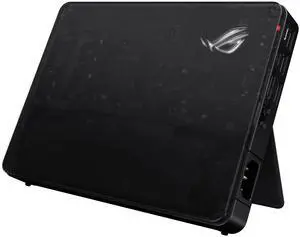
- Brand: ASUS
- Part Number: 90NR0MX0-P00550
- Color: Black
- Dimension: 20.8 × 15.5 × 2.96 cm
- Model #: 90NR0MX0-P00620
- $1,299.99 –
- More options from $1,299.99 - $1,520.17
- Free Shipping
Quick View
in 30 days
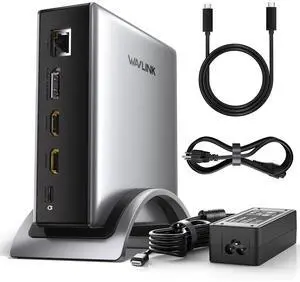
WAVLINK PD3.1 Triple Display USB C Docking Station with 140W Power, 8K HDMI x 2 + 8K Displayport Triple Display Dock, RJ45, 10G USB-C, 2 USB-A 3.0,3.5mm Audio/Mic, for M1/M2/M3&Win
Limited time offer, ends 07/05
- Brand: Wavlink
- Color: Gray
- Compatibility: Windows 11/10/8.1/8/7, macOS 11 or later(Can extend a different display ONLY), Chrome OS, Linux, iPadOS, Harmony OS, Android, iOS Works with your USB-C desktop PCs, laptops, tablets, and mobile phones (OTG function required). Computer at least has one full-functional USB-C port
- Ports Spec: with 2 HDMI and 1 DP port, supporting up to 8K@30Hz or 4K@144Hz on a single display. Charge your laptop at 125W via the PD 3.1 port, transfer data quickly with 2 USB-A (5Gbps) and 1 USB-C (10Gbps) ports, and connect to wired networks with the Gigabit Ethernet port. A 3.5mm audio/mic port ensures crystal-clear sound.
- Model #: WL-UMD27 Pro
- $109.99
- $99.99 –
- Save: $10.00 (9%)
- More options from $99.99 - $149.99
- Free Shipping


Quick View
WAVLINK USB C 4K Laptop Docking Station Triple Display With 100W PD3.0 Charging (65W for PC), Dual HDMI, 1 Displayport, 4xUSB-A 3.0 , Gigabit Ethernet, SD&TF Card Slot Audio Jack For Windows, Mac
Limited time offer, ends 07/05
- Compatibility: Installation Before using this dock, please make sure that the latest PC/laptop drivers are installed (including USB, graphics card etc) because the network port needs specific drivers. For Windows 10, the system detects and automatically installs them after the dock is connected to the network. If drivers cannot be automatically installed, the network port can’t perform properly. Please install them manually. For MAC OS system, you need to install the network port driver manually, please visit www.wavlink.com > Support > Driver > PC peripherals > USB Docking. 1. The dock is driver free, therefore you don’t need to install any driver before using it. 2. Plug the power adapter of the dock in a power outlet. 3. Connect the USB-C connector of the dock to your host laptop/PC, the LED light on the dock will turn blue. 4. Connect your monitor(s) to video ports of ...
- Model #: WL-UMD05
Quick View
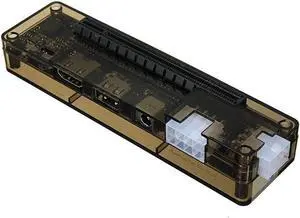
Aomoproing Graphics Card Video Card Laptop External Independent Graphics Dock Mini PCI-E Version for V8.0 EXP GDC Beast
- Model #: ww-267
- $58.89 –
- Free Shipping
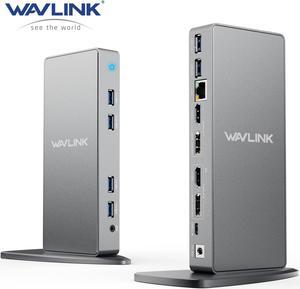
Quick View
WAVLINK USB C Dual 5K/4K@60Hz Laptop Docking Station With 2 HDMI, 2 DisplayPort, Gigabit Ethernet, 6 USB 3.0, Audio, Mic, for Thunderbolt 4/3,New MacBook Neo, Windows, MacOS, Chrome, Ubuntu 20.04,22.0
Limited time offer, ends 07/05
- Part Number: 6 x USB-A 2 x DisplayPort 2 x HDMI 1 x 4-Pole Phone Jack 1 x Type-C ( Connect to laptop ) 1 x RJ45 Gigabit Ethernet 1 x DC Power Jack Port
- Compatibility: Compatible with Apple M1/M2 and Intel Macs (with macOS 10.14 or later) . Support Windows 11, 10, 8.x, and 7, ChromeOS 100+.Not supported Surface RT, Linux/Unix (see Display Link website for more details).Dock does not charge host PC. Not Compatible : Windows XP (64-bit) and Surface RT, Linux, Unix, Mac OS X
- Ports Spec: Our universal docking stations compatible USB 3.0/USB-C/Thunderbolt 3 Laptop, provides dual HDMI or DisplayPort video outputs, wired Gigabit Ethernet, 3.5mm Audio out and Mic in jack, and six USB 3.0 ports. Come with both USB 3.0 and USB-C cables for flexible host connectivity.
- Dimension: 5.91" x 7.87" x 3.15"...
- Model #: WL-UG69DK7-A-SL-US
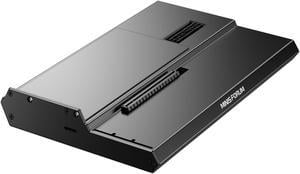
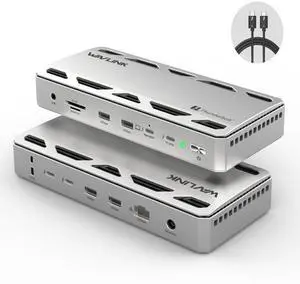
Quick View
WAVLINK Thunderbolt 5 Docking Station with120Gbps Max Transfer, 140W PD, Single or Dual 6K/8K Display, 2.5G Ethernet, 3x TB 5 Downstream USB-C 80Gbps, 4x USB-A 3.2 10Gbps, for Thunderbolt 5/4 Laptops
Limited time offer, ends 07/05
- Brand: Wavlink
- Part Number: Front: 1×Combo Audio Jack; SD/Micro SD Card Reader(UHS-?, SD 4.0); 2×USB-A(10Gbps); 1×TBT 5 UFP (Host, Max. 140W Charging, Video); 1×TBT 5 DFP (80Gbps, Video, PD 30W); Rear: 2×TBT 5 DFP (80Gbps, Video, Charging); 2×USB-A (10Gbps); 1×RJ45 Ethernet; 1×DC IN (20V)
- Color: Silver Gray
- Compatibility: Important Compatibility: Triple external display requires a Windows 11 (or later) PC with a Thunderbolt 5 port. Achieving higher resolutions (6K/8K) and refresh rates (>60Hz) often necessitates Display Stream Compression (DSC) support on both your laptop's GPU and the monitor(s). Actual display configurations and performance vary based on your laptop's specific port type (Thunderbolt 5/4/USB4, USB-C Alt Mode) and operating system.
- Model #: WL-UTD58
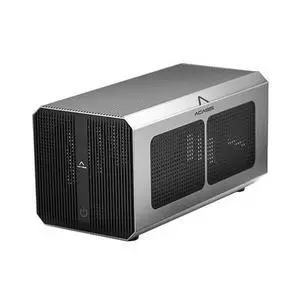
Quick View
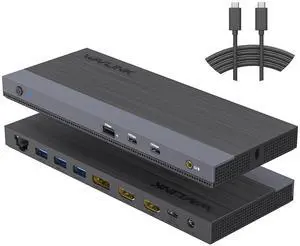
USB C Docking Station Dual Monitor Triple Display for Laptop Windows OS, USB Type C Dock with 130W Power Adatpter - 2 HDMI, DisplayPort, 100W PD, Ethernet, 4 USB 3.0, 2 USB-C, Audio
Limited time offer, ends 07/22
- Model #: 249073946345
- $251.99
- See price in cart
- Free Shipping
Quick View
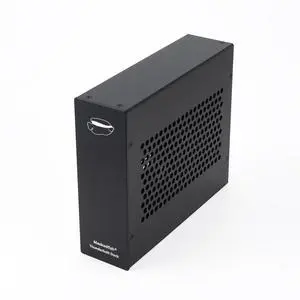
PCIe Express to Thunderbolt 3/4 USB4 Dock, one PCIe 3.0 x16 Slot Input, Compatible with DeckLink Capture Card. Aluminum Alloy Housing Enclosure for Laptops/Desktops (MK-M1s)
Limited time offer, ends 07/06
- Model #: 367553809505
- $418.99
- See price in cart
- Free Shipping
Quick View
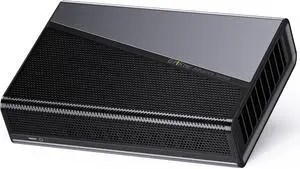
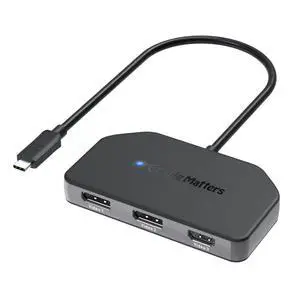
4K@60Hz Triple Display USB C MST Hub (2X DisplayPort 1.4, 1x HDMI 2.0), with 100W Charging for Windows - Not Compatible with macOS
Limited time offer, ends 07/06
- Model #: 151532899379
- $127.99
- See price in cart
- Free Shipping

Quick View
Graphics Card Video Card Laptop External Independent Graphics Dock Mini PCI-E Version for V8.0 EXP GDC Beast
Limited time offer, ends 07/19
- Model #: 042609
- $66.39 –
- More options from $66.39 - $69.65
- Free Shipping
Quick View
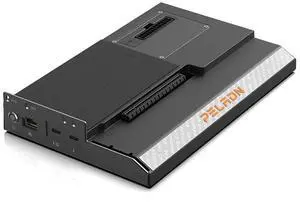
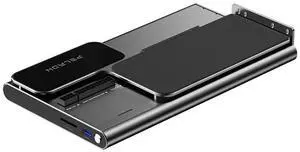
PELADN S-2 External GPU Dock Station, Support ATX Standard Power Supplies, Oculink Interface Graphics Dock Station
Limited time offer, ends 06/30
- Brand: Peladn
- Color: Black
- Model #: 6972410023044
Quick View
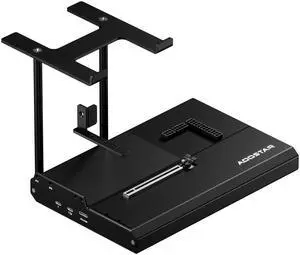
EG02 External GPU Docking Station, Dual Thunderbolt 5 + OCuLink(PCIe4.0x4), Support ATX/SFX Power Supply, Supports Mainstream NVIDIA and AMD Graphics Cards
Limited time offer, ends 07/22
- Model #: 260274171268
- $438.99
- See price in cart
- Free Shipping
Quick View
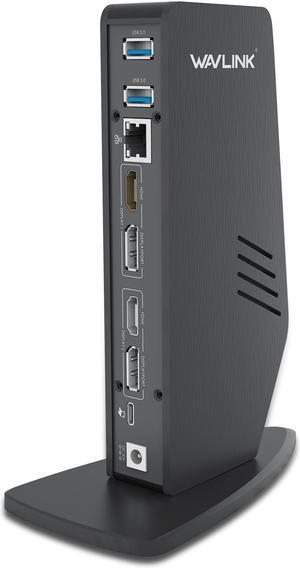
Wavlink USB 3.0/USB-C Dual 4K Universal Laptop Docking Station with Dual 4K@60Hz & Single 5K, 2 x DP, 2 x HDMI, 3 x USB 3.0, 2 x Type-C ports, Gigabit Ethernet, Audio&Mic For Windows Mac OS
Limited time offer, ends 07/05
- Compatibility: Windows 10, 8.1, 8, 7, XP systems, Mac OS 10.6 Donwards,-Mac OS 10.13.4 - 10.13.6 has single extended display support with AirPlay. No support on Linux/Unix or ARM based Windows operating systems (such as Surface RT)(MacOS Big Sur please download driver: https://www.synaptics.com/products/ displaylink-graphics/downloads/macos), Note: Need manual driver installation on Mac, then enable Screen Recording
- Ports Spec: THIS DOCK DOESN'T support Power Delivery function! ! 1 x Type-C (Connect to laptop) 2 x HDMI 2 x USB-C 2 x DisplayPort 3 x USB-A 3.0 1 x 4-Pole Phone Jack 1 x RJ45 Gigabit Ethernet 1 x DC Power Jack Port
- Parts: This dock DO NOT support charging pc !!!
- Model #: WS-UG69DK5
Quick View
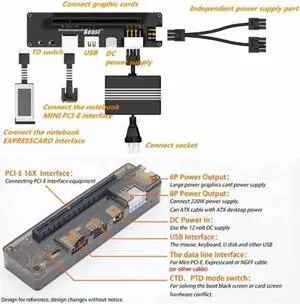
Graphics Card Video Card Laptop External Independent Graphics Dock Mini PCI-E Version for V8.0 EXP GDC Beast
- Model #: zqzq-1392
- $44.81 –
- Free Shipping
Quick View
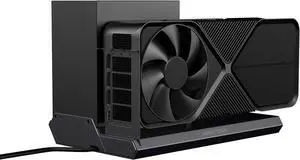
PELADN S-3 Thunderbolt5 GPU Dock Station, 80Gbps with 2×TBT5 (Single 8K / Dual 6K), 140W Total Power, DP2.1, Gigabit Ethernet, SD/TF 3.0 GPU Dock Station for MacBooks and Windows Laptops
Limited time offer, ends 06/30
- Brand: Peladn
- Series: Thunderbolt 5
- Color: Black
- Compatibility: RTX5090
- Model #: 6972410029442
Quick View
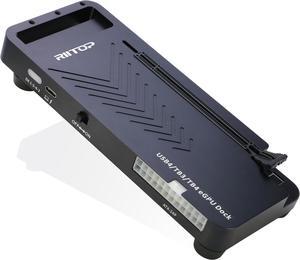
RIITOP External GPU Docking Station, 40Gpbs eGPU Enclosure USB4.0 Compatible with Thunderbolt 4/3 External GPU Dock for PCIe 4.0 X16 Graphics Card
Limited time offer, ends 07/06
- Color: Black
- Model #: TB4GD-BK
Quick View
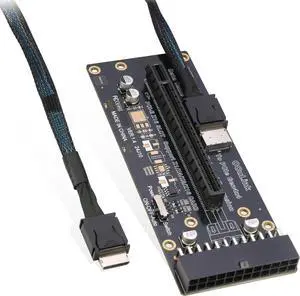
RIITOP Oculink eGPU Adapter, OCuLink SFF-8612 to PCIe x16 Card with Cable for eGPU
Limited time offer, ends 07/06
- Model #: SF12BD+EC
Quick View
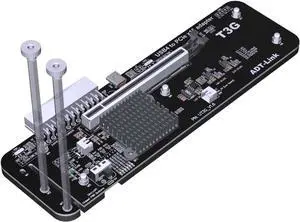
ADT-UT3G USB4.0 Docking Station 64G PCIe4.0x4 to Laptop Graphics Card External Conversion Adapter Compatible with Thunderbolt 3 4
- Model #: 6908900045662
- $188.00 –
- Free Shipping
Quick View
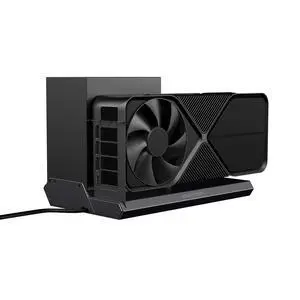
DEG1 eGPU Dock, External GPU Docking Station for RTX 4090, AMD RX 7900 XTX, eGPU Enclosure Graphics Card Extension Support ATX/SFX Standard Power, Oculink Expansion Graphics Docking Station
Limited time offer, ends 07/22
- Model #: 841200294147
- $219.99
- See price in cart
- Free Shipping
Quick View
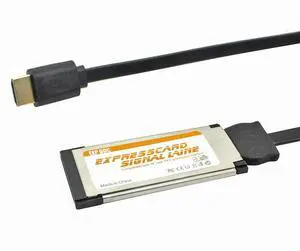
Vszerda PCIE EXP GDC External Laptop Video Card Dock Graphics Card Laptop Docking Station for Beast Mini PCI-E/NGFF M.2 / Expresscard (Only Expresscard Cable)
Limited time offer, ends 07/22
- Brand: Vszerda
- Part Number: N34935
- Color: Only Expresscard Cable
- Compatibility: Laptop
- Model #: EXP123
- $43.25 –
- Free Shipping
Quick View
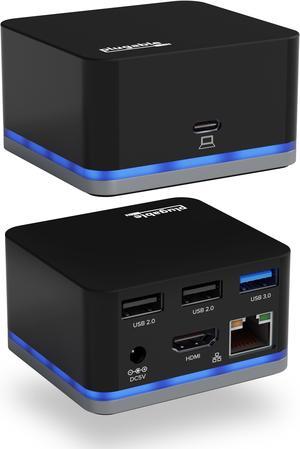
Plugable USB C Cube - Mini Docking Station, Compatible with Thunderbolt 3 Ports and Specific USB-C Systems (No Host Charging, Connect 1x HDMI up to 4K @30Hz Monitor, Ethernet, 3x USB Ports)
- Ports Spec: 1 x HDMI, Ethernet, 3 x USB
- Model #: UD-CUBE
Quick View
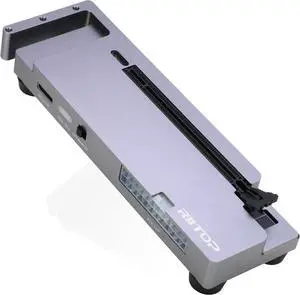
PCIE Oculink Adapter Card, RIITOP PCI-e Express 16x to Quad OCuLink SFF-8612 SFF-8611 Internal VROC Raid0 Adapter for U.2 SSD eGPU External Graphics Card Dock
Limited time offer, ends 07/06
- Model #: SF12GD-GY
Quick View
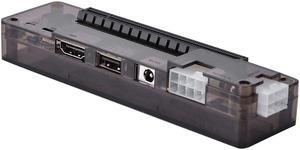
Soapow Laptop External Independent Video Card Dock for Mini PCI- E Without Power Supply 8pin 6pin ATX PCI- E Riser
Limited time offer, ends 07/19
- Model #: LB09KS329M4
- $122.09 –
- More options from $122.09 - $142.99
- Free Shipping
Quick View
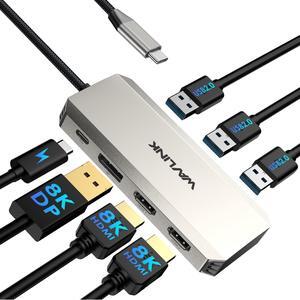
WAVLINK USB C Laptop Docking Station Triple Display with 95W Power Delivery, Single 8K Triple 4K@60Hz with DP, 2HDMI, 480Mbps USB2.0-A for MacBook, Dell XPS, Lenovo Thinkpad, HP Laptops
Limited time offer, ends 07/05
- Compatibility: Widely compatible with Windows 11/10/8.1/8/7, Mac OS, Chrome OS, Linux, iPad OS, Harmony OS, Android with OTG function. Suitable for your Thunderbolt 3/4 laptops or devices with USB-C port that supports video output and charging.(Check the details page or contact our customer service to see more compatible devices). No driver
- Ports Spec: dual HDMI ports, one DP port (Support single 8K@60Hz for Windows with DP1.4+DSC1.2 and 4K@60Hz for Mac OS), one 100W PD IN port, and 3x 480Mbps USB2.0-A ports
- Model #: WL-UMD308
Quick View
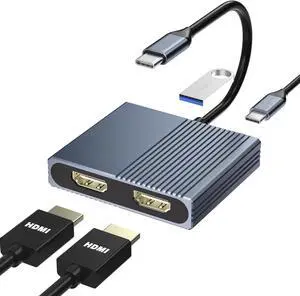
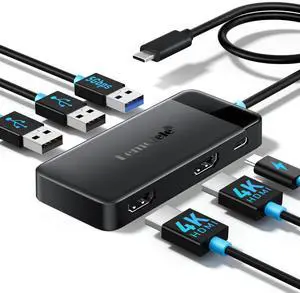
Docking Station Dual Monitor, 6 in 1 USB C Hub Multiport Adapter w/2 HDMI 4K, 5Gbps USB3.0 & 2 USB2.0, 100W PD Charging - USB C Dock for Laptop Dell/Lenovo/HP/MacBook/Surface - Plug and Play
- Brand: Belkin
- Series: Lemorele
- Part Number: TC122L
- Color: Black
- Model #: 197616964412
- $24.99 –
- Free Shipping
Quick View
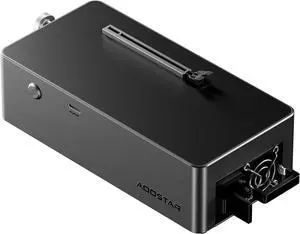
AOOSTAR AG01 External GPU Docking Station, Supports Mainstream NVIDIA and AMD Graphics Cards, Built-in 800W Power Supply, Oculink Expansion Graphics
- Model #: ilepo425828966350QI
- $349.05 –
- Free Shipping
Quick View
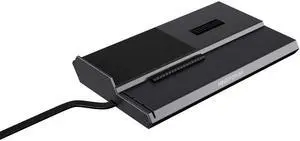
DEG1 Docking Station,PCIEx16(PCIE4.0x4),with Force Power On, Support ATX/SFX Power Supply
Limited time offer, ends 07/22
- Model #: 348400486858
- $218.99
- See price in cart
- Free Shipping
Quick View
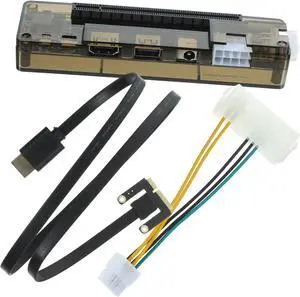
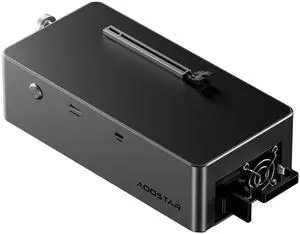
AG02 EGPU Dock with 800W PSU, OCuLink+USB4 Ports and TGX Hot Swap,Support Up to 600W EGPU Support(not Support 5090,5090D)
Limited time offer, ends 07/22
- Model #: 269939843007
- $458.99
- See price in cart
- Free Shipping