




 here!
here!
I’m your shopping assistant for PC builds, upgrades, and everything tech.
Got questions? Ask away!
Start a conversation
here!
I’m your shopping assistant for PC builds, upgrades, and everything tech.
Got questions? Ask away!
Start a conversation

In Add-On Cards
Our most popular products, based on sales and updated frequently.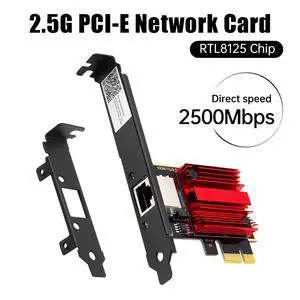
Installed on:: GIGABYTE AORUS GAMING 7 Wi-Fi X470 Motherboard Processor: AMD RYZEN 7 2700X RAM MEM: G.Skill Neo 64GB 3600Mhz Plug and Play Faster connection More stable speeds/ signal No packet loss while gaming It improves the outcome that your Internet Provider offers. Recommended when your motherboard just offers to handle 10/100/1000 Mbps and needs to improve the Bandwidth.
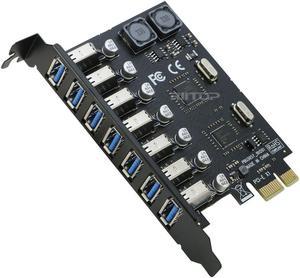
Many many many more USB-A style though blue not red ports to add to your system.
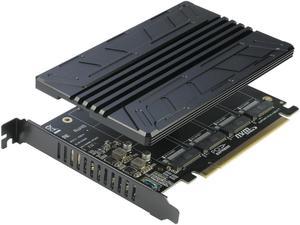
- The heat sink plate is WELL CONSTRUCTED and nice and thick! Make sure you mount your M.2 NVMe drives and then place the heat sink adhesive on the drives and then mount and screw the plate in place. - Note: the board has a +12V fan connector on it that is not used in this variant. Riitop sells another that is a fan-based model were a fan (in place of the plate) would normally mount. - The kit comes with a decent screwdriver you need to install the heat sink plate. I have sooo many screwdrivers now because I have ordered similar kits.
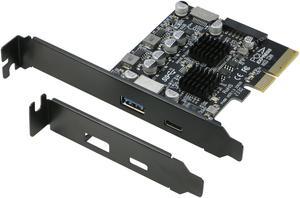
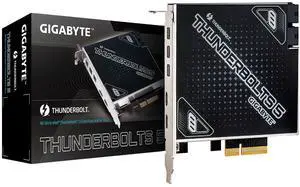
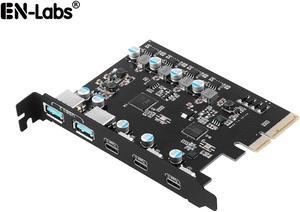
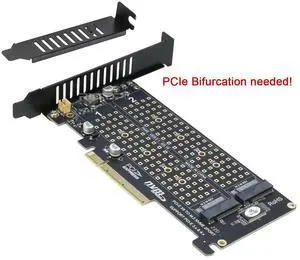
Build quality looks good. Works with every drive tried. Will work as a single drive adapter as long as a compatible 4X slot is available on an older motherboard.
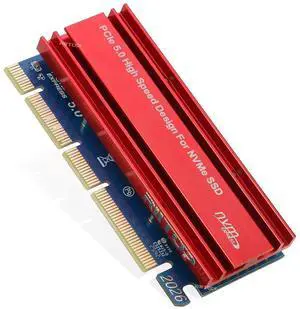
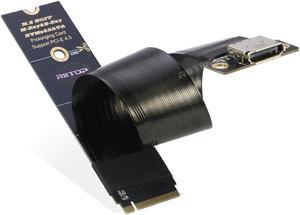
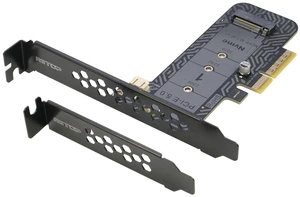
Worked Perfectly for Cloning a NVMe Ram.

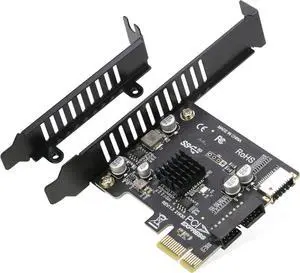
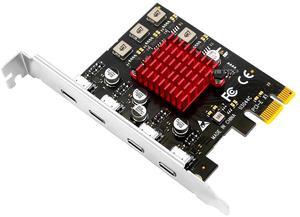
Maybe a Necessity if You Have a USB-C on Front Panel Header because no USB 3.2 GEN1 connector on motherboard. The PCI-E 1X to USB 3.2 GEN1 5Gbps 20pin Front Panel Header allows you to connect the USB-C front panel header to your PCI-E 1X slot
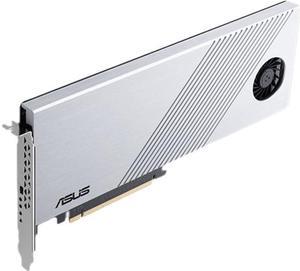
I have two of these in a Threadripper PC. In an X16 socket 4 M.2 drives. In an X8 socket 2 M.2 drives. All six drives run off cpu lanes at max speed for the M.2 drive. FLAWLESS with Sabrent GEN4 drives for months. No temp throttling.
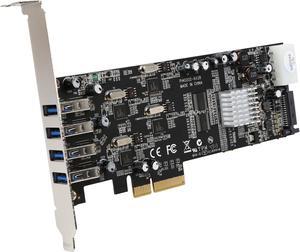
Bought it specifically to run multiple Kinect2s on one PC with libfreenect2 under Windows. Works perfectly, all four K2s run at 30fps. Works under Win7 x64, Win8.1 x64, and Win10 x64 plug-and-play. I think the bad reviews about compatibility are older and those issues have been fixed.
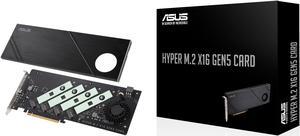
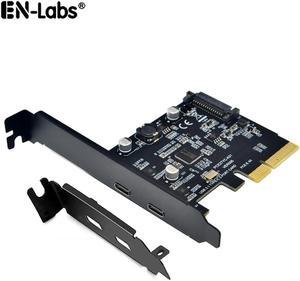
I was a little worried that I wouldn't be able to install the correct drivers as I don't have a disc drive on this pc. but windows was able to get it done without me doing anything.
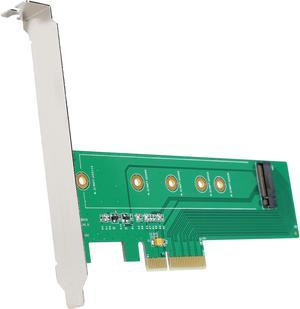
As simple as it gets. It is almost a passive device just passing pcie lanes to the m.2. Performance is top. Low profile bracket included.
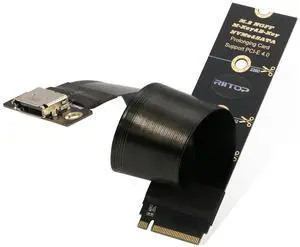
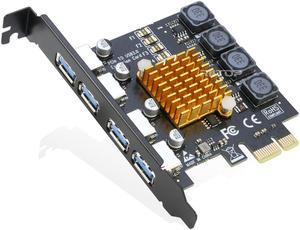
Easy to install and worked for me once I got a few glitches on my computer squared away.


