




 here!
here!
I’m your shopping assistant for PC builds, upgrades, and everything tech.
Got questions? Ask away!
Start a conversation
here!
I’m your shopping assistant for PC builds, upgrades, and everything tech.
Got questions? Ask away!
Start a conversation

In Add-On Cards
Our most popular products, based on sales and updated frequently.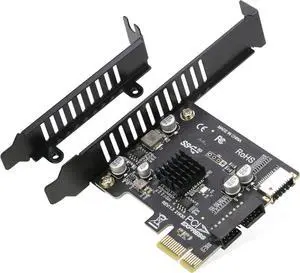
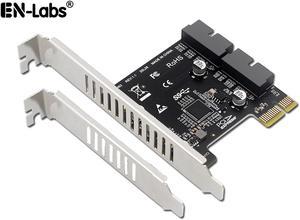
Maybe a Necessity if You Have a USB-C on Front Panel Header because no USB 3.2 GEN1 connector on motherboard. The PCI-E 1X to USB 3.2 GEN1 5Gbps 20pin Front Panel Header allows you to connect the USB-C front panel header to your PCI-E 1X slot
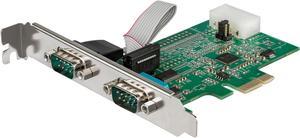
It worked like it should after I found the right driver for it.
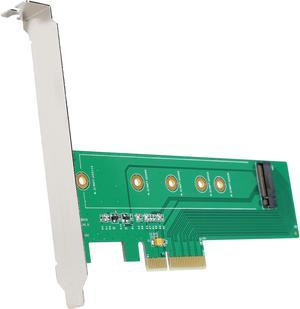
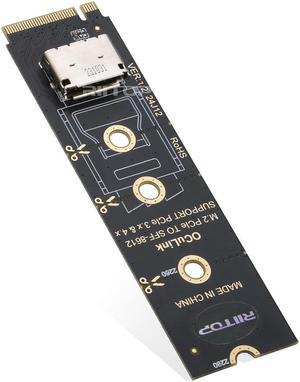
The card works on my z77 gigabyte board. Cloned my raid ssd drives over to the 960 evo. Has worked flawlessly, no issues with stability.
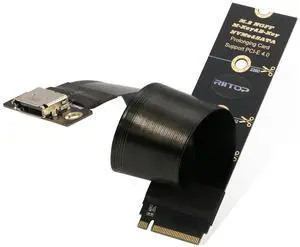
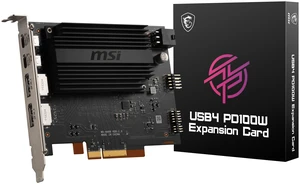
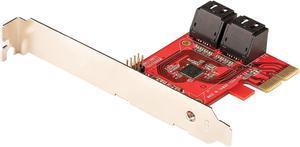
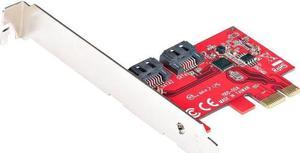
Works perfectly adding SATA III to my old motherboard that's been pressed into service as a NAS with SSDs. Open Media Vault 8.3 recognized the card and drives right out of the box. It took longer to get the case open and install the card than it did to get the system up and running!
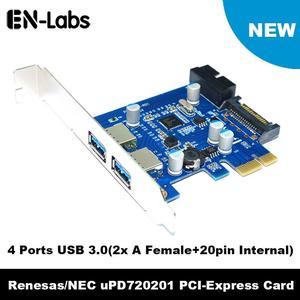
Purchased a new PC Case which had USB 3.0 front ports. My MB only had USB 2.0 support. This card solved the problem and the front panel USB 3.0 harness plugged right in.
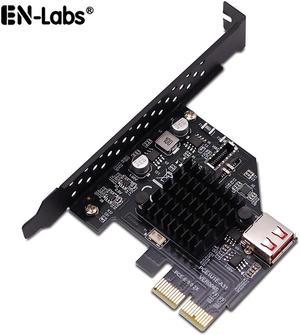
Does exactly what I need it to. It allows me to connect the USB-C cable from my PC case to my older motherboard that doesn't have a proper connector.
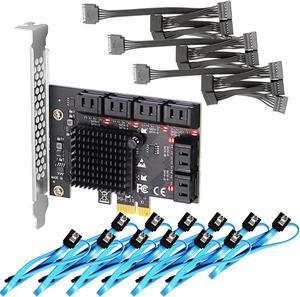
Looks to be well made with the SATA ports attached solidly to the card (I purchased a few from other manf. in the past where the SATA ports broke or became loose and I had to super-glue them back on). Easy install: -- driver support as far back as kernel 4.18.16-300.fc29.x86_64, so happy about that! -- came with power and SATA cables - so it's a complete package for the price.
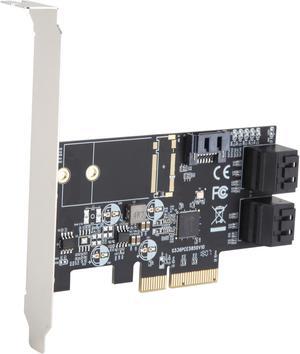
- JMicron JMB535 Chipset - Syba website has full datasheet - Fits in X4, X8 and X16 PCIe slots, usesGen3 x2 - Small - Blue, onboard activity lights (can only be viewed from inside case)
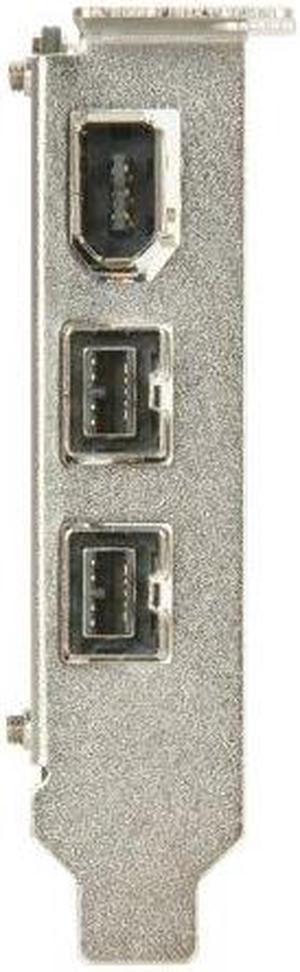
Works flawlessly with the Win 7-64 supplied driver. Windows lists it as a, "Texas Instruments 1394 OHCI Compliant Host Controller." Gracefully fits into the PCI-Express x1 slot on the Gigabyte GA-990FXA-UD5, without contacting the north bridge heat sink. There is approximately 1-2 mm clearance between the SYBA and the heat sink.
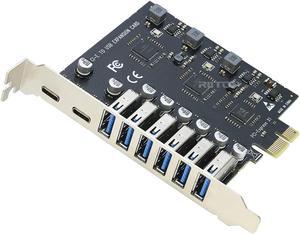
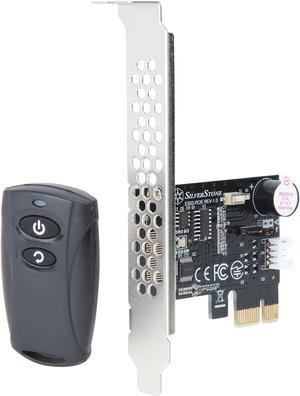
+ Works very well
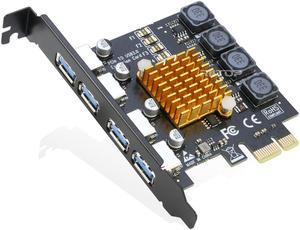
-Adds 7 more USB 3 ports. -Plug and play. Windows 11 had zero issues with it.
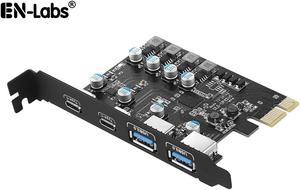
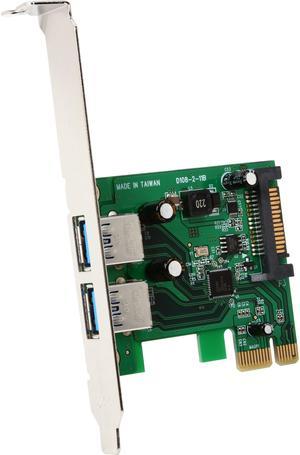
I needed a PCIE usb card with a Renesas USB controller for my Nvidia 3D Vision emitter. Im on a z570, which introduces some timing related issues that cause the emitters timing to drift. The only way I found to fix it, was to get a Startech PCIE usb card with a NEC or Renesas controller. Startech was the only brand with reasonably priced options, although, even this two port card was more than I wanted to spend. It works though, I spent days trying to find a solution to that problem after upgrading from a z370 to a z570. I think the listing says its NEC, but windows shows it as Renesas, it doesnt matter because either will work.
Make sure your PCI slot is operational. Otherwise it's simple, Lowered my MB temperature at least 6 degrees Celsius.
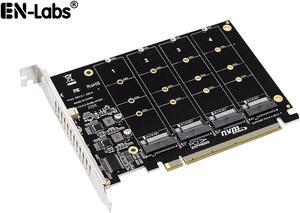
I plugged in two drives and there was no setup required! Pure plug and play and the speed is limited to your PCIE available bandwidth.


