




 here!
here!
I’m your shopping assistant for PC builds, upgrades, and everything tech.
Got questions? Ask away!
Start a conversation
here!
I’m your shopping assistant for PC builds, upgrades, and everything tech.
Got questions? Ask away!
Start a conversation

In Business Laptop
Our most popular products, based on sales and updated frequently.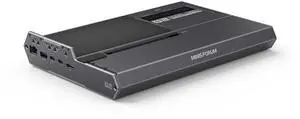
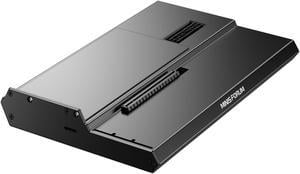
- It's worked flawlessly for the 2 months I've had it so far. Used with an RTX 5080 and RTX 5090 for long running workloads.
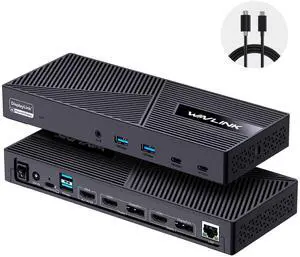
Pros: Shipment was quite fast. Item arrived in shrink-wrapped box. Set up was quite straightforward with Windows 10. I can now use two monitors with the docking station without any problem. Price is competitive compared to similar items. Another plus is the ample number of USB ports.
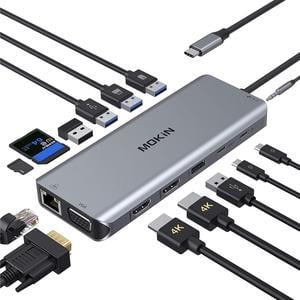
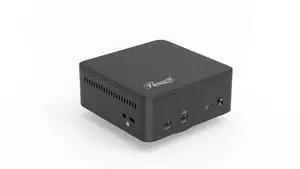
- Support for 3 screens on dated M2 Macbook Pro via DisplayLink support - Front facing 20w USB-C port super convenient for charging whatever - Included VESA mount was a nice bonus
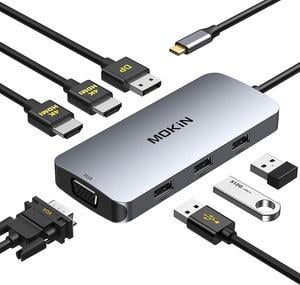
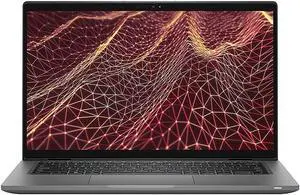
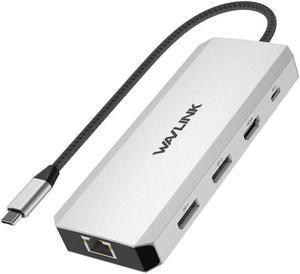
This dock has all the features youre looking for in a laptop dock at half the price. I purchased this after an incredibly long lead time for an HP product forced me to find an alternative. Its reliable and its performance is what I have come to expect from Anker.
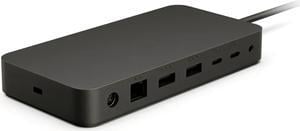
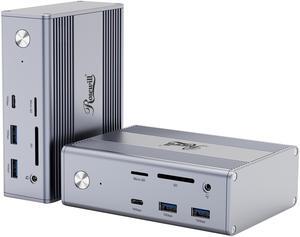
Good build quality ports are well spaced and easy to access Throughput for data and power are seamless Comes with a AC to DC converter 100W
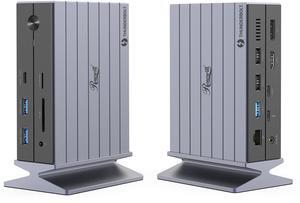
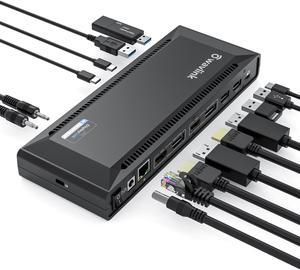
I like its design most. Unlike other docking station, I was attracted by how it looks, and it does not disappoint me. There are a lot of ports. It has two USB-C ports and two USB 3.0 ports on the front. On the back, there are DP, HDMI, USB 3.0 and Ether ports. It can also charge the laptop with the USB-C port. It is slim. Speed is really fast. It comes with 2 good quality USB-C cables.
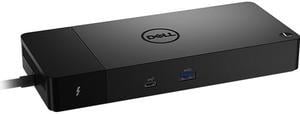
Combines all my many wires to the laptop in only one that plugs into the computer.
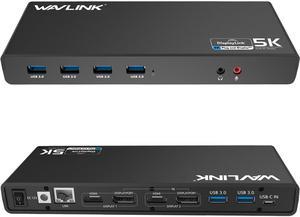
Listed under Title.
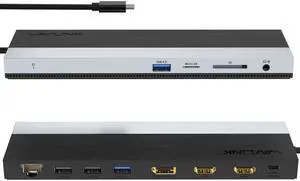
this docking station has greatly enhanced the convenience of my workspace with a single Usb-c connection with laptops. the additional ports on the station provide extra connectivity options for my devices.
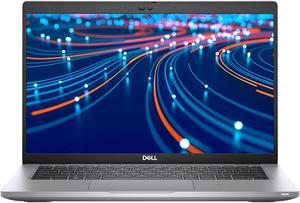
I use this same model at work. Dell is great and this was a great price for quality product. No issues.


