here!
here!
I’m your shopping assistant for PC builds, upgrades, and everything tech.
Got questions? Ask away!
Start a conversation
here!
I’m your shopping assistant for PC builds, upgrades, and everything tech.
Got questions? Ask away!
Start a conversation

In Business Laptop
Our most popular products, based on sales and updated frequently.
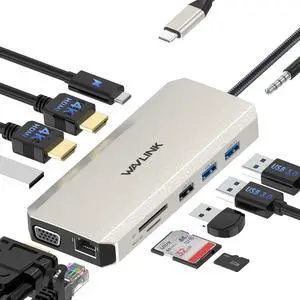
great product. Easy plug and use, great size.Portable and nice color. have yet to an issue
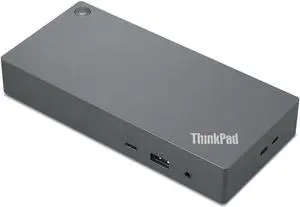
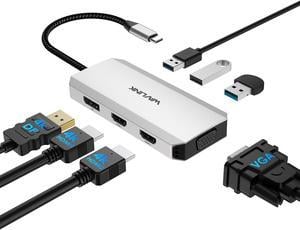
Works great. Had to download a driver though. Was really impressed by them sending me a replacement when the one I had purchased for my daughter for Christmas was stolen in the mail... envelope cut and no item delivered. No hassle at all just requested replacement answered their questions and received the dock 5 days or so later. This was during the week between Christmas and new year. A lot of companies would have balked or taken their time. Great job!!
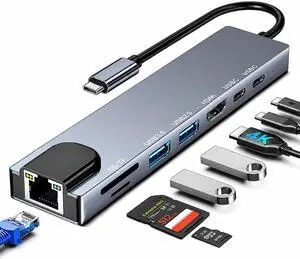
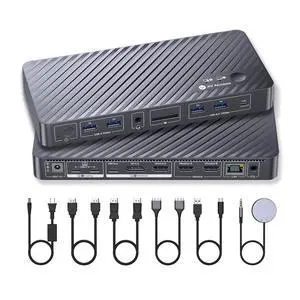
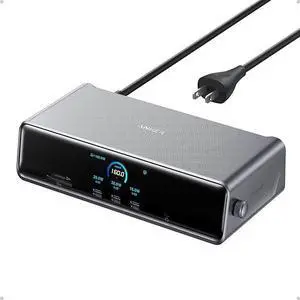
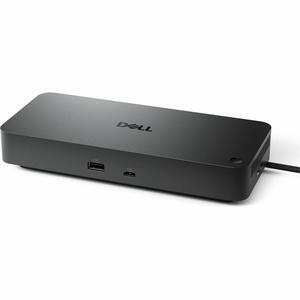
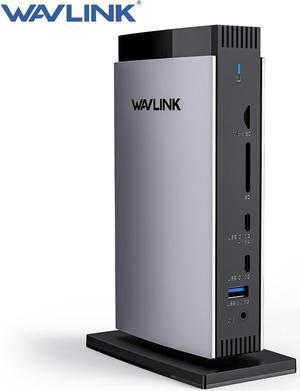
Easy to use. Now I can easily switch between my work and home computer with all my peripherals.