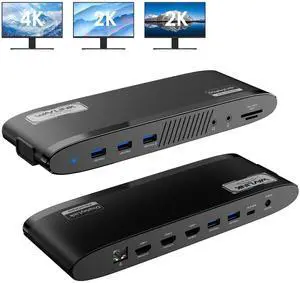
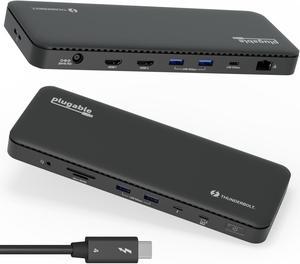
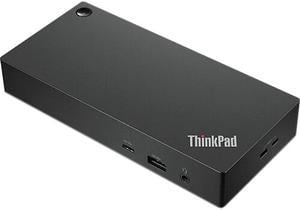
Works as advertised. The little slot in the top of enclosure makes it easy to securely insert the drive. I used it to clone a SATA SSD to a PCIe drive using Samsung's Data Migration app and it went off without a hitch.

Easy to hookup Adds versatility

It support all the possible connection Light weight VGA support Charge forward USB expansion


Works great. Had to download a driver though. Was really impressed by them sending me a replacement when the one I had purchased for my daughter for Christmas was stolen in the mail... envelope cut and no item delivered. No hassle at all just requested replacement answered their questions and received the dock 5 days or so later. This was during the week between Christmas and new year. A lot of companies would have balked or taken their time. Great job!!


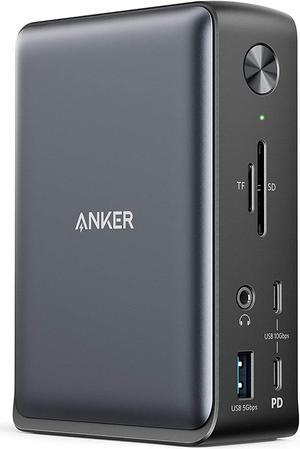
Handles 12-24TB HDDs without issues (my old dock was hit or miss with any drives equal to or larger than 12TB). USB-C 10Gbps is a welcome upgrade over old 5Gbps when using 2.5" SSDs.


- multifunctional - good quality - lightweight - does not require power - works with both newer and older appliances and has multiple ports - inexpensive


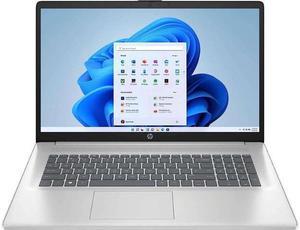
I just recently purchased a HP Spectre X360 15T. Like everyone else that is moving from a Desktop to a Laptop I needed a docking station to handle all the peripherals. I have 2 external Hard Drives (Western Digital 4TB drive and an old Seagate 500GB drive), an external Dell DVD, B&W MM-1 speakers, an old ASUS monitor and a budget Logitech wireless mouse and keyboard. I also attached the Verizon Router to docking station. The docking station took nothing to set up - plug it in and it is ready to go. It comes supplied with 2 cables to choose from to connect to the laptop which is noted in their description. This was perfect for my setup. Attaching the peripherals to the docking station is easy, and for the most part everything worked right away - the monitor, Hard Drives and DVD player were immediately recognized by the Spectre and were ready to go. The keyboard and mouse were recognized. Right now I have it plugged into the USB 3 port in laptop. This works fine for me since the docking station has handled everything else. The MM-1 speakers were not recognized when they were connected to the docking station initially. I then plugged them straight into the laptop which set them up immediately. After that, I reconnected them to the docking station and they have worked fine ever since. I have also used flash drives with the docking station with no problem. I have not had the need to set up two monitors, but will soon be buying a new 4K monitor and will use the docking station for that. The quality of the docking station is excellent. It takes up very little space on my desk and I am very pleased with the purchase. Depending on where you want to locate it, you will probably have to buy some new cables for some of your peripherals. One of my Hard Drive cables was too short. Also, I needed to buy a new cable for the old monitor so it could go into the HDMI port of the docking station. The display of the Laptop is so beautiful that I have not used the old monitor since, but most people will have a monitor they want to keep and may need a different cable.


Works like a champ and is a true plug and play device.