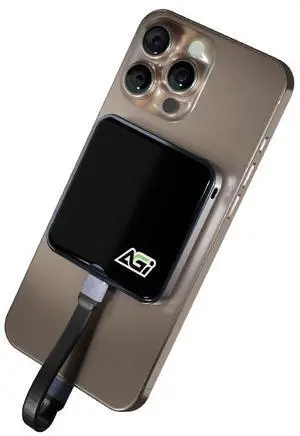
Small footprint type c to C connector for faster speeds. You get good speeds for download and upload I was doing 1049.80 read speeds and write speeds are right up there with it at 1047.99 when you first open the Drive you'll see shortcuts one is for a Cronus clone so you can back up your drives and restore them using this drive.

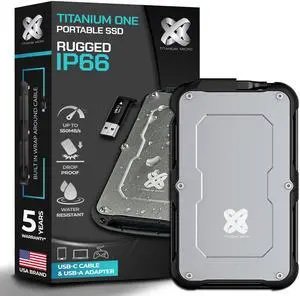
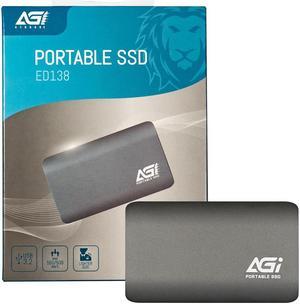
- Great read and write speeds, durable - Comes with USB-C to USB A adapter - Wire is attached, wraps and stores neatly around the SSD itself - Comes with a cardboard case with a quality foam insert inside, good for storing the SSD

I loved this so much that this is my 2nd one--with a higher capicity. Fast response. Portable size. Tough case. What's not to love?

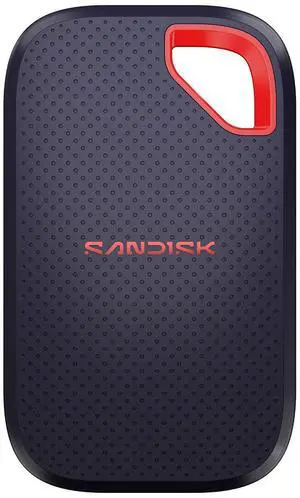
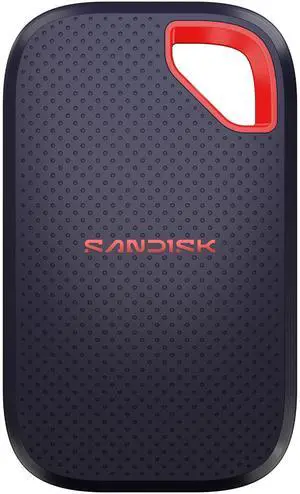
The ScanDisk ssd is perfect and everything I wanted. It came with a cord, the drive, and maintenance instructions. As I said perfect. Thanks!

Arrived formatted exFat, GPT from Crucial. A few preinstalled offers included links to, Acronis backup software, Mylio Photo Organizer and the Crucial support webpage. The first thing I did was use software to repartition the drive then format to NTFS. I will mention after running synthetic benchmarks formatted NTFS then reformatted back to exFat produced little difference in benchmarks speed-wise. I used Crystal DiskMark9 to check speed. I have a Thunderbolt PCIE card installed and anticipated a jump in Read/Write speeds when using the Thunderbolt option. To my surprise, there was little difference in speed from the USB-C than when tested while connected to the Thunderbolt adapter. When connected with USB-C Read/Write bench speeds of 1041/1005 MB/s were reached. Testing speed connected to the PCIE Thunderbolt adapted showed R/W 1043/1023 MB/s. The synthetic speed tests were well below the advertised 2100 MB/s. I wasnt disappointed with the speeds, but I did expect my tests to be closer to the advertised speeds. And Im not sure why my unit didnt test closer to the 2100 MB/s. The advertised speeds could have been reached using a different software, not sure why my results showed lower R/W speeds. I happened to have a portable 1GB hard drive from around the 2004 era. The speeds hardly compare to the Crucial X10, but its amusing to see the difference in the size of the units (see picture). This Crucial X10 is nothing short of extraordinarily fast for a portable USB drive. I will definitely be using this drive next time I copy my music and music video files. Large enough to copy my main PCs entire storage drive. The cutting-edge speeds will be a real time-saver.


Small and rugged

FastGreat Customer ServiceSelf-contained unitRugged


Fast speeds, and quick setup.

Fast transfer speeds Feels like great build quality, very solid, almost heavy, but not quite. I like having it in its pouch on my keychain. Yeah, a bit bulky, maybe, but a great tradeoff for having some of my most important video ready for editing at a moment's notice.


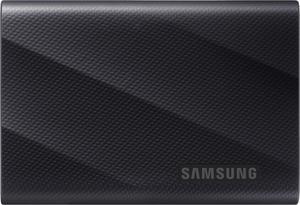
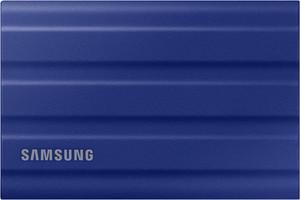
This was less expensive than lesser models, from Samsung Small, fast, trusted brand & inexpensive.
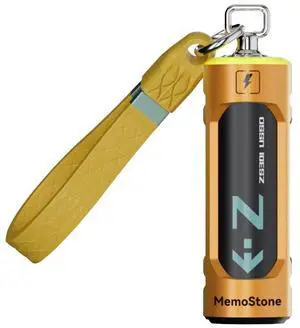
I happen to own two of these, a 4TB and a 2TB. Works very good, great design.

It's just a good device to back up files, I added the USB-C-to-USB to connect it to my computer, and it's a modern equivalent to the external hard drive, but very compact and efficient.

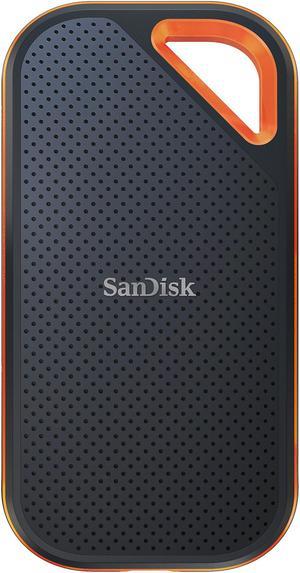
An interesting package addressed to me appears at my door once or twice a month. I have no idea what is in the package until I open it and fortunately then I remember ordering the item. Something different happened to me a few days ago. I cut open a mystery padded envelope and found a wee SanDisk portable SSD. I was further delighted when I noticed the drive had a massive one Terabyte capacity. It was less than half the size and a fraction of the weight of a mechanical external USB drive thanks to its M.2 SSD. Cool, I thought; I guessed I might have ordered this late at night and forgotten about it. I soon realized my mystery package was a SanDisk SSD External drive I had volunteered to test for Newegg. YES! I plugged the SSD into my tower using the provided USB-C (external drive end) to the USB Type-A (backward compatible to any standard USB port.) It was instantly recognized. I copied a 2 Gb file from my tower internal SSD to the SanDisk portable SSD external drive, to test the real-world speed of the drive. Compared to the advertised up to 500 MB per second it transferred data at about 120 MB per second, which was about 3X faster than copying the same data to my older external mechanical Samsung external drive. This was a little slower than I anticipated since SSDs generally run from 4 to 10 times faster than a mechanical drive. I should note that my towers USB is the older 3.1 version, which Im sure was a factor. I suspect my disappointment with the speed of data transferred is the result of USB C to USB A cable. Since I do not have a newer USB C to USB C cable, I could not test that transfer speed. The Vault (see the photos) The Samsung external SSD M.2 drive comes with an ingenious encryption scheme they call PrivateAccess with the encrypting software installed on the drive itself. This software will ONLY run off the external drive, further increasing the security of the device. Transferring data to the external drive is a drag and drop procedure, using the drives built-in encryption software. There is no back door into the vault; as you would expect, if you forget your password. The data in the vault is gone forever.

Price Speed